



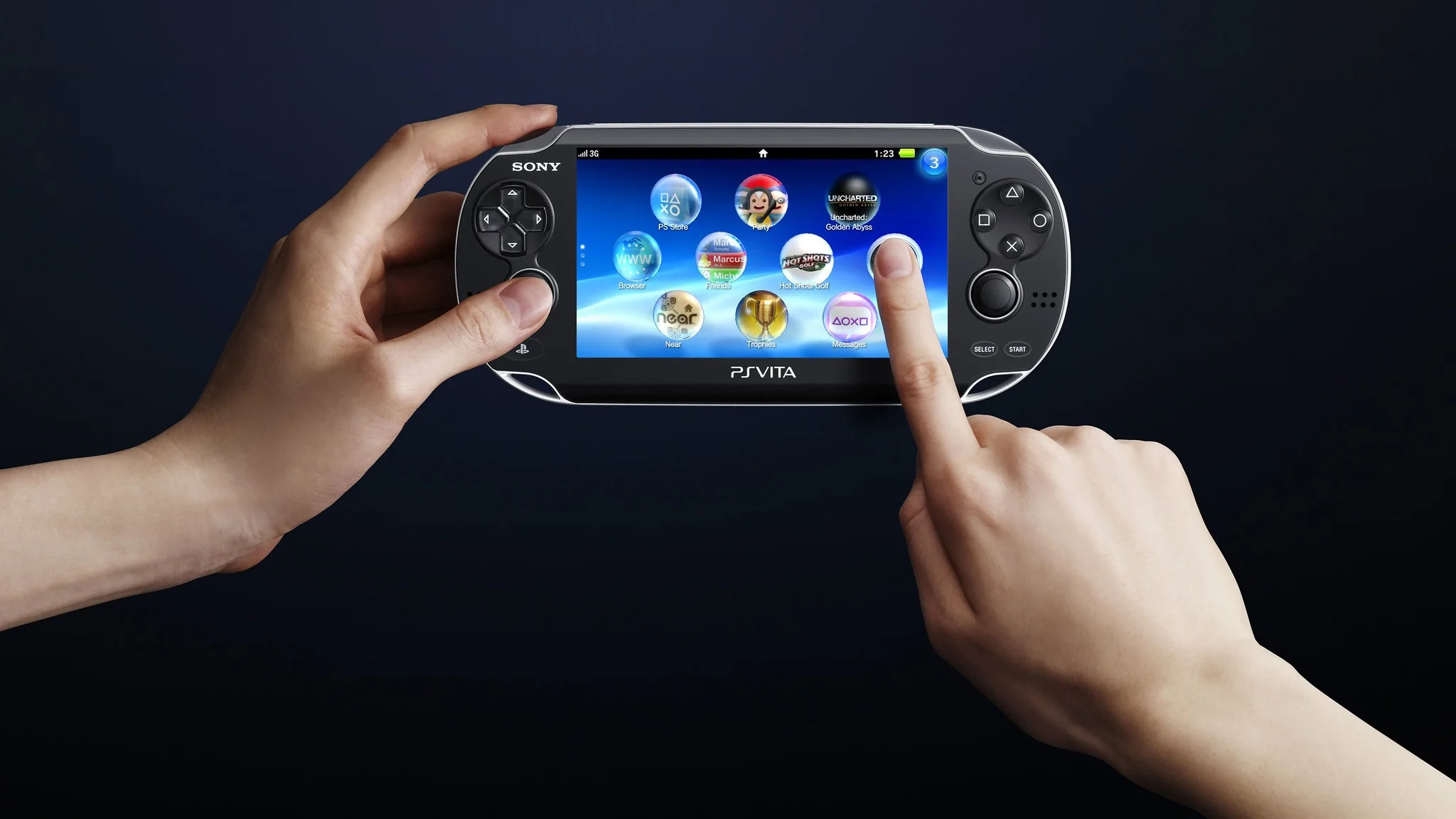
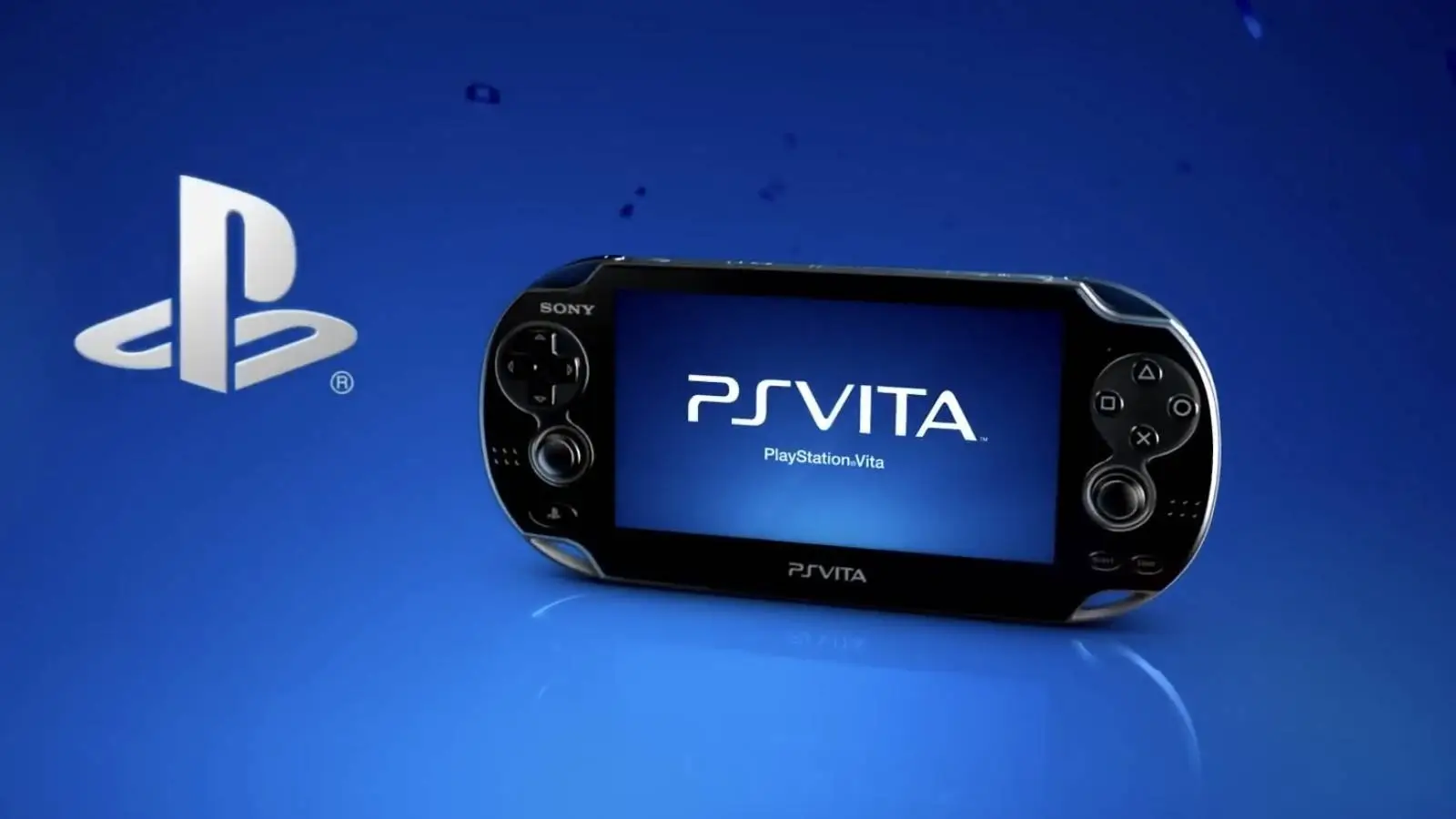
Xbox Cloud Gaming can now be accessed on the PlayStation Vita through a new unofficial homebrew application called GreenVita.
The app allows a modified PS Vita to connect to Microsoft’s cloud gaming service and stream supported Xbox games directly to the handheld. It is an unusual extension of the Vita’s capabilities, especially because Sony ended active support for the system years ago.
Early demonstrations show that the service is functional, although performance appears inconsistent. Some videos show noticeable input delay, while others suggest that the experience can be much smoother under the right conditions.
GreenVita is not an official Xbox or PlayStation application. It depends on the Vita homebrew community and requires a modified system, so anyone considering it should understand the risks before installing unofficial software.
| Detail | Information |
|---|---|
| Application | GreenVita |
| Platform | PlayStation Vita |
| Service | Xbox Cloud Gaming |
| Official support | No |
| System requirement | Homebrew capable Vita |
| Performance | Varies by connection and setup |
| Main limitation | Possible input lag |
| Best alternative | Officially supported Xbox Cloud Gaming devices |
GreenVita gives the Vita access to modern Xbox games
The PlayStation Vita launched as a dedicated handheld gaming system, but its official software support ended long before the current cloud gaming era developed.
GreenVita changes that by turning the device into a streaming client. Instead of running Xbox games locally, the Vita displays a video stream from Microsoft’s servers while sending the player’s controls back through the internet.
This means the Vita does not need the hardware power to run modern Xbox releases. The experience depends mainly on the quality of the application, Microsoft’s cloud service and the player’s internet connection.
In theory, this gives the handheld access to games that would otherwise be far beyond its technical limits. Large console releases can appear on the Vita’s screen even though the device was designed more than a decade earlier.
The original Vita model also includes an OLED display, which may make streamed games look attractive despite the screen’s small size and limited resolution.
Input delay may make some games difficult to play
Cloud gaming always introduces some delay because each button press must travel to a remote server before the resulting image is sent back.
That delay can be more noticeable on unofficial hardware and software. GreenVita adds another layer because the Vita was never designed as a native Xbox Cloud Gaming device.
Early demonstrations do not provide one consistent result. Some show enough lag to affect aiming and movement, while others report little noticeable delay.
The difference may come from connection quality, local network conditions, distance from Microsoft’s servers or changes between versions of the app.
Slower games, turn based releases and titles that do not require precise timing may be more suitable. Competitive shooters, racing games and demanding action titles could be harder to enjoy if the connection introduces regular delay.
Text size may also be a problem. Modern console games are generally designed for televisions and larger displays, so menus and interface elements may be difficult to read on the Vita.
The app requires unofficial system modifications
GreenVita is part of the homebrew scene rather than an officially approved release.
Installing it will normally require a Vita that can run custom firmware or unofficial applications. The process may involve changing system software and using tools that Sony does not support.
This creates several risks. An incorrect installation could cause software problems, while unofficial apps may contain bugs or security concerns. Changes to the system could also affect access to official services.
The exact risk depends on the method used and the condition of the device. Anyone unfamiliar with Vita homebrew should research the process carefully rather than following incomplete instructions from random sources.
Microsoft and Sony are not responsible for supporting the app. Problems with performance, controls or account access may therefore have no official solution.
Official platforms should provide a more reliable experience
Xbox Cloud Gaming already works on supported phones, tablets, computers, televisions and Xbox devices.
Those platforms offer official applications or browser support, along with more reliable controller compatibility and regular updates. They are generally the better choice for anyone who wants to use cloud gaming frequently.
The Vita option is mainly interesting as a technical achievement and a way for existing owners to give the handheld another purpose.
Its compact size and physical controls make it appealing for portable play, but the small screen, aging wireless hardware and unofficial setup limit its practicality.
GreenVita shows how active the Vita homebrew community remains. It may not become the best way to play Xbox games, but it gives an older handheld access to a modern service that was never intended to run on it.



Discussion (0)
Be the first to comment.