


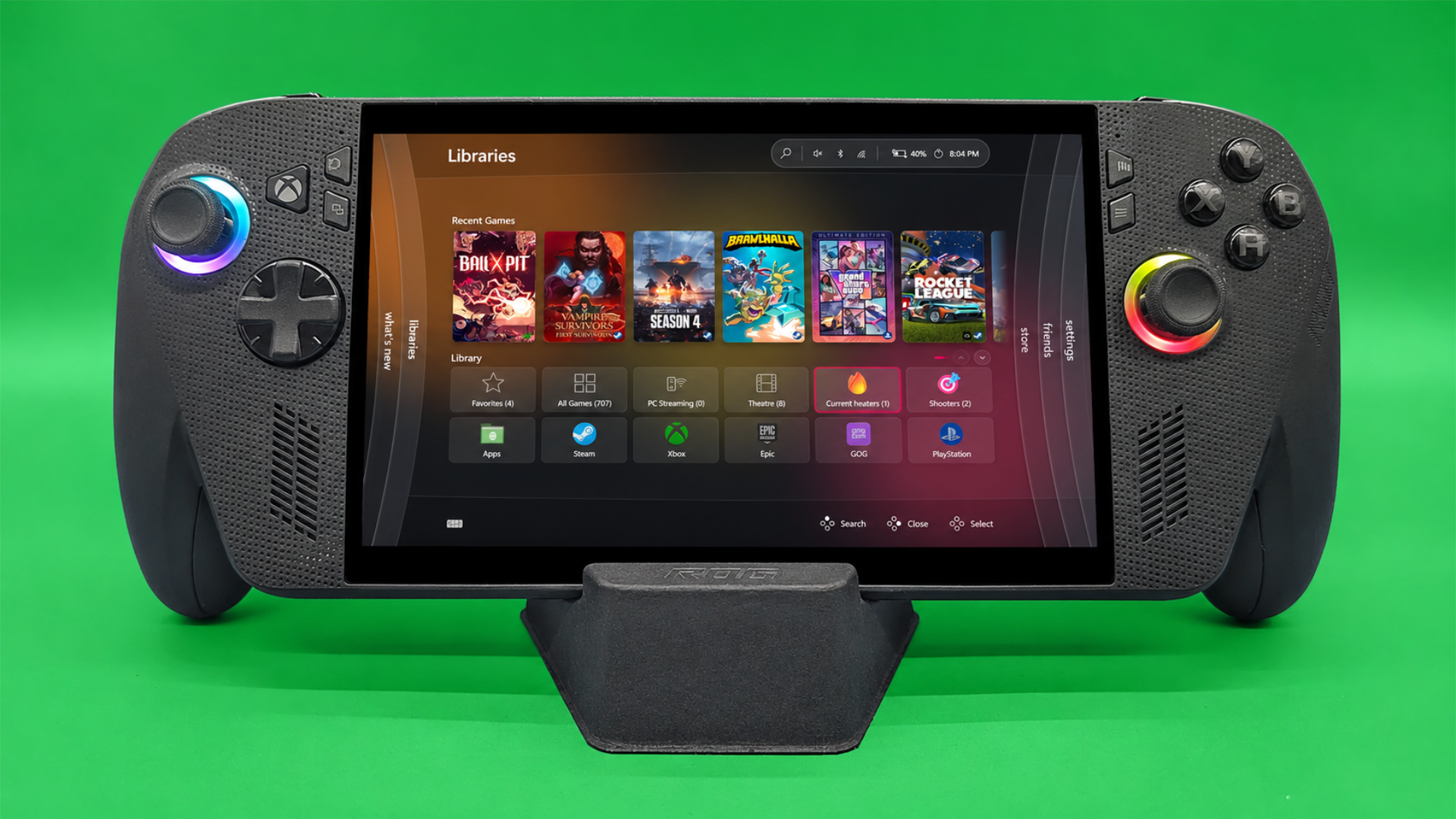
The classic Xbox 360 Blades dashboard has returned through a new update to Winhanced, a third party gaming launcher designed for Windows PCs and handheld gaming devices.
The new interface recreates the original Xbox 360 dashboard's recognizable navigation system, allowing players to move between different sections using controller shoulder buttons.
The feature arrives as Microsoft celebrates the Xbox brand's 25th anniversary in November 2026. It brings one of the console's most recognizable interfaces to modern Windows gaming devices, including the ROG Xbox Ally X.
Winhanced has also recently reached version 1.0, introducing a broader set of features intended to make Windows gaming more convenient through a controller focused interface.
The launcher supports game libraries, friends lists, achievements, emulators, and integrations with popular gaming platforms.
Winhanced Recreates the Original Xbox 360 Blades Interface
Microsoft introduced the Blades dashboard with the original Xbox 360 in 2005.
The interface featured a series of vertically arranged sections that players could navigate using their controllers.
Its design provided quick access to games, system settings, media, and other console functions.
Although Microsoft eventually replaced the dashboard with newer interfaces, the original design remains recognizable to longtime Xbox owners.
Winhanced has now recreated this navigation system for modern Windows gaming devices.
The updated interface organizes different launcher features into individual sections called Blades.
These include Home, game libraries, Store, Friends, What's New, and Settings.
Players can switch between these sections using the LB and RB shoulder buttons on their controllers.
This provides a navigation experience similar to the original Xbox 360 dashboard while giving access to features expected from a modern PC gaming launcher.
The design is particularly suited to handheld gaming PCs, where controller navigation is often more convenient than interacting with the traditional Windows desktop.
New Dashboard Works on Windows Gaming Handhelds
The Blades interface is designed to work with Windows gaming handhelds, including devices such as the ROG Xbox Ally X.
These portable computers run Windows but rely heavily on built in controllers for gaming.
Although Windows 11 supports touchscreens and controllers in certain applications, traditional desktop navigation is generally designed around a keyboard and mouse.
Gaming launchers such as Winhanced attempt to simplify the experience by organizing games and related features into interfaces that can be controlled without conventional desktop input.
The new Blades layout follows that approach.
Instead of navigating through numerous Windows applications, players can access their game libraries, friends, and settings through dedicated dashboard sections.
Its visual design also recreates the appearance of the original Xbox 360 interface, making it familiar to people who used Microsoft's earlier console.
However, Winhanced remains an unofficial third party application rather than a dashboard developed or distributed by Microsoft.
Winhanced 1.0 Includes Game Library and Discord Integration
The Xbox 360 inspired interface is only one part of Winhanced's broader functionality.
The launcher has expanded significantly since its earlier versions, adding features intended to organize PC gaming services within a single application.
Winhanced can connect friends lists across multiple gaming platforms, allowing players to access social information without switching between several separate applications.
It also includes Discord integration, which can simplify communication with friends during gaming sessions.
Another feature is its integrated store browser, which supports platforms such as Steam and Xbox.
This allows players to browse different gaming storefronts through the launcher.
Winhanced also provides emulator support, achievement tracking, and built in game guides.
Together, these features are intended to make the application useful beyond its visual customization options.
| Feature | Winhanced Functionality |
|---|---|
| Xbox 360 Blades interface | Classic dashboard inspired navigation |
| Controller support | Switch sections using LB and RB |
| Game libraries | Access games from supported platforms |
| Store browser | Browse Steam, Xbox, and other storefronts |
| Friends lists | Connect social information across platforms |
| Discord | Integrated communication features |
| Emulators | Support for emulator based gaming libraries |
| Achievements | Track gaming achievements |
| Game guides | Access guides within the launcher |
The available features may depend on the connected services and individual configuration.
Xbox 25th Anniversary Brings Renewed Interest in Classic Interfaces
The release of the Blades inspired interface coincides with Microsoft's celebrations marking 25 years of Xbox.
The original Xbox launched in November 2001, introducing Microsoft's first dedicated gaming console.
The Xbox 360 followed in 2005 and helped establish several features that became central to the Xbox experience, including online services, achievements, and digital content distribution.
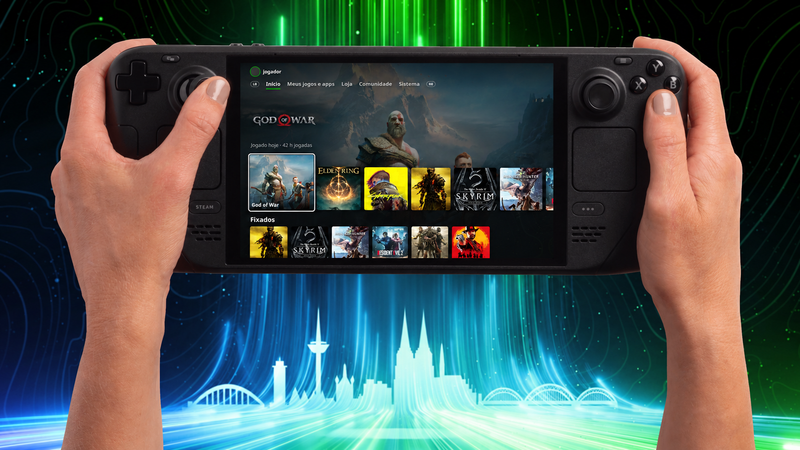
Its original Blades dashboard became closely associated with that generation of Xbox hardware.
The design has since inspired several community projects attempting to recreate older Xbox interfaces on modern devices.
Some developers have produced custom themes for Playnite, another PC gaming library manager, while others have experimented with dashboard inspired interfaces for handheld systems.
Winhanced's implementation offers another option for players interested in the classic design.
The recent update has also attracted attention from gaming communities, with some players trying the launcher specifically because of the Blades interface.
Winhanced Offers Another Interface Option for Windows 11 Gaming
The arrival of the Blades dashboard gives Windows handheld owners an additional way to organize and launch their games.
Microsoft has been introducing its own improvements to Windows gaming interfaces, including Xbox Mode and other controller focused features.
However, third party launchers continue to provide alternative layouts, customization options, and integrations.
Winhanced combines those functions with a familiar Xbox 360 inspired design.
The launcher may appeal to players who prefer a console style experience while retaining access to their Windows gaming libraries.
Its new Blades layout also demonstrates how older console interface designs can be adapted to modern hardware.
With Winhanced now at version 1.0 and the Xbox 360 dashboard available as a navigation option, Windows PC and handheld owners have another way to access games, manage libraries, and use gaming services without relying entirely on the standard Windows desktop.


Discussion (0)
Be the first to comment.