



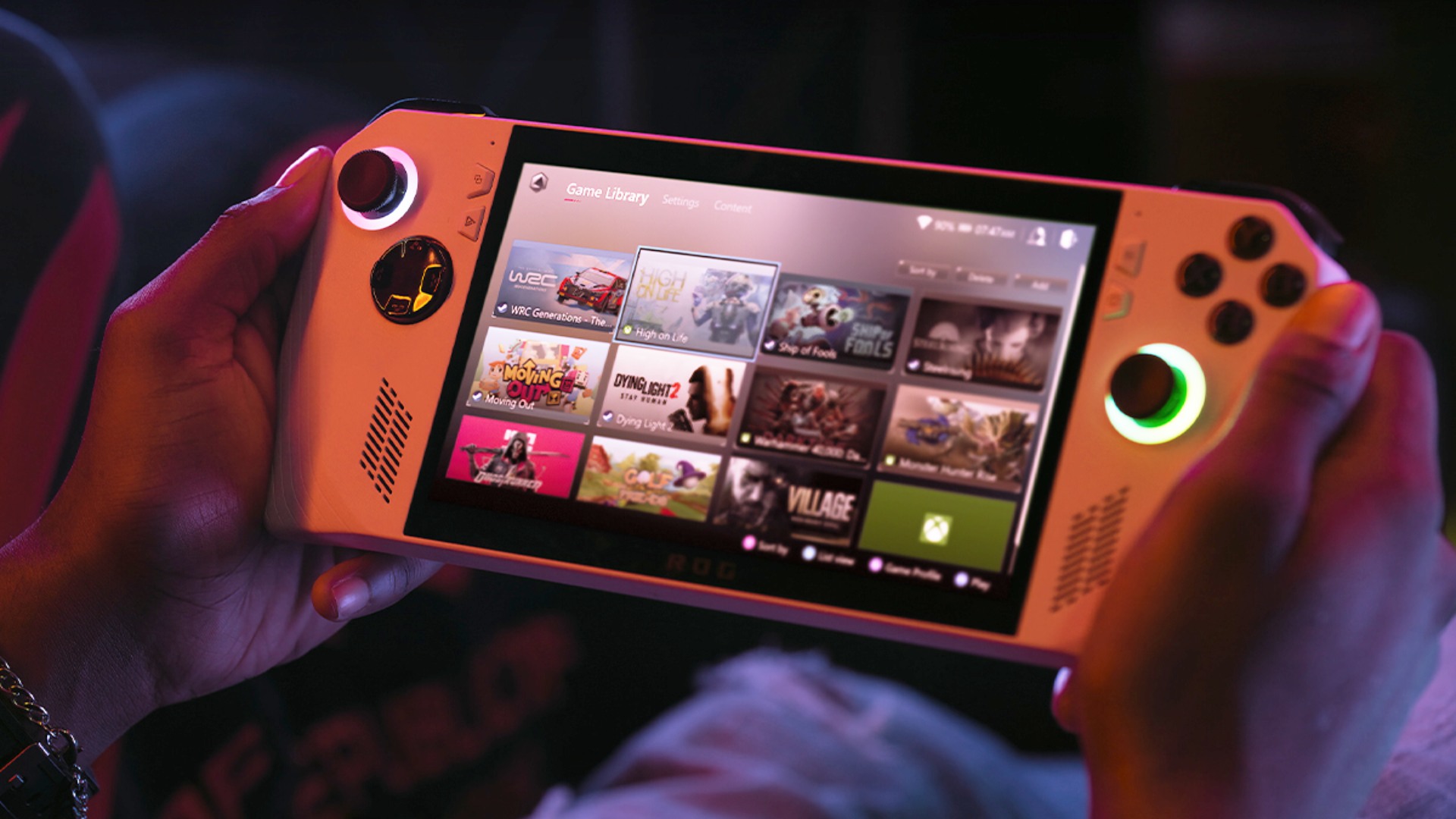
Winhanced is quickly becoming one of the more interesting apps for handheld gaming PCs, especially if you want your Windows device to feel less like a desktop and more like a console.
The app brings Xbox, Steam, Epic, GOG, Game Pass, cloud gaming, remote play, and other services into one controller friendly interface. Instead of jumping between launchers, you can browse your games from one place and start playing with less friction.
That alone makes it useful on devices like the ROG Ally, Lenovo Legion Go, and other Windows handhelds. Windows can run a huge number of PC games, but the handheld experience often feels messy. You still deal with launchers, popups, desktop controls, and apps that were not built for small screens or controllers.
Winhanced tries to fix that gap.
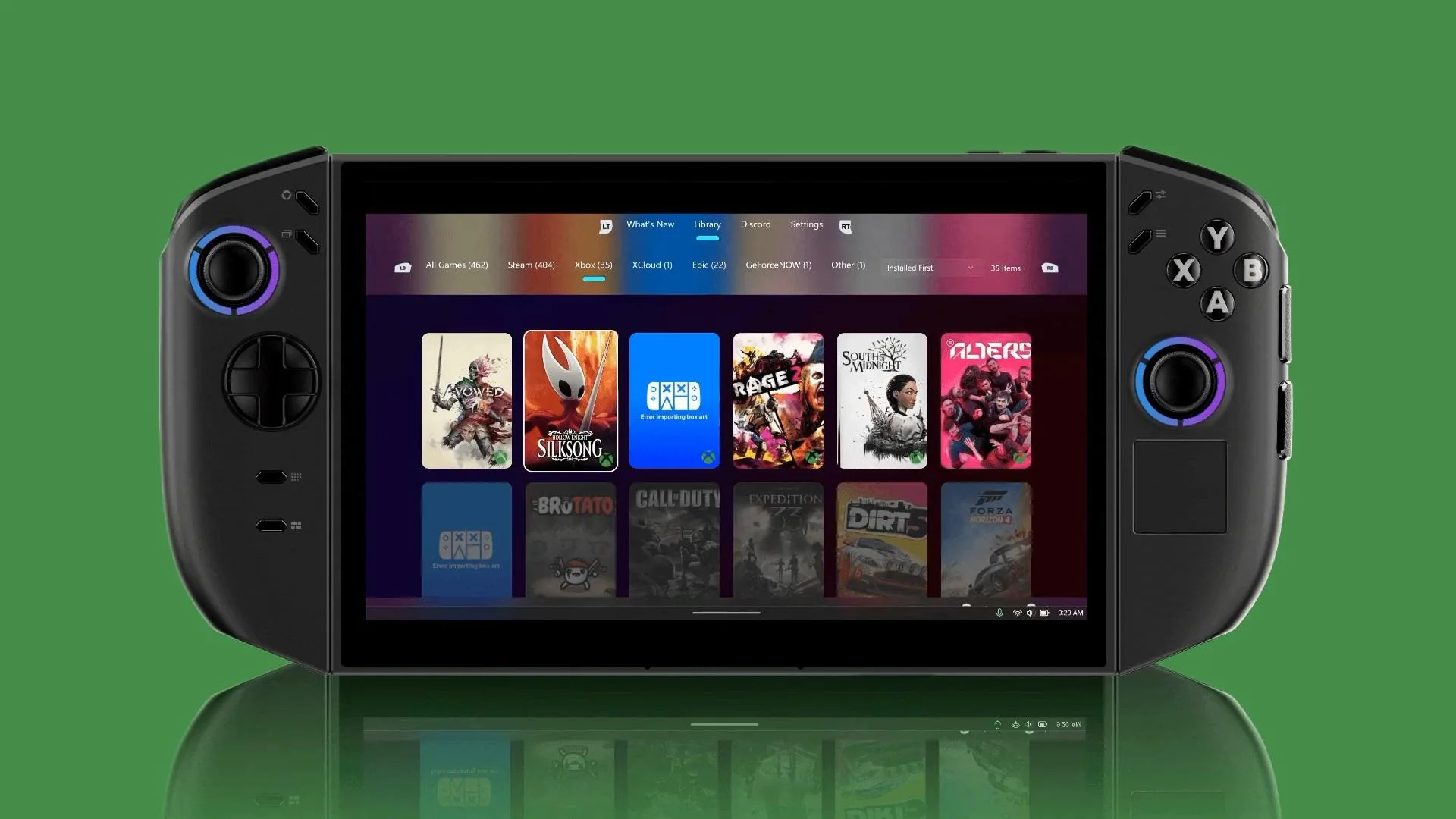
It supports Xbox Game Pass, Xbox Cloud Gaming, and remote play. It also includes PlayStation Remote Play and NVIDIA GeForce NOW support, which makes it broader than the official Xbox app in some ways. The app also works with Xbox Mode, formerly known as Xbox FSE.
The biggest difference is feel. Winhanced is built around a console like interface. It presents your library clearly, works well with a controller, and makes the handheld feel more focused on games instead of Windows itself.
It also goes beyond launching games. The app includes automatic TDP adjustment, which can help balance performance and battery life depending on what you are playing. That is especially useful on handheld PCs, where power limits and battery drain matter as much as frame rates.
Here is what Winhanced currently offers:
| Feature | What it does |
|---|---|
| Unified library | Combines Xbox, Steam, Epic, and GOG games |
| Game Pass support | Lets you access Game Pass from the app |
| Cloud gaming | Supports Xbox Cloud Gaming |
| Remote play | Supports Xbox and PlayStation Remote Play |
| GeForce NOW | Adds NVIDIA cloud gaming support |
| TDP control | Automatically adjusts power settings |
| Xbox Mode support | Works with Microsoft’s handheld focused mode |
| Friends list | In testing, with Steam, Discord, and Xbox merging planned |
Winhanced is still in early access, and some features are currently tied to Patreon support. It is also not perfect. You may run into bugs, visual glitches, download issues, or other small problems that break the console feel.
Still, those issues are easier to forgive because the project is moving quickly. The developers are reportedly responsive to feedback, and fixes are arriving as the app improves.
That is part of why Winhanced stands out. The official Xbox app should be the obvious best choice for a Windows handheld, but it still does not feel complete enough. It works, but it often feels like a PC app that has been adapted for handhelds rather than a true console style shell.
Winhanced feels closer to what many handheld owners actually want. One place for games. Simple navigation. Controller first design. Game Pass support. Cloud support. Remote play. Power controls. Less launcher chaos.
There are still things that could make it better. Built in storefront browsing would help. A clearer install and update screen would also make the experience feel more complete. More dashboard customization would be welcome too, especially for people who want something closer to an Xbox home screen.
Even in its current state, Winhanced shows how much better Windows handhelds can feel with the right software layer. The app is not finished yet, but it already makes the Xbox app look behind the curve.
For handheld PC owners tired of juggling launchers and fighting with Windows, Winhanced is worth watching. If development continues at this pace, it could become one of the main apps people install first on a Windows gaming handheld.


Discussion (0)
Be the first to comment.