



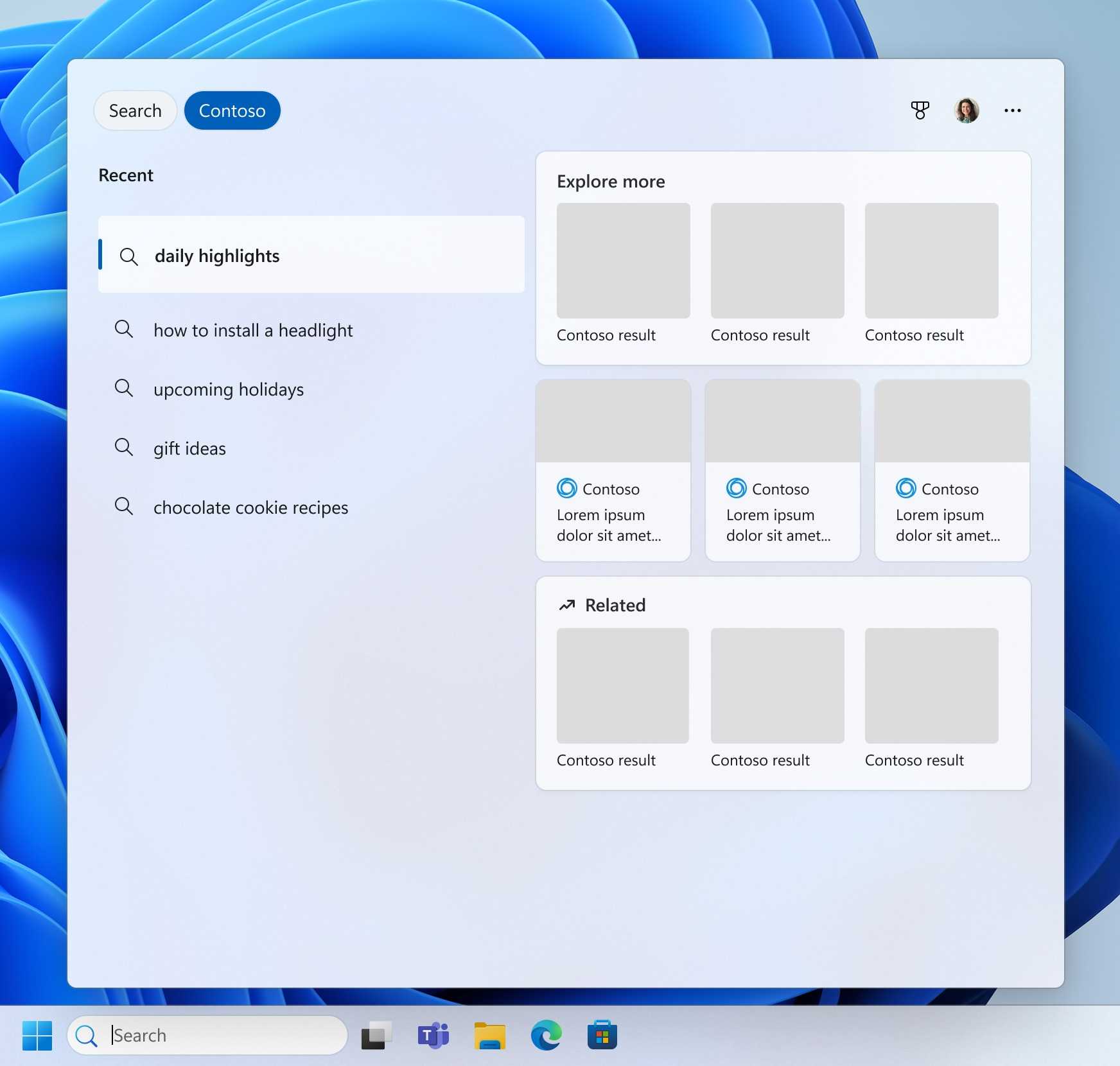
Windows 11 Search is getting smarter in testing, with Microsoft working on a new improvement that helps it find the right app or file even when you type the name incorrectly. The feature is currently available to Windows Insiders in beta build 26300.8687 and is designed to make search more forgiving when queries include missing letters, extra characters, or incomplete names.
The change builds on earlier Windows 11 Search improvements that Microsoft rolled out last month. Instead of requiring an exact match, the updated search system can understand likely mistakes and still show the correct result. For example, Microsoft has shown that typing “utlook” can still bring up Outlook, even though the first letter is missing.
This may sound like a small fix, but it could make Windows 11 feel faster and less frustrating in everyday use. Many people use Start menu search as a launcher for apps, settings, documents, and folders. When search fails because of a minor typo, it slows down a task that should be simple.
Why typo correction matters in Windows 11 Search
Windows Search has often been criticized for inconsistency. Sometimes it finds the right app instantly. Other times, a small spelling error or incomplete word can push the correct result down or hide it completely.
The new typo handling feature is meant to reduce that problem. Instead of treating every query as a strict word match, Windows 11 will try to understand what you probably meant.
That can help when you are typing quickly, using a touchscreen, searching for an app with a long name, or trying to remember the exact file title.
| Search problem | Expected improvement |
|---|---|
| Missing letters | Windows can still show the likely correct result |
| Extra characters | Search can better ignore small typing mistakes |
| Incomplete app names | Relevant apps may still appear |
| Poor result order | Better ranking should push useful results higher |
| Everyday app launching | Search should feel more forgiving |
Microsoft is also improving search result ranking
The same test build also improves how Windows 11 ranks search results. That means relevant apps and files should appear closer to the top instead of being buried under less useful matches.
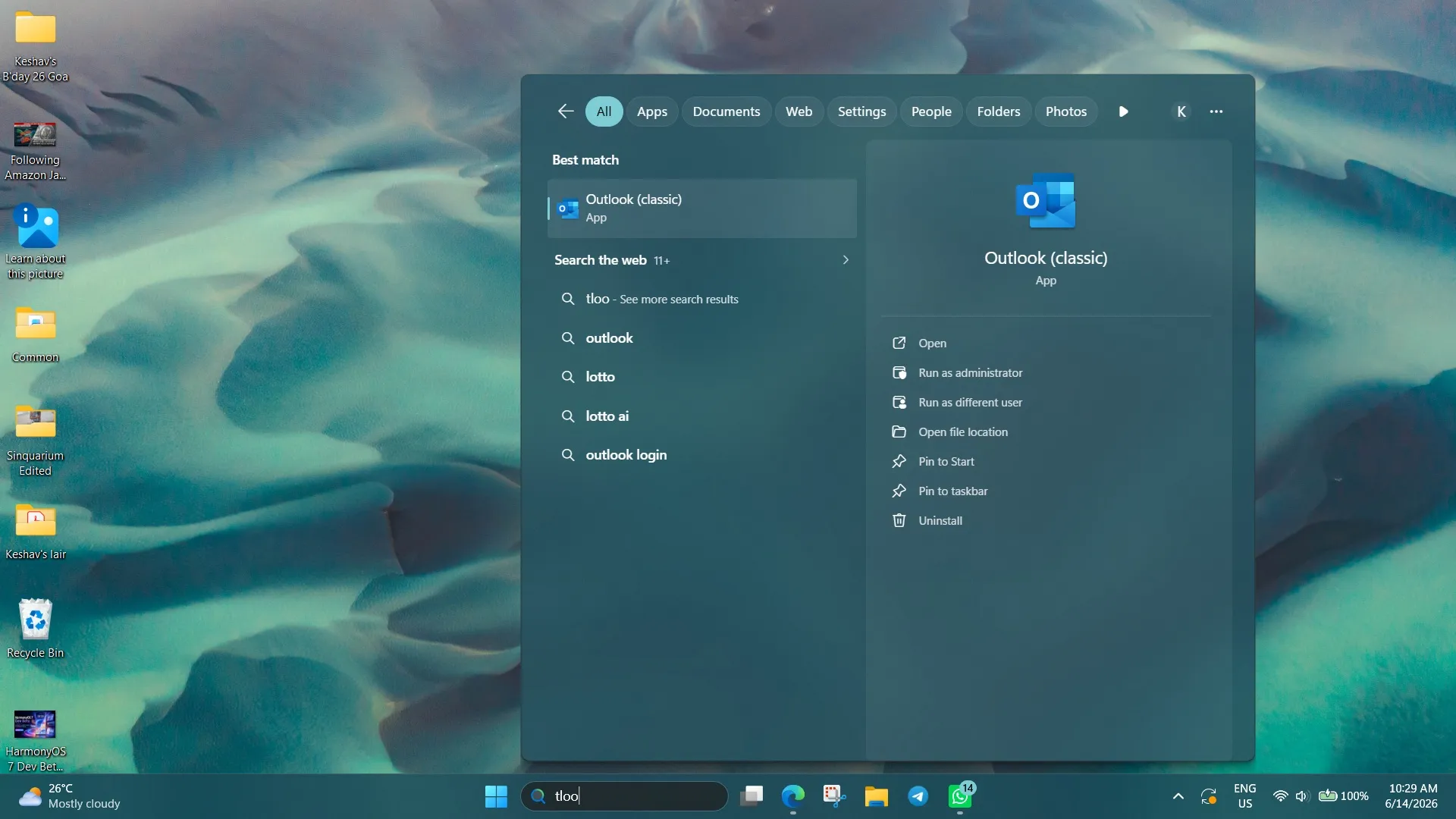
This is important because search is not only about finding something. It is also about showing the right result quickly. A search feature can technically find the correct file, but if the result is hidden several places down, it still feels broken.
Better ranking should make Windows Search more useful for people who rely on it every day. If you use the Start menu to open apps, documents, settings pages, or folders, this change could save small amounts of time across many searches.
The feature is still in Insider testing
For now, the improved typo correction is not available to everyone. It is rolling out through the Windows Insider beta channel in version 26300.8687.
That means Microsoft is still testing the behavior before pushing it to regular Windows 11 devices. As with many Insider features, the final version may change before general release. Microsoft could adjust how aggressive the typo correction is, how results are ranked, and which search areas support the feature first.
Still, the direction is useful. Search should not fail just because you missed one letter.
Windows Search needs this kind of practical polish
Microsoft has been adding more advanced features to Windows 11, including AI tools and deeper cloud integration. But many users still care most about basic desktop tasks working well.
Search is one of those core features. It sits at the center of the Start menu and affects how quickly people move around the system. A better search experience can make Windows feel cleaner without needing a major redesign.
Typo correction also brings Windows closer to what people already expect from modern search tools. Web search engines, phone launchers, and many apps already understand spelling mistakes. A desktop operating system should do the same.
A small Windows 11 change that could make daily use easier
The upcoming Windows 11 Search improvement is not a flashy update, but it could be one of the more useful ones for everyday users. Finding Outlook after typing “utlook” is the kind of small convenience that prevents irritation and keeps the workflow moving.
Microsoft still needs to keep improving speed, reliability, and local result quality in Windows Search. But smarter typo handling and better ranking are steps in the right direction.
For now, the feature is limited to Windows Insider testing. If feedback is positive, it could reach more Windows 11 PCs in a future update and make the Start menu search box more forgiving for everyone.



Discussion (0)
Be the first to comment.