



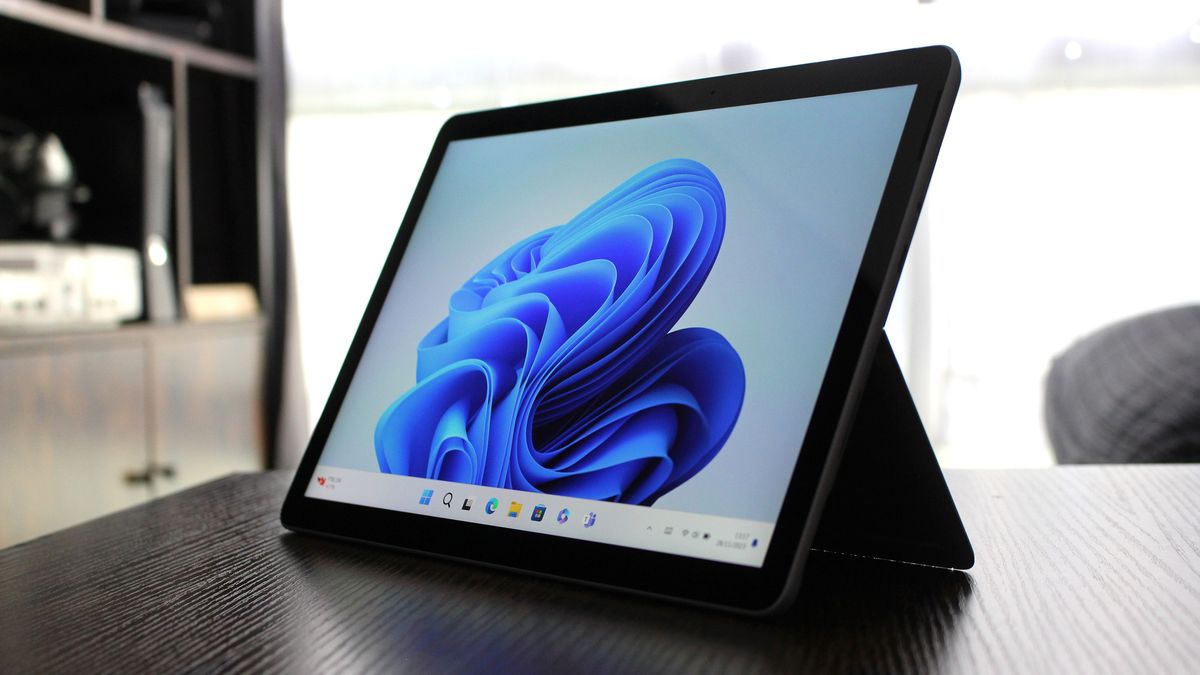
Microsoft is reportedly working on a new Windows 11 feature that could make apps, menus, and parts of the interface feel much faster.
The feature is called Low Latency Profile. It is designed to briefly push your CPU to higher clock speeds when Windows needs quick responsiveness, such as when opening an app, launching the Start menu, or using context menus.
The idea is simple. Instead of waiting for the processor to ramp up more slowly, Windows can trigger a short burst of higher CPU frequency for one to three seconds. That short boost could help the system respond faster without keeping the processor at higher power levels for long periods.
Early testing reportedly shows large gains. Apps such as Microsoft Edge and Outlook may open up to 40 percent faster, while parts of the Windows interface, including the Start menu and context menus, may launch up to 70 percent faster.
Here is what the feature is expected to improve:
| Area | Reported improvement |
|---|---|
| Microsoft Edge launch | Up to 40 percent faster |
| Outlook launch | Up to 40 percent faster |
| Start menu | Up to 70 percent faster |
| Context menus | Up to 70 percent faster |
| Third party apps | Faster launch times expected for common apps |
This feature appears to work by using short CPU boost behavior similar to how modern processors already handle temporary high performance states. Intel chips, for example, can briefly raise power and clock limits for demanding tasks. Windows 11 would use that kind of behavior more directly to improve everyday responsiveness.
The main question is battery life and heat. Since the boost lasts only a few seconds, the impact may be small, but that will need real testing across laptops, desktops, and handheld PCs. Thin laptops may behave differently from gaming laptops or desktop systems.
Low Latency Profile has reportedly appeared in the Windows Insider Program, but Microsoft has not announced a public release date yet.
If it works well, this could be one of the more useful Windows 11 performance changes. Many people judge a PC by how quickly it opens apps and reacts to basic clicks, not only by benchmark scores. Faster menus, quicker app launches, and a more responsive desktop would make Windows 11 feel smoother in daily use.

Discussion (0)
Be the first to comment.