



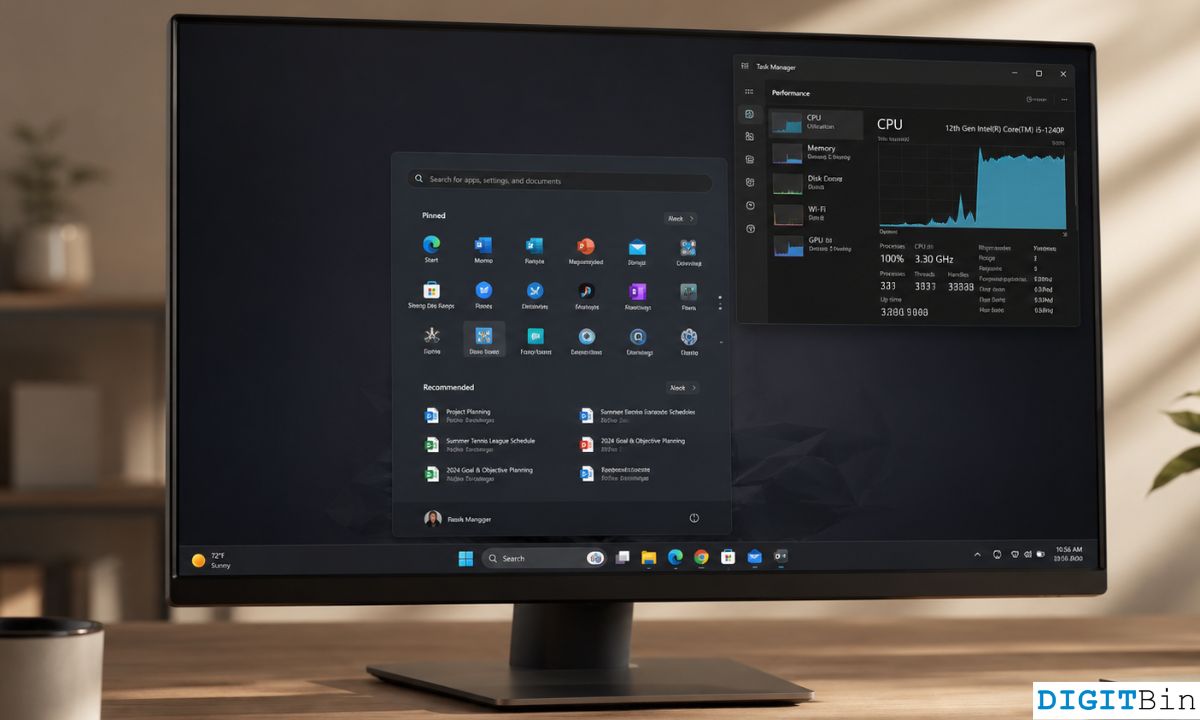
Windows 11 is getting a new performance feature called Low Latency Profile, designed to make everyday actions feel quicker by briefly pushing the CPU harder during latency sensitive moments. The feature is part of the optional Windows 11 update KB5089573, also listed as Build 26200.8524 or 26100.8524 depending on the system version.
Microsoft describes the change as a general performance improvement. In practical terms, it is meant to accelerate app launches and core shell experiences such as the Start menu, Search, and Action Center. These are small parts of Windows, but they matter because they are used constantly. If the Start menu stutters or Search feels slow, the whole PC can feel less responsive.
The Low Latency Profile appears to work by temporarily boosting CPU activity for short bursts when Windows detects actions that need a fast response. This is not a normal always on overclock. It is more like a quick performance push at the exact moment the system needs to open a menu, launch an app, or respond to a core Windows action.
The feature is not fully active for everyone yet
The Low Latency Profile is included in the optional May 2026 update, but it is not enabled by default for most people yet. Microsoft is expected to roll it out gradually in June. Some users can force enable it with third party tools such as ViveTool, but that route is not ideal for most regular Windows 11 users.
| Feature | Details |
|---|---|
| Name | Low Latency Profile |
| Update | KB5089573 |
| Builds | 26200.8524 and 26100.8524 |
| Main purpose | Faster app launches and smoother shell actions |
| Affected areas | Start menu, Search, Action Center |
| Current status | Gradual rollout |
| Manual toggle | No built in Windows setting yet |
One important limitation is that Windows 11 does not currently include a normal Settings toggle for Low Latency Profile. That means you cannot easily switch it on or off from the Windows interface. Once Microsoft enables it broadly, PCs are expected to use it automatically.
Early testing suggests the feature can noticeably increase CPU usage during certain actions. Opening the Start menu can trigger a short CPU boost, and opening Action Center may push usage very high for a moment. That sounds aggressive, but the goal is not sustained high performance. The boost is short and targeted, meant to remove micro stutters rather than keep the processor running hard all the time.
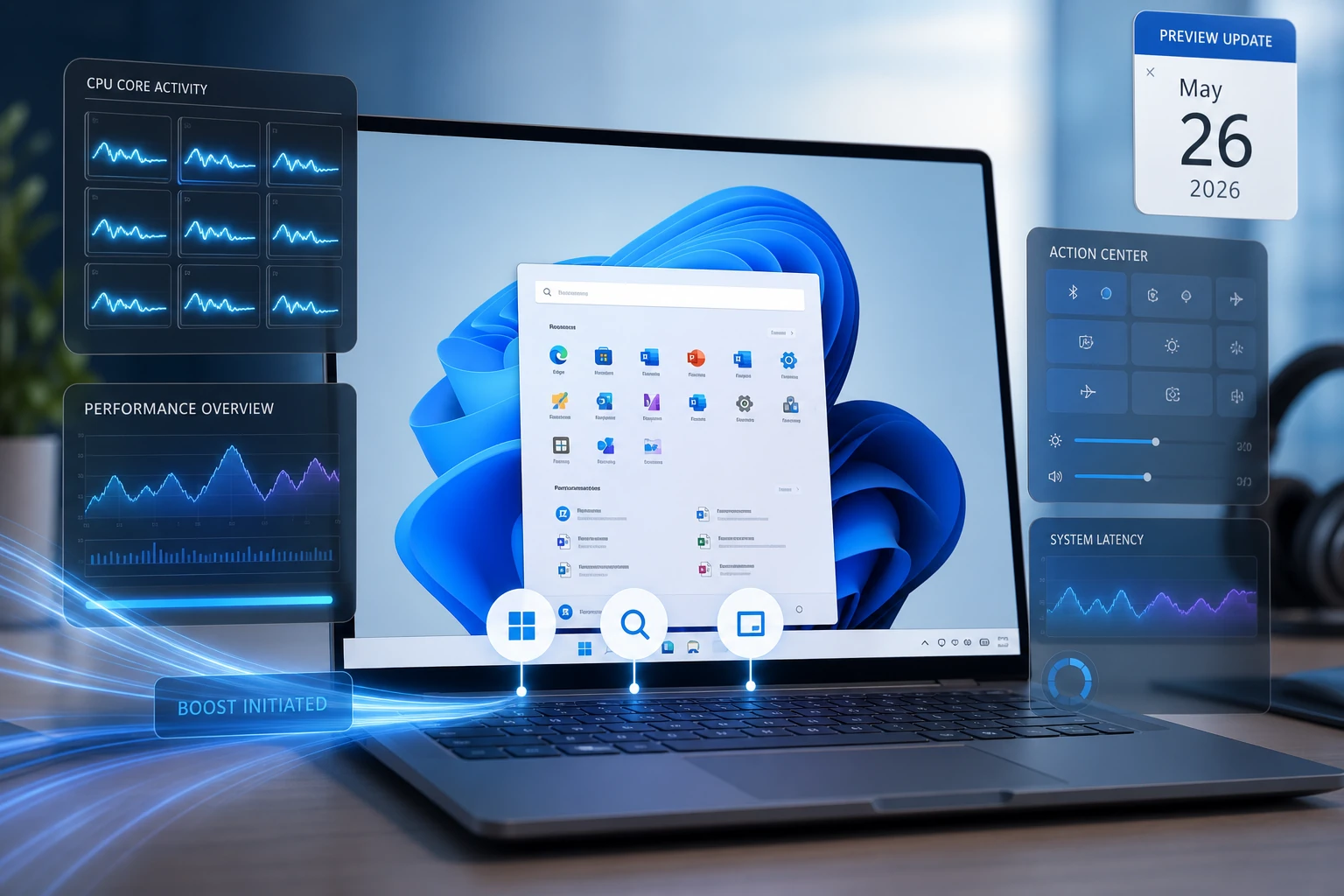
This could be useful because Windows 11 has often been criticized for small interface delays. Even on fast PCs, animations, menus, and shell elements can sometimes feel less instant than they should. A short CPU burst may help hide those delays and make basic actions feel cleaner.
There are still questions. Microsoft has not shared a detailed technical breakdown of how the feature decides when to boost, how it affects battery life on laptops, or whether older CPUs will benefit as much as newer ones. Since the feature pushes the processor harder for brief moments, laptop users may want to watch battery behavior once it rolls out more widely.
Still, this is the kind of Windows 11 improvement that could matter more than it first appears. It does not add a flashy new app or redesign the desktop. It simply tries to make the system feel faster in the places people touch every day.
If Microsoft handles the rollout well, Low Latency Profile could make Windows 11 feel smoother without requiring you to buy new hardware. The best move for most people is to wait for the feature to arrive normally through Windows Update rather than forcing it manually.
Discussion (0)
Be the first to comment.