




Microsoft’s April update for Windows 11 is causing more problems for some users.
The update, listed as KB5083769, has already been linked to BitLocker lockouts, reboot loops, and issues with third party backup apps. Now users are also reporting black screen crashes, distorted graphics, and failed boot attempts after installing it.
Some affected PCs are getting stuck in Windows Automatic Repair. Others are showing corrupted, mosaic like visuals before Windows fails to load properly.
The issue appears to affect some HP and Dell systems, with reports pointing to laptops and desktops using NVIDIA GTX 1080 Ti graphics. One HP Pavilion 590 user reported a failed boot loop after installing the update, while another user said their system hit a kernel security check failure blue screen after the update.
Another report described visible artifacts on screen after installing the April security update. The system then failed to boot into Windows 11 Pro and had to go through Automatic Repair before it could start normally again.
Here is what users are reporting:
| Problem | Reported behavior |
|---|---|
| Black screen crashes | PC fails to show the normal desktop |
| Visual corruption | Distorted or mosaic like graphics |
| Boot loops | System repeatedly fails to start |
| Automatic Repair | Windows tries to recover after failed boots |
| Blue screen errors | Kernel security check failure reported |
| Update reinstall attempts | Windows Update keeps trying to install KB5083769 |
Microsoft has not yet added this specific crash and graphics issue to its known issues list, and it has not issued a public statement about it.
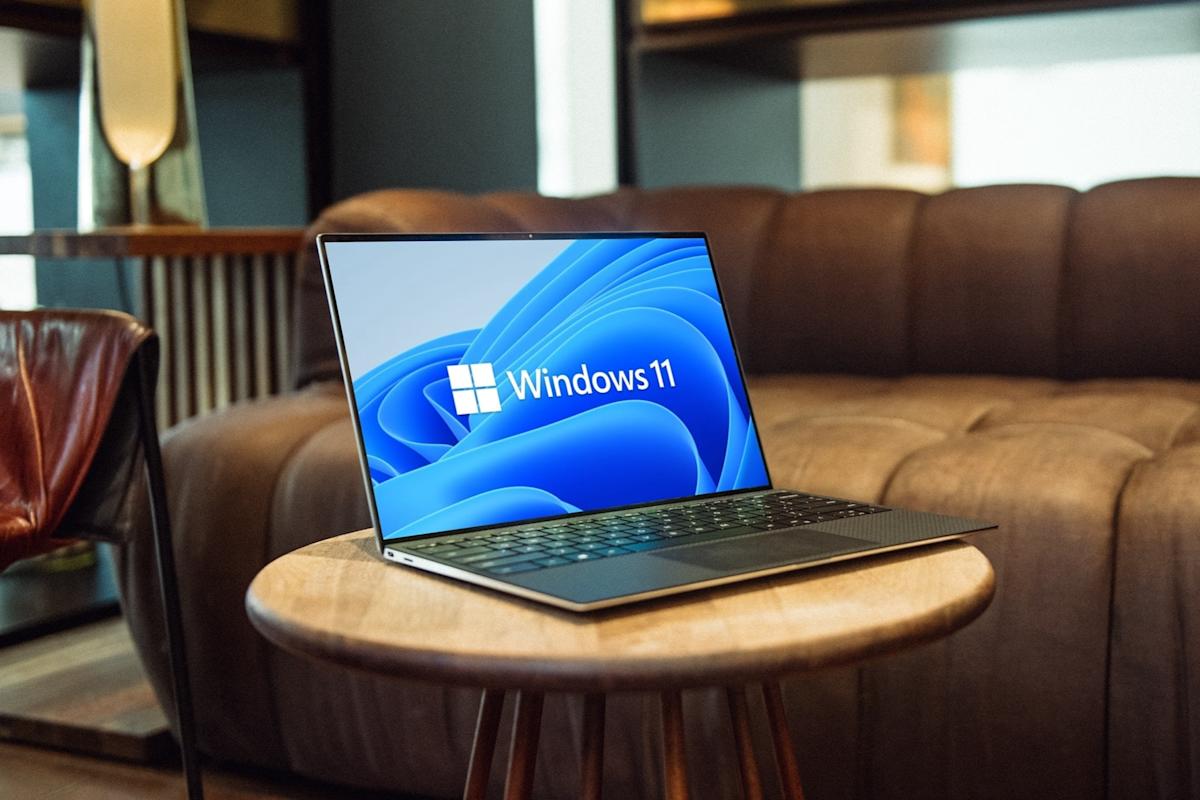
There is also no confirmed single cause yet. Some reports suggest Dell Support Assist may be involved in at least some blue screen cases, but that has not been confirmed as the main reason.
For now, the main workaround is to uninstall KB5083769 if your PC is affected. Users who cannot boot normally may need to use System Restore, Startup Repair, or Reset this PC as a last resort.
If Windows keeps reinstalling the update, pausing updates or hiding the specific update may help until Microsoft releases a fix.
The safest advice is simple. If your PC is running normally after installing KB5083769, you may not need to do anything. But if you are seeing black screens, boot loops, visual glitches, or repeated Automatic Repair after the April update, removing the update is currently the most practical fix.
Discussion (0)
Be the first to comment.