




Find it on the taskbar
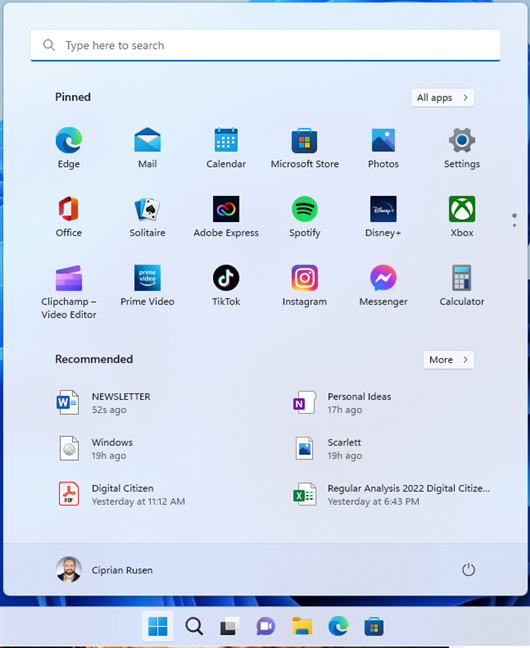
- Windows 11: the Windows icon is centered on the taskbar (you can move it left in Taskbar settings).
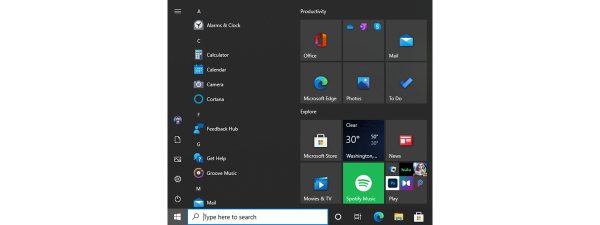
- Windows 10: the Windows icon is at the bottom-left of the taskbar.
Open Start
- Click the Windows icon.
- Press Windows key (⊞).
- No Windows key? Press Ctrl + Esc.
If you can’t see Start
- Hover at the bottom edge to reveal a hidden taskbar.
- Press F11 to exit full-screen apps.
- Right-click taskbar > Taskbar settings and make sure the taskbar is On and Not auto-hidden.
FAQs
- What’s it called? Start menu, Start button, Start icon, Windows icon.
- Can I move it left in Windows 11? Yes—Taskbar settings > Taskbar behaviors > Taskbar alignment: Left.
- Can the taskbar be at the top or side? If it was moved, the Start icon sits at that edge.
Discussion (0)
Be the first to comment.