



Valve has released Proton 11.0-1 for Steam, bringing a fresh round of compatibility improvements for SteamOS and Linux players. The update adds support for several games that can now run through Proton, while also moving a larger group of titles from Proton Experimental into the stable release.
Proton remains one of the most important parts of Valve’s Linux gaming push. It allows Windows games to run on Linux based systems, including SteamOS on devices like the Steam Deck. That benefits Linux desktop players as well, but it also serves Valve’s wider business strategy. The more games that work properly through Proton, the stronger SteamOS becomes as a gaming platform.
The new update makes five more games newly playable: Unknown Faces, Gothic 1 Classic, X-Plane 12, Breath of Fire IV, and Deadly Premonition. It also adds stable support for 13 titles that previously worked through Proton Experimental, including DCS World Steam Edition, Resident Evil 1996, Resident Evil 2 1998, Dino Crisis, Dino Crisis 2, From Dust, Metal Gear Survive, Warhammer Vermintide 2, Metal Fatigue, and Shogun Total War.
Proton 11.0-1 focuses heavily on game fixes, launchers, video playback, and Steam Deck behavior
Beyond the newly playable games, Proton 11.0-1 includes a long list of fixes for games and system behavior. Valve fixed video playback in titles such as She Sees Red and Satisfactory, improved Rockstar Launcher popups, fixed many EA games that became unplayable after an EA Desktop update, and restored proper Steam Overlay behavior in many EA titles.
| Update area | What changed |
|---|---|
| Newly playable games | Unknown Faces, Gothic 1 Classic, X-Plane 12, Breath of Fire IV, Deadly Premonition |
| Moved from Experimental | Resident Evil, Dino Crisis, DCS World, From Dust, Metal Gear Survive, and more |
| Video fixes | She Sees Red, Crimson Desert, Satisfactory, BlazBlue Centralfiction, and others |
| Launcher fixes | Rockstar Launcher, REDLauncher, EA App, and game installers |
| Steam Deck fixes | Hollow Knight Steam button issue, Killer Inn launch issue |
| VR improvements | Microsoft Flight Simulator tracking and No Man’s Sky VR support |
| Core updates | Rebased on Wine 11.0 with updated DXVK, vkd3d, Wine Mono, and vkd3d Proton |
Some of the most useful fixes target popular games. Phasmophobia gets lobby voice chat fixes for desktop players and system voice support for multiple languages. Helldivers 2 receives a fix for crashes in missions with high enemy counts. Far Cry 4 should no longer randomly hang during launch. Call of Duty 2 gets improved mouse behavior, while Call of Duty: WWII should no longer have fullscreen rendering issues on dual monitor setups.
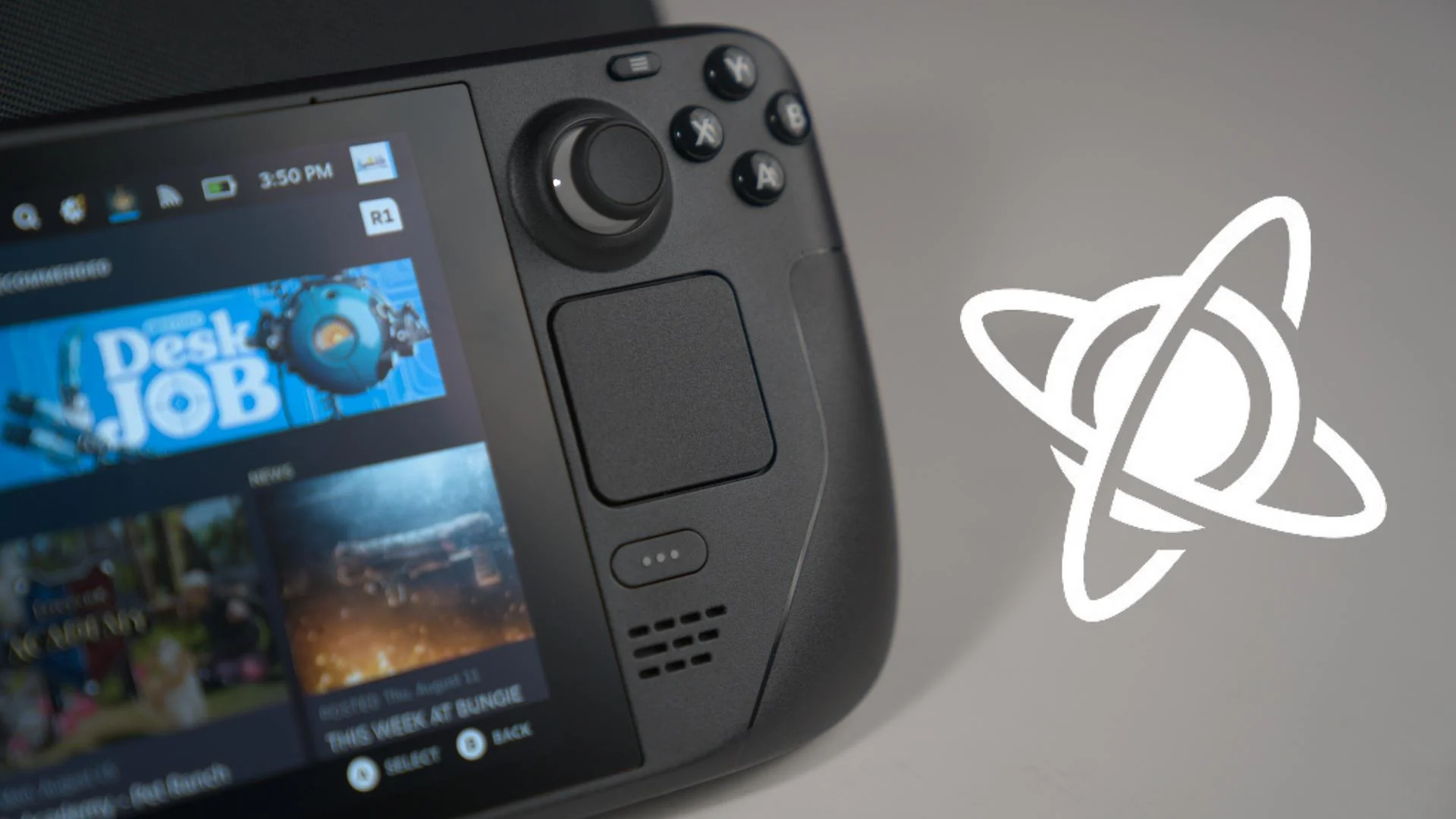
Valve also addressed several Steam Deck and Linux desktop issues. Hollow Knight should no longer treat the Steam Deck’s Steam button as a left trigger after a game update. Controller hotplug behavior has been fixed for the 8BitDo Ultimate 2C and similar devices, while KDE window maximization and Brighter Shores window resizing support have also been improved.
VR players get meaningful improvements too. Microsoft Flight Simulator has a fix for VR controller tracking, while No Man’s Sky VR mode is playable again thanks to improved VR support. These changes matter because VR compatibility on Linux can be more fragile than standard game support.
The update also includes technical changes under the hood. Proton 11.0-1 is rebased on Wine 11.0 and updates several key components, including vkd3d, DXVK, dxvk nvapi, Wine Mono, and vkd3d Proton. These updates help improve compatibility and performance across a wider range of Windows games on Linux.
To use Proton 11.0-1, open Steam, right click the game you want to run, select Properties, go to Compatibility, and choose the Proton version you want. That makes it easy to test the new build on games that previously needed workarounds or Experimental support.
Proton 11.0-1 is not only about adding a few more playable titles. It is a broad maintenance release that improves launchers, controllers, VR, overlays, video playback, and compatibility for older and newer games alike. For Steam Deck and Linux players, it should make the overall Steam library feel a little more reliable.



Discussion (0)
Be the first to comment.