




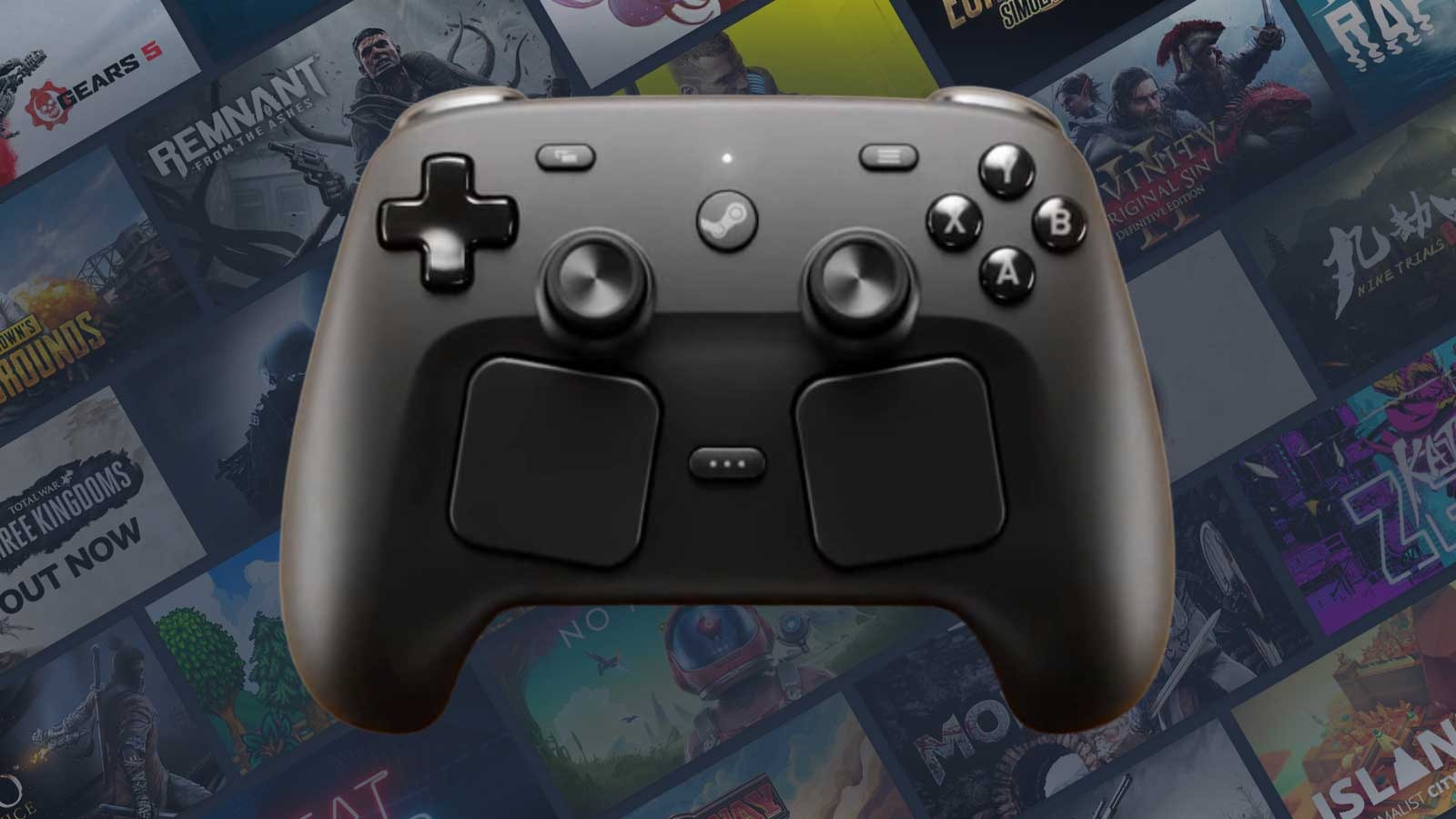
Valve’s new Steam Controller may be built for PC gaming, but it does not currently work properly with Xbox app games or PC Game Pass titles on Windows without extra third party software.
The controller works best inside Steam, where Steam Input can translate its touchpads, sticks, buttons, and grip controls correctly. Outside Steam, the controller falls back to a basic “lizard mode,” which lets it act like a simple desktop navigation device. That means you can move around Windows, but games launched through the Xbox app may not detect it as a normal controller.
This becomes a problem for PC Game Pass players. If a game is launched through the Xbox app, it may see the Steam Controller as a mouse and keyboard instead of a compatible gamepad. That leaves players without proper controller input unless they use unofficial workarounds.
| Situation | Current Steam Controller behavior |
|---|---|
| Steam games | Works through Steam Input |
| Windows desktop | Basic lizard mode support |
| Xbox app games | Not properly detected as a controller |
| PC Game Pass titles | May require third party input tools |
| Non Steam launchers | Support varies |
| Future improvement | SDL support may help some games |
Some community tools can help. Projects such as Steam Input System Redirector and SteamlessController are being used as workarounds. These tools translate Steam Controller input into something Windows games can understand. However, they are fan made, unofficial, and not approved by Valve or Microsoft.
That makes the situation less friendly for casual players. Someone buying the $99 Steam Controller may expect it to work across PC games like a normal Xbox controller. Instead, Game Pass support can require GitHub tools, extra setup, and background software.
There is some progress outside the Xbox app. The SDL library now supports more Steam Controller features, including touchpads, capacitive touch for sticks, and grip sense handling. That could help future games recognize the controller better without needing Steam running in the background.
But SDL support will not automatically fix every game. It depends on whether individual games and launchers use the right input support. Early testing with a Game Pass title added to Steam as a non Steam game still did not activate Steam Input properly, with the controller continuing to appear as mouse and keyboard input.
The blame is not simple. Microsoft’s Xbox app and PC Game Pass still have input and launcher limitations that make some non standard controllers harder to use. Valve also chose not to make the Steam Controller behave like a normal XInput controller by default, which would have made it more compatible with Xbox style Windows games.
For now, the practical result is clear. The Steam Controller is a strong fit for Steam, but not yet a simple plug and play option for Xbox app or PC Game Pass players. Anyone who mainly uses Game Pass on Windows should know that extra software may be needed, and that the experience is not as smooth as using a standard Xbox controller.



Discussion (0)
Be the first to comment.