



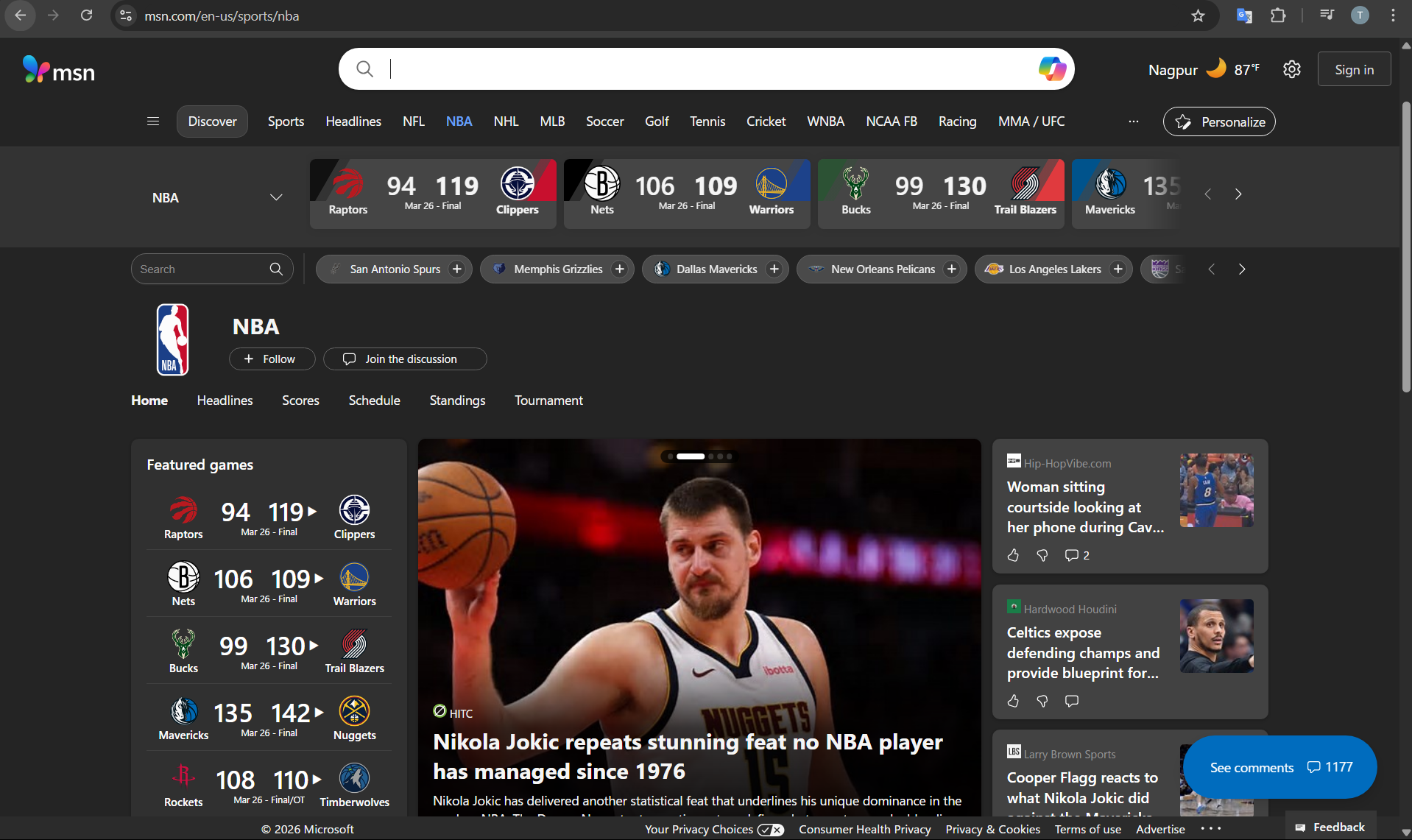
If MSN Sports isn’t showing stories for your favorite teams, it’s not just you. This has been a recurring complaint for years, and the frustrating part is that it doesn’t always have a clear fix.
You set your favorite teams, expect personalized updates, and then… nothing. Or worse, you get generic content that doesn’t reflect your preferences at all.
The issue usually isn’t a single bug. It’s a mix of how MSN handles personalization, syncing, and content delivery.
How MSN Sports Personalization Is Supposed to Work
In theory, MSN Sports lets you select your favorite teams and leagues, then prioritizes relevant news and updates in your feed.
It relies on:
- Your Microsoft account preferences
- App or browser data syncing
- Content availability from MSN’s sources
When everything works, you should see tailored stories instead of generic headlines.
But in practice, it’s not always consistent.
Why Favorite Team Stories Don’t Show
There are a few common reasons this happens.
One issue is sync inconsistency. Your favorite teams might be saved in one place but not properly reflected across devices or sessions.
Another factor is content availability. MSN doesn’t always have enough updated or prioritized content for specific teams, especially compared to dedicated sports platforms.
There’s also algorithm behavior. Even if you select favorites, MSN may still mix in trending or general sports news, which can dilute personalization.
And finally, there’s the simple reality that MSN Sports isn’t a core focus product for Microsoft. It works, but it’s not being aggressively improved.
What You Can Try (But Keep Expectations Realistic)
There are a few things you can check, though results may vary.
Make sure you’re signed into your Microsoft account. Personalization depends on it.
Re-select your favorite teams and remove any duplicates or outdated preferences.
Clear browser data or reset the app if you’re using MSN in a browser. Sometimes cached data interferes with updates.
If you’re using multiple devices, check whether preferences are syncing correctly across them.
These steps can help, but they don’t guarantee a fix.
Real-World Experience: Why It Feels Unreliable
The biggest issue with MSN Sports isn’t that it’s broken. It’s that it’s inconsistent.
You might get proper updates for a while, then suddenly the feed becomes generic again.
This usually comes down to how MSN prioritizes content. It’s not a dedicated sports platform, so personalization isn’t as strong or reliable.
For casual browsing, it’s fine. For following specific teams closely, it falls short.
Is ESPN Actually Better?
In most cases, yes.
ESPN is built specifically for sports coverage, which makes a big difference.
It offers:
- More consistent updates for specific teams
- Better personalization
- Faster news delivery
- Deeper coverage and analysis
The key difference is focus. ESPN is designed entirely around sports, while MSN Sports is just one part of a broader content platform.
That doesn’t make MSN useless, but it does explain the gap.
When MSN Sports Still Makes Sense
Despite its limitations, MSN Sports can still work in certain scenarios.
If you want a lightweight, general overview of sports news alongside other content, it’s convenient.
It also integrates naturally with Windows and Microsoft services, which makes it easy to access without installing additional apps.
But for dedicated tracking of teams or leagues, it’s not the strongest option.
Limitations You Should Be Aware Of
Even if you fix the immediate issue, MSN Sports has structural limitations.
Personalization isn’t as deep or reliable as specialized apps.
Content can feel generic at times.
And updates aren’t always as fast or comprehensive.
These aren’t bugs. They’re part of how the platform is designed.
Final Thoughts
If MSN Sports isn’t showing stories for your favorite teams, it’s usually not something you did wrong. It’s a combination of sync issues, content limitations, and how the platform handles personalization.
You can try a few fixes, but the experience may still be inconsistent.
If following specific teams is important to you, switching to a dedicated app like ESPN will likely give you a better experience.
If you just want occasional updates without much effort, MSN Sports is still usable. It just requires adjusted expectations.
FAQs
Why are my favorite teams not showing on MSN Sports?
It’s often due to sync issues, limited content availability, or weak personalization.
Do I need to be signed in for personalization?
Yes, your Microsoft account is required for preferences to apply properly.
Can I fix MSN Sports personalization issues?
You can try resetting preferences and clearing data, but results may vary.
Is ESPN better than MSN Sports?
For team-specific updates and reliability, yes, ESPN is generally better.
Should I stop using MSN Sports?
Not necessarily. It works for casual use, but dedicated apps are better for focused sports tracking.


Discussion (0)
Be the first to comment.