



MSI Afterburner developer Alexey Nicolaychuk has revived GPUProbe, an old RivaTuner era monitoring tool that can expose graphics card sensors not normally available through MSI Afterburner.
The updated GPUProbe is being developed as a built in MSI Afterburner plugin. It can read undocumented GPU data and communicate with additional monitoring hardware found on some graphics cards, opening access to information such as hotspot temperatures, individual VRAM module temperatures and detailed power readings.
The work has gained fresh relevance as enthusiasts look for better ways to investigate temperature and power behavior on newer GeForce RTX 50 series graphics cards.
GPUProbe expands beyond the original RivaTuner version
The original GPUProbe could create sensors using data read through GPU MMIO registers. The new implementation goes further by supporting devices connected to the graphics processor through I2C buses.
That allows the plugin to communicate with hardware such as voltage regulator controllers, monitoring chips and onboard microcontrollers.
| GPUProbe capability | Details |
|---|---|
| GPU hotspot monitoring | Can expose undocumented hotspot readings where supported |
| VRAM monitoring | Can access individual memory module temperature sensors |
| Power monitoring | Supports compatible onboard monitoring hardware |
| MMIO access | Reads undocumented GPU registers |
| I2C access | Communicates with external monitoring devices on the GPU |
| Custom sensors | Can be defined through configuration entries |
| Supported GPU generations | Can be explored on Ampere, Ada and Blackwell hardware |
| Availability | No public download link yet |
One advantage of this approach is that new sensors can be defined through relatively small configuration entries instead of requiring full native MSI Afterburner support.
That gives experienced enthusiasts more freedom to experiment with monitoring features that manufacturers or GPU vendors do not expose through standard software interfaces.
ROG Astral example monitors individual 12VHPWR pins
One demonstration uses ASUS ROG Astral graphics cards, which include hardware capable of monitoring current through individual 12VHPWR power connector pins.
GPUProbe can expose those readings inside MSI Afterburner and combine them into a custom 12VHPWR alarm sensor.
In the example configuration, the alarm activates if current on one pin exceeds 12 amps or if the difference between two pins goes beyond 5.5 amps.
The developer says this effectively recreates the monitoring logic used by ASUS GPU Safeguard+.
Because the readings appear inside MSI Afterburner, the software could then respond automatically. One possible setup would reduce the GPU power limit if the alarm stays active for five seconds. A more aggressive configuration could shut down the entire system.
That gives the plugin potential value beyond monitoring alone, although such configurations are clearly aimed at experienced enthusiasts.
Hidden sensors remain difficult to access normally
Some temperature readings remain unavailable through conventional GPU monitoring interfaces because NVIDIA has not publicly released the documentation required to expose them.
This includes certain hotspot and per module VRAM temperature sensors.
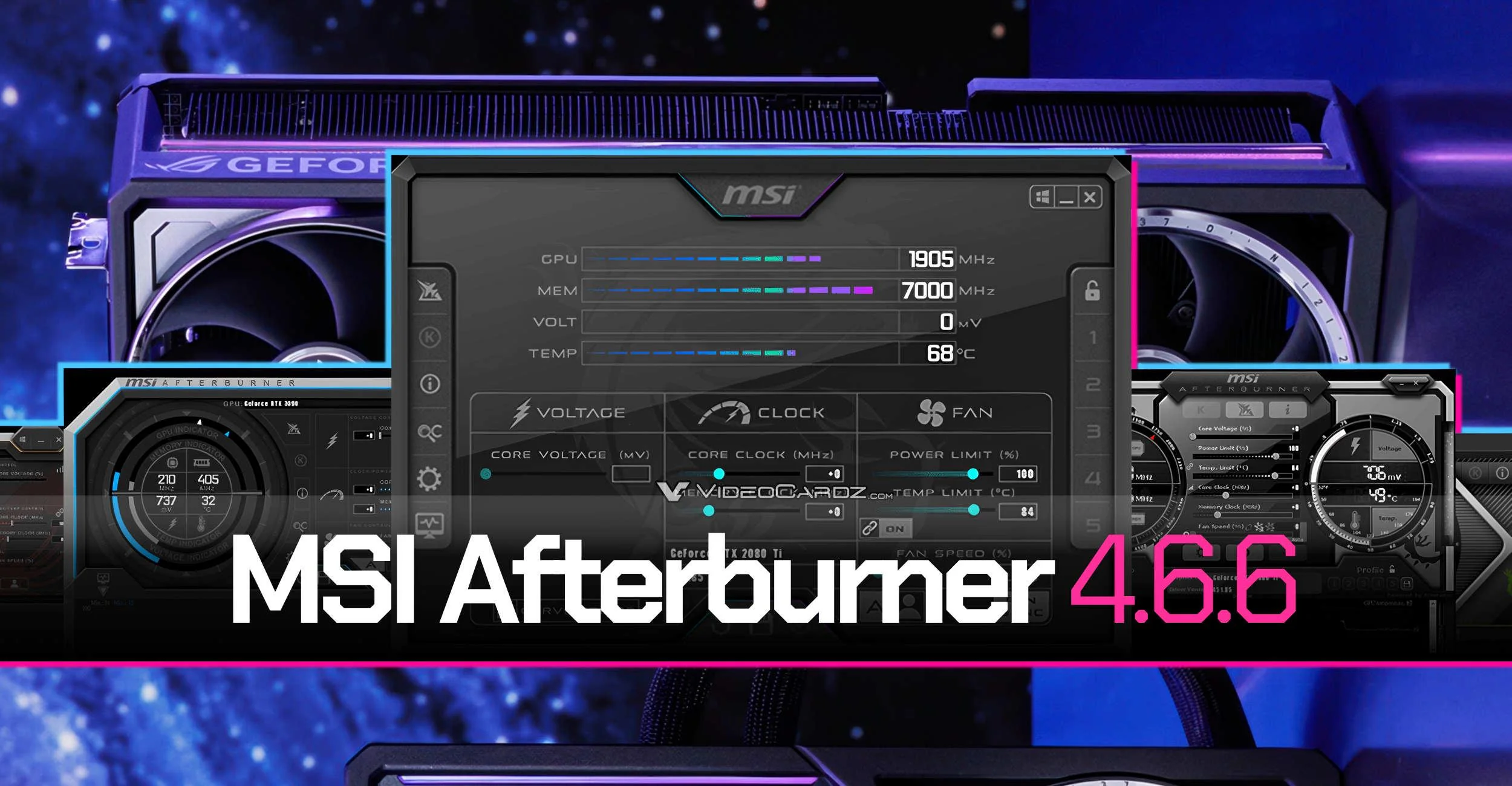
GPUProbe attempts to work around that limitation by reading undocumented hardware information directly, but compatibility still depends on the graphics card actually containing the required monitoring hardware.
The same approach can be used to investigate Ampere, Ada and Blackwell graphics cards, although available sensors will vary between models and board designs.
GPUProbe is aimed mainly at enthusiasts
There is currently no public download link for the revived plugin.
Nicolaychuk may also face limitations on how deeply the functionality can be integrated into MSI Afterburner because of existing agreements involving MSI and NVIDIA.
For most people, established monitoring software such as HWiNFO will remain the simpler option for watching temperatures, voltages and alerts.
GPUProbe is more interesting for advanced users who want monitoring and automatic protective actions directly inside MSI Afterburner, or who want to investigate sensors that standard tools cannot normally access.
If development continues, the revived plugin could make MSI Afterburner much more flexible for detailed GPU diagnostics, particularly on custom graphics cards with additional onboard monitoring hardware.



Discussion (0)
Be the first to comment.