



Microsoft Paint has a serious security vulnerability that could allow attackers to execute malicious code without requiring you to click anything. Although Microsoft released a security patch in October 2026, reports suggest that some Windows 11 computers have not received the updated version.
The vulnerability, identified as CVE-2026-83844, carries a severity score of 8.1 out of 10. Microsoft addressed the issue during its October 13 Patch Tuesday update.
However, some computers reportedly continue running older versions of Paint even when automatic application updates are enabled.
The situation raises concerns about whether the security fix has reached every affected installation.
Microsoft Paint Security Patch May Not Have Reached Every PC
The vulnerability affects Microsoft's familiar drawing application, which comes installed on many Windows computers.
According to the reported findings, attackers could potentially exploit the flaw to introduce malicious code without requiring a conventional click or other direct interaction.
Microsoft released an updated Paint version to address the vulnerability, but subsequent checks found installations that appeared to remain unpatched.
One affected computer was running Paint version 11.2603.251.0 instead of the recommended version 11.2609.401.0.
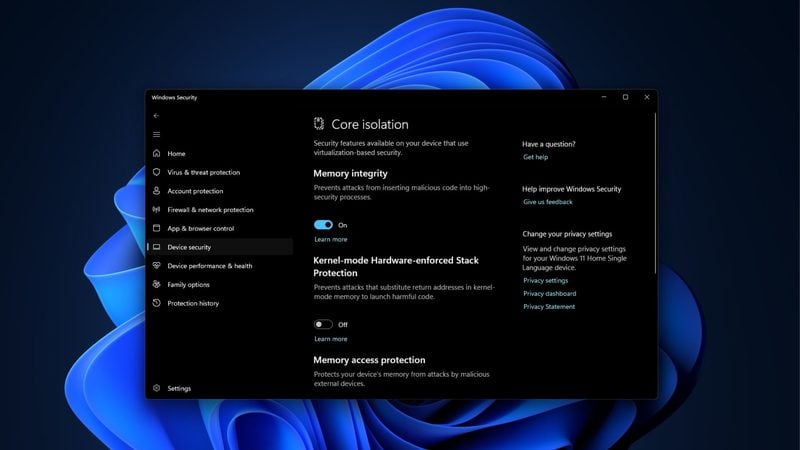
Security software also reportedly identified outdated installations, prompting additional concerns among administrators and individuals checking their systems.
It remains unclear whether the issue results from incomplete update distribution, an application problem or an inconsistency in Microsoft's published version information.
Importantly, the reports do not establish that every Windows 11 computer is affected.
How to Check Whether Microsoft Paint Has Received the Security Fix
You can verify the installed Paint version directly through Windows Settings or PowerShell.
To check through Settings, open the Installed apps section, locate Microsoft Paint and examine its version information. Depending on your Windows configuration, you may need to open Advanced options.
Alternatively, open Windows Terminal or PowerShell and enter the following command:
Get-AppxPackage -Name Microsoft.Paint | Select-Object Name, VersionThe command displays the installed package name and version number.
The reported patched version is 11.2609.401.0, while 11.2603.251.0 is an example of an older installation.
If your installed version is outdated, open Microsoft Store, navigate to its updates section and check for a newer Paint release.
You should also ensure that Windows Update is enabled and that pending security updates have been installed.
Because the exact cause of the reported version mismatch remains uncertain, checking the application version is a sensible precaution.
Keeping Paint updated helps reduce potential exposure while Microsoft investigates any remaining distribution problems.

Discussion (0)
Be the first to comment.