


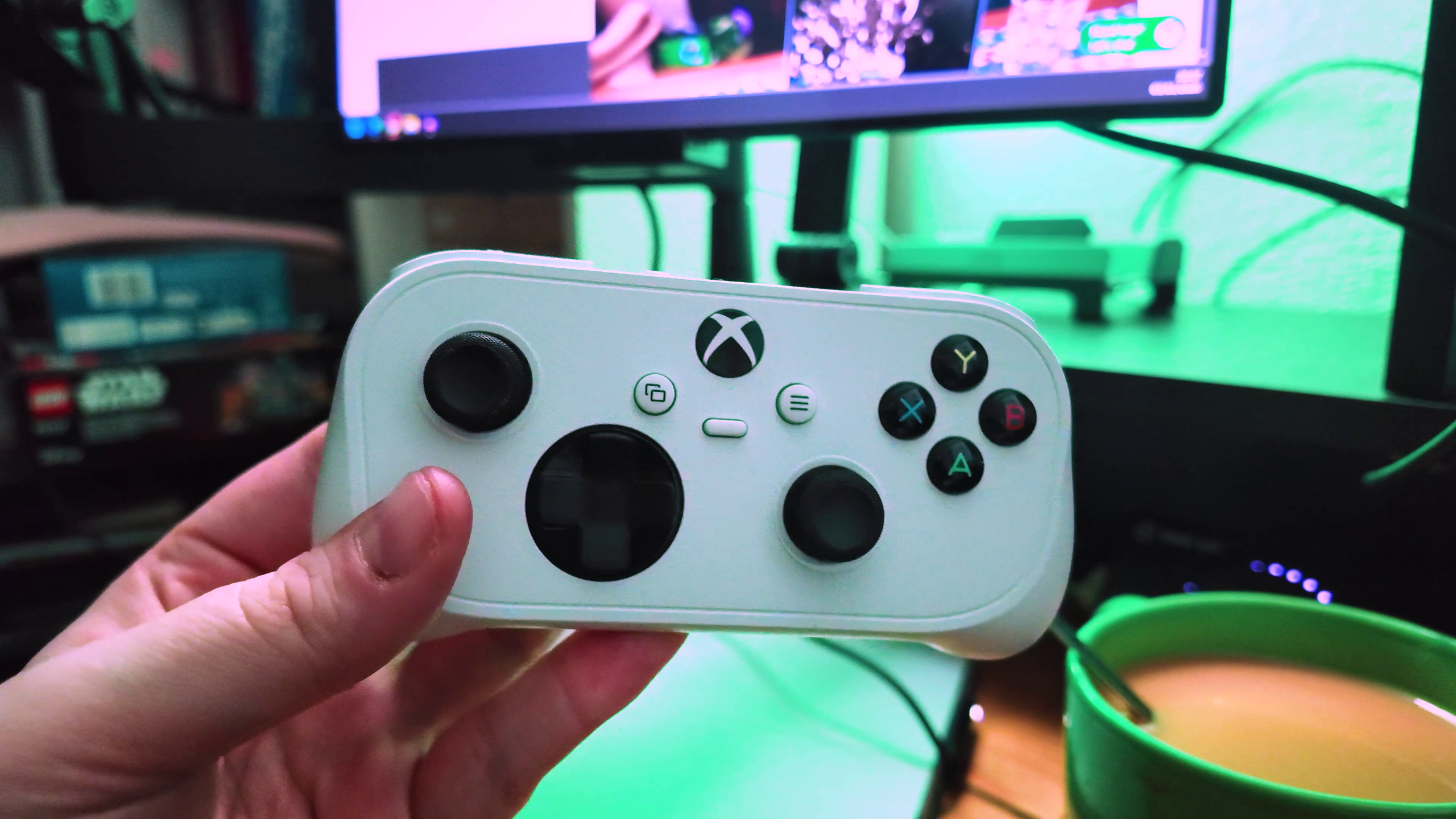
Microsoft has officially announced two new Xbox Cloud Gaming features, including direct Wi-Fi connectivity for the Xbox Nano Controller and the ability to use smartphones as virtual controllers on supported Smart TVs.
Both features are entering preview testing, with the aim of reducing input delays and making cloud gaming accessible without dedicated gaming hardware.
The announcement also confirms a previously undisclosed capability of the recently launched Xbox Nano Controller, which costs $49.99.
While the controller's compact design was already known, Microsoft had not initially advertised its ability to communicate directly with cloud gaming servers.
Xbox Nano Controller Gets Cloud Connect for Lower Input Latency
Microsoft has introduced Cloud Connect, a feature that allows the Xbox Nano Controller to send inputs directly to Xbox Cloud Gaming servers through Wi-Fi.
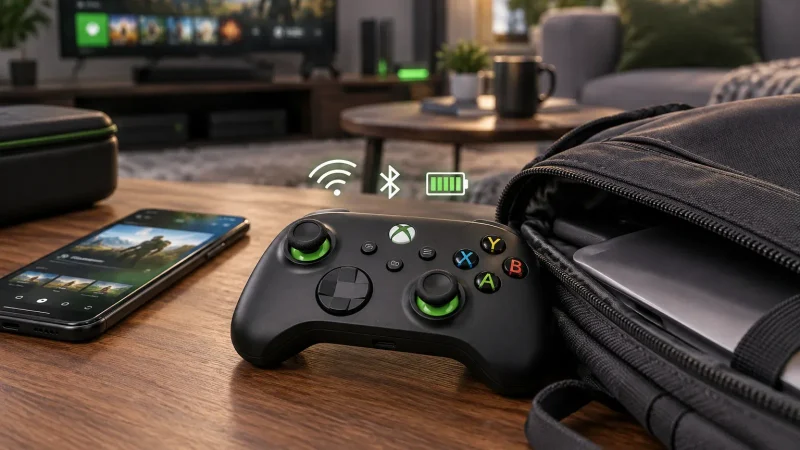
Normally, cloud gaming requires a controller to communicate with the device running the game stream, often through Bluetooth.
Cloud Connect removes that additional connection from the input process, potentially reducing latency and improving responsiveness.
The feature is currently available in preview for players in the United States using supported Smart TVs and web browsers.
To enable it, you must connect the controller to your home Wi-Fi network using the Xbox beta application on Android or the Xbox Accessories application on PC.
PC setup additionally requires participation in the Xbox Insider program.
Once configured, you can launch a supported cloud gaming session using the same Xbox account.
Smartphones Can Now Work as Xbox Controllers on Smart TVs
Microsoft has also introduced a separate feature allowing Android and iOS smartphones to function as virtual Xbox controllers.
The feature is available globally in preview on supported Smart TVs where Xbox Cloud Gaming operates.
Unlike traditional controller applications, the virtual gamepad runs directly inside your smartphone's web browser.
Some supported games will also receive customized touch layouts designed around their specific controls.
To activate the feature, open the Xbox Cloud Gaming application on your Smart TV, navigate to Settings, select Account and enable Preview Features.
When launching a game without a connected physical controller, the television will offer an option to pair your smartphone.
This allows you to play supported cloud games without purchasing a dedicated controller.
However, both features remain experimental, and Microsoft warns that compatibility and reliability may vary during testing.
The company has not announced when either feature will become generally available.
Together, these additions give Xbox Cloud Gaming more flexible control options while potentially improving responsiveness for players using the Nano Controller.
Discussion (0)
Be the first to comment.