



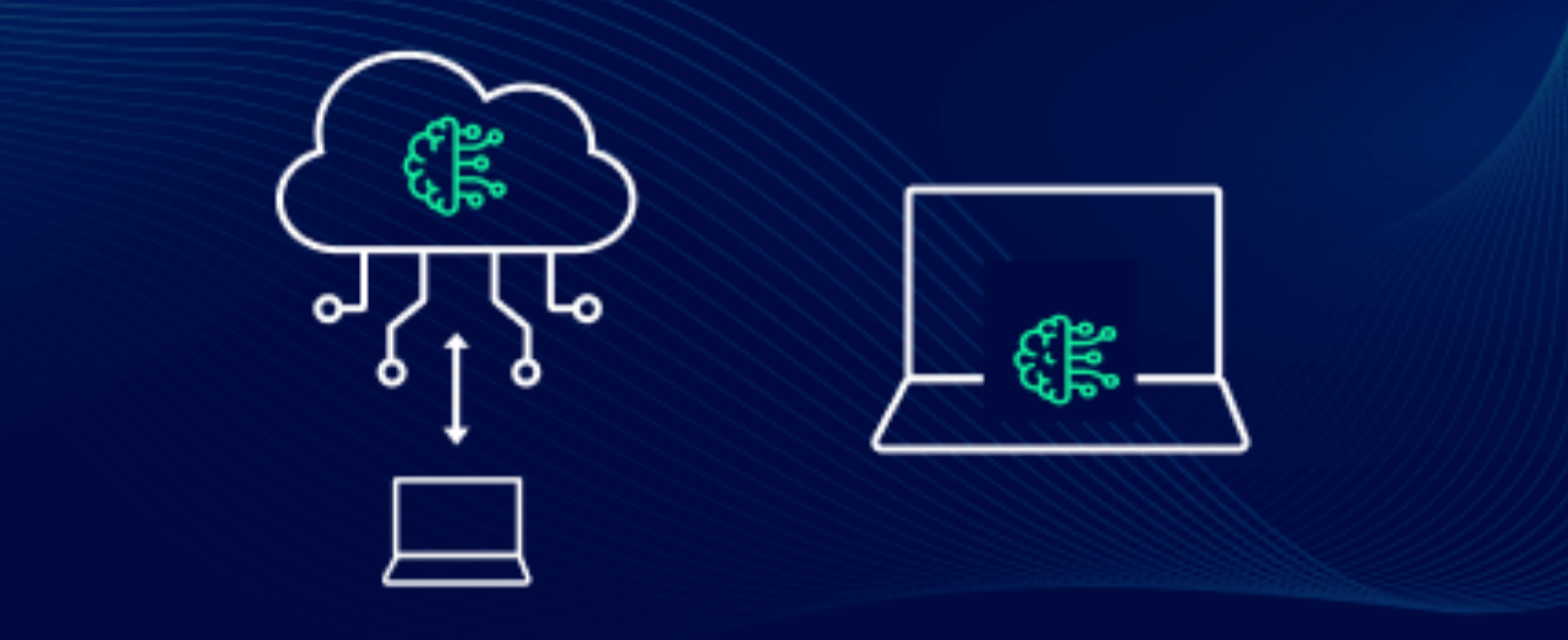
AI tools are everywhere right now, but if you’re using them on a Windows PC, one question matters more than anything else:
Should you use local AI or cloud AI?
Both approaches sound similar on the surface, but in real usage, they feel completely different. Your choice affects speed, cost, privacy, and even how you work day to day.
What Is Local AI?
Local AI means running AI models directly on your computer.
Instead of sending requests to the internet, everything runs on your CPU or GPU.
Examples of local AI tools:
- Ollama
- LM Studio
- Local LLaMA or Mistral models
What It Feels Like
- Works even without internet
- Slight delay depending on your hardware
- Full control over data
What Is Cloud AI?
Cloud AI runs on remote servers.
When you use tools like ChatGPT or Claude, your request is processed on powerful machines in the cloud.
Examples:
- ChatGPT
- Claude
- Google Gemini
What It Feels Like
- Very fast responses
- No hardware limitations
- Requires internet connection
Local AI vs Cloud AI: Quick Comparison
| Feature | Local AI | Cloud AI |
|---|---|---|
| Internet required | No | Yes |
| Speed | Depends on PC | Very fast |
| Privacy | High | Moderate |
| Setup | Required | Instant |
| Cost | Free after setup | Subscription/API |
| Power | Limited by hardware | Extremely powerful |
Performance: What Actually Feels Better?
This is where things get real.
Cloud AI Wins in Raw Power
- Faster responses
- Better reasoning
- Handles complex tasks easily
If you ask something complex like coding or research, cloud AI clearly performs better.
Local AI Feels Slower but Stable
- Response depends on your GPU/CPU
- Smaller models = faster but less accurate
- No server delays
On a mid-range PC, local AI is usable but not impressive. On a high-end GPU, it becomes much better.
Privacy: Where Local AI Dominates
This is the biggest advantage of local AI.
Local AI
- Your data never leaves your PC
- No tracking or logging
- Ideal for sensitive work
Cloud AI
- Data goes to external servers
- May be stored or processed
- Depends on provider policies
If privacy matters, local AI wins easily.
Cost: Free vs Subscription
Local AI
- One-time setup
- No ongoing cost
- Hardware investment required
Cloud AI
- Free tiers available
- Paid plans for full access
- API usage can get expensive
Local AI is cheaper long-term while cloud AI is cheaper short-term.
Ease of Use: Huge Difference
Cloud AI
- Open browser and start using
- No setup
- Works instantly
Local AI
- Install tools
- Download models
- Configure settings
Beginners will always prefer cloud AI.
Real-World Use Cases
Here’s where things get interesting.
Use Local AI When:
- You want privacy
- You work offline
- You experiment with models
- You don’t want recurring costs
Use Cloud AI When:
- You need accuracy and speed
- You do research or writing
- You want best-in-class results
- You don’t want setup hassle
The Truth Most Articles Won’t Tell You
Here’s the honest reality:
- Cloud AI is better for most users today
- Local AI is powerful but still catching up
Local AI is improving fast, but right now smaller models struggle with complex reasoning, hardware limits performance, and setup friction is real.
At the same time, local AI is the future for privacy and independence, while cloud AI is the present for performance.
Best Setup: Hybrid Approach
The smartest users don’t choose one. They use both.
Example Workflow
- Use cloud AI for writing, research, and complex queries
- Use local AI for private data, offline use, and quick experiments
This gives you the best of both worlds.
Final Verdict
If you’re deciding between local AI vs cloud AI on a Windows PC, here’s the simplest way to think about it:
- Want power and ease → Cloud AI
- Want privacy and control → Local AI
Right now, cloud AI clearly leads in performance. But local AI is evolving fast and becoming more practical every month.
FAQs
Is local AI better than cloud AI?
Not yet for most users. Cloud AI is still more powerful.
Can I run AI locally on any PC?
Yes, but performance depends heavily on your hardware.
Is local AI completely private?
Yes. Your data stays on your system.
Should I switch to local AI?
Use it alongside cloud AI, not as a full replacement for now.



Discussion (0)
Be the first to comment.