



If you haven't been living under a rock in the last couple of years, you have surely noticed that more and more objects are getting "smarter": first came the television set but nowadays you wouldn't be surprised to see smart toothbrushes as well. Some of the most popular smart objects are smartwatches: these easy to wear gadgets range from simplistic fashion accessories with a couple of features to complex technology that lets you do quite a lot of things. The Huawei W1 is is somewhere in between these two extremes, but it has a lot to offer. Read our review to see what can you do with it:
Unboxing the smartwatch
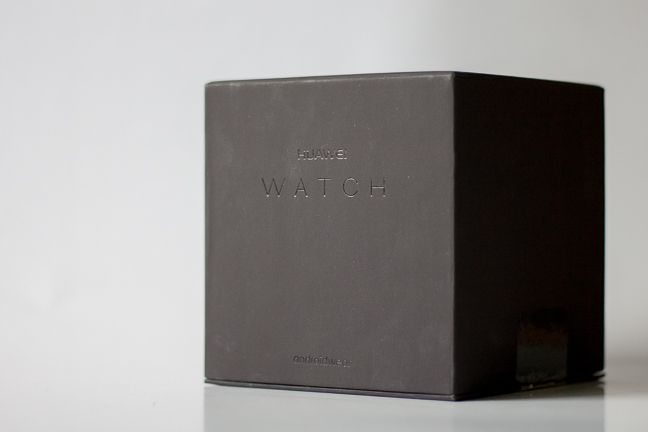
No matter how much they are rising in popularity, smartwatches can still be considered luxury objects: most of us can go on about our daily lives without one, and smartwatches are something of a more premium gadget to own. The designers at Huawei did their best to show off this premium feeling on the smartwatch's box too. First we get to see a simple black cube, with the words "Huawei Watch" engraved on it: it is a really high quality box, made of premium materials.
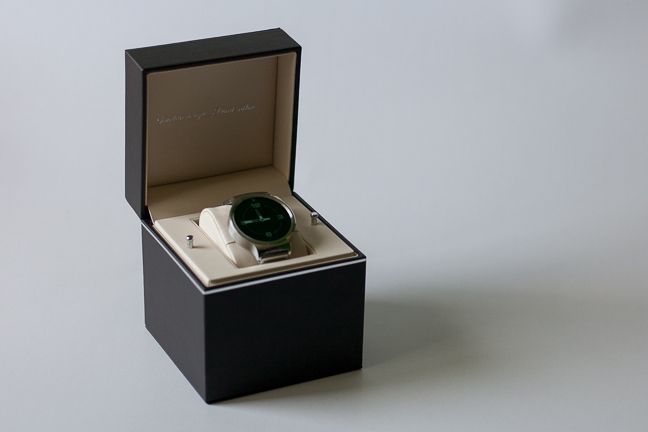
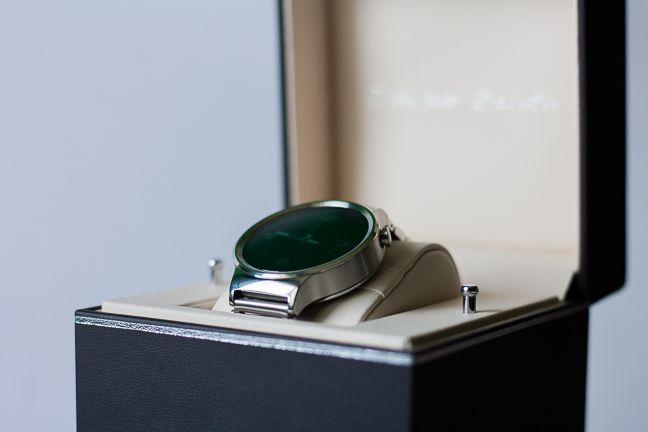
The cube's upper part can be taken off to reveal another, smaller black cube. This one can be opened, the W1 is inside on a leather holder. The whole assembly has a really high quality feel, almost everything is made out of leather.
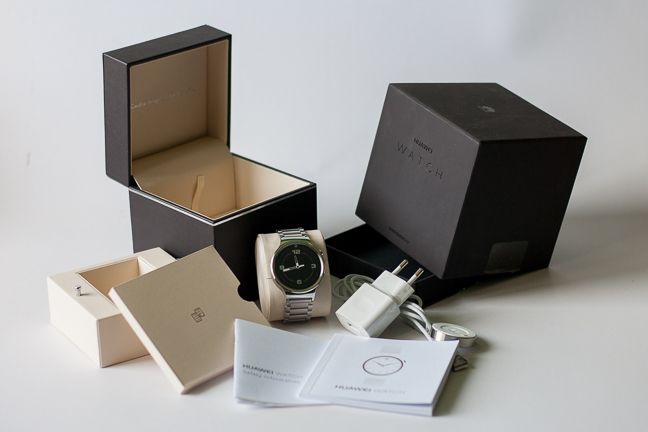
There are two metallic pins besides the watch: you can use these to take out the middle part, under which there is the charger and some papers like the quick start guide, warranty and safety information and so on.
The Huawei W1 comes in a very high quality box with minimalistic design and is accompanied only by the necessary accessories like a charger and a user guide. The unboxing experience is a very good one, the black box can be a nice decoration on your shelf, while you wear the smartwatch.
Design and quality
The Huawei W1 Watch comes in a total of six basic variants, depending on what color and strap material you prefer. There are three editions with leather straps (black, brown and a more sportish black) and three with steel bracelets (silver, gold and black). These all come with a matching timepiece color, that can be silver, gold or black.
It is good to know that Huawei offers another, special edition made especially for the ladies. This has Swarovksi Zirconia pieces around the watch, comes in rose gold color, has blue or white leather straps and some other minor design changes that make the watch more shiny and "lady-like".
Besides the special edition, most other Huawei Watches have quite a modest and minimalistic design, which make it look more like an elegant watch than a shiny, flashy accessory that can be used to show off with.
Of course the one with the gold color bracelet is a bit more extravagant, but we had the silver steel edition for testing, which is one of the most balanced ones in terms of design.
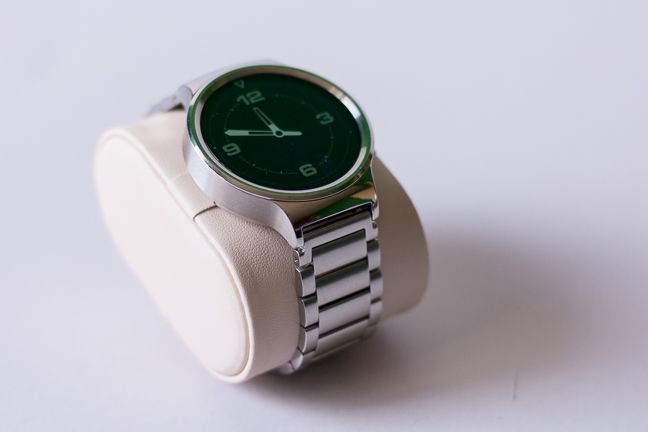
This comes with a steel bracelet, that is a favorite of many, as it is much more durable than a leather strap. Of course it has its downsides too, as sometimes it can be a bit cold and you will most probably need the help of a watch repairman to adjust the bracelet's size to properly fit your wrist.
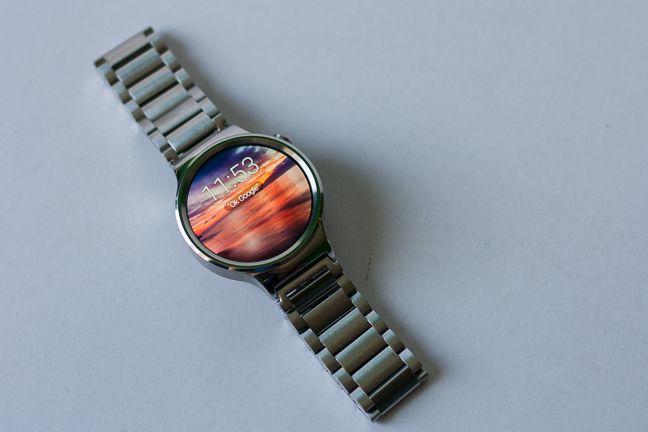
The main feature of the watch is, of course, the timepiece that has a diameter of 1.65 inches or 42 mm and houses a 1.4" AMOLED display covered with scratch-resistant sapphire crystal. We must say it is a real beauty: the screen has a really good contrast ratio and it is easy to read even in bright sunlight. The timepiece itself is a bit thick (11.3 mm or 0.44 inches), but it's not too heavy, not even with the steel bracelet, so it won't be a strain to wear.
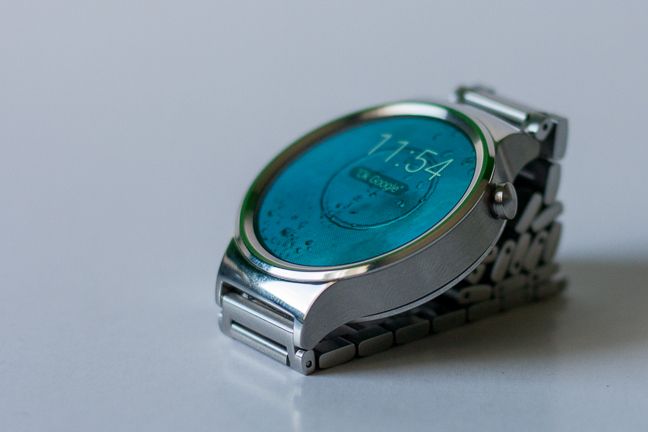
The special rose gold edition is a bit different, as its timepiece is a bit larger, as it has a diameter of 1.73 inches (44 mm) and it's 0.49 inches (12.45 mm) thick. It's also good to know that besides the Swarovski Zirconia pieces it's also plated with rose gold, so that's not only a color name in this case.
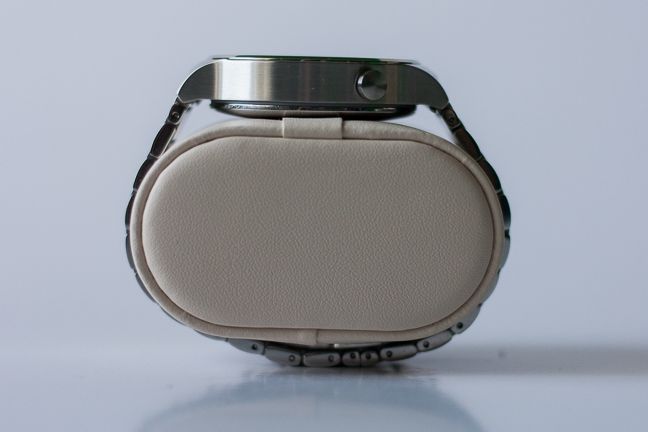
No matter which edition you choose, the features are all the same: the most prominent part of the timepiece is its right side, where there is a single button, placed at 2 o'clock for easy reach and use. This button can be used to dim or turn on the display, and turn the smartwatch on or off, but most features will be accessed via the touchscreen.
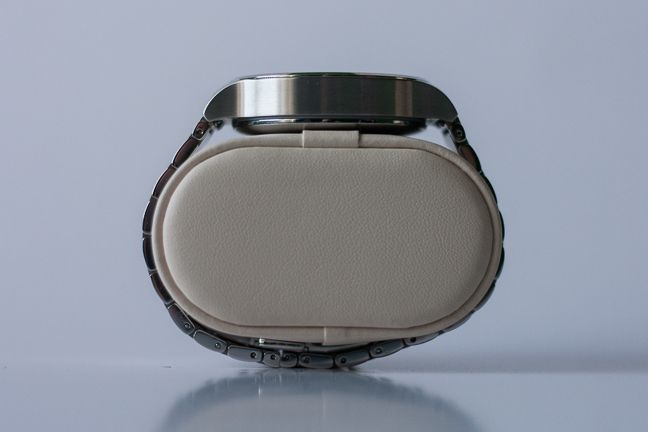
The left side of the smartwatch is completely empty, but you might notice a couple of interesting things on its bottom. First, there is a connector for the charger, which connects magnetically and fits the smartwatch perfectly - you might even say that it looks good on the smartwatch. The second feature is a small green LED, which is an optical heart rate monitor that measures your heart rate directly on your wrist, without the need for a separate band.
If you would like to see the official specifications of this smartwatch, go to this page: Huawei Watch - Specifications.
The Huawei W1 smartwatch has a very modest, stylish design and comes in several color and bracelet variants so it can suit everyone's needs. It works great as a fashion accessory, has a minimalistic look and few controls, thus it won't be confusing for anyone. The timepiece is a bit thick, which makes it look swollen, but it's not heavy, so wearing it won't be a strain for your wrist.
Read the next page of this review to learn more about the smartwatch experience offered by Huawei W1 and read our verdict.
The smartwatch experience on the Huawei W1 watch
As is the case with nearly all smartwatches, the Huawei W1 also works as an extension to your smartphone. This is quite a downside to smartwatches in general, as you can't really do much with it without a smartphone, but this is not the fault of Huawei alone, so let's try to live with this and see what the W1 has to offer.
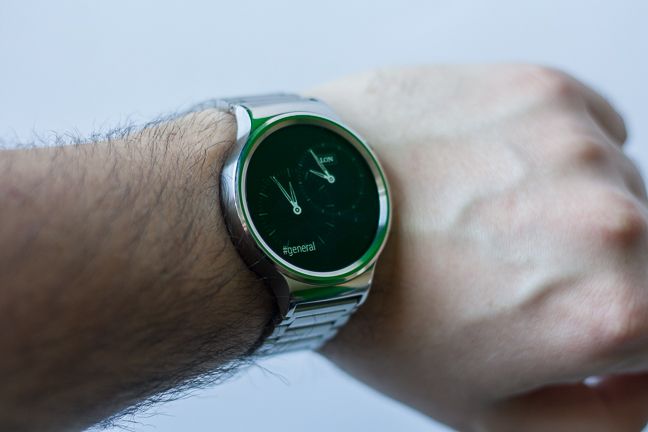
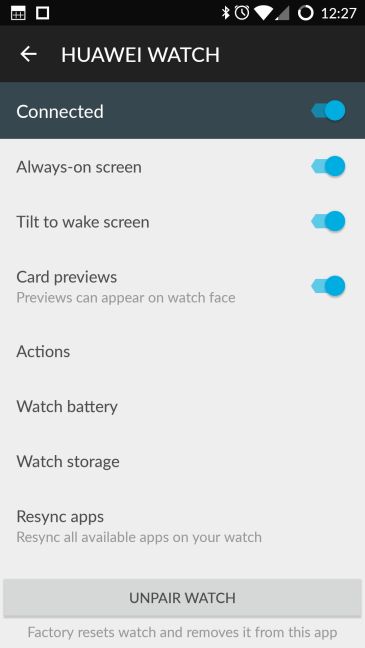
Just like all other smartwatches, the Huawei Watch uses Bluetooth to connect to your smartphone. The initial setup process is pretty straightforward: Huawei doesn't have a proprietary app, but relies on the free Android Wear application, that you can get from the Google Play Store.
The smartwatch is compatible with Apple devices as well , but we have tested it on a OnePlus One running CyanogenOS based on Android 5.1.1. The system requirements for using the Huawei W1 are quite modest, you only need to have Android 4.3 or later or iOS 8.2 or later running on your smartphone to make it work with the smartwatch. If you're not sure whether you're good to go, just visit g.co/WearCheck on your smartphone to see if it's compatible.
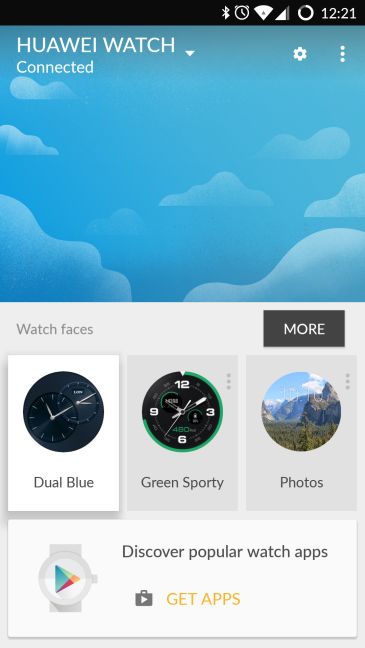
Once you have the Android Wear app running on your smartphone, the initial setup process is a breeze: you have to turn on Bluetooth and accept pairing the smartwatch with your smartphone on both devices. Then comes the best part: the Huawei W1 will automatically recognize all Android Wear-compatible apps on your smartphone and make them accessible on the smartwatch by installing the necessary software.
From then on you have control, which is rather easy. The Huawei W1's interface is something like an extended Google Now. You get notifications from your smartphone in the form of cards, and you can cycle through them by flicking up or down on the touchscreen. By flicking right or left you can access additional options for cards: for example you can quickly reply to messages with preset answers, check in to places, access additional options based on the app that sent the notification and open the related app on your smartphone.
This four-way flicking control method is really simple and takes virtually no time to get used to. Of course the number of actions available for the notifications vary greatly based on the apps that you are using. While viewing the main watch face, you can also access the W1's options, where you can change the watch face and configure additional settings related to the smartwatch.
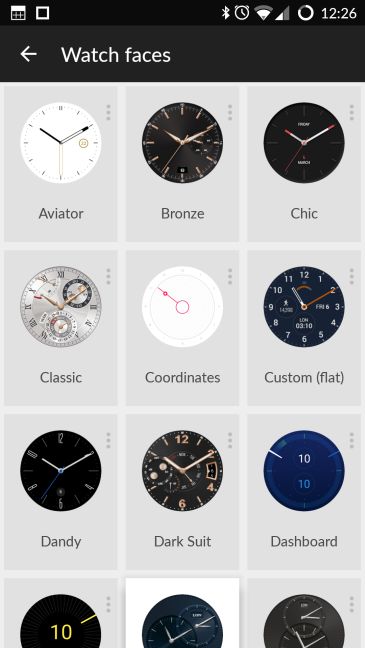
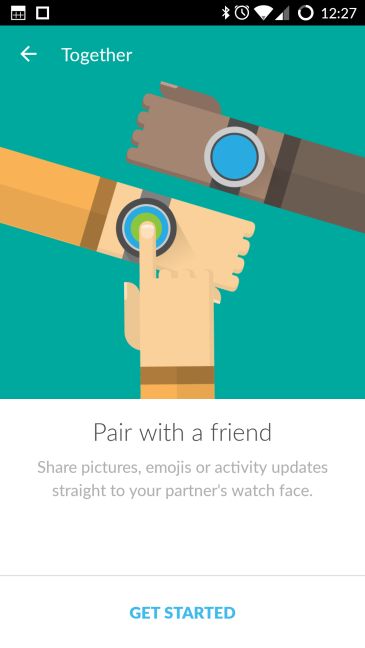
Since your smartphone's screen is much bigger, it might be a good idea to use that for configuring the watch. From the Android Wear app you can set up basically everything you need, from watch faces to the Together feature. This lets you pair your smartwatch with a friend's, so you can share pictures, emojis or activity updates directly to your partner's watch face.
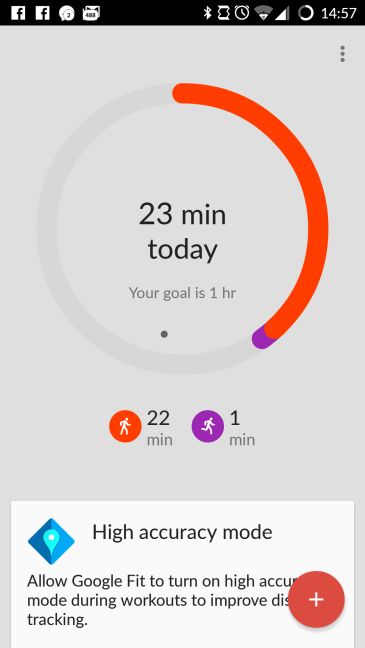
Inside the app you will also see a selection of other applications recommended for your smartwatch. First and foremost we recommend installing Google Fit , so you can use the Huawei W1's health and activity monitoring abilities. Here you can set your gender, height and weight and start monitoring your daily activities. You can set daily goals like number of steps to take, or a set period of time to spend walking or running.
The Google Fit app keeps a record of all of your activities so you can always monitor your performance and check on your progress. Here you can also check your heart rate with the optical heart rate monitor: we think the values it measures are not very accurate, as the pulse seemed to be unnaturally low. Even if you have a better experience and you get more accurate values, we do not recommend using the Huawei W1's optical heart rate monitor for any serious health purposes.
Using the Android Wear app you can also set up many kinds of actions, like navigating to certain places, creating a new agenda entry or setting a timer. After setting them up, these actions are readily available from the smartwatch, you just need to tap on them or you can use voice commands.
Of course the Huawei W1 has many features out of the box, without the need for any special apps. Besides the basic smartwatch features like call, sms and email notifications, you can have your upcoming calendar events displayed, find your phone using the smartwatch, get alerted when you leave your smartphone behind or use Google Maps navigation directly on the smartwatch screen. This does not only look cool, but it's also handy when you are on foot.
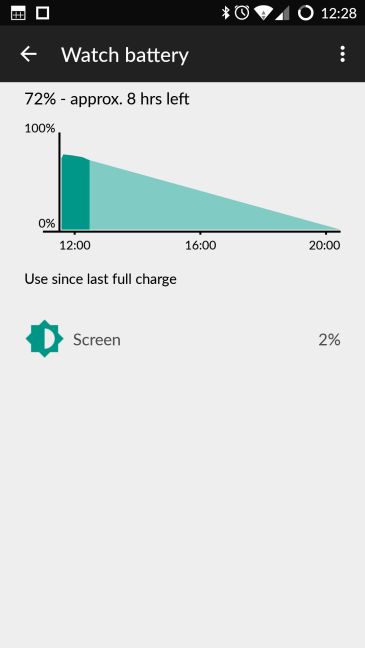
Based on its specifications, the Huawei W1 should have a battery life of about 1.5 days: in our experience, the 300 mAh battery can keep the smartwatch going for that long. We had to put in on the charger after a bit less than a day and a half, but the initial setup and installation of the smartwatch apps drained its battery a bit. Charging takes a bit less than two hours, so you shouldn't have problems with the battery.
On the whole, using the Huawei W1 smartwatch is a pleasant experience: we didn't experience any slowdowns or bugs, the interface is very clean and simple. Thanks to the Android Wear platform there are tons of applications available for the W1 which can extend its capabilities, but there are also many things you can use the smartwatch for straight out of the box.
Verdict
The Huawei W1 smartwatch rewards its users in many ways. First of all, it has a clean and simple design, that makes it a wearable that can match any outfit, may that be a tracksuit or a tuxedo. If you like something more sporty, you can choose the appropriate leather strap, and if you're into shiny and flashy stuff, then rose gold is your color.
We were also happy to see that besides the great design, Huawei's engineers didn't neglect the features either. Thanks to the Android Wear platform, the Huawei Watch is compatible with both iOS and Android devices, has a plethora of features and can be further extended with the installation of additional applications.
The presence of an optical, wrist-based heart rate monitor is a welcome sight, but this technology is far from being perfect: although it can check your heart rate, the information it provides is not very accurate, so if you need something like this for your training or for medical purposes, you should look for something different.
A problematic side of the Huawei W1 is its price: although you can get it for about 320 USD if you like the leather strap, for some unknown reason, the metallic bracelet edition costs more, around 380-410 dollars, depending on the color of the bracelet. We don't understand why you have to pay 30 dollars more if you want a black bracelet instead of a silver gray, but for the time being you have to deal with it.
Of course, if you feel that you can afford to spend that much on your new gadget, the Huawei W1 won't let you down: it looks good, feels good to wear, has a lot of features and will keep "ticking" through the day and more.
Discussion (0)
Comments are closed.