



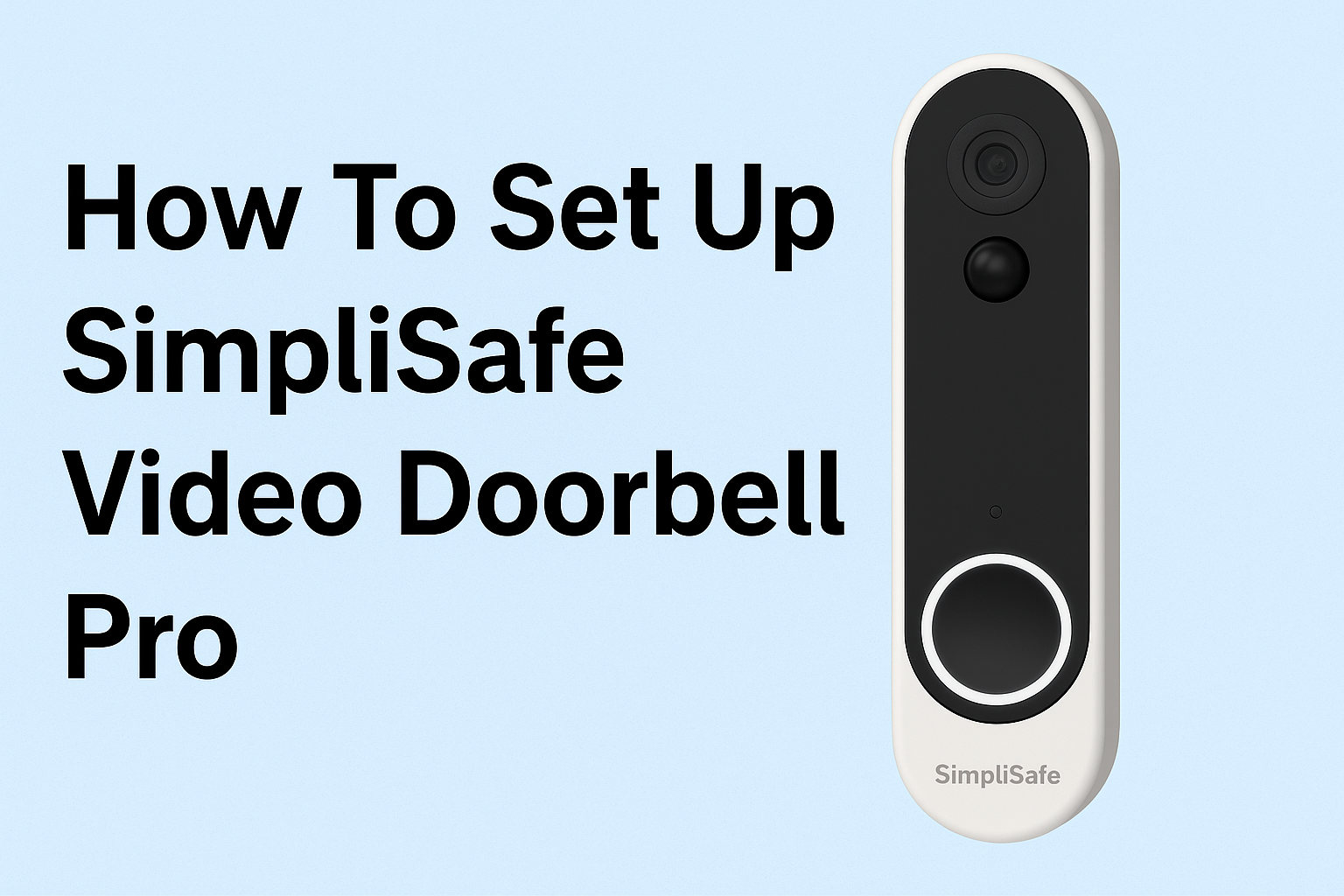
A reliable video doorbell improves your home security and lets you check activity outside your door at any moment. The SimpliSafe Video Doorbell Pro installs quickly when you prepare your wiring, tools, and Wi-Fi ahead of time. This guide shows you every step you need to mount, wire, and activate the device without problems.
Table of contents
- What you need before installing the SimpliSafe Video Doorbell Pro
- How to wire and mount the SimpliSafe Video Doorbell Pro
- How to connect the Video Doorbell Pro in the SimpliSafe app
- Where to place the doorbell for best video quality
- How to integrate the Video Doorbell Pro with smart home platforms
- How to fix common SimpliSafe Video Doorbell Pro setup issues
- Tips for maintaining your SimpliSafe Video Doorbell Pro
- FAQs
- Summary
What you need before installing the SimpliSafe Video Doorbell Pro
You save time when you confirm the wiring, power, and Wi-Fi requirements before starting the installation. These checks prevent connection issues and failed setups.
Check doorbell wiring and transformer voltage
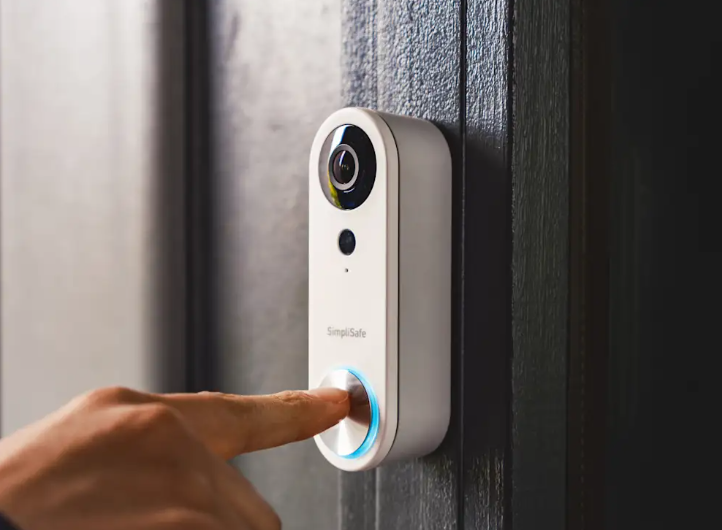
SimpliSafe requires an 8–24V AC mechanical chime system. Check your transformer label or use a multimeter to confirm the voltage. Replace the transformer if the reading falls below the minimum requirement.
Confirm Wi-Fi and network requirements
Your doorbell uses 2.4GHz Wi-Fi only. Stand near the mounting location and check signal strength on your phone. Move your router closer or install a Wi-Fi extender if the signal drops below two bars.
Gather tools and mounting hardware
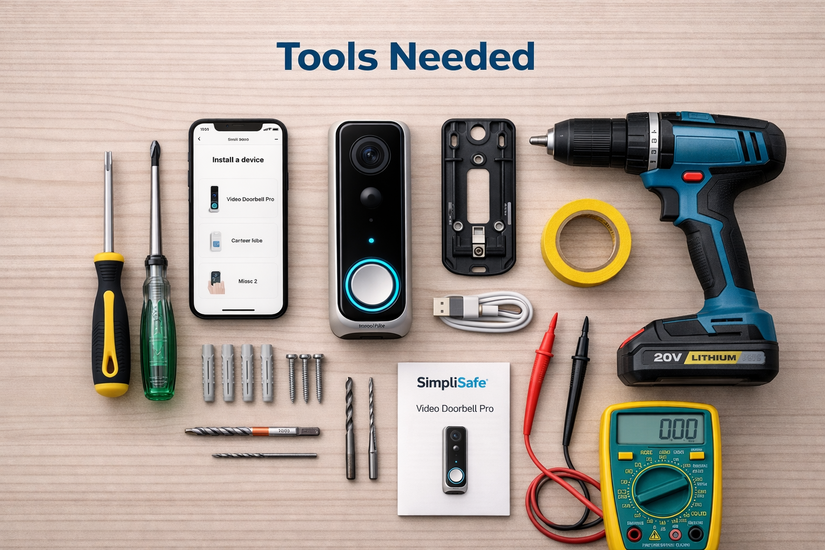
The sizes of screwdrivers needed to mount a video doorbell vary. For SimpliSafe, prepare a Phillips screwdriver, a drill with appropriate bits, wall anchors if needed, and the screws plus mounting bracket included with the doorbell. Having everything on hand keeps the installation smooth.
How to wire and mount the SimpliSafe Video Doorbell Pro
You avoid most setup failures when you mount the doorbell securely and wire it correctly. The steps below help you complete the physical installation safely.
Turn off power and remove the old doorbell
Switch off power at the breaker to protect yourself from shocks. Remove your old doorbell by unscrewing the faceplate and disconnecting the two wires.
Install the mounting bracket
Hold the bracket against your wall, siding, or brick surface and mark the screw holes. Drill pilot holes if needed, insert anchors, and screw the bracket in place. Angle the bracket to capture faces and packages clearly.
Connect the wiring to the new doorbell
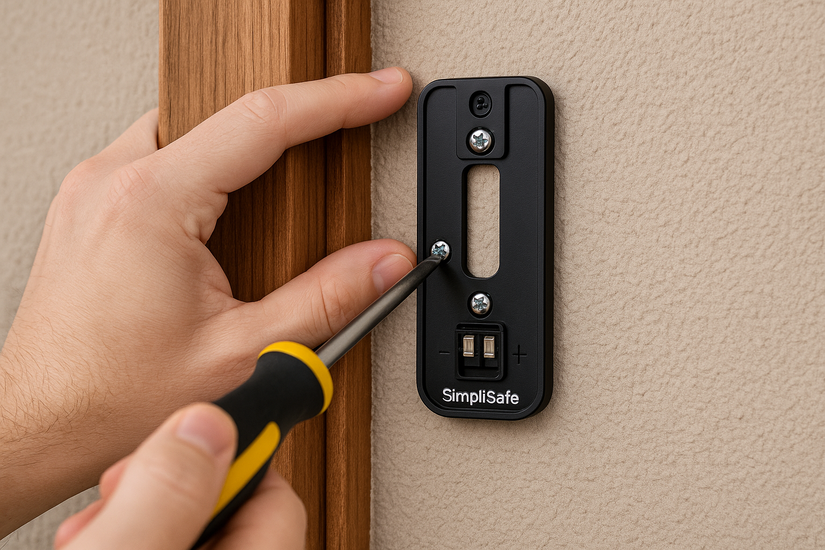
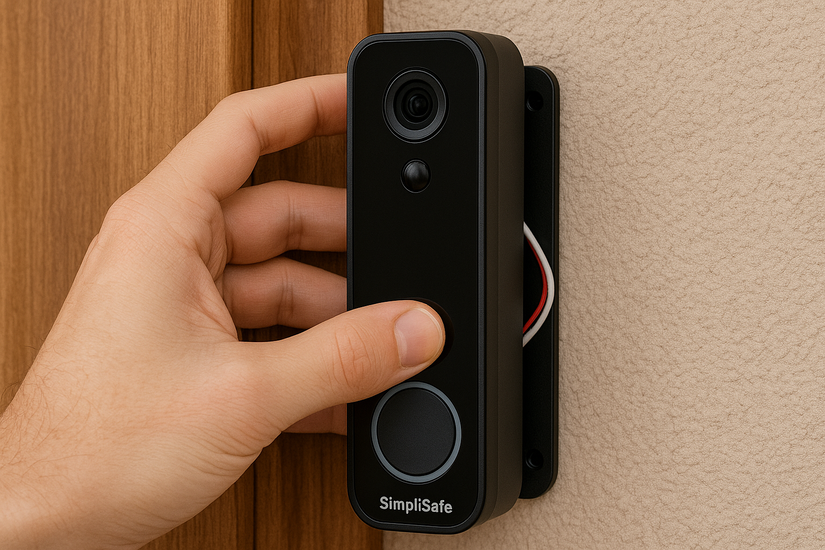
Attach the two doorbell wires to the terminals on the Video Doorbell Pro. Tighten the screws so the wires stay in place. Tuck extra wire behind the bracket to keep the doorbell flush against the wall.
Attach the doorbell to the bracket
Align the doorbell with the bracket and slide it down until it clicks. Tighten the security screw at the bottom to lock it in place.
How to connect the Video Doorbell Pro in the SimpliSafe app
You activate notifications, video streaming, and motion detection through the SimpliSafe app. These steps finalize the setup.
Add the doorbell in the SimpliSafe app
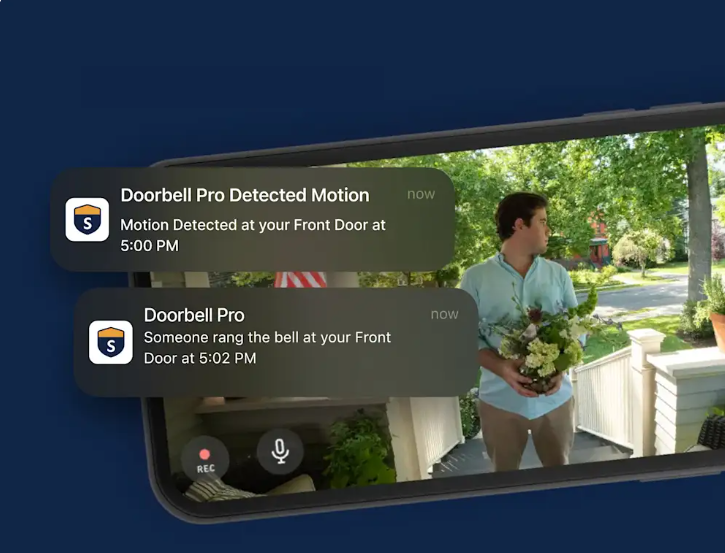
Open the app, tap Add New Device, and choose Video Doorbell Pro. Scan the QR code on the doorbell or follow the on-screen prompts.
Connect the doorbell to Wi-Fi
Choose your 2.4GHz network and enter your Wi-Fi password. Keep your phone close to the doorbell to maintain Bluetooth proximity during pairing.
Test the video feed and motion detection
Open the live view to confirm clear video. Adjust motion zones and sensitivity so the doorbell alerts you promptly when someone approaches your door.
Where to place the doorbell for best video quality
Mount the doorbell 48 inches above the ground for optimal facial visibility. Tilt the camera slightly outward if your entryway sits close to a wall or corner. Keep plants and décor away from the lens to prevent motion-trigger errors.
How to integrate the Video Doorbell Pro with smart home platforms
You can expand functionality by linking the doorbell to your preferred smart home ecosystem.
Use with Amazon Alexa
Enable the SimpliSafe Alexa skill so Echo speakers announce doorbell presses. View the live feed on Echo Show devices with a single voice command.
Use with Google Home
Connect your SimpliSafe account inside the Google Home app. Ask Google Assistant to stream the live view on Nest Hub or compatible Chromecast devices.
How to fix common SimpliSafe Video Doorbell Pro setup issues
- Doorbell won’t power on: Check the transformer voltage and tighten the wiring on the terminal screws. Confirm that your existing chime uses AC power, not DC, since DC systems won’t power the Video Doorbell Pro.
- Wi-Fi won’t connect: Move the router closer or adjust your 2.4GHz settings. Restart the router and try pairing again after you reduce network congestion from nearby devices.
- Video quality looks blurry or laggy: Improve clarity by increasing bandwidth, moving objects that block the signal, or adjusting router placement. Recheck your Wi-Fi extender if you use one, since incorrect placement can cause delays.
- Motion alerts not working: Increase the sensitivity slider, enable all required zones, and ensure your doorbell has a clear view of the walkway. Clean the lens to maintain accurate detection.
Tips for maintaining your SimpliSafe Video Doorbell Pro
- Clean the lens periodically to improve visibility.
- Check your Wi-Fi performance every few months for stable streaming.
- Tighten the mounting screw twice a year to prevent vibration issues.
- Review motion settings after seasonal changes or walkway rearrangements.
FAQs
Does SimpliSafe Video Doorbell Pro work without existing wiring? No. This model requires existing wired doorbell power for operation.
Can I use the doorbell with a digital chime? Yes, but you may need a chime adapter if your system doesn’t match SimpliSafe’s voltage requirements.
Does the doorbell support 5GHz Wi-Fi? No. It connects only to 2.4GHz networks.
Can I install it in an apartment? Yes, if your apartment has compatible wiring. Otherwise, you need landlord approval for transformer upgrades.
Summary
- Check wiring voltage, Wi-Fi requirements, and gather installation tools.
- Turn off power, remove the old doorbell, and mount the new bracket.
- Connect wiring, attach the Video Doorbell Pro, and power the system.
- Add the device in the SimpliSafe app and connect it to Wi-Fi.
- Optimize video, motion detection, and smart home integrations as needed.
You now have a fully functioning SimpliSafe Video Doorbell Pro with strong video quality and reliable alerts. A few placement adjustments and Wi-Fi optimizations usually boost performance even further, so revisit your setup if anything feels off over time.

Discussion (0)
Be the first to comment.