



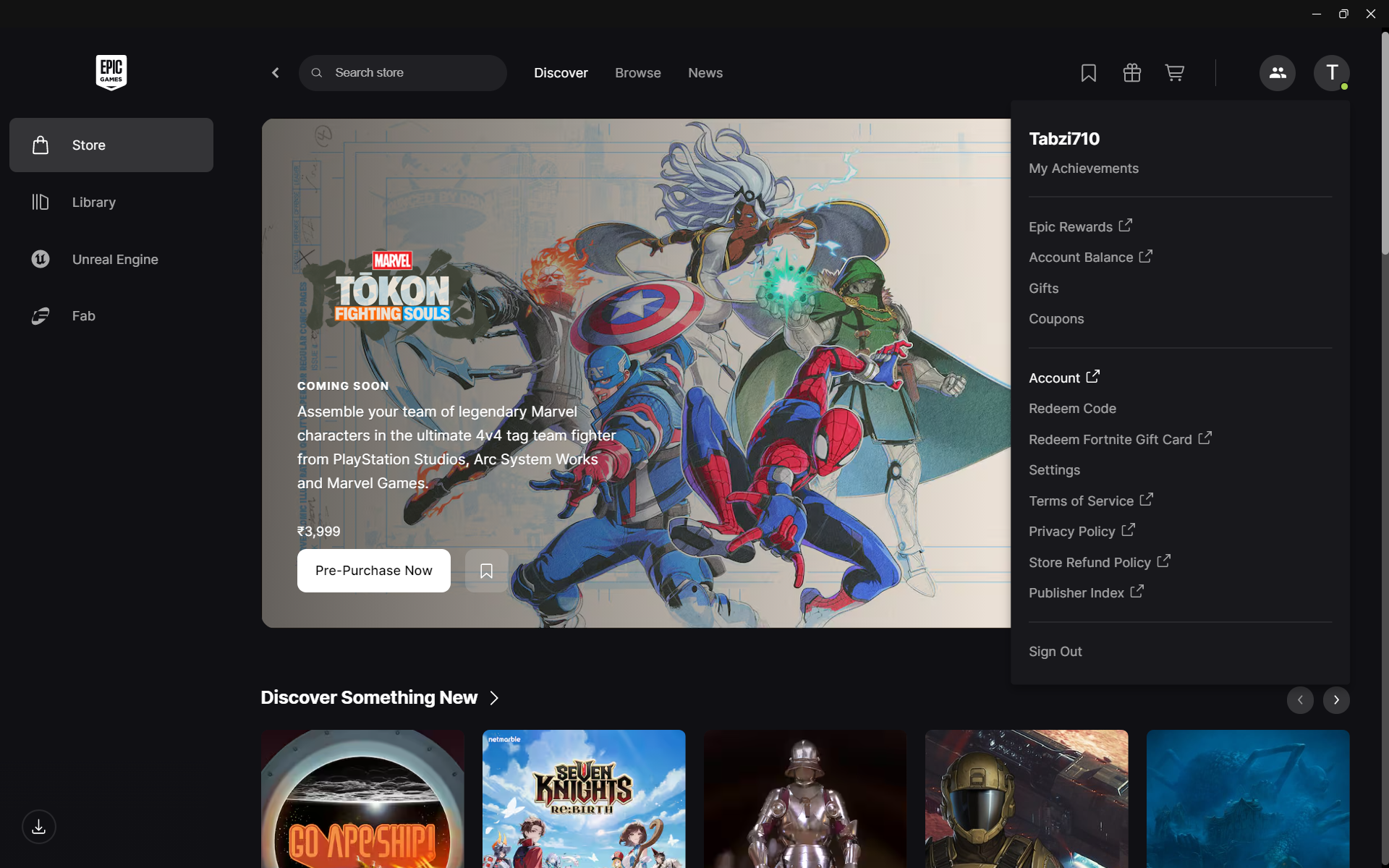
Linking your Epic Games and Steam accounts allows you to access certain cross-platform features, sync friends in supported games, and use Epic services when launching titles through Steam.
This guide explains how to link Epic Games and Steam accounts safely and correctly.
Why Link Epic Games and Steam
Linking accounts can help with:
- Cross-platform multiplayer
- Syncing in-game progress for supported titles
- Connecting Epic friends
- Accessing Epic Online Services
- Managing linked accounts centrally
Not all games support full cross-progression, so compatibility depends on the specific title.
Method 1: Link Accounts Through Epic Games Website
This is the most reliable method.
- Open a web browser
- Go to the official Epic Games website
- Sign in to your Epic Games account
- Click your profile name
- Select Account
- Go to the Connections tab
- Click Accounts
- Select Steam
- Sign in with your Steam credentials
- Confirm the linking request
Your accounts will now be connected.
Method 2: Link During Game Launch
Some games automatically prompt you to link accounts.
- Launch a supported game on Steam
- When prompted, log in to your Epic Games account
- Approve the connection request
This links the accounts specifically for that game.
How to Check If Accounts Are Linked
To verify:
- Log in to your Epic Games account
- Go to Account > Connections > Accounts
- Confirm Steam shows as connected
If it appears under linked accounts, the connection is active.
How to Unlink Epic Games and Steam
If needed:
- Log in to Epic Games
- Go to Account > Connections
- Select Accounts
- Click Disconnect next to Steam
- Confirm removal
Keep in mind that unlinking may affect access to certain features.
Important Things to Know
Before linking:
- Some games require linking for multiplayer
- Cross-progression is game-dependent
- Unlinking may restrict access to certain content
- You can only link one Steam account to one Epic account at a time
Always ensure you are logged into the correct accounts before linking.
Troubleshooting Linking Issues
If linking fails:
- Clear browser cache
- Disable browser extensions
- Ensure Steam is logged in
- Try a different browser
- Check Epic Games server status
If problems continue, contact Epic Games Support.
Is Linking Safe
Yes, linking accounts through official websites is safe. Always:
- Use official Epic Games pages
- Avoid third-party linking services
- Enable two-factor authentication
This protects your gaming accounts.
Final Thoughts
Linking Epic Games and Steam accounts allows you to enjoy cross-platform features in supported games. The process is simple and can be done through the Epic Games website or during game launch. Always verify account details before confirming the link to avoid mistakes.
FAQs
Can I transfer games between Steam and Epic Games
No, linking does not transfer purchased games between platforms.
Does linking enable cross-play
It depends on the specific game.
Can I unlink accounts later
Yes, through the Epic Games account settings.
Is linking required for all games
No, only certain games require it.
Can one Epic account link multiple Steam accounts
No, only one Steam account can be linked at a time.


Discussion (0)
Be the first to comment.