



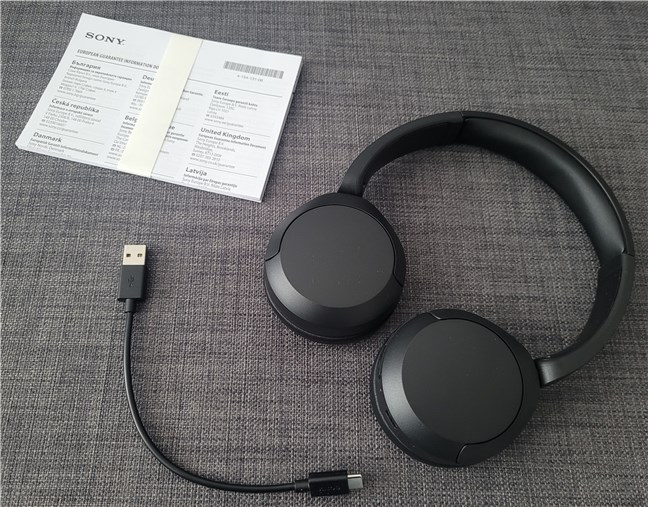
Windows Sonic is a built-in spatial sound feature that enhances audio by creating a virtual surround sound experience through regular headphones or speakers. It improves gaming, movies, and music by making sound feel more immersive and directional.
This guide explains what Windows Sonic is and how to enable it in Windows 10 and Windows 11.
What Is Windows Sonic
Windows Sonic is Microsoft’s spatial sound technology. It simulates surround sound using software processing instead of requiring physical surround speakers.
It works with:
- Headphones
- Stereo speakers
- Gaming headsets
No additional hardware is required.
Benefits of Windows Sonic
Enabling Windows Sonic can:
- Improve positional audio in games
- Make movies sound more immersive
- Enhance clarity of environmental sounds
- Provide better direction awareness in competitive gaming
It is especially useful for FPS and open-world games.
How to Enable Windows Sonic in Windows 11
The steps are slightly different in Windows 11.
- Right-click the speaker icon in the taskbar
- Select Sound settings
- Scroll down and click Advanced sound settings
- Under Output device properties, find Spatial sound
- Choose Windows Sonic for Headphones

Windows Sonic will now be enabled.
Enable Windows Sonic from Sound Control Panel
If the option is not visible in quick settings, try this method.
- Open Control Panel
- Click Hardware and Sound
- Select Sound
- Choose your playback device
- Click Properties
- Go to the Spatial sound tab
- Select Windows Sonic for Headphones
- Click Apply
What If Windows Sonic Is Not Showing
If you cannot see the option:
- Update your audio drivers
- Install Windows updates
- Restart your PC
- Ensure your audio device supports spatial sound
Outdated drivers are the most common cause.
What If Windows Sonic Is Not Showing
If you cannot see the option:
- Update your audio drivers
- Install Windows updates
- Restart your PC
- Ensure your audio device supports spatial sound
Outdated drivers are the most common cause.
Final Thoughts
Windows Sonic is an easy way to enhance your audio experience on Windows 10 and Windows 11. It requires no additional hardware and can be enabled in just a few clicks. Whether you are gaming or watching movies, turning on Windows Sonic can make your sound more immersive.
FAQs
Is Windows Sonic free
Yes, it is built into Windows and completely free.
Does Windows Sonic work with all headphones
It works with most stereo headphones.
Can I use Windows Sonic on speakers
Yes, but it works best with headphones.
Why is Windows Sonic not available on my PC
It may be disabled due to outdated audio drivers or unsupported hardware.
Is Windows Sonic good for gaming
Yes, it improves positional awareness in many games.

Discussion (0)
Be the first to comment.