




Walmart employees can access and download their pay stubs online through the company’s employee portal. This guide explains how to quickly download Walmart pay stubs and store them for tax filing, income verification, or personal recordkeeping. At the time of writing, the steps remain accurate and reliable for both new and longtime associates.
Download your Walmart pay stub
You access your Walmart pay stub through the online portal your store uses for scheduling, employee resources, and payroll information. Once you sign in, you can view and download each available pay period. Follow the steps below to complete the process.
Log in to your employee portal
- Open your browser and go to the Walmart employee login page, and log in.
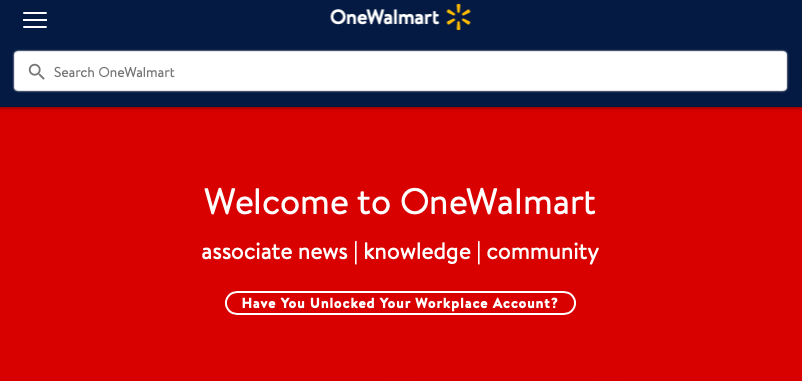
- Sign in using your Walmart Identification Number and password.

- Complete any security verification prompts if requested.
- Wait for your dashboard to load.

Open the pay stub section
- Select the menu icon or payroll section from your dashboard.
- Choose the option labeled "Pay stub" or "Payroll".
- Review the list of available pay periods.
Select and download your pay stub
- Click on the pay period you want to download.
- Review the earnings, deductions, taxes, and other details.
- Select Download or Save to download the file to your device.
- Choose a folder where you want to keep your pay stubs organized.
Access the downloaded file
- Open your device’s file browser.
- Go to the folder where you saved your Walmart pay stub.
- Double-click the PDF to open it.
- Print or save a backup copy if needed.
Troubleshooting common problems
These quick solutions help if your Walmart pay stub does not load or fails to download.
- Incorrect login details: Reset your password if the system rejects your credentials.
- Portal not loading: Clear your browser cache or switch to another browser.
- Missing pay stub: Verify your employment status or contact your store’s personnel office.
- Download not working: Disable pop-up blockers or check your device’s storage permissions.
- Errors on pay stubs: Report them directly to your payroll manager for correction.
Tips
- Create a dedicated folder on your computer for storing all Walmart pay stubs.
- Download each pay stub on payday to avoid missing or outdated entries.
- Use a PDF reader for the most accurate display of your pay stub details.
- Keep backup copies in cloud storage for tax and income verification purposes.
FAQ
How often does Walmart update pay stubs?
Walmart updates pay stubs every payday, and each pay period becomes available online automatically.
Can I view older Walmart pay stubs?
Yes. Older Walmart pay stubs remain accessible in your portal unless your store’s system has archived them.
Why is my pay stub missing?
A missing pay stub usually means payroll has not finalized that pay period yet, or there is an error on your account.
Do I need special software to open Walmart pay stubs?
Most pay stubs download as PDF files, so any standard PDF reader can open them.
Summary
- Sign in using your Walmart employee account.
- Go to the payroll or pay stub section.
- Select the pay period you want to download.
- Save the file to a secure folder.
- Open or print your pay stub when needed.
Downloading your Walmart pay stub is easy and gives you quick access to your earnings and deduction history. Storing your files in an organized way helps you stay prepared for tax season, loan applications, and employment verification without delays.


Discussion (0)
Be the first to comment.