




AT&T includes a free McAfee Internet Security license with eligible home internet plans. You can download it in minutes once you confirm that your account qualifies. This guide walks you through the steps and helps you fix common issues that block installation.
Table of contents
- Check if your AT&T plan qualifies for free McAfee
- Download free McAfee from the AT&T Security Center
- Use McAfee features included with your AT&T license
- What to do if AT&T no longer offers free McAfee for your plan
- Troubleshoot download or activation problems
- Tips for a smooth AT&T McAfee setup
- FAQs
- Summary
Check if your AT&T plan qualifies for free McAfee
AT&T only provides the free McAfee license on specific internet plans. Confirming eligibility avoids errors during download or activation.
Confirm your AT&T login type
Sign in with the primary AT&T ID. Secondary profiles and subaccounts cannot redeem the free McAfee offer.
Verify subscription eligibility in your AT&T dashboard
Open the security add-ons section under your AT&T account. If your plan includes McAfee, you should see a link or card labeled Internet Security Suite or AT&T Security.
Download free McAfee from the AT&T Security Center
Once you confirm your plan is eligible, you can download the correct McAfee installer for Windows or macOS.
Sign in to the AT&T Security Center
Go to the AT&T Security Center and sign in with your primary AT&T credentials. This page connects your McAfee license to your account.
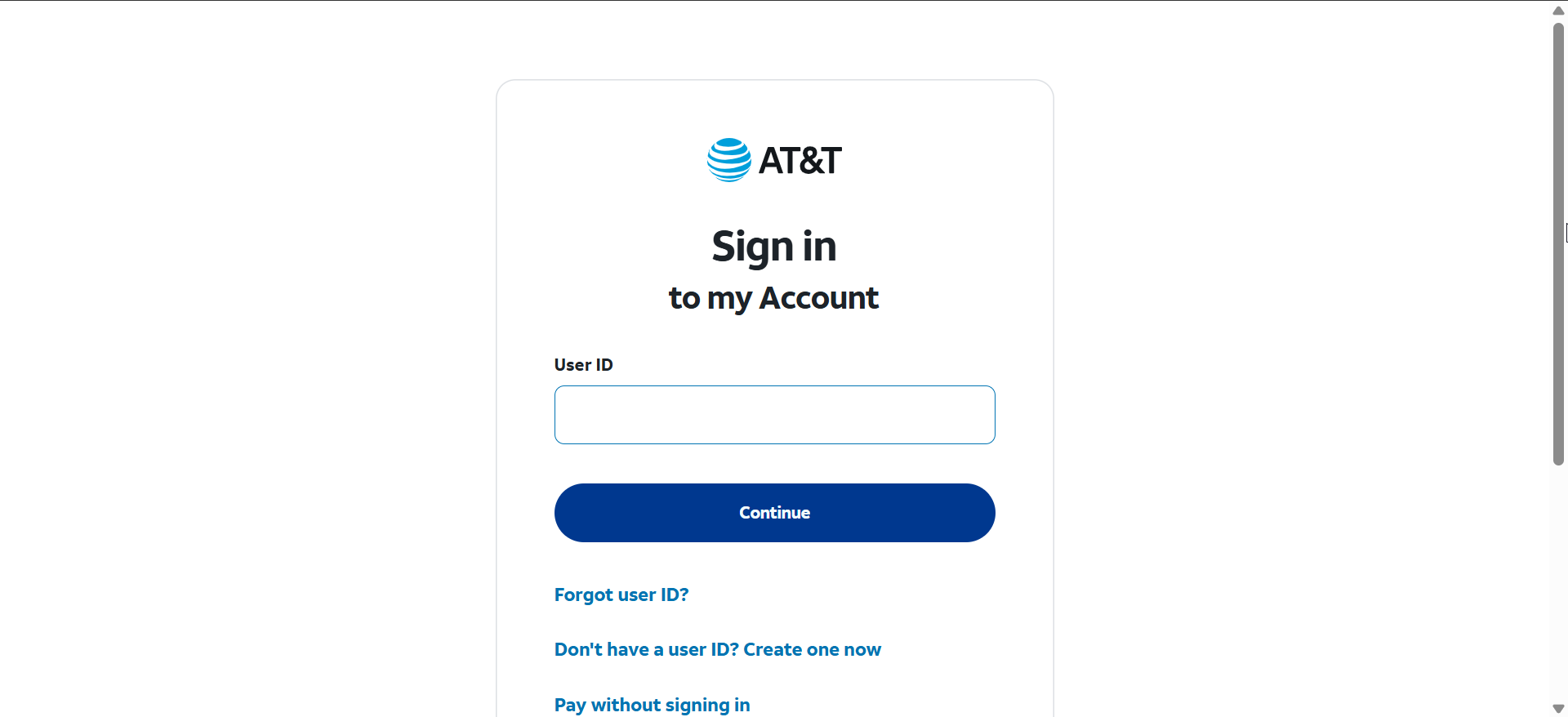
Start the download for Windows or macOS
Choose your operating system and download the Mcafee Antivirus installer. Picking the correct platform prevents failed setup attempts.
Install and activate McAfee using your AT&T license
Run the installer and follow the on-screen prompts. Your license activates automatically when you sign in with the AT&T-linked McAfee account during setup.

Use McAfee features included with your AT&T license
Understanding what your license includes helps you get the most value from the free suite.
Real-time protection and firewall tools
These tools block malware, suspicious apps, and network threats while you browse or download files.

Password manager and safe browsing options
McAfee includes a password manager and browser extensions that help protect account logins and alert you about risky websites.
What to do if AT&T no longer offers free McAfee for your plan
Some AT&T plans have lost the McAfee perk as contracts changed. You can confirm your status and choose a replacement if needed.
Confirm status in the AT&T dashboard
Check your security add-ons section. If McAfee no longer appears, AT&T may have removed the offer for your plan.
Choose an alternative protection solution if needed
Pick another antivirus suite if the AT&T license is no longer available. Many free and paid options offer strong real-time protection.
Troubleshoot download or activation problems
- “You are not eligible” message: This message usually appears when you are signed in with a secondary profile, your plan changed, or your AT&T account is not recognized correctly. Switch to the primary ID and reload the Security Center.
- AT&T page not showing the McAfee download link: If the McAfee card is missing, clear your browser cache or try a different browser. If the link still does not appear, your plan may no longer include the license.
- McAfee installer stuck in a redirect loop: Switch browsers or use private mode to bypass session issues. A fresh AT&T login usually fixes this problem.
- Subscription not syncing after installation: Open the McAfee app and trigger a manual update. This forces McAfee to check your AT&T license and apply the correct subscription status.
Tips for a smooth AT&T McAfee setup
- Use the primary AT&T login to avoid eligibility errors.
- Try another browser if the download page does not load.
- Remove all other antivirus tools before installing McAfee.
- Restart your device after uninstalling old security software.
- Keep your AT&T account active to maintain your McAfee license.
FAQs
Why does AT&T say I am not eligible for McAfee? You may be using a secondary account, or your plan may no longer include the license.
Does AT&T still offer free McAfee? Some plans do, but availability has changed in recent years. You must confirm eligibility in your account dashboard.
Can I install McAfee on more than one device? Most AT&T McAfee licenses cover multiple devices. The exact number appears in your McAfee account after activation.
Is the AT&T McAfee suite the same as the standalone McAfee product? Yes, but licensing is tied to your AT&T internet subscription.
Summary
- Sign in with your primary AT&T ID.
- Confirm your plan includes the free McAfee license.
- Open the AT&T Security Center to access the download link.
- Download and install the Windows or macOS version of McAfee.
- Fix errors by switching browsers, clearing cache, or verifying eligibility.
The steps above help you activate your free McAfee license without errors. Once installed, McAfee protects your device with real-time scanning, a firewall, and safe browsing tools as long as your AT&T plan remains eligible.


Discussion (0)
Be the first to comment.