




If you're trying to add a gift card to Cash App, the process depends heavily on the type of card you have. Cash App supports only a limited set of prepaid options, so most store gift cards won’t work directly. This guide shows you what’s supported, what fails, and the safest ways to move your gift-card balance into Cash App.
1) Understanding how Cash App handles gift cards
Cash App doesn’t support store gift cards or most prepaid cards as a funding source. You can only link approved debit cards and bank accounts.
However, some open-loop gift cards, like Visa or Mastercard prepaid cards, may work because they act like debit cards. Success varies depending on the issuer and activation status.
2) How to try adding an open-loop gift card
Before trying workarounds, you can test whether your card behaves like a prepaid debit card. Open Cash App and tap Profile. Next, select Linked Banks and tap Link Debit Card. Now, enter the gift card’s number, expiration date, and CVV, tap Add Card, and wait for Cash App to verify it.
If the card works, Cash App links it like any normal prepaid card.
Note that most Visa and Mastercard gift cards fail during verification. You might see errors like Card Not Supported or Failed to Link. These messages indicate the card can’t act as a funding method inside Cash App.
3) Workarounds to move gift card money into Cash App
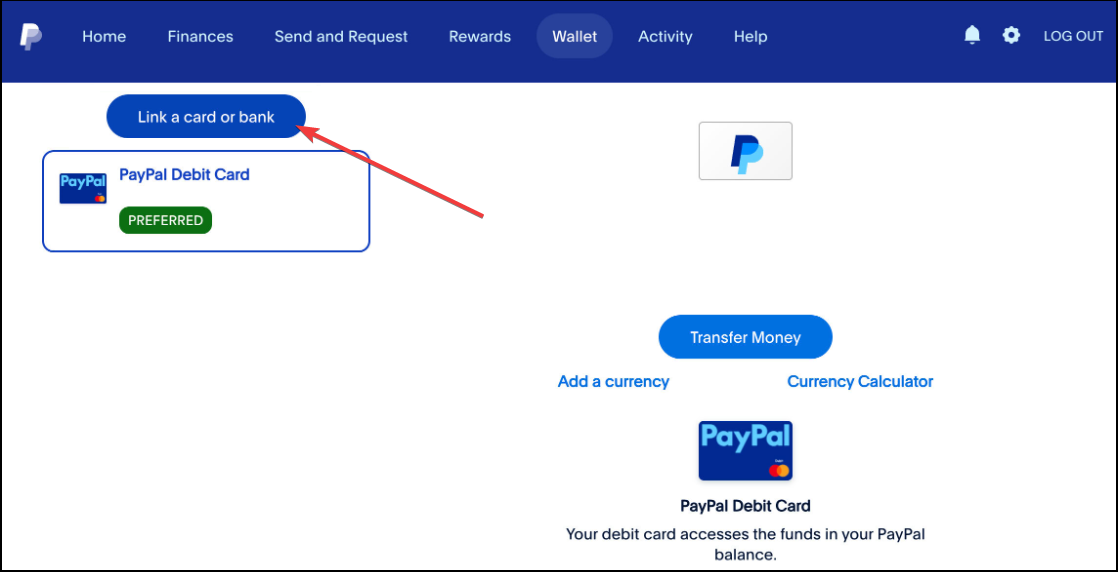
Method 1: Transfer gift card balance to a bank or PayPal
Some open-loop cards allow balance transfers to PayPal or your bank. Once the funds arrive, you can move them into Cash App using Add Cash.
Method 2: Use the gift card to buy a money order
You can buy a money order with a prepaid gift card at participating retailers. Deposit the money order into your bank, then move the funds to Cash App.
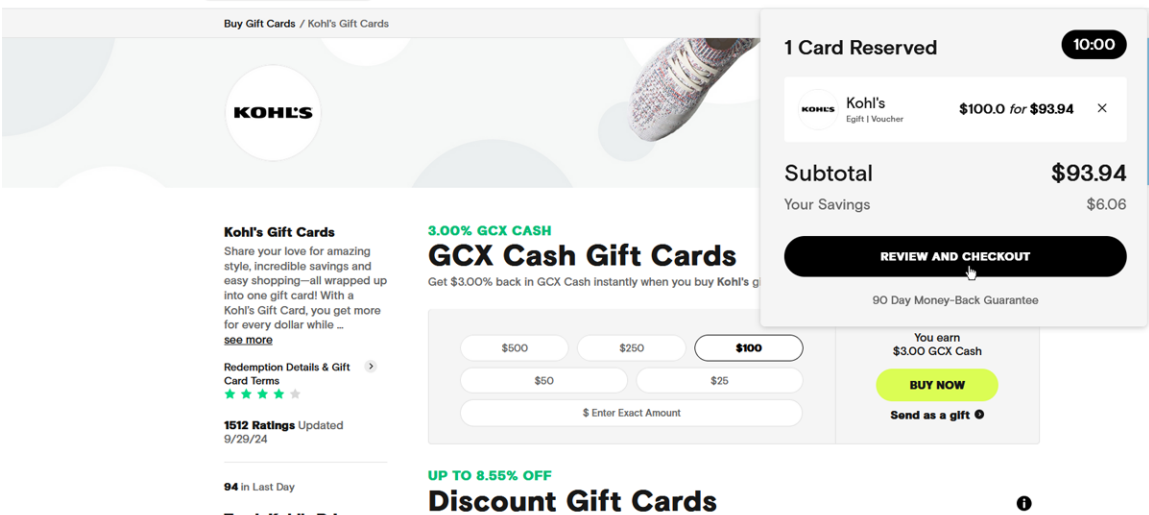
Method 3: Sell the gift card on a reputable exchange
If you have a store-specific gift card, selling it converts the balance into cash. After you receive payment, add the money to Cash App from your bank.
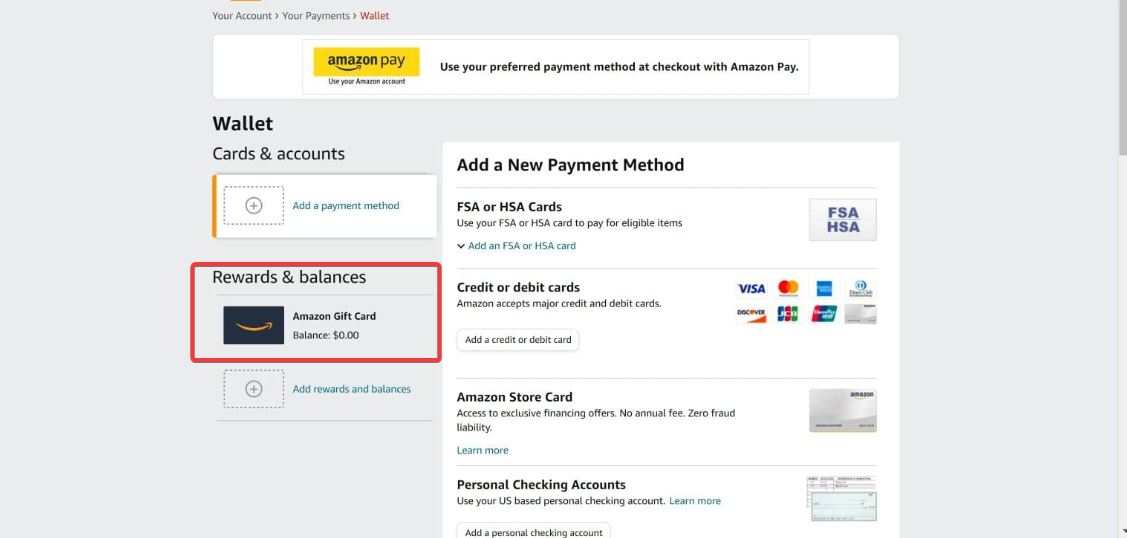
Method 4: Use the gift card for a purchase and reimburse yourself
Use the gift card to cover something you already planned to buy. Then transfer the same amount from your bank into Cash App. This method has no fees and no delays.
How to add the funds to your Cash App balance
To add cash to Cash App from your linked bank or debit card, open Cash App and tap Banking. Next, select Add Cash and enter the amount. Now, tap Add and confirm with your PIN.
Troubleshooting and fixes
- Card Not Supported errors: This happens when Cash App detects an unsupported card type. Check if your gift card is open-loop and make sure it’s activated with the correct ZIP code.
- Transfer declined or payment blocked: Prepaid cards sometimes trigger identity or fraud checks. Confirm your balance, verify the billing address, and retry using a linked bank.
- Region and issuer restrictions: Some cards only work inside the U.S. or require identity verification before transfers. Cash App follows issuer rules and can’t override these limits.
FAQs
Can I add store gift cards (Amazon, Walmart, Target) to Cash App? No. Store gift cards aren’t supported as a funding method inside Cash App.
Can I add Visa gift cards to Cash App? Sometimes. Only a small set of open-loop cards works, and success depends on the issuer.
Why does Cash App say my card is not supported? The card doesn’t meet Cash App’s debit-card requirements. Most gift cards fall into this category.
What’s the fastest way to move gift-card money into Cash App? Transferring the balance to PayPal or selling the card usually provides the quickest route.
Summary
- Cash App doesn’t support store gift cards or most prepaid cards as a funding source
- You can test adding an open-loop gift card to Cash App
- Converting the card’s balance through PayPal, a bank deposit, or a trusted resale option provides a reliable way to move funds into Cash App.
Conclusion
Gift cards rarely link directly to Cash App, but safe workarounds make it possible to transfer the value. Once the card’s balance reaches your bank, adding it to Cash App becomes straightforward.


Discussion (0)
Be the first to comment.