



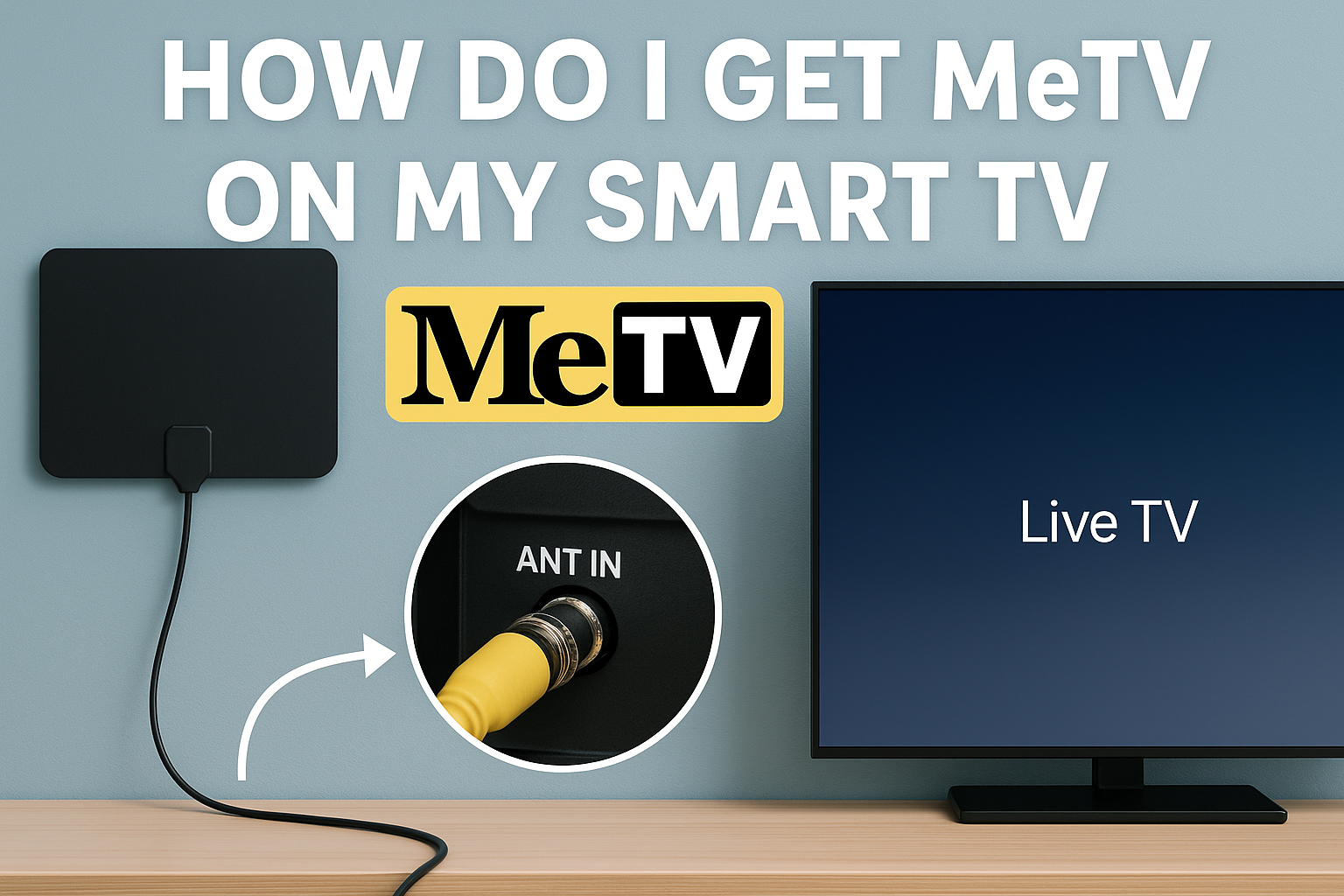
MeTV reaches most US households through over-the-air broadcasts, so many viewers try to tune in directly on their smart TV. Others prefer to watch it through supported streaming apps. This guide shows the clearest paths to get MeTV working and explains why the channel sometimes does not appear.
1) Check whether MeTV is available in your area
MeTV runs as a broadcast network, and your local affiliate determines whether you can receive the channel. Smart TVs do not load MeTV automatically unless your region carries the signal.
Start by checking your ZIP code through MeTV’s official affiliate finder. This helps you confirm if the channel broadcasts in your county before you start scanning your TV.
2) Get MeTV using an HDTV antenna
Most US smart TVs can tune to MeTV when connected to an over-the-air antenna. The TV’s tuner loads local channels after a quick scan.
Get started by connecting an antenna to your smart TV. Use a coax cable to connect the antenna to the ANT IN port on your TV. Then, select the TV or Live TV input so the tuner recognizes the signal.
Next, run a channel scan on your TV. Below are the steps for popular TV brands:
Samsung: After connecting the antenna to your Samsung smart tv, press Home and go to Settings. Next, select Broadcasting, choose Auto Program, and start the scan.

LG webOS: Press Settings and go to Channels. Now, select Channel Tuning and click Start to activate auto-tuning.

Roku TV: Go to Settings > TV Inputs and select Antenna TV. From here, run Scan for Channels and wait for the scan to complete.
Fire TV Edition: Go to Settings and open Live TV. Now, select Channel Scan.
Google or Android TV: Go to Settings and open Channels or Live TV, then run Channel Scan.
Tip: If MeTV does not appear, move the antenna to a higher wall or closer to a window and run another scan. If your region is far from the broadcast tower, a stronger antenna may help.
3) Watch MeTV through supported streaming services
Some US streaming services carry MeTV live or provide a curated collection of MeTV Select content. These apps run on all major smart TV platforms.
Use Frndly TV for live MeTV
Frndly TV offers live MeTV in many regions across the US. The app installs on Samsung, LG, Roku, Fire TV, and Google TV and serves as a reliable streaming source for the full MeTV channel, where supported.

Use Philo or other regional partners
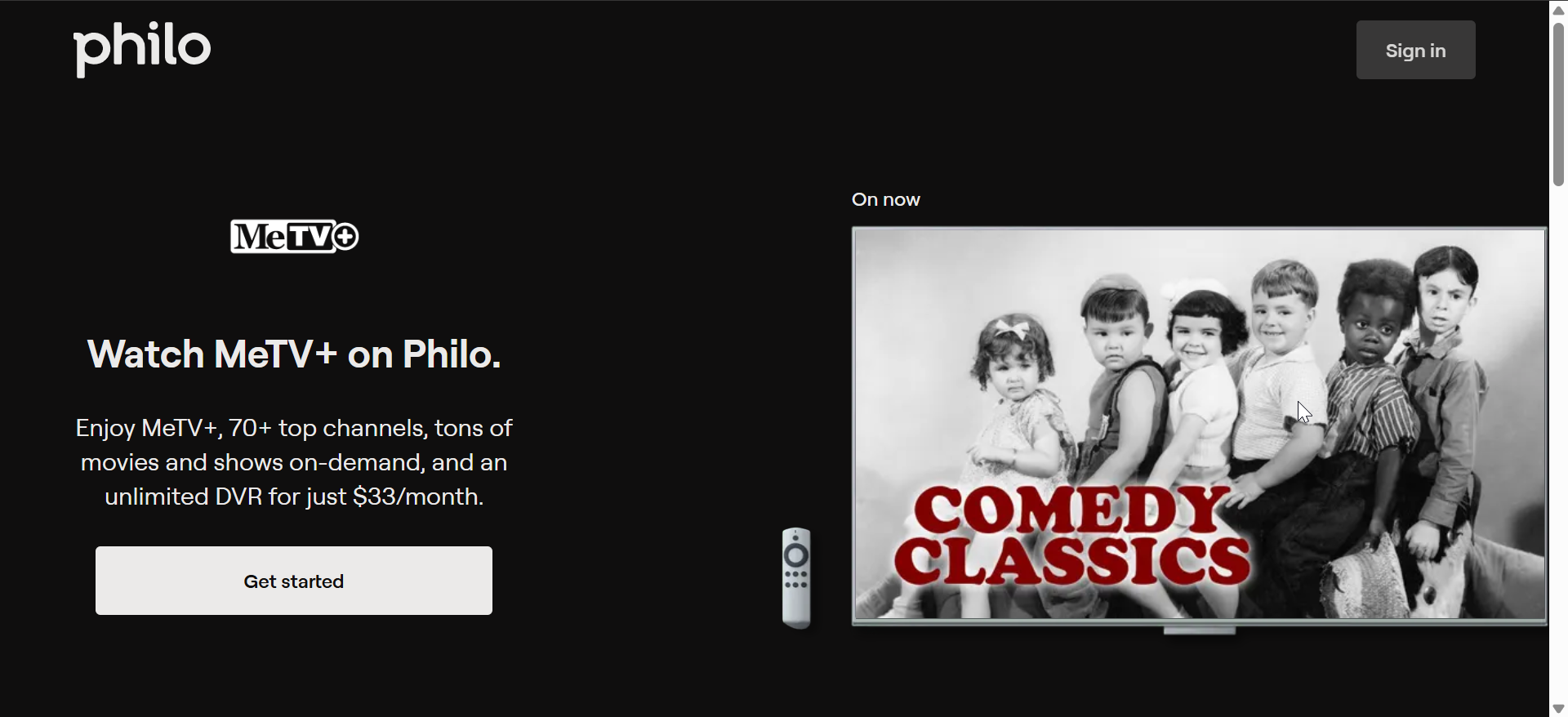
Some cable-replacement apps offer MeTV depending on your ZIP code. Check your plan’s channel list to confirm coverage before installing the app on your TV.
Watch classic MeTV shows on Tubi
Tubi provides select MeTV programming through MeTV Select. The library covers fan-favorite classics but does not replace the live channel.
Troubleshooting MeTV not showing on your smart TV
- Run a second channel scan: Over-the-air tuning sometimes skips channels due to interference or momentary signal drops. Run another scan after repositioning the antenna.
- Switch to Air or Antenna mode: Some TVs default to Cable mode and will not detect MeTV. Switch the tuner mode to Air or Antenna before rescanning.
- Check ZIP code settings in streaming apps: Streaming platforms rely on ZIP codes to load regional channels. Confirm that your ZIP code is correct in your app settings to prevent MeTV from being replaced by a different affiliate.
Tips for watching MeTV on a smart TV
- Place the antenna higher for stronger reception.
- Avoid placing the antenna behind thick walls or metal objects.
- Run a new scan after storms or service changes.
- Use a streaming alternative if your affiliate signal stays weak.
FAQs
Does MeTV have a smart TV app? No. MeTV does not publish a standalone app for Samsung, LG, Roku, Fire TV, or Google TV. OTA reception and streaming partners are the only options.
Why can't I find MeTV after scanning? Your tuner may not detect the signal due to weak reception or incorrect mode settings. Switch to Air or Antenna and run another scan.
Can I stream MeTV for free? MeTV Select shows appear free on some streaming platforms, but the full live channel typically requires a subscription through a partner service.
Summary
- Check local MeTV availability by ZIP code.
- Connect an HDTV antenna and run a channel scan.
- Install streaming apps that support MeTV in your region.
- Adjust antenna placement if channels are missing.
- Confirm ZIP code settings in streaming apps.
You can get MeTV on a smart TV by scanning for the channel with an HDTV antenna or using streaming services that carry the network. Local availability determines which option works best in your home, and with the right setup, your smart TV loads MeTV consistently so you can watch classic programming without complications.


Discussion (0)
Be the first to comment.