




If you need help with Spotify, you can reach support through several direct channels. Spotify relies on message-based support, so knowing the fastest option saves time. This guide shows every contact method and when to use each.
1) Quick ways to reach Spotify support
Use the Spotify support chat
Open the Spotify Help page and choose the category that matches your issue. Next, select Chat, describe the problem, and follow the prompts.
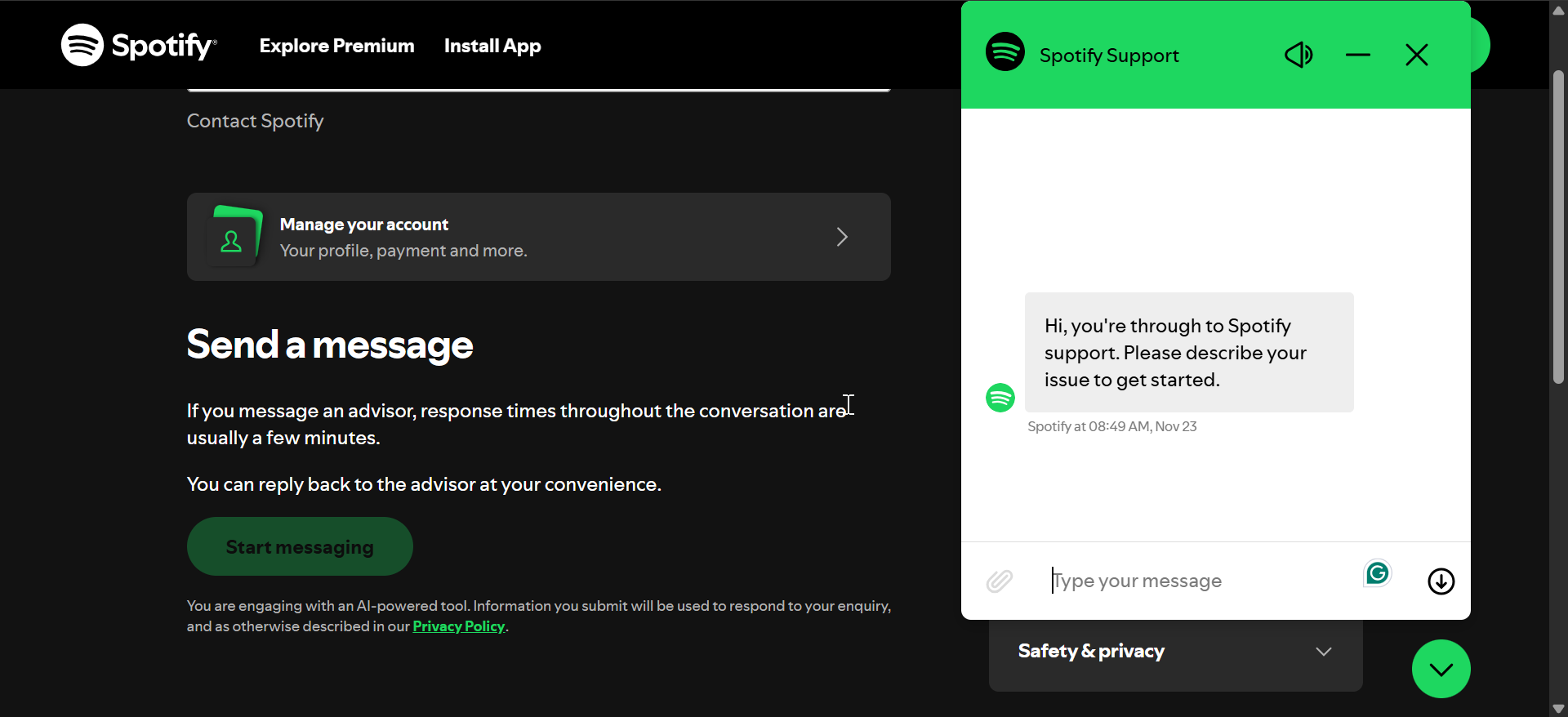
Send a message through the Help site
Visit the Help menu in the app or browser and pick the issue category. Now, select I still need help, submit the form, and wait for the response.
Contact Spotify via social media
Spotify support teams respond quickly on major social platforms. This works best for general questions or when chat support is offline. Just go to the official Spotify website and look for the links to their official social media handles.
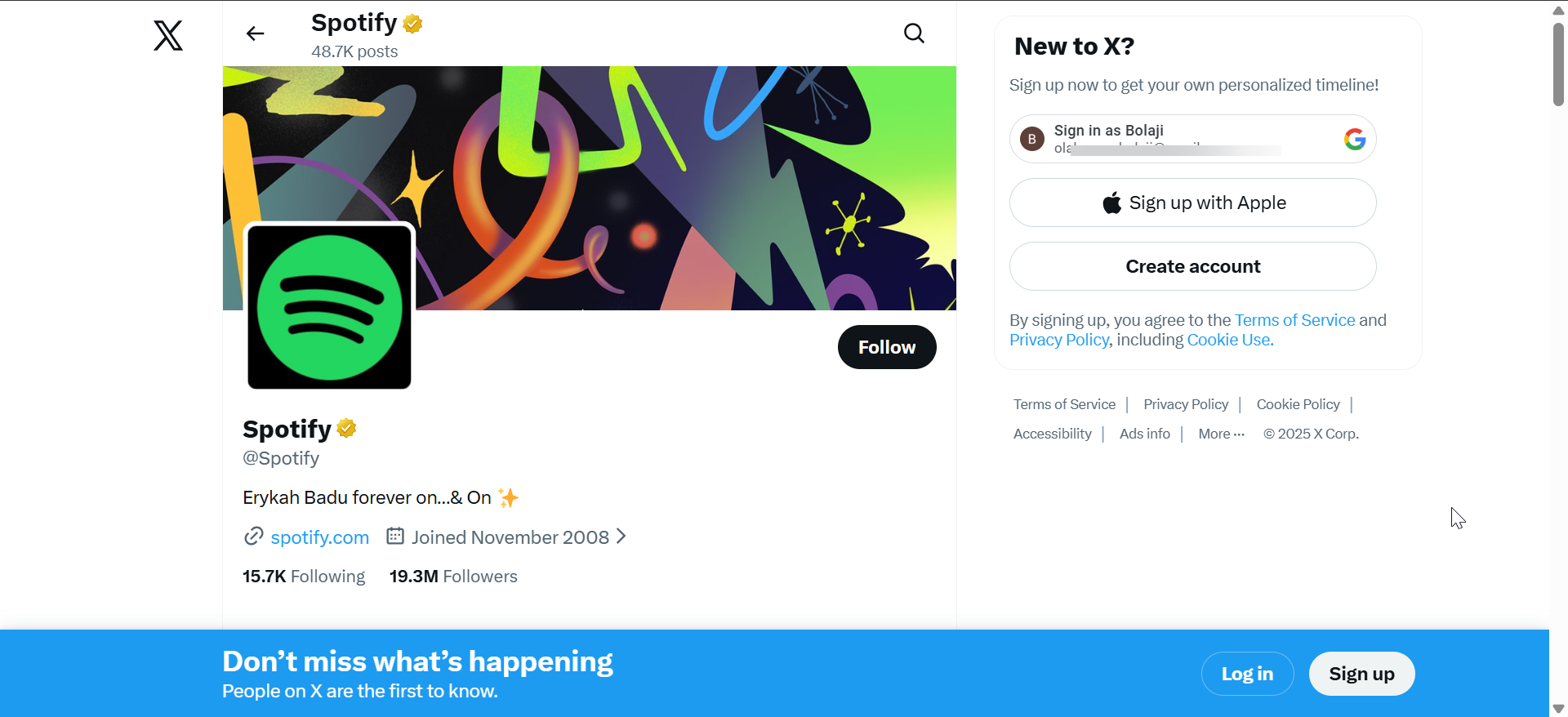
Click any of the links to visit the page directly and send them a brief message with your issue.
2) Contact options inside the Spotify app
Access the help section in the mobile app
Open the Spotify app and tap your profile icon. Next, select Support, pick a category, and follow the instructions.
Use the desktop app for account troubleshooting
Open Spotify on your PC or Mac and click your profile. Now, select Account, review the available support links, and pick the one you need.
3) Contacting Spotify for billing, login, and account problems
Recover a locked or hacked account
Go to the account recovery page in the Help menu and enter the email address linked to your account. Follow the verification steps and submit the security form if needed.
Fix payment or subscription issues
Billing problems range from failed payments to Premium upgrade errors. Spotify resolves these faster when you use the correct billing path.
Just go to Account in the app or browser and check your subscription status. Next, update your card details. Lastly, submit a billing request if charges still fail.
Report unauthorized charges

Spotify handles unauthorized payments separately to speed up investigations. To report unauthorized charges, open the Help site and select Payment & billing > Charge help. Now, choose Charged twice or Charged too much and follow the onscreen instructions to submit the required billing details.
4) Contacting Spotify as an artist or podcaster
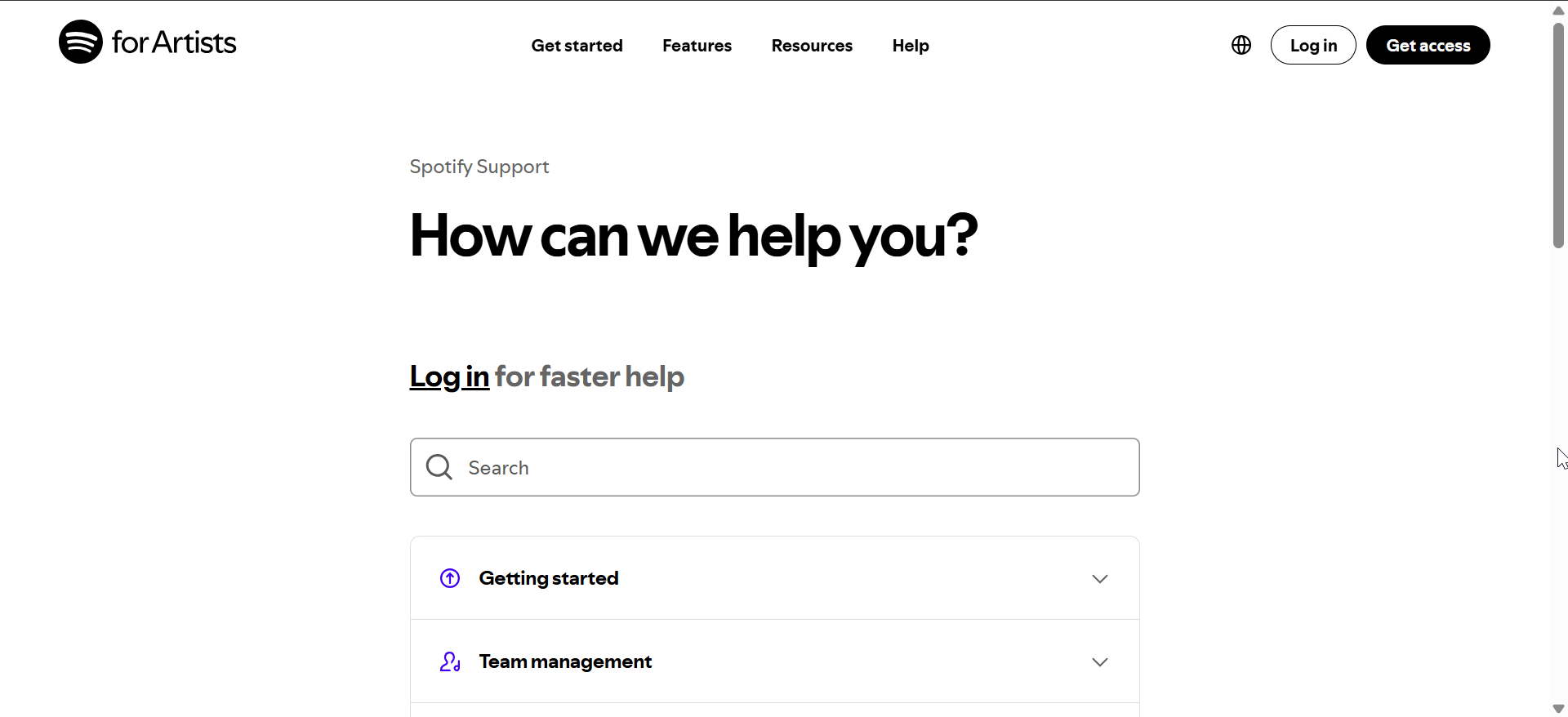
Spotify for Artists support
Artist support helps with profile verification, analytics errors, and release management. Go to the Artists portal and sign in with your artist account. Now, use the Help link to submit an issue.
Spotify for Podcasters support
Sign in to the Podcasters dashboard and select Support. Now, fill out the issue form and wait for a platform specialist to respond.
5) When you can’t contact a human at Spotify
Spotify does not offer a phone number, so you must use online channels. When chat support is unavailable, these alternatives help.
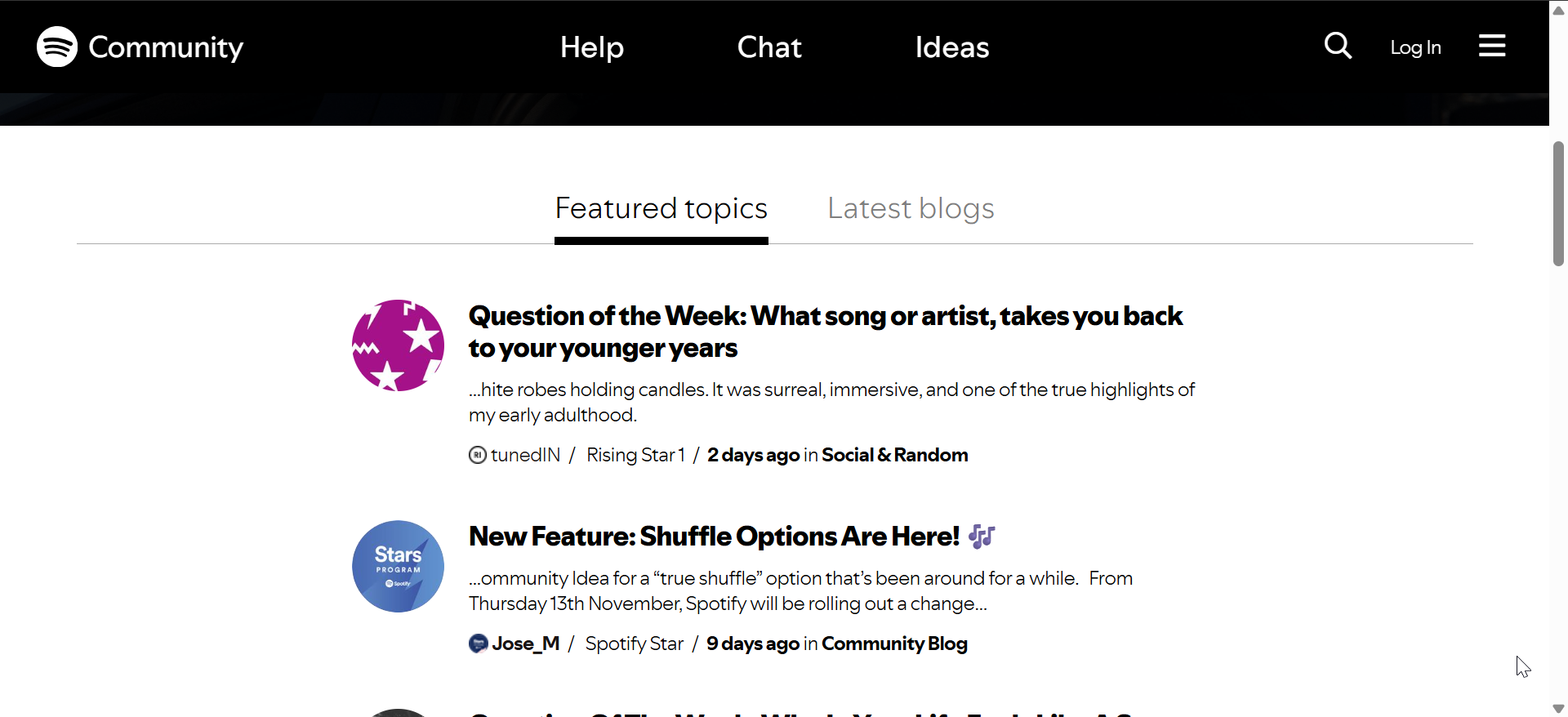
Use the Spotify Community for quick answers
Community experts often solve app and billing issues faster than traditional support, especially during peak hours.
Try social media escalation
Posting on public platforms sometimes triggers quicker responses when support tickets get stuck.
Troubleshooting steps before contacting Spotify
- Update the app and clear the cache
- Check subscription status
- Verify email and device settings
FAQs
Does Spotify have a customer service phone number? No. Spotify does not provide phone-based support.
How do I contact Spotify about a hacked account? Use the account recovery flow and follow the security verification steps.
How do I request a refund from Spotify? Submit a billing request through the payment help section.
Can I speak to a human at Spotify? Yes. The live chat connects you to a support agent.
Summary
- Use the Spotify chat for the fastest support.
- Submit forms through the Help site for billing and account issues.
- Use mobile or desktop app menus for quick troubleshooting.
- Artists and podcasters have dedicated support portals.
- Try the Community or social media if chat is unavailable.
Conclusion
You have several reliable ways to contact Spotify, but live chat remains the quickest. Use the Help site for billing, login, or recovery issues, and switch to social media or the Community when chat becomes unavailable. Most problems resolve within a few minutes when you follow the correct support path.


Discussion (0)
Be the first to comment.