



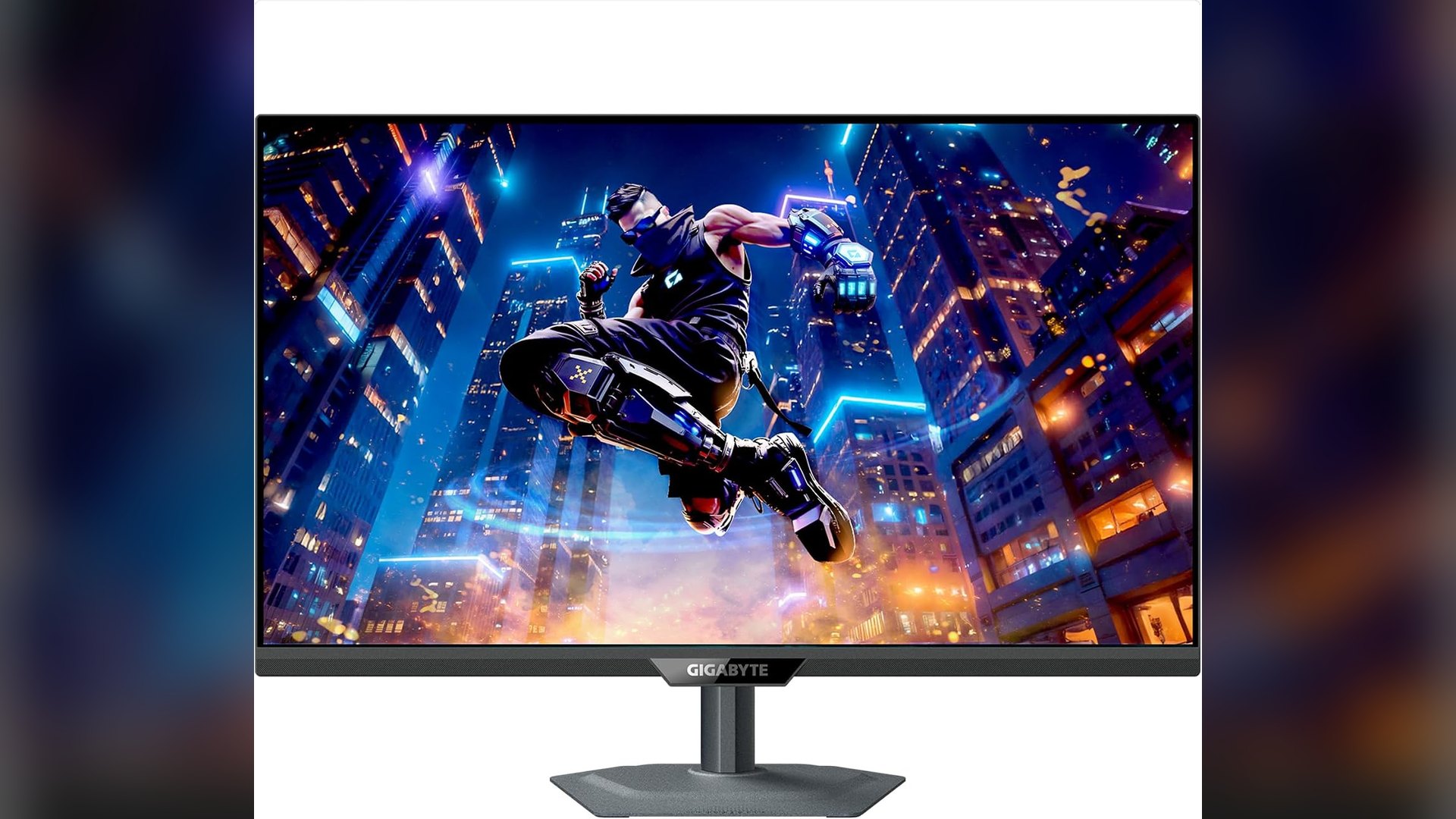
The GIGABYTE M27Q2 27-inch 1440p gaming monitor is $159.99 on Amazon at the time of writing, $90 below the listing's $249.99 list price. The price is only half the story, because GIGABYTE packs quantum dot color, DisplayHDR 400 and a USB-C KVM into a 200Hz screen that now costs less than $160.
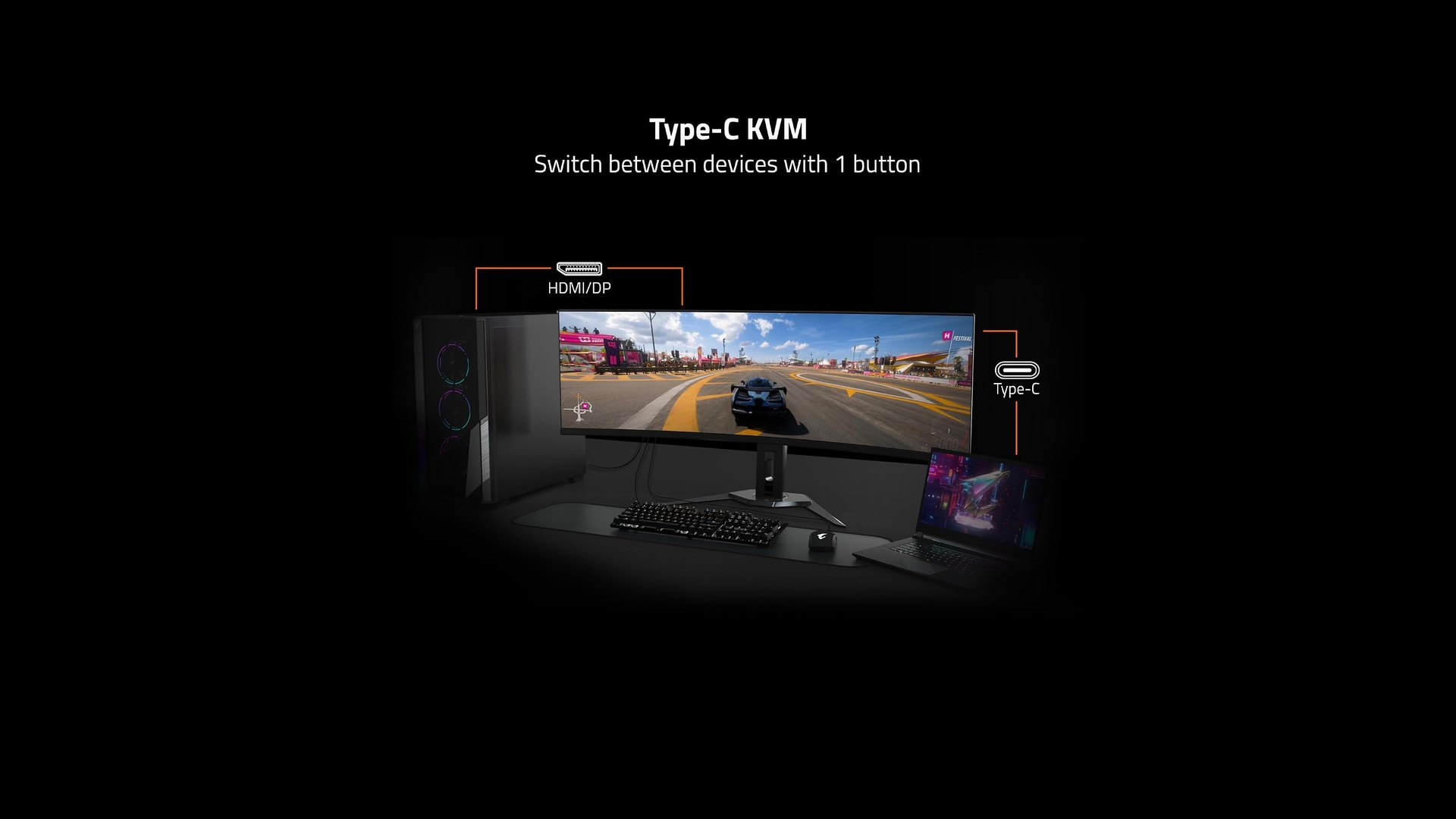
That mix of color, HDR and desk-sharing features is uncommon at this price. The 36% discount is measured against Amazon's list price, though, and GIGABYTE does not publish a US MSRP on the pages that were available.
What the GIGABYTE M27Q2 offers for $159.99
According to GIGABYTE's spec page, the M27Q2 uses a 27-inch SuperSpeed IPS panel with quantum dot technology and an edge-lit backlight. It runs at 2560 x 1440, with a non-glare finish and 178-degree viewing angles.
The refresh rate is 200Hz natively and 210Hz when overclocked, with a rated 1ms gray-to-gray response time. For context, XPG's latest gaming monitor lineup pairs a 34-inch 200Hz ultrawide with 240Hz IPS models.
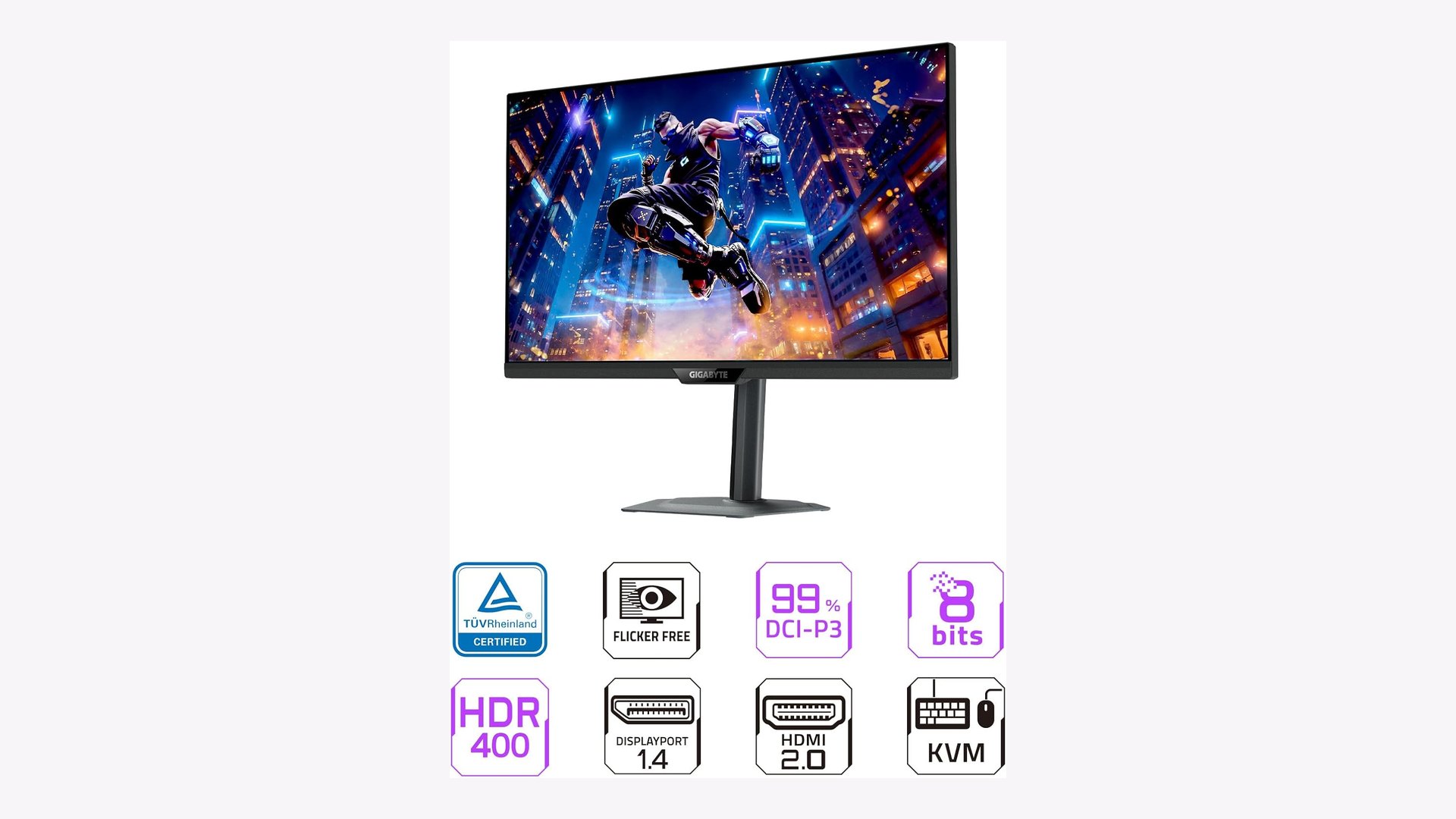
Color is where the quantum dot layer earns its place. GIGABYTE's product page claims 99% DCI-P3, 99% Adobe RGB, 150% sRGB and 83% BT.2020 coverage, with 1.07 billion colors.
The panel carries VESA DisplayHDR 400 certification. Typical brightness is 350 nits and typical contrast is 1000:1, so expectations for HDR should stay modest on an edge-lit IPS screen.
Ports, KVM and the 18W USB-C catch
GIGABYTE lists two HDMI 2.0 ports, one DisplayPort 1.4 and one USB-C port with DisplayPort Alternate Mode. There are also two USB 3.2 downstream ports, one USB 3.2 upstream port and an earphone jack.
Those HDMI ports are version 2.0, not 2.1. GIGABYTE's pages do not state the maximum refresh rate over HDMI, so DisplayPort or USB-C is the safer bet for reaching 200Hz from a PC.
The KVM is the feature that makes the M27Q2 useful beyond gaming. It lets one keyboard and mouse control two connected devices, such as a desktop and a laptop, and GIGABYTE adds a dedicated hardware button for switching.
Digital Citizen has seen the same idea on larger screens, like the 34-inch AOC ultrawides with USB-C charging and KVM support. The catch on the M27Q2 is power, since the spec page rates USB-C power delivery at up to 18W.
The product page describes a Smart PD mode that provides 18W and is "dynamic up to 65W", but it does not explain when the higher figure applies. Anyone planning to run a laptop from a single cable should keep the laptop charger plugged in.
GIGABYTE M27Q2 specifications
| Specification | GIGABYTE M27Q2 |
|---|---|
| Panel | 27-inch SuperSpeed IPS, quantum dot, edge-lit, non-glare |
| Resolution | 2560 x 1440 (QHD) |
| Refresh rate | 200Hz native, 210Hz overclocked |
| Response time | 1ms (GTG) |
| Brightness and contrast | 350 nits typical, 1000:1 typical |
| Color gamut | 99% DCI-P3, 99% Adobe RGB, 150% sRGB, 83% BT.2020 |
| HDR | VESA DisplayHDR 400 |
| Adaptive sync | G-Sync Compatible |
| Video inputs | 2x HDMI 2.0, 1x DisplayPort 1.4, 1x USB-C (Alt Mode) |
| USB-C power delivery | Up to 18W |
| USB | 2x USB 3.2 downstream, 1x USB 3.2 upstream |
| Stand | 130mm height, -5 to +21 degree tilt, 15 degree swivel, 90 degree pivot |
| VESA mount | 100 x 100mm |
The metal stand adjusts for height, tilt, swivel and pivot. The box includes power, DisplayPort and USB cables, and the power supply is built in.
How the M27Q2 compares with other Amazon monitor deals
The closest alternative is the KTC H27P6 at $260.09, covered in Digital Citizen's KTC H27P6 dual-mode 4K monitor deal. For $100.10 more, its listing promises 4K at 160Hz or 1080p at 320Hz, HDMI 2.1 and a 90W USB-C port.
Stepping up to OLED costs roughly four times as much. The LG UltraGear 27GS95QE is $679 and the Philips Evnia 27M2N8500 is $619.99, both 1440p panels with DisplayHDR True Black 400 according to their listings.
| Monitor | Amazon price | Panel and resolution | Refresh rate | Notable extras (per listing) |
|---|---|---|---|---|
| GIGABYTE M27Q2 | $159.99 (list $249.99) | 27-inch quantum dot IPS, 1440p | 200Hz (210Hz OC) | USB-C KVM, DisplayHDR 400, 18W USB-C |
| KTC H27P6 | $260.09 (list $359.99) | 27-inch Fast IPS, 4K | 160Hz 4K / 320Hz 1080p | HDMI 2.1, 90W USB-C, HDR400 |
| Philips Evnia 27M2N8500 | $619.99 | 27-inch QD-OLED, 1440p | 360Hz | True Black 400, Ambiglow |
| LG UltraGear 27GS95QE | $679 (list $899.99) | 27-inch OLED, 1440p | 240Hz | True Black 400, 0.03ms response |
| Samsung Odyssey G9 (LS49CG954ENXZA) | $899.99 (list $1,299.99) | 49-inch curved, Dual QHD | 240Hz | DisplayHDR 1000, PIP and PBP |
For a first 1440p monitor, or a desk shared between a gaming PC and a work laptop, the M27Q2 is the value pick. The KTC makes more sense only for buyers who want 4K or a USB-C port that can properly charge a laptop.
Adaptive sync, warranty and what GIGABYTE does not say
GIGABYTE names and badges G-Sync Compatible support on its product page. The Amazon listing also claims AMD FreeSync Premium, but GIGABYTE's own pages mention FreeSync only in passing and do not list it as a certification for this model.
GIGABYTE's global warranty policy gives monitors under 40 inches three years of coverage, although the policy is written by size category rather than naming the M27Q2. The monitor also carries TÜV Rheinland flicker-free and low blue light certifications, per GIGABYTE.
GIGABYTE does not disclose the panel manufacturer, and its pages do not say whether the M27Q2 has built-in speakers. Amazon does not list an end date for the $159.99 price, and deal prices can change at any time. Digital Citizen last covered the M27Q2 when it dropped to $179 in May.



Discussion (0)
Be the first to comment.