



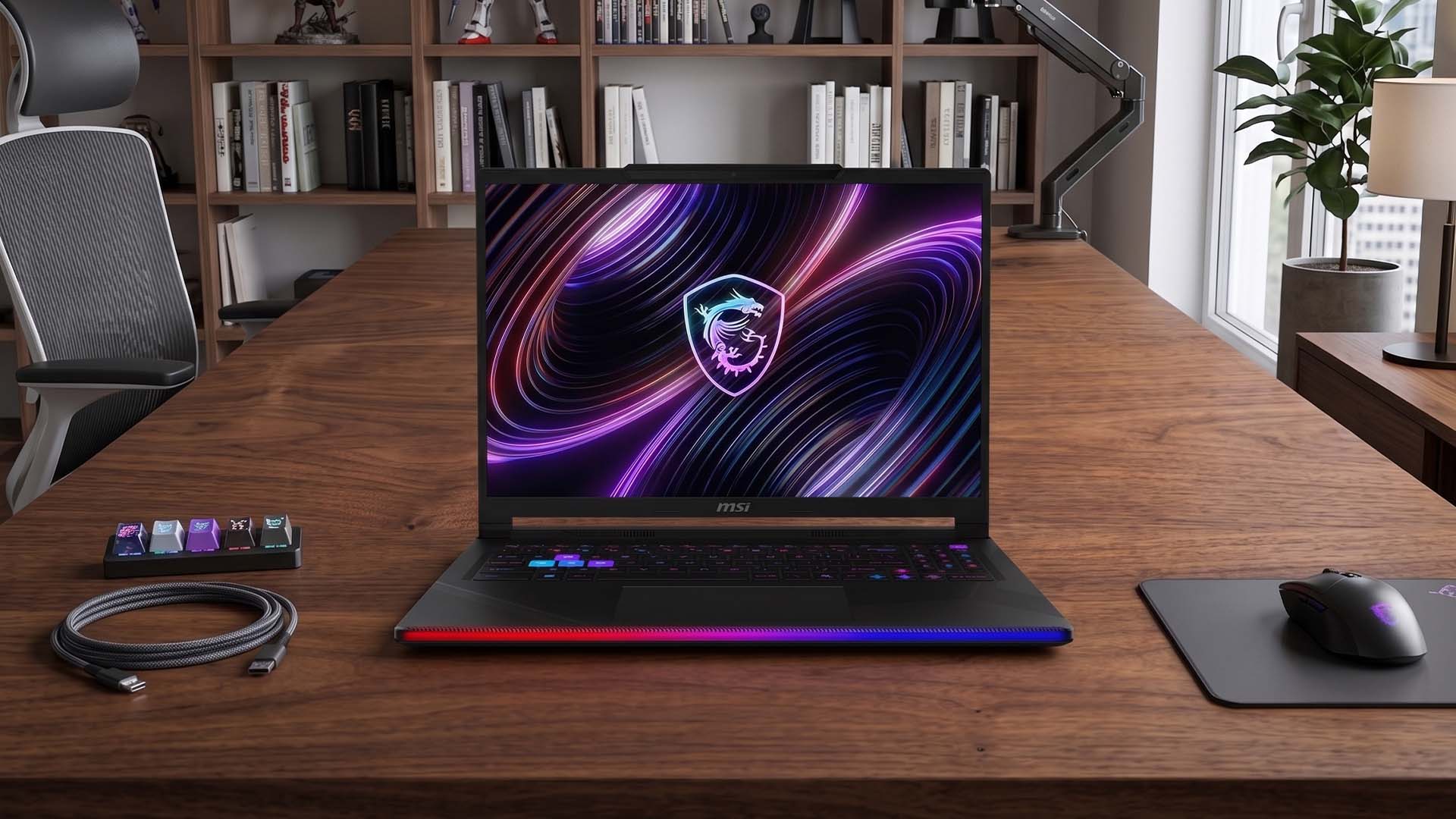
A gaming laptop owner says changing the surface under the laptop from wood to metal reduced CPU temperatures by as much as 15°C while playing Cyberpunk 2077.
The reported improvement did not require repasting, undervolting or any internal hardware changes. Instead, the cooler metal surface appears to have helped the laptop draw in lower temperature air through its bottom intake vents.
Before the change, CPU temperatures reportedly sat between 80°C and 90°C. After moving the laptop onto a metal surface in an air conditioned room, the range dropped to roughly 75°C to 83°C.
Surface choice can affect laptop thermals
| Test condition | Reported CPU temperature |
|---|---|
| Wooden desk | 80°C to 90°C |
| Metal surface | 75°C to 83°C |
| Maximum reported improvement | Around 15°C |
| Test workload | Cyberpunk 2077 |
| Internal modifications | None |
The result comes from a single owner and should not be treated as a guaranteed improvement for every gaming laptop.
Laptop cooling layouts vary widely. Some models pull most of their intake air from the bottom, while others use a combination of underside and side vents. The effect of changing the desk surface will therefore depend heavily on the chassis design.
Cooler intake air likely helped
The owner explained that the laptop’s underside acts as an intake, while hot air is exhausted through the side vents.
Because the metal surface stayed cooler than the wooden desk, the air being drawn into the system may also have been cooler.
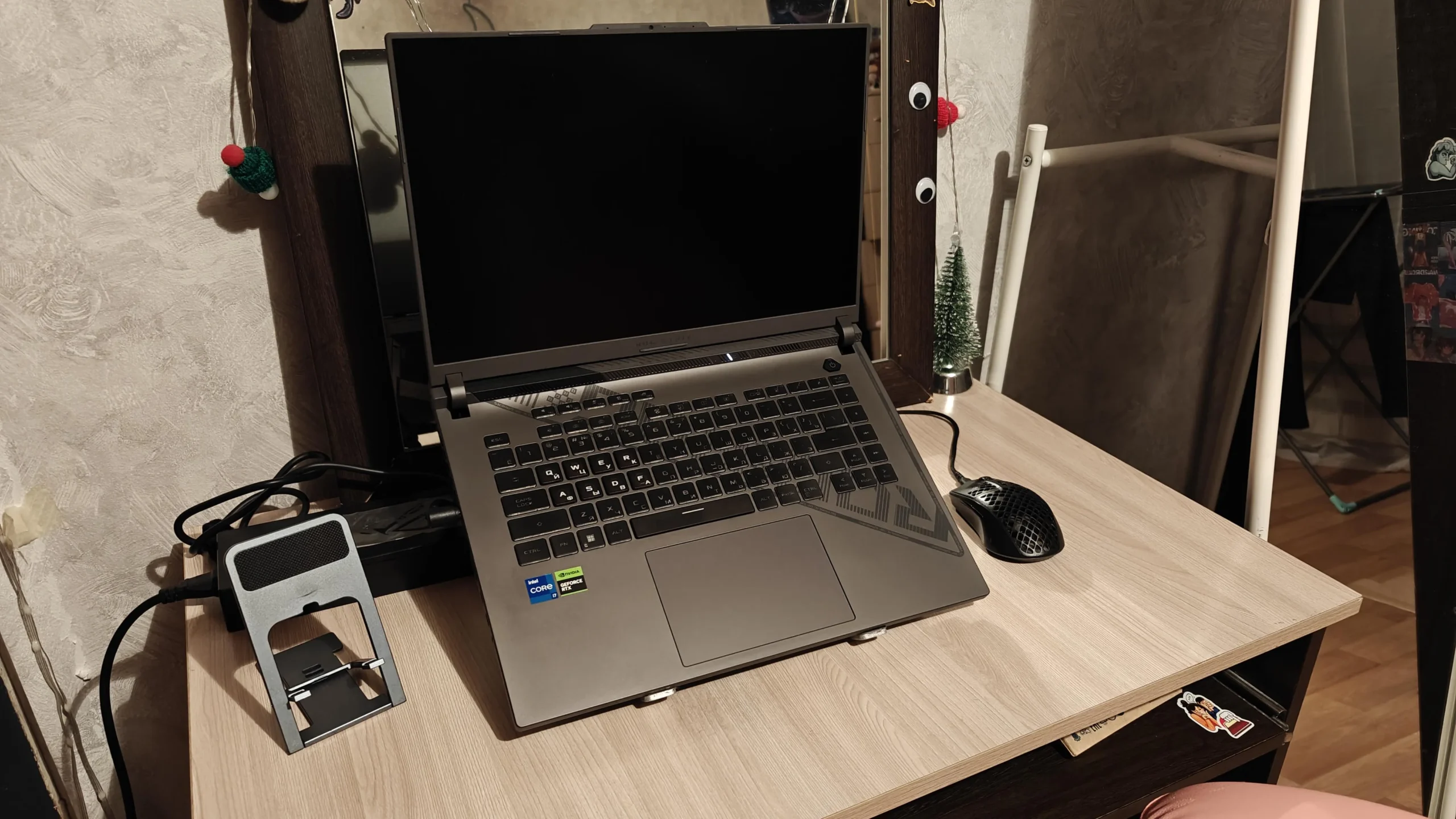
Metal also transfers heat differently from wood, which can influence the temperature around the base of the laptop.
However, the more important factor is likely airflow rather than the desk acting as a direct heatsink for the laptop.
Gaming laptops usually benefit when their intake vents have more access to fresh air.
Elevating the rear can also help
If you do not have a suitable metal surface, raising the rear of the laptop can also improve cooling.
Even a small increase in clearance under the chassis can help the fans pull in air more easily.
A laptop stand or simple feet can achieve this without changing internal hardware.
This approach is generally lower risk than opening the laptop for repasting or attempting aggressive voltage tuning.
Avoid extreme cooling methods
The owner also warned against actively chilling the metal surface with ice or similar methods.
That is important because cooling a surface below the surrounding air’s dew point can cause condensation.
Moisture forming near a laptop’s vents or internal electronics can damage the system.
The same caution applies to any improvised cooling method that introduces cold surfaces, water or condensation near the machine.
Results will vary by laptop design
The reported 15°C improvement is notable, but it should be viewed as a best case result from one system rather than a universal expectation.
Still, the example shows that simple airflow changes can make a meaningful difference.
Before repasting, undervolting or modifying a gaming laptop, it may be worth checking how much space the underside vents have and whether the surface beneath the machine is trapping heat.
For some laptops, a cooler surface and better intake clearance may be enough to reduce temperatures without touching the hardware inside.



Discussion (0)
Be the first to comment.