



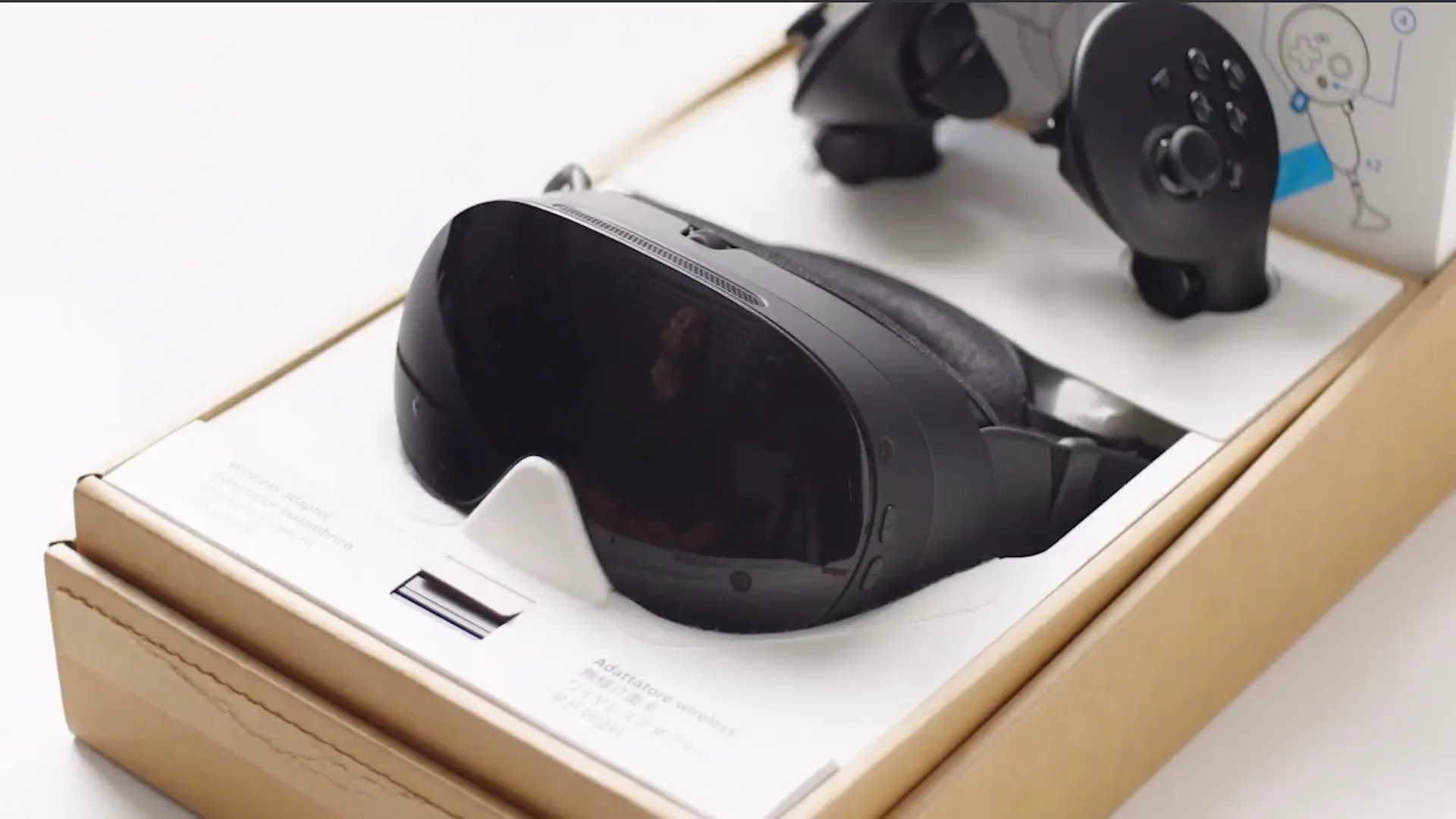
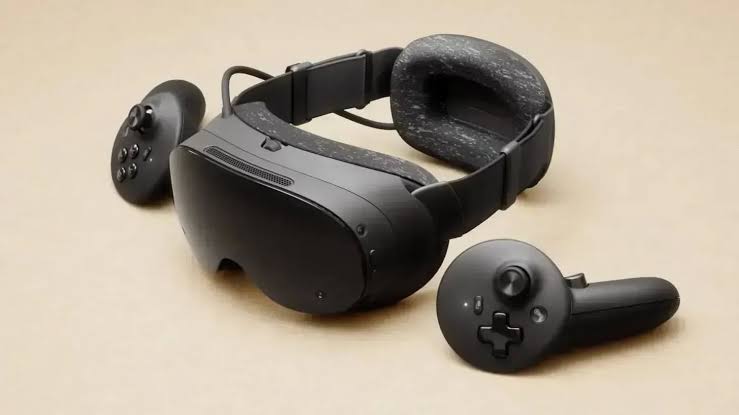
A new utility called FrameDrop is making it easier to install third party applications on the Steam Frame, reducing much of the manual work normally involved in sideloading software onto the headset.
The app allows you to pair a Steam Frame with a PC and then drag files directly into the desktop utility. FrameDrop can install APK files, Windows EXE applications, and native ARM binaries, then add them to the Steam library automatically.
That means you can prepare software from your computer without spending as much time navigating installation steps from inside the headset.
The utility has appeared only days after the Steam Frame reached customers, showing how quickly third party tools are beginning to form around Valve's new VR hardware.
What FrameDrop supports
| Feature | Details |
|---|---|
| Device | Steam Frame |
| APK installation | Supported |
| EXE installation | Supported |
| Native ARM binaries | Supported |
| PC transfer method | Drag and drop |
| Steam integration | Installed apps can be added to the Steam library |
| Developer feature | Install with FrameDrop web button |
| Main goal | Reduce sideloading and setup steps |
FrameDrop was created by an XR developer who had access to the Steam Frame before its public release.
Its main purpose is convenience. Instead of manually moving files, entering commands, or working through multiple menus inside the headset, you can handle most of the process from a regular computer.
After the Steam Frame is paired with the app, compatible software can be dragged into FrameDrop and transferred directly.
Developers can add one click installation
FrameDrop also includes a feature aimed at application developers.
Websites can add an Install with FrameDrop button that guides visitors through installing an app directly to their Steam Frame from a browser.
This could make distribution easier for software that is not available through a traditional store or through Steam itself.
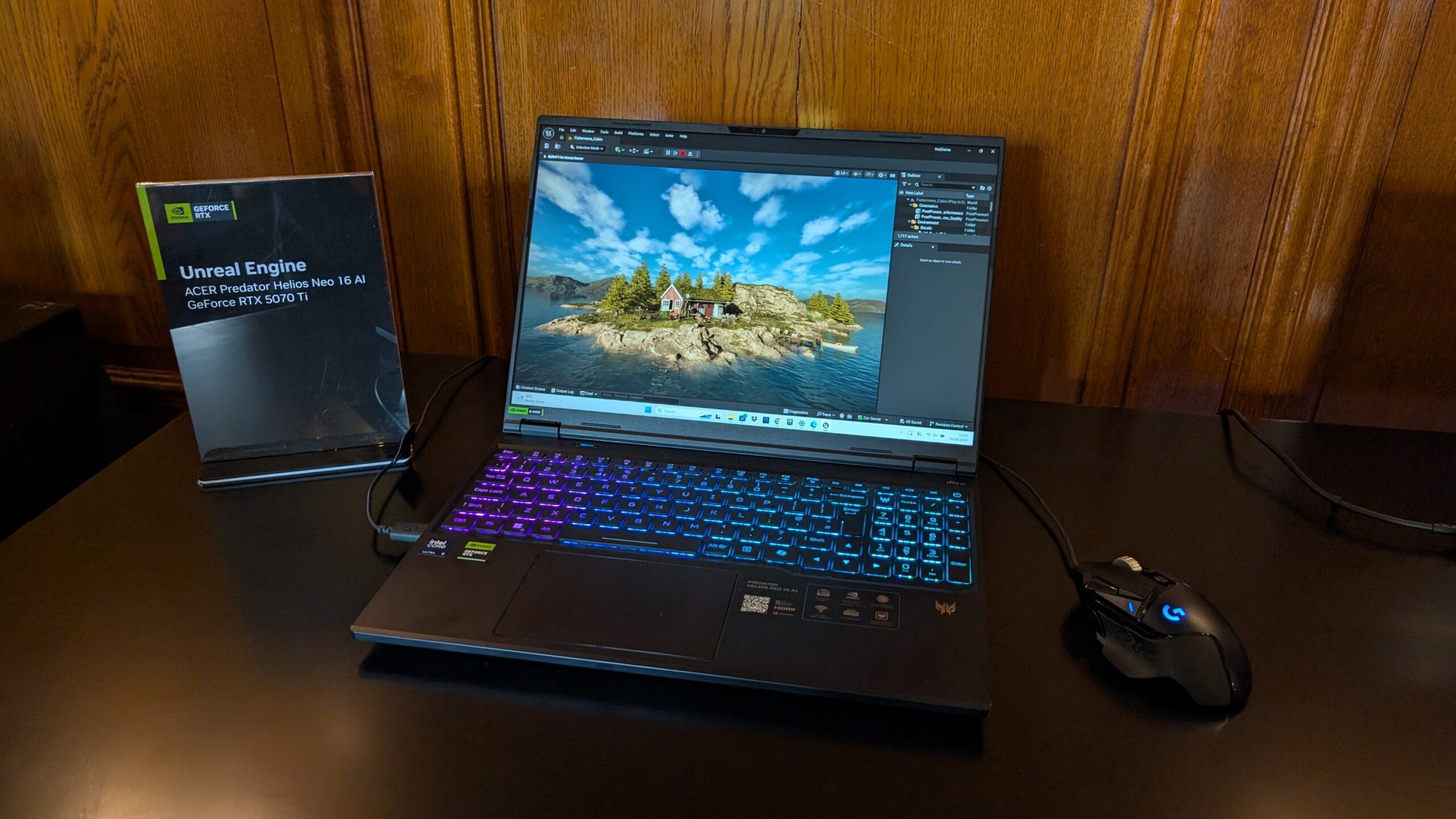
For smaller VR developers, experimental applications, and community software, that kind of installation flow may reduce one of the biggest barriers to getting people to try an app.
Sideloading has long been important in VR because many useful tools, experimental projects, and early builds never reach official storefronts.
The downside is that traditional sideloading can be inconvenient, particularly if it requires wearing the headset while navigating file management or development settings.
FrameDrop moves more of that work back to the PC.
Steam Frame is already attracting community tools
The timing is notable because the Steam Frame has only recently launched.
Community utilities appearing this early suggest that developers are already experimenting with ways to expand what the headset can do beyond its default software experience.
FrameDrop does not fundamentally change the Steam Frame's capabilities, but it makes existing sideloading options much easier to use.
For people who frequently test VR apps, install software from independent developers, or experiment with applications outside official storefronts, the tool could save a considerable amount of setup time.
Its usefulness will ultimately depend on how broad Steam Frame's third party software ecosystem becomes. If independent developers continue releasing apps outside Steam, a simple transfer and installation utility could become an important part of the headset's community software experience.
Discussion (0)
Be the first to comment.