



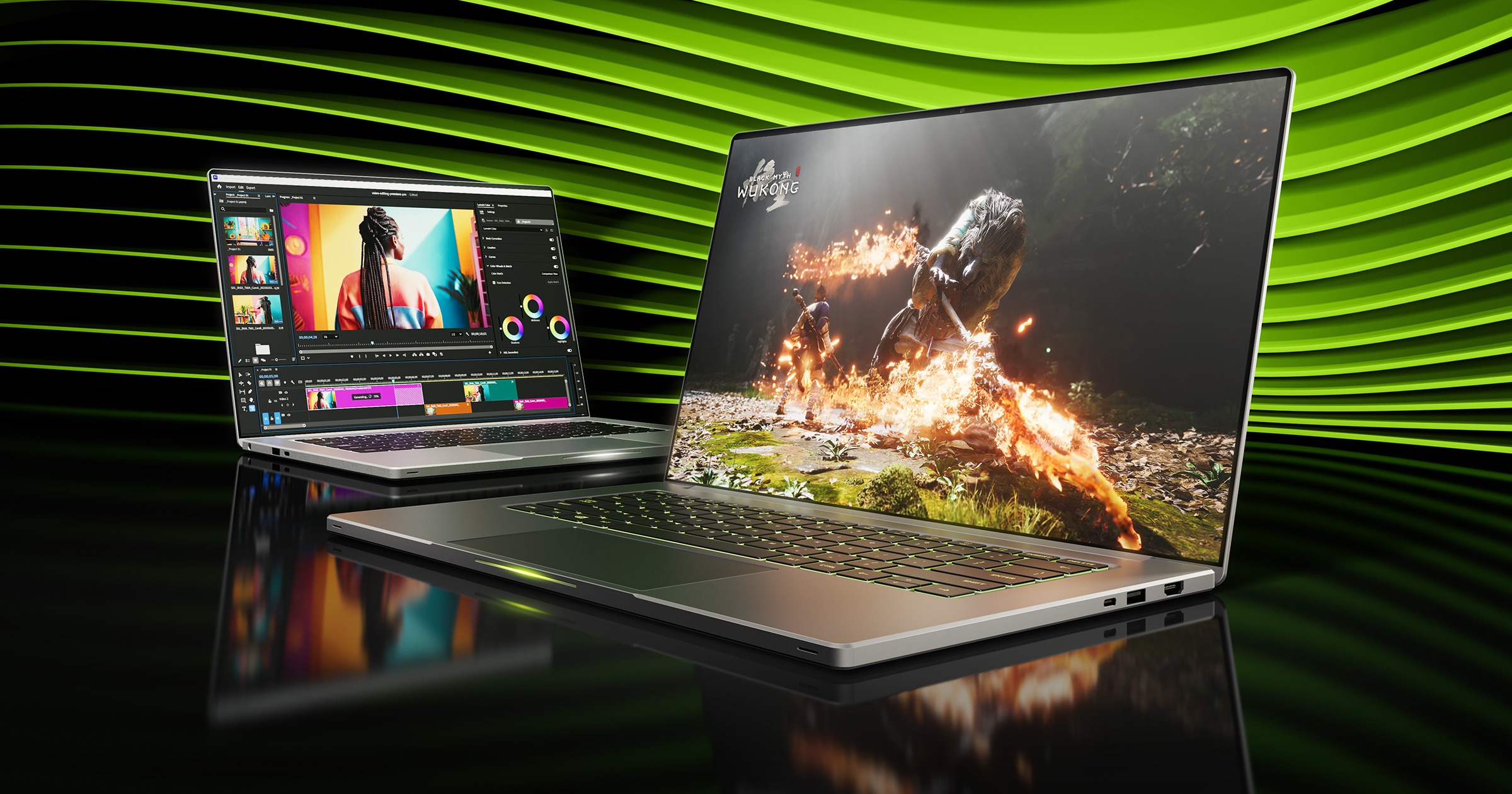
Students looking for a single laptop that can handle coursework and gaming have a growing number of options powered by Nvidia's GeForce RTX 50 Series Laptop GPUs.
Five models highlighted across different performance levels range from affordable RTX 5050 systems to an RTX 5070 machine equipped with 32GB of memory. The selection covers everyday study, coding, video editing, 3D work, data science, and gaming, with specifications varying considerably between models.
The original feature was produced as sponsored content, so performance claims provided by Nvidia should be treated as manufacturer supplied figures rather than independent benchmark results.
| Laptop | GPU | Processor | RAM | Display | Storage |
|---|---|---|---|---|---|
| Lenovo LOQ R7 | RTX 5050 | Ryzen 7 250 | 16GB | 15.6 inch, 1080p, 165Hz | 1TB |
| Asus V16 | RTX 5050 | Core 5 210H | 16GB | 16 inch, 1920x1200, 144Hz | 1TB |
| MSI Cyborg 15 | RTX 5060 | Core 7 240H | 16GB | 15.6 inch, 1080p, 144Hz | 1TB |
| HP Omen 16 | RTX 5060 | Ryzen AI 7 350 | 24GB | 16 inch, 2560x1600, 240Hz | 1TB |
| Acer Nitro V 16 AI | RTX 5070 | Ryzen AI 9 365 | 32GB | 16 inch, 1920x1200, 180Hz | 1TB |
Lenovo LOQ R7 starts with RTX 5050 graphics
The Lenovo LOQ R7 is positioned as the more affordable all round option.
It combines an RTX 5050 Laptop GPU with an AMD Ryzen 7 250 processor, 16GB of DDR5 memory, and a 1TB SSD.
Its 15.6 inch display runs at 1920x1080 with a 165Hz refresh rate.
The RTX 5050 is limited to 65W in this configuration, which may restrict heavier gaming and professional 3D workloads compared with higher power implementations.
For general coursework, coding, video editing, and CAD, however, the combination of the Ryzen 7 processor and 16GB of memory gives it a broader role than a basic student notebook.
Nvidia's DLSS technology and frame generation are also available in supported games.
Asus V16 prioritizes portability and a taller display
The Asus V16 uses the same RTX 5050 class of graphics but moves to a 16 inch 1920x1200 display with a 16:10 aspect ratio.
That additional vertical space can be useful for documents, spreadsheets, programming, and web browsing.
The laptop pairs the GPU with an Intel Core 5 210H processor, 16GB of DDR5 memory, and a 1TB SSD.
Its display runs at 144Hz.
One limitation for creative work is the panel's stated 45 percent NTSC color gamut. Students working with photography, design, or other color sensitive material may therefore benefit from using an external monitor.
Its main advantage within this group is portability, as it is described as the lightest and slimmest of the five systems.
MSI Cyborg 15 moves up to RTX 5060
The MSI Cyborg 15 offers an RTX 5060 Laptop GPU alongside an Intel Core 7 240H processor.
It also includes 16GB of DDR5 memory, a 1TB NVMe SSD, and a 15.6 inch 1080p display running at 144Hz.
The RTX 5060 represents a step above the RTX 5050 and also provides CUDA acceleration for applications such as Blender, video editing, data science, and some AI workloads.
The GPU is capped at 55W in this model, which may reduce its gaming performance compared with higher power RTX 5060 laptops.
At around 2.1kg, however, it remains relatively portable for its hardware class.
HP Omen 16 combines RTX 5060 with a 240Hz screen
The HP Omen 16 raises the overall specification further.
It pairs an RTX 5060 Laptop GPU with an AMD Ryzen AI 7 350 processor and 24GB of DDR5 memory.
The 16 inch IPS panel has a 2560x1600 resolution, a 240Hz refresh rate, and stated 100 percent sRGB coverage.
That makes it better suited to workloads where color accuracy matters, including photography, digital art, and video editing.
The additional memory can also help with engineering applications, 3D design, and data science workloads.
Manufacturer supplied performance figures cited in the source claim around 168 FPS in Call of Duty: Modern Warfare 3 and 128 FPS in Black Myth: Wukong when using DLSS 4.5 and multi frame generation, although those figures are not independent test results.
Acer Nitro V 16 AI leads the group with RTX 5070
The most powerful model in the selection is the Acer Nitro V 16 AI.
It combines an RTX 5070 Laptop GPU with an AMD Ryzen AI 9 365 processor, 32GB of DDR5 memory, and a 1TB SSD.
The 16 inch display uses a 1920x1200 resolution and runs at 180Hz.
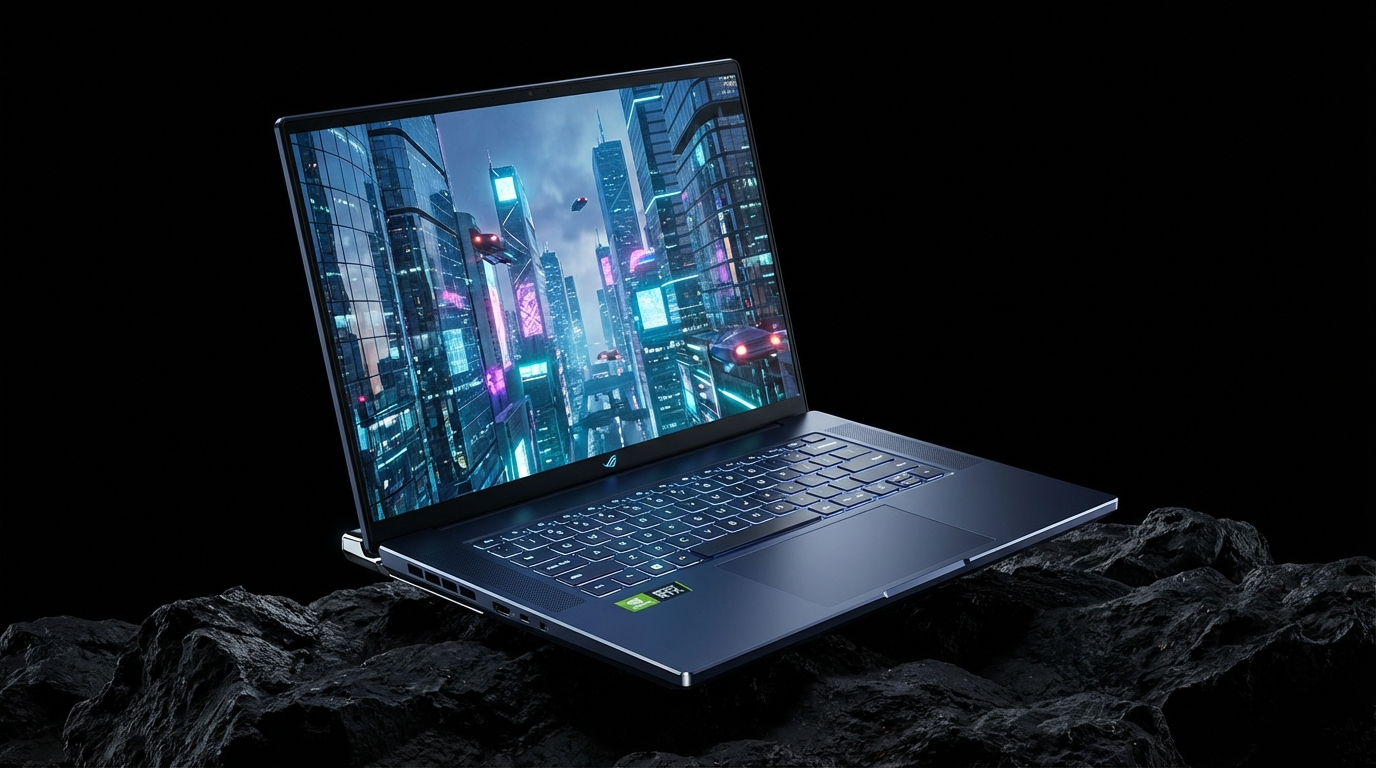
Its larger memory capacity and stronger processor make it the most suitable of the five for demanding workloads such as Blender rendering, 4K video editing, engineering, game development, machine learning, and data analysis.
The RTX 5070 also provides more graphics headroom for demanding games.
Nvidia supplied figures cited in the original material claim performance above 200 FPS in Doom: The Dark Ages at 1080p Ultra settings with DLSS and multi frame generation enabled.
GPU power limits still matter when choosing a laptop
The GPU name alone does not determine laptop performance.
Two systems with the same RTX 5050 or RTX 5060 can perform differently depending on GPU power limits, cooling, processor choice, memory configuration, and display resolution.
That is particularly relevant here because the Lenovo LOQ R7's RTX 5050 is capped at 65W, while the MSI Cyborg 15 limits its RTX 5060 to 55W.
Students choosing between these machines should therefore consider the full configuration rather than simply moving up to the next GPU model.
The five laptops cover substantially different needs. The RTX 5050 systems focus on affordability and portability, the RTX 5060 models add more graphics and creative workload capability, while the RTX 5070 equipped Acer provides the most headroom for demanding games and heavier academic applications.

Discussion (0)
Be the first to comment.