



Microsoft Edge is facing fresh criticism after a security researcher found that the browser loads saved passwords into plaintext memory when it starts.
The issue does not mean passwords are stored in plain text on your drive. The concern is about what happens in RAM after Edge launches. According to the researcher, Edge loads all saved passwords into memory in readable form, and Edge is said to be the only Chromium based browser tested with this behavior.
Microsoft says this is expected behavior rather than a bug. The company argues that a device would already need to be compromised before someone could access that browser data. Microsoft also says browser password access involves a balance between performance, convenience, and security.
That explanation may not reassure everyone. Passwords are some of the most sensitive data on a PC, and many people use their browser to store logins for email, banking, shopping, work, and personal accounts. If those passwords can appear in readable memory, it gives security focused users a reason to rethink where they store them.
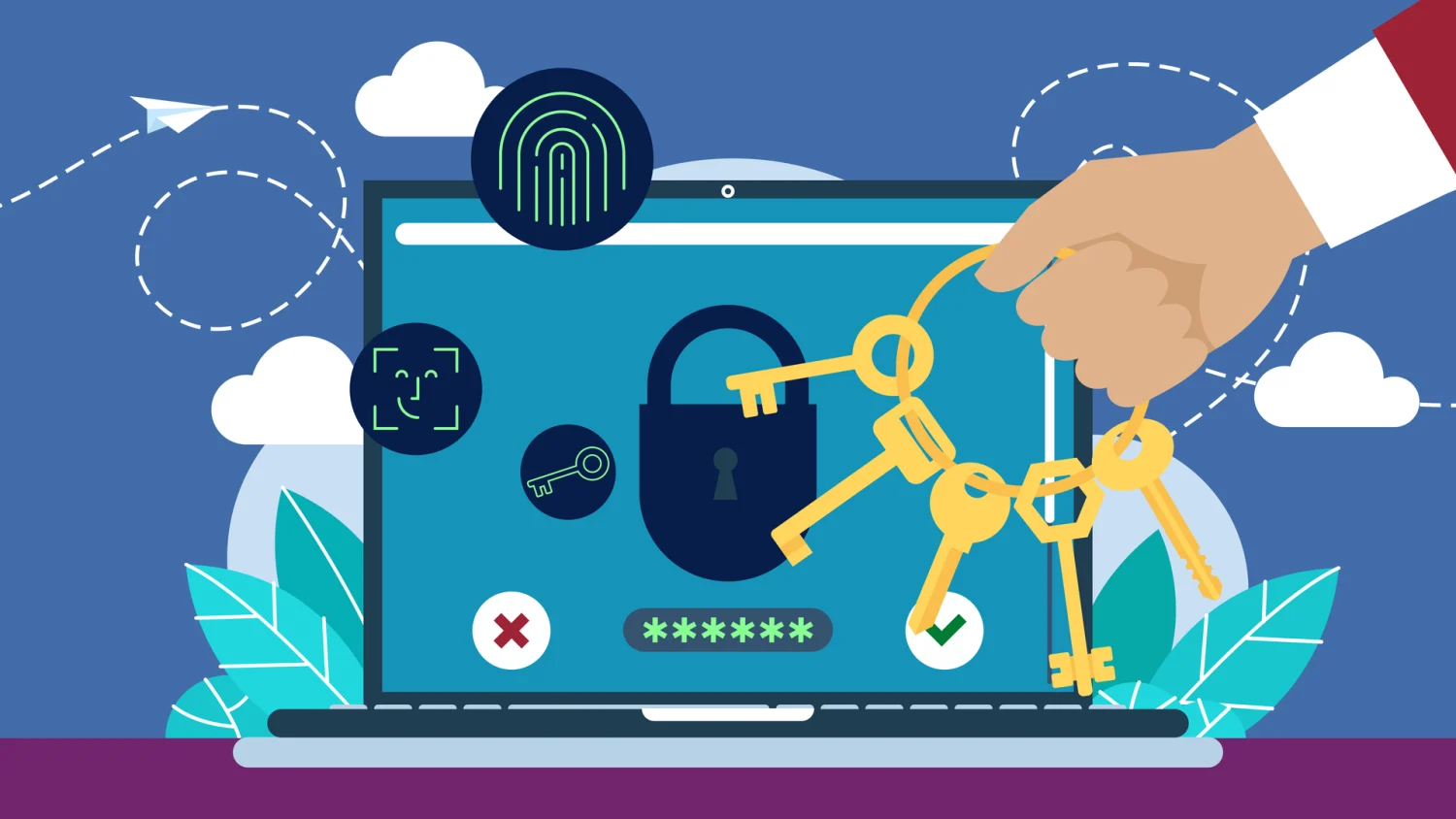
A dedicated password manager can offer stronger protection because it keeps logins inside an encrypted vault that is separate from your browser. It usually uses its own master password, authentication system, and security controls. That means an attacker often has to compromise more than just your browser session or device account.
Browser password managers are convenient. They are built in, free, and easy to sync across devices. For low risk accounts, that may be enough. But for important accounts, a dedicated password manager is usually the safer option.
| Option | Main advantage | Main concern |
|---|---|---|
| Browser password manager | Easy, free, built into Edge, Chrome, or Safari | Tied closely to the browser and device account |
| Dedicated password manager | Encrypted vault, separate login, stronger controls | Requires setup and sometimes a paid plan |
| Physical notebook or local file | Offline and simple | Easy to lose, damage, or expose |
| Reused passwords | Easy to remember | Very risky if one account is breached |
A good password manager can also help you create stronger passwords, avoid reuse, check for breached credentials, support biometrics, and add multi factor authentication. Some also offer secure sharing and emergency access for trusted family members.
NordPass is one option that is often recommended. It supports unlimited password storage, breach scanning, masked email features, password generation, biometric login, multi factor authentication, secure sharing, and emergency access. It also has paid Premium and Family plans, along with a free tier for testing the service.
The bigger lesson is not only about Edge. It is about password habits. Saving passwords in a browser is better than reusing weak passwords everywhere, but it may not be enough for accounts that matter. Email, banking, work, social media, shopping, and identity related accounts deserve stronger protection.
If Edge’s memory behavior worries you, moving your important logins to a dedicated password manager is a sensible step. After confirming everything has transferred safely, you can remove saved passwords from the browser and keep Edge for browsing instead of using it as your main password vault.



Discussion (0)
Be the first to comment.