



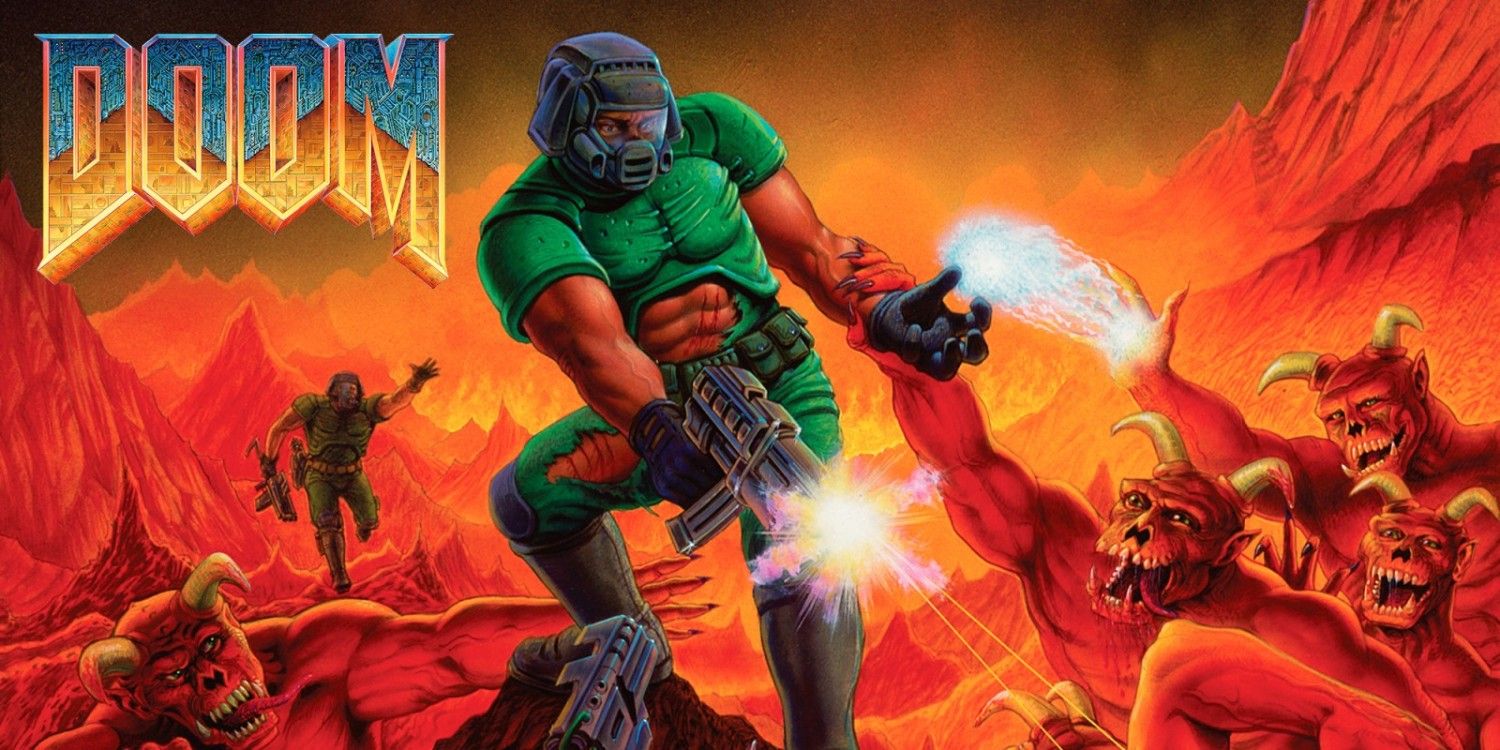
Microsoft Azure Chief Technology Officer Mark Russinovich has created DoomPaint, an unusual project that lets the original Doom appear and run inside Microsoft Paint.
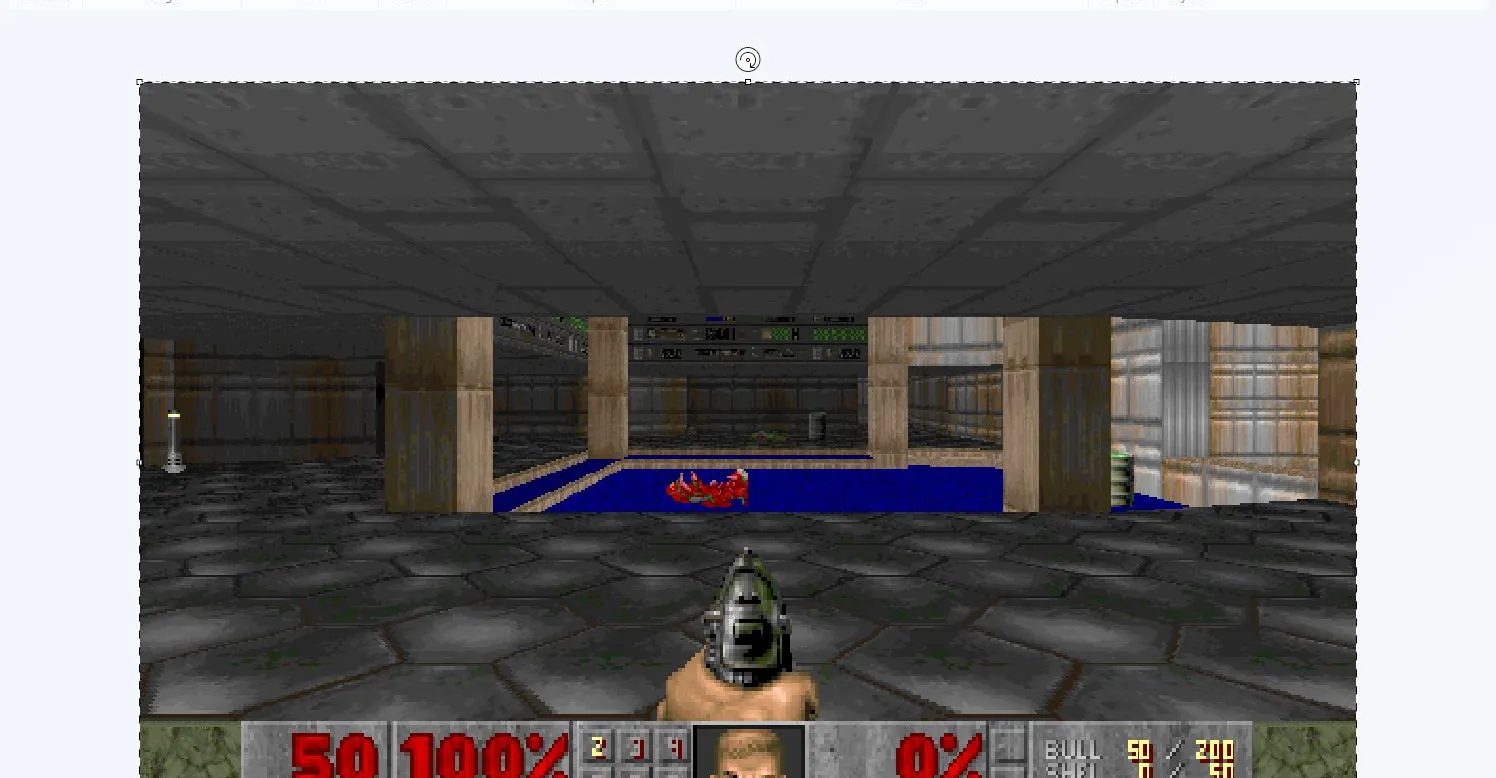
Paint does not process the game itself. The Doom engine runs separately in the background through ViZDoom, while each rendered frame is copied to the Windows clipboard and pasted onto the Paint canvas as a real document edit.
The result is fully playable, although the frame rate is intentionally slow because every new image must pass through the clipboard and Paint before appearing on screen. The limited performance is part of the experiment rather than an attempt to create a practical Doom port.
DoomPaint also uses some of Paint’s standard features as gameplay tools. Pressing Ctrl and Z can rewind recent frames, while the File menu can save the current moment as a PNG image.
Paint acts as the display rather than the game engine
The project separates Doom’s actual game processing from its presentation.
ViZDoom runs the original shareware version of Doom without displaying its own window. After creating a frame, DoomPaint places that image on the clipboard and pastes it into Paint.
| Component | Role in DoomPaint |
|---|---|
| ViZDoom | Runs the game and produces each frame |
| DOOM1.WAD | Supplies the original Doom game data |
| Windows clipboard | Transfers frames from the game to Paint |
| Microsoft Paint | Displays each frame as a canvas edit |
| Python scripts | Coordinate input, rendering, and frame transfer |
| Ctrl and Z | Rewinds recent pasted frames |
Because Paint receives every frame as an edit, its undo system effectively becomes a basic time rewind feature. Repeatedly undoing canvas changes lets you move backward through previous moments.
Paint can also save any visible frame using its normal image export controls. This turns screenshots into genuine Paint documents rather than captures taken by an external tool.
DoomPaint has a deliberately low frame rate
DoomPaint is not designed to provide smooth performance.
Transferring every frame through the Windows clipboard is far slower than sending images directly to a graphics window. Paint must also process each paste as a document change, which adds further delay.
Russinovich described the resulting speed as comparable to a spreadsheet. That limitation is part of the joke, since Paint was never intended to act as a live game display.
| Display method | Expected performance |
|---|---|
| Native Doom window | Smooth and responsive |
| Normal emulator or source port | Usually supports high frame rates |
| Clipboard transfer into Paint | Slow by design |
| Paint canvas rendering | Adds editing overhead |
| Higher resolution settings | May reduce speed further |
Motion and controls may therefore feel delayed, but the complete game logic continues running through ViZDoom.
The experiment follows the long tradition of running Doom through inappropriate hardware or software. In this case, the game itself is not being ported into Paint. The unusual part is the method used to display it.
The shareware episode is included
DoomPaint includes the shareware DOOM1.WAD file, which contains the first episode of the original game.
This means you can test the project without supplying a separate copy. Playing the full game requires the appropriate data file from a version you own.
To run DoomPaint, you need Python installed on Windows. After downloading and extracting the project, launching the included run.bat file starts the required scripts.
| Requirement | Details |
|---|---|
| Operating environment | Windows |
| Programming runtime | Python |
| Included game content | Doom shareware episode |
| Launch file | run.bat |
| Display application | Microsoft Paint |
| Optional full game | Requires your own supported WAD file |
Python must also be available through the Windows PATH. If the launch window closes immediately, a missing Python installation or incorrect PATH configuration may be the cause.
Controls need changes to avoid Windows shortcuts
Standard Doom keyboard controls can conflict with Microsoft Paint and Windows commands.
For example, pressing certain keys may activate menus or editing shortcuts rather than sending an action to the game. DoomPaint therefore provides alternative key bindings for actions such as firing.
The project also supports launch options for changing settings such as resolution and audio. Higher resolutions may improve image clarity but could make the already low frame rate even slower.
Players should not expect DoomPaint to replace a conventional source port. It is a technical demonstration built around the absurdity of using Paint as a display.
Undo becomes a simple rewind mechanic
The most inventive part of DoomPaint is its use of Paint’s editing history.
Every pasted frame becomes a separate canvas action. Since Paint remembers those actions, undoing them reveals earlier frames.
This does not reverse the internal Doom simulation in the same way as a true save state. The game engine may still need additional coordination to make the rewind useful during active play. However, visually, the canvas moves backward through its recent frame history.
The feature demonstrates how software behaviour can create unexpected game mechanics even when the application was never designed for gaming.
Doom continues to inspire unusual experiments
The original Doom has appeared on calculators, printers, cameras, smart appliances, and many other devices. Its relatively accessible engine and well understood file formats have made it a common target for technical experiments.
DoomPaint approaches the challenge differently. Microsoft Paint is not running Doom code, interpreting its maps, or calculating enemy behaviour. It simply receives images produced elsewhere and shows them as document edits.
That distinction makes the project less of a traditional port and more of an unconventional streaming system.
The practical value is limited, but the implementation demonstrates several useful ideas, including headless rendering, clipboard automation, keyboard input handling, and interaction between unrelated Windows applications.
DoomPaint is another example of how the 1993 shooter continues to support creative programming experiments. It may offer slow gameplay, but using Microsoft Paint as a frame by frame monitor gives the familiar game a presentation unlike any normal Doom release.



Discussion (0)
Be the first to comment.