




If you want a fast, contactless way to pay at Walgreens, Apple Pay usually does the job. You can tap to pay in-store with an iPhone or Apple Watch, and you can often use Apple Pay during online checkout when Walgreens shows it as an option.
Apple Pay availability can vary by checkout flow or item type, so the quickest rule is simple: if you see Apple Pay as a payment option at checkout, you can use it. If you do not see it, choose another method or switch to in-store checkout.
How To Use Apple Pay In-Store At Walgreens
Walgreens stores typically use contactless readers, so you can pay by holding your device near the terminal. You will confirm the purchase with Face ID, Touch ID, or your device passcode.
- Confirm you added a card to Wallet on your iPhone.
- At checkout, tell the cashier you want to use Apple Pay if they ask.
- Double-click the side button (or Home button on older iPhones) to open Apple Pay.
- Authenticate with Face ID, Touch ID, or your passcode.
- Hold the top of your iPhone near the contactless reader until you see Done.
- On Apple Watch, double-click the side button, then hold the watch near the reader.
How To Use Apple Pay Online In The Walgreens App Or Website
Online checkout depends on whether Walgreens displays Apple Pay for your cart and device. You will usually see it when you shop on an Apple device that already has Apple Pay set up.
- Open the Walgreens app or website on your iPhone, iPad, or Mac.
- Add items to your cart, then choose Checkout.
- On the payment screen, select Apple Pay if it appears.
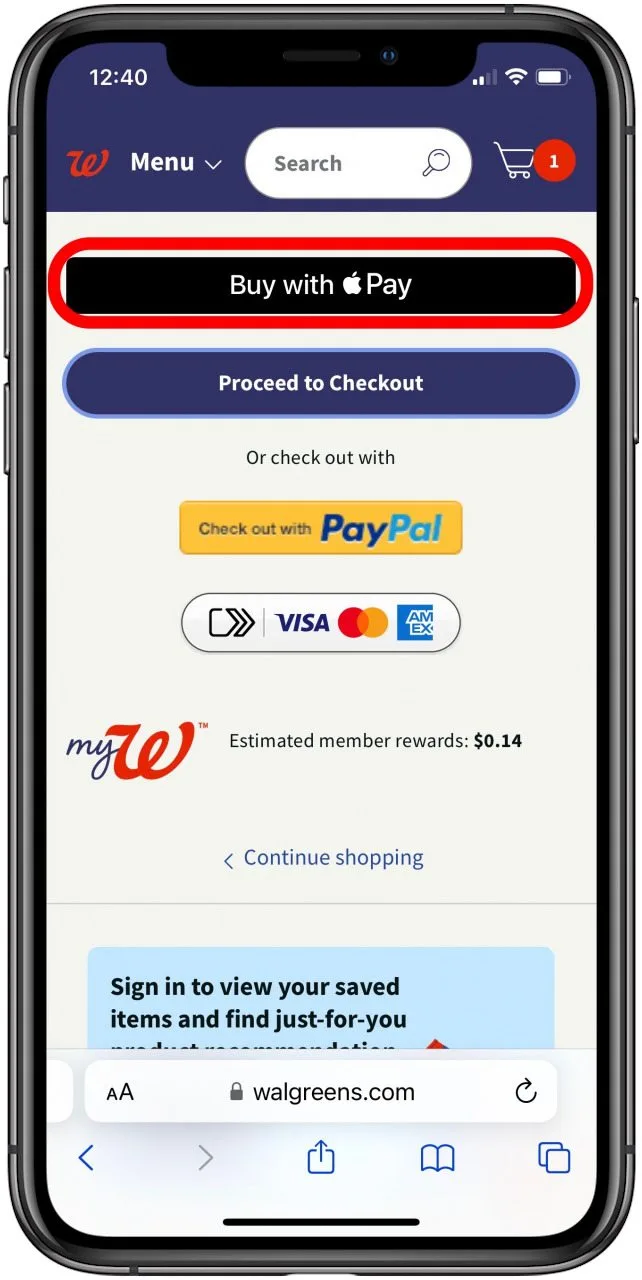
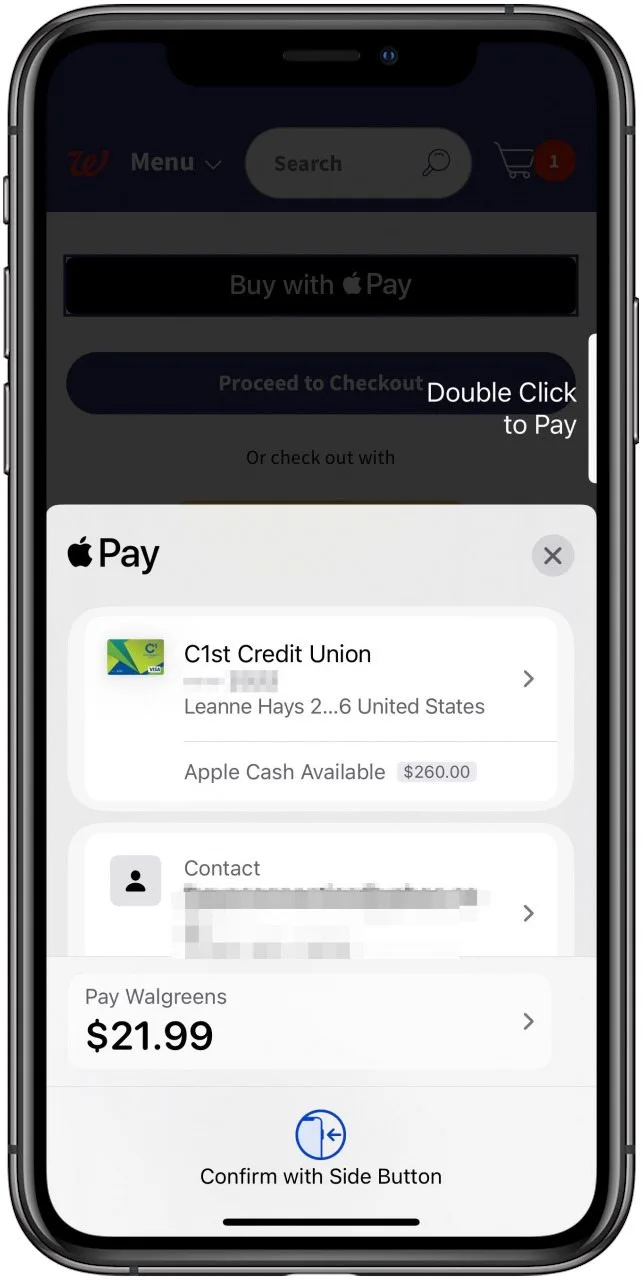
- Confirm the payment with Face ID, Touch ID, or your device passcode.
What You Need Before Apple Pay Will Work
Apple Pay fails most often because setup is incomplete or your device cannot authenticate. A quick checklist helps you avoid checkout surprises.
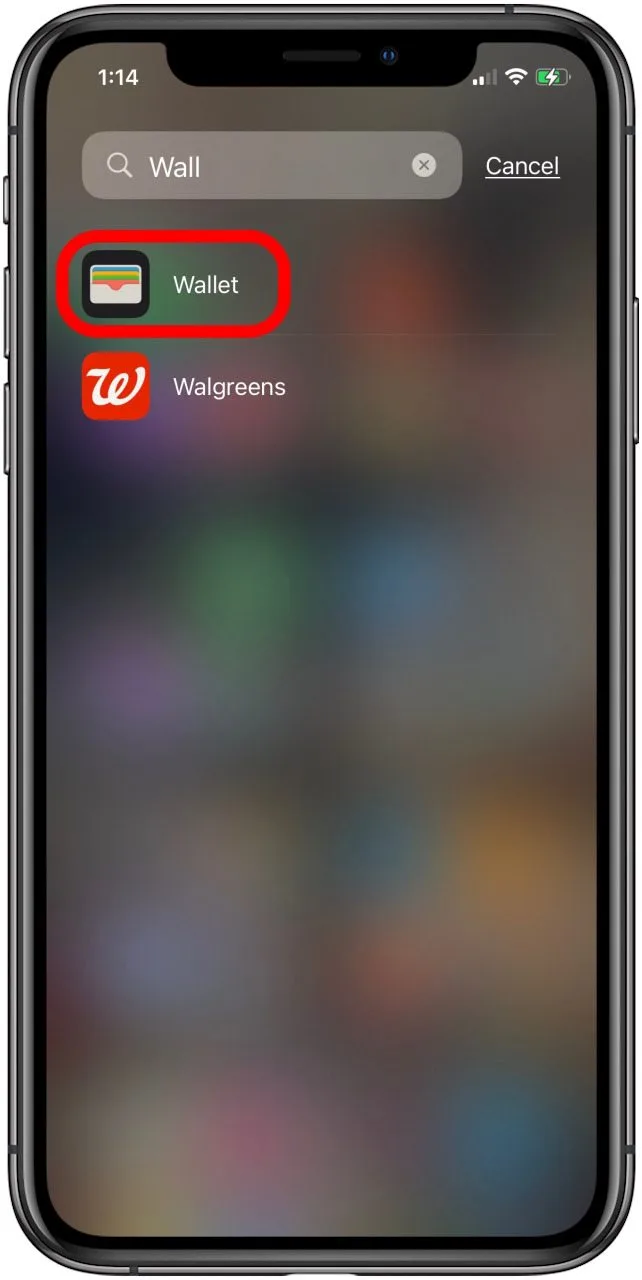
- Add an eligible debit or credit card to Wallet.
- Sign in to your Apple ID and turn on Two-Factor Authentication.
- Set up Face ID, Touch ID, or a device passcode.
- Keep NFC enabled (it stays on by default on iPhone).
Troubleshooting Common Problems
If Apple Pay fails at Walgreens, you can usually fix it in minutes. Start with the simplest checks, then move to settings.
Apple Pay Does Not Show Up At Online Checkout
- Switch to an Apple device where you already set up Apple Pay.
- Try the Walgreens app instead of the browser, or try Safari instead of another browser.
- Remove restricted items from the cart, then check again for Apple Pay.
- Use another payment method if Walgreens does not offer Apple Pay for that checkout flow.
The Reader Does Not Recognize Your iPhone Or Apple Watch
- Wake your device, then open Apple Pay again.
- Hold the top of your iPhone closer to the reader for 2–3 seconds.
- Remove thick cases or metal accessories that block the NFC antenna.
- Ask the cashier to restart the card reader, or move to another register.
Payment Declines Or Fails After Authentication
- Check your bank app for a fraud alert or verification prompt.
- Try a different card inside Wallet.
- Restart your iPhone or Apple Watch, then try again.
- Remove the card from Wallet, then add it again if declines continue.
Tips
- Use Express Transit only for transit systems, not store payments.
- Keep one backup payment method ready in case a terminal goes offline.
- Update iOS and watchOS if Apple Pay starts failing after a device change.
- Choose a rewards credit card in Wallet if you want points on pharmacy purchases.
FAQ
Does Walgreens Take Apple Pay In Store?
Most Walgreens stores support contactless payments, so Apple Pay typically works at the register when the reader supports tap to pay.
Can I Use Apple Pay In The Walgreens App?
You can often use Apple Pay when Walgreens shows it as a payment option during app checkout on an Apple device.
Can I Use Apple Pay For Every Online Order?
Some checkout flows or item types may not show Apple Pay. If you do not see it at checkout, choose another payment method or buy in store.
What Should I Do If Apple Pay Keeps Failing?
Restart your device, try a different card in Wallet, and check for a bank verification prompt or fraud hold.
Summary
- Apple Pay usually works at Walgreens in-store, and it often works online when checkout offers it.
- Use iPhone or Apple Watch tap to pay, then confirm with Face ID, Touch ID, or passcode.
- If Apple Pay fails, switch registers, remove your case, or try another card in Wallet.
- If Apple Pay does not appear online, change devices or checkout method, or use another payment type.
Conclusion
Apple Pay can make Walgreens checkout quicker and more secure, especially in-store. When Walgreens shows Apple Pay at checkout online, you can use it there too, and a few quick troubleshooting steps can solve most payment issues.


Discussion (0)
Be the first to comment.