



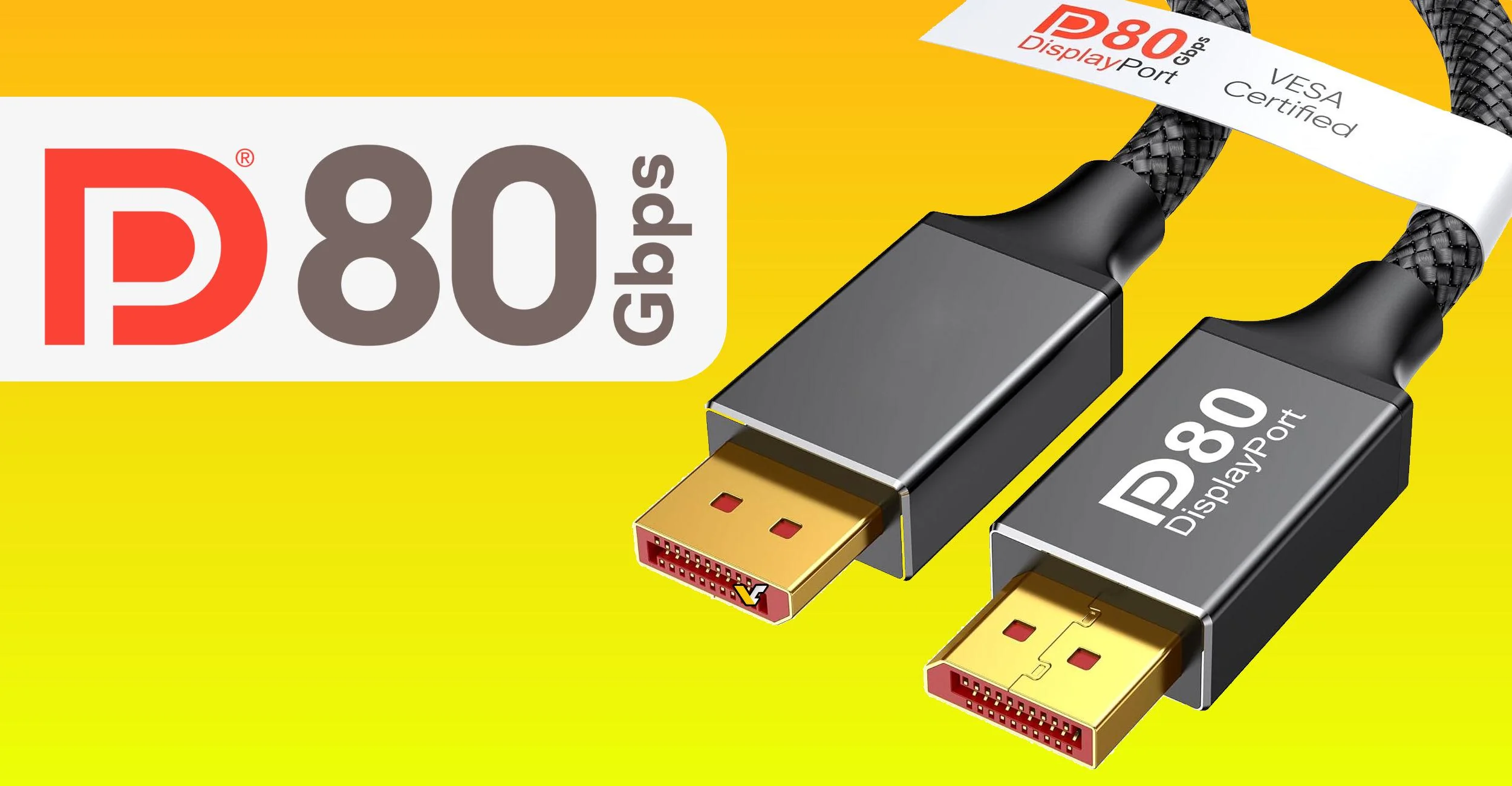
DisplayPort 2.1 support on a graphics card or monitor does not automatically guarantee the full 80 Gbps connection. A new test has shown that even a high end DisplayPort 2.1 UHBR20 monitor connected to an RTX 5090 can silently fall back to a lower bandwidth mode if the cable is not DP80 certified.
That means buyers who spend money on a premium 4K 240Hz monitor may not always get the full connection they expect. The display can still work normally, and the selected output mode may still appear available, but the link may drop from UHBR20 to UHBR10. In simple terms, that means the connection falls from 80 Gbps to 40 Gbps.
The test used an ASUS ROG Swift PG32UCDM3, a 32 inch 4K 240Hz QD OLED monitor with DisplayPort 2.1 UHBR20 support, connected to a GeForce RTX 5090. With the short DP80 cable included with the monitor, GPU Z reported four lanes running at 20 Gbps each. That confirms the full UHBR20 link.
When a random DisplayPort cable was used instead, the connection dropped to 10 Gbps per lane. That is UHBR10 mode, which provides 40 Gbps total bandwidth. The same kind of fallback was also seen with a DP54 cable, even though that cable was recognized as better than a basic DisplayPort cable.
The display may still work, but DSC can turn on quietly
The confusing part is that this fallback does not necessarily break the display mode. You may still be able to select 4K 240Hz with 10 bit RGB output, but the connection may need Display Stream Compression to make it possible over the lower bandwidth link.
DSC is designed to be visually lossless, and many high refresh rate 4K monitors have used it for years over DisplayPort 1.4. For most people, it will not create an obvious image quality problem. The issue is more about expectations. If you bought a DisplayPort 2.1 UHBR20 monitor specifically to avoid compression, the wrong cable can quietly defeat that purpose.
| Cable or link type | Maximum bandwidth | What it means |
|---|---|---|
| UHBR10 | 40 Gbps | Lower DisplayPort 2.1 link mode |
| UHBR20 | 80 Gbps | Full bandwidth mode for DP80 cables |
| DP40 | 40 Gbps class | Not enough for full UHBR20 |
| DP54 | 54 Gbps class | Higher than DP40, but still not full DP80 |
| DP80 | 80 Gbps class | Needed for full UHBR20 bandwidth |
NVIDIA’s RTX 50 series appears to check the cable and then choose a safer link mode if the cable cannot reliably handle the full 80 Gbps connection. That is likely done to avoid flickering, black screens, signal drops, or unstable output.
From a user experience point of view, this is better than constant display problems. But it also means the downgrade may be invisible unless you check the link rate manually.
The DisplayPort 2.1 label is not specific enough
The biggest lesson here is that “DisplayPort 2.1” by itself is not enough when buying a cable. The certification tier matters more. DP40, DP54, and DP80 all sit under the wider DisplayPort 2.1 umbrella, but they do not offer the same bandwidth.
For a monitor that supports UHBR20, you need a DP80 certified cable to get the full 80 Gbps link. Without it, your system may fall back to UHBR10 or another lower mode. The monitor will still display an image, but it may rely on compression where you expected an uncompressed signal.
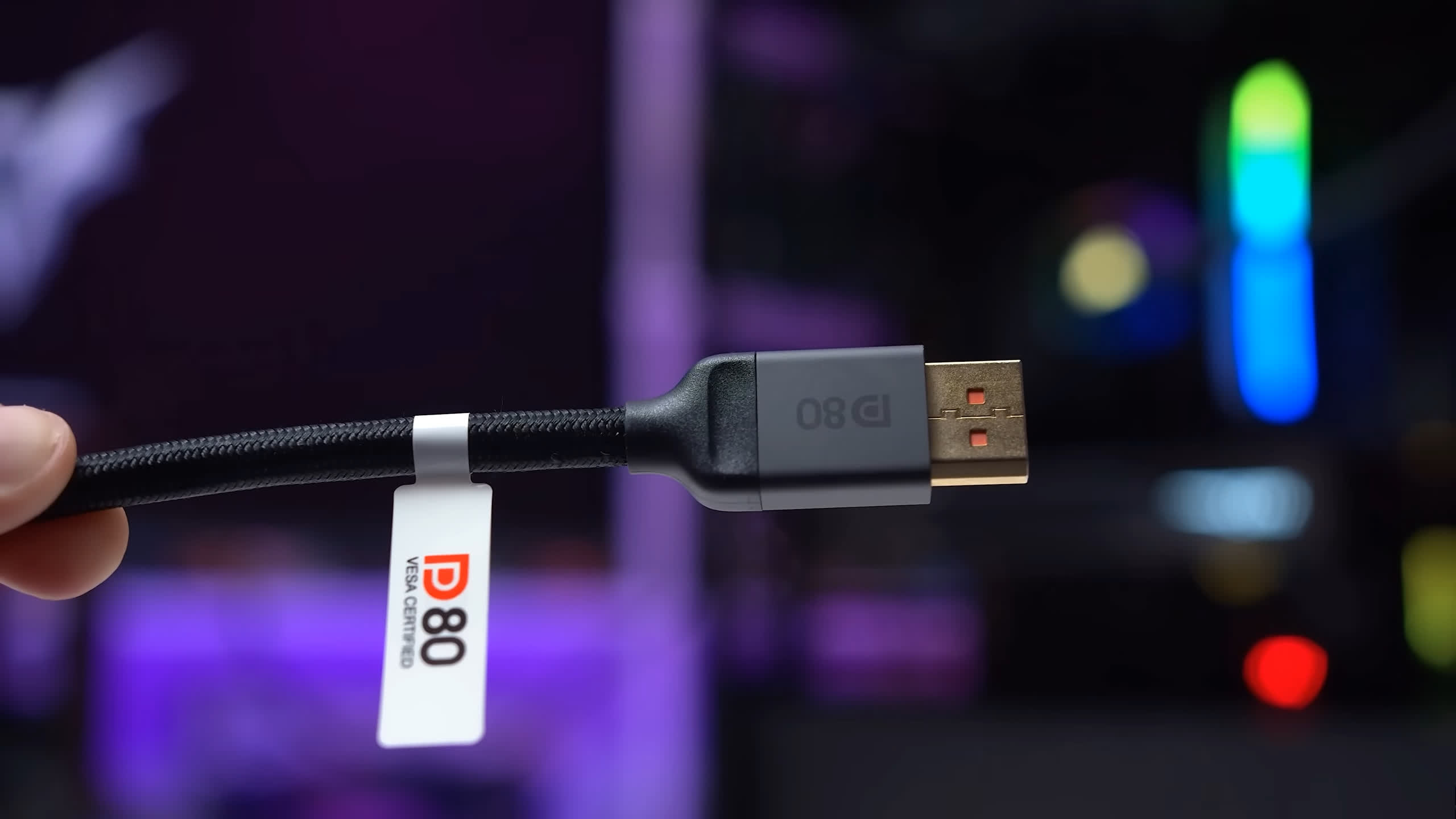
The safest approach is to check for the DP80 logo and verify the product through VESA’s certification database. Retail listings can be confusing because some brands advertise DisplayPort 2.1 support broadly, while only specific cable lengths are actually DP80 certified.
That detail matters because longer passive cables are harder to certify at high bandwidth. A short cable from the same product line may support DP80, while a longer version may not. Buyers should check the exact listing rather than assuming every length in a series is identical.
High end monitor buyers should check the cable first
This issue is going to matter more as 4K 240Hz OLED monitors, 8K displays, and faster DisplayPort 2.1 graphics cards become more common. The port is only one part of the chain. The graphics card, monitor, and cable all need to support the same bandwidth level.
The good news is that DP80 cables are not rare or extremely expensive anymore. Certified 2 meter cables are already available at relatively low prices, and VESA has also introduced DP80LL active cables with DisplayPort 2.1b for longer runs up to three meters.
Still, this is something PC buyers should not ignore. If you are buying a premium display, do not reuse an old cable just because it fits the port. It may work, but it may also force the connection into a lower bandwidth mode.
For most people, DSC fallback will not ruin the experience. But for enthusiasts who want full UHBR20 bandwidth, uncompressed output, and proper use of a DisplayPort 2.1 monitor, the cable matters. The simplest rule is this: look for DP80 certification, check the exact cable length, and confirm the link speed after setup if your monitor and GPU support it.



Discussion (0)
Be the first to comment.