


UP

Smarthome

What is a smart home? How do you create a Wi-Fi network? How do you pick a good Wi-Fi router? How do you use and install smart products into your home?

tutorial The Layman's Guide to Solving Wireless Network Interference Problems

The Layman's Guide to Solving Wireless Network Interference Problems

One of the most common root causes for having slow and unstable wireless network connections is interference. Many things interfere with a wireless network: everything from walls to the microwaves you use in the kitchen to other wireless networks. That's why I decided to learn more on the subject, experiment with my own wireless network and share what I have learned. In this article,
Use Network Files While Offline with Sync Center & Offline Files

Even though Sync Center and Offline Files are features present in older versions of Windows, few people know about them, let alone use them. That's why I decided to cover these tools in a mini-series of articles. In this first episode you will learn what Sync Center and Offline Files are, how to access them and the basics about working with them. [DC-SUMMARY-BREAK] What's Changed About the Sync Center in

Reviewing the Belkin N600 DB Wireless Dual-Band N+ Router

Personally, I am a fan of Belkin routers and I have owned a few good models in the past. By chance, I managed to get my hands on a Belkin N600 DB Wireless Dual-Band N+ router which, at least in theory, packs some interesting technologies and features. I was really curious to learn if it is a good router and if it is worthy of running my home network. Let's
tutorial Troubleshoot Wireless Network Connection Problems by Yourself

Troubleshoot Wireless Network Connection Problems by Yourself

Lots of people have issues with wireless network connections and they don't know how to fix them. If you have access to an Internet connection, at least you can Google things and find some help. But what do you do when the wireless connection you have trouble connecting to is the only that can give you Internet access. Well... you can read & learn
tutorial The Network Map - Access Your Network Computers in a Fun Way

The Network Map - Access Your Network Computers in a Fun Way

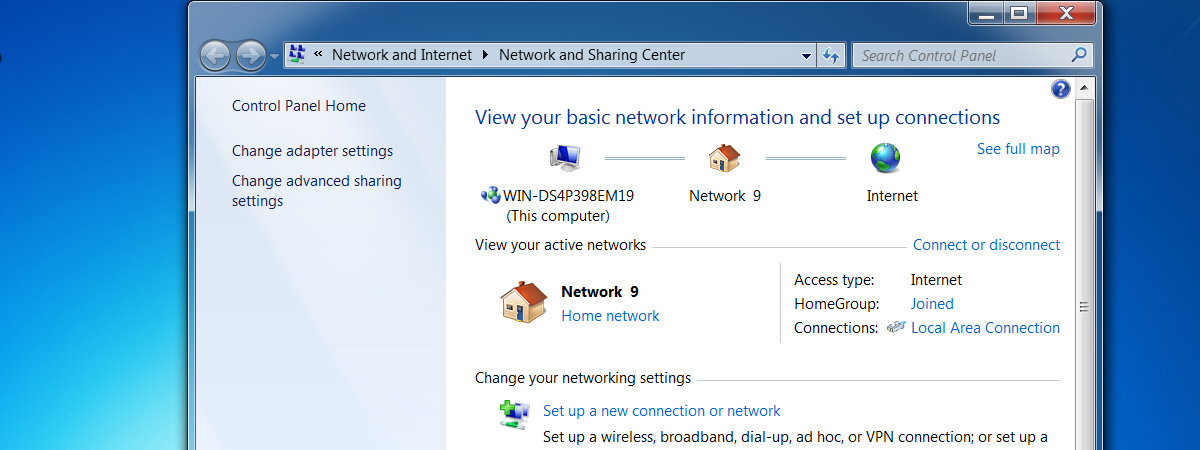
One of the less known features of Windows 7 is the network map. This feature does what its name implies: it shows you a complete map of all the computers connected to your network at a specific point in time. It was first introduced in Windows Vista and it was kept pretty much unchanged in Windows 7. In this guide I will show you