



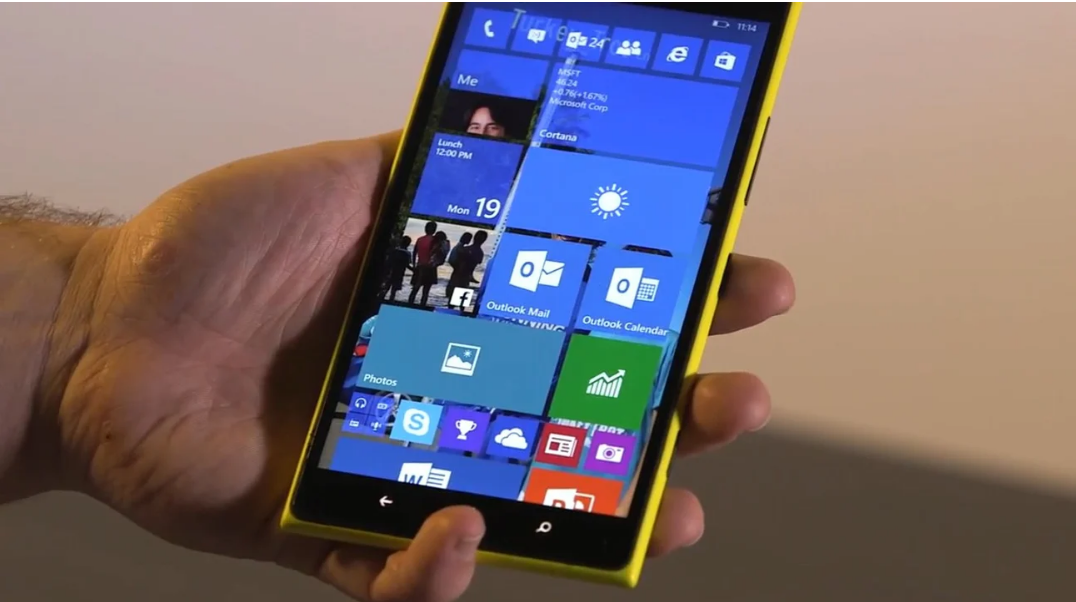
If you’ve tried to run an .exe file on a Windows phone, you’ve probably hit a wall. The short answer is simple. You can’t run traditional desktop programs on Windows 10 Mobile.
But the reason why matters, because it clears up a lot of confusion around how the platform works.
What an EXE File Actually Is
An .exe file is a standard executable used by desktop versions of Windows to run programs.
These applications are built for:
- Full Windows operating systems (like Windows 10 or 11)
- x86 or x64 processor architectures
- Desktop-style environments with full system access
That’s very different from how Windows 10 Mobile is designed.
Why EXE Files Don’t Work on Windows 10 Mobile
Windows 10 Mobile is not just a smaller version of desktop Windows. It’s a separate platform with different rules.
There are three main reasons EXE files don’t run:
1. Different Architecture
Most Windows phones use ARM processors, while traditional EXE programs are built for x86/x64 systems.
Even if you could install the file, it wouldn’t run natively.
2. App Model Restrictions
Windows 10 Mobile uses a sandboxed app system similar to other mobile operating systems.
Apps must be installed through approved formats, not arbitrary executables.
This prevents direct execution of EXE files.
3. No Desktop Environment
EXE programs expect a desktop interface with full system access.
Windows 10 Mobile doesn’t provide that environment, so even compatible apps wouldn’t function correctly.
What About Workarounds?
This is where expectations need to be realistic.
There’s no practical way to run standard EXE programs directly on Windows 10 Mobile.
You may come across suggestions like emulators or unofficial tools, but they are:
- Unstable
- Limited in compatibility
- Not suitable for real use
In most cases, they’re not worth the effort.
What You Can Do Instead
If you need access to a desktop application, you have a few practical alternatives.
Use Remote Desktop
You can connect your phone to a PC and run applications remotely.
Remote Desktop lets you control a Windows PC from your phone and use EXE programs indirectly.
This is the most reliable workaround.
Look for App Alternatives
Many desktop applications have mobile or web-based versions.
These may not offer full functionality, but they’re designed to work within the mobile environment.
Use a PC for Full Functionality
If the task requires a desktop application, there’s no real substitute for using a proper Windows PC.
Real-World Perspective
This limitation isn’t unique to Windows 10 Mobile.
All mobile operating systems restrict direct execution of desktop software.
The difference is that Windows creates the expectation that everything should be compatible across devices.
In reality, mobile and desktop environments are fundamentally different.
Limitations You Should Accept
Windows 10 Mobile is no longer actively developed.
That means:
- No new compatibility features
- Limited app ecosystem
- Increasing software limitations over time
Trying to extend its capabilities beyond its design isn’t practical.
Final Thoughts
You can’t run EXE files on Windows 10 Mobile, and there’s no reliable way to change that.
The platform wasn’t built for it.
If you need desktop applications, the best approach is to use remote access or switch to a device designed for that purpose.
Understanding this saves time and avoids chasing solutions that don’t realistically work.
FAQs
Can Windows 10 Mobile run EXE files?
No, it doesn’t support traditional desktop executables.
Why aren’t EXE files compatible?
Because of architecture differences, app restrictions, and lack of a desktop environment.
Is there any emulator that works?
Not reliably for real-world use.
What’s the best workaround?
Using Remote Desktop to access a PC.
Can I convert EXE files to mobile apps?
No, they need to be rebuilt specifically for mobile platforms.


Discussion (0)
Be the first to comment.