



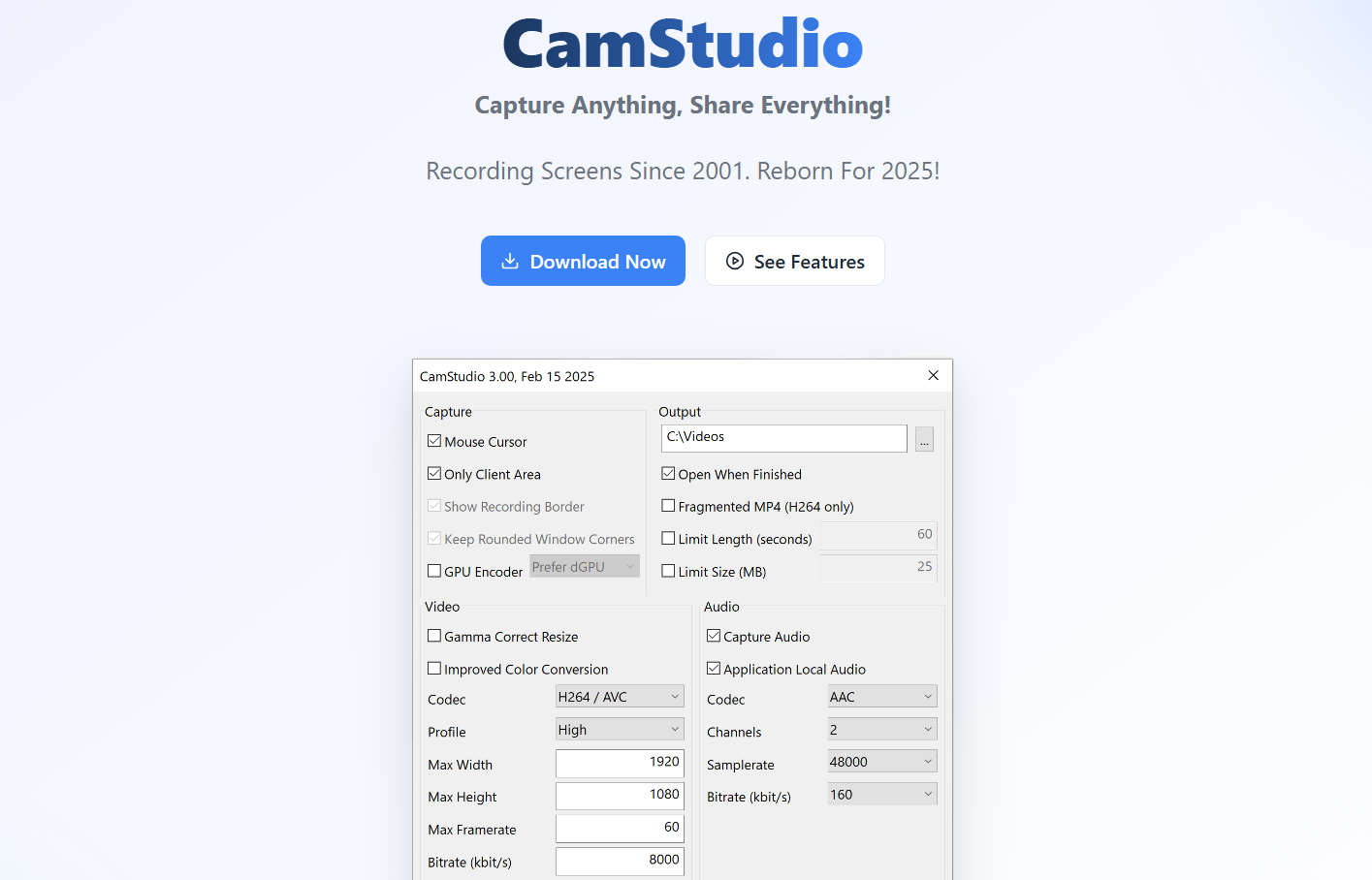
CamStudio is a free and open-source screen recording software for Windows. It allows users to capture on-screen activity and save it as a video file. It is often used for creating tutorials, software demonstrations, and instructional videos.
This guide explains what CamStudio is, its features, how to use it, and whether it is still a good choice on Windows 10 and Windows 11.
What Is CamStudio
CamStudio is a lightweight screen recorder that can:
- Record the full screen or selected region
- Capture mouse movements
- Record audio from microphone or speakers
- Save videos in AVI format
- Convert recordings to SWF format
It has been available for many years and is known for being simple and free.
Is CamStudio Safe
CamStudio itself is open-source software. However, you should always download it from the official website to avoid bundled software or outdated versions.
It does not include advanced security features, so ensure you use antivirus protection when downloading any third-party software.
System Requirements
CamStudio works on:
- Windows 7
- Windows 8
- Windows 10
- Windows 11
It does not require high system resources, making it suitable for older PCs.
How to Download CamStudio
To install CamStudio:
- Visit the official CamStudio website
- Download the latest stable version
- Run the installer
- Follow the setup instructions
After installation, launch the program from the Start menu.
How to Use CamStudio
Record Your Screen
- Open CamStudio
- Click Region to choose recording area
- Full Screen
- Fixed Region
- Select Region
- Click the Record button
- Perform actions you want to record
- Click Stop when finished
- Save the file
The recording will be saved as an AVI file by default.
Record Audio
To enable audio:
- Click Options
- Choose Record audio from microphone or Record audio from speakers
This allows you to add voice narration.
Key Features of CamStudio
- Free and open source
- Simple interface
- Screen region selection
- Basic annotation tools
- AVI to SWF conversion
It is ideal for basic screen recording tasks.
Limitations of CamStudio
CamStudio has some limitations:
- Outdated interface
- Limited video formats
- Basic editing features
- No built-in live streaming support
For advanced features, modern alternatives may be better.
Alternative Screen Recorders
If you need more advanced features, consider:
- OBS Studio
- ShareX
- Xbox Game Bar (built into Windows)
These offer better performance and modern compatibility.
Is CamStudio Still Worth Using
CamStudio can still work for simple recordings. However, it may not be regularly updated, and modern tools provide better performance and features.
For professional content creation, more advanced software is recommended.
Final Thoughts
CamStudio is a free screen recording software for Windows that allows basic screen capture and audio recording. While it is easy to use and lightweight, it lacks advanced features found in modern screen recording tools. If you need simple screen recording on Windows 10 or Windows 11, CamStudio may still serve basic needs.
FAQs
Is CamStudio free
Yes, it is free and open source.
Does CamStudio work on Windows 11
It can run on Windows 11, but compatibility may vary.
Can CamStudio record audio
Yes, it can record microphone and system audio.
Is CamStudio better than OBS
OBS offers more advanced features and better performance.
Does CamStudio support MP4 format
It primarily saves in AVI format.


Discussion (0)
Be the first to comment.