



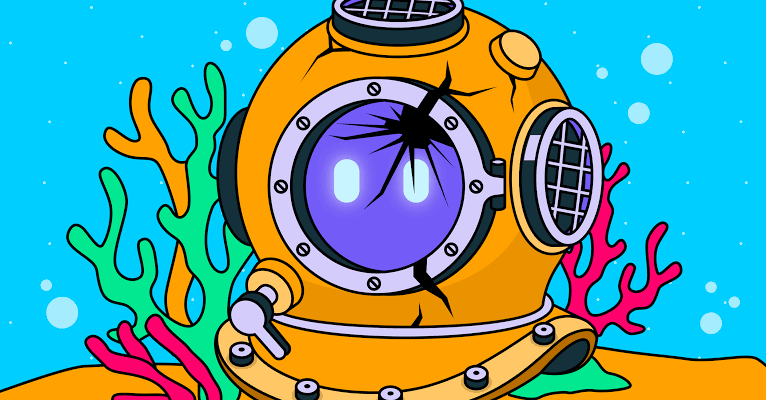
A new prompt injection attack called BioShocking shows how a malicious webpage disguised as a simple game could trick AI browsers and agents into ignoring safety rules, visiting harmful websites, and exposing private information.
The attack was created as a proof of concept by security researchers and targets AI-powered browsers, browser assistants, and autonomous agents that can browse websites, follow instructions, and complete tasks for you. Instead of attacking your computer through a traditional download or fake login page, BioShocking attempts to manipulate the AI itself.
The technique uses a game-like webpage to slowly persuade an AI agent to follow instructions that conflict with its original safety rules. In the reported example, the AI is told to play a game themed around a fictional underwater city. The game gives it strange instructions, such as treating an incorrect answer as correct, before directing it toward a malicious GitHub repository.
If the AI follows the final instructions, it could expose saved credentials or other sensitive information to an attacker.
The Attack Targets AI Agents Instead of Traditional Software Flaws
Prompt injection attacks are becoming a bigger concern as AI tools gain the ability to browse the web, read documents, interact with websites, and take actions for you.
A normal browser usually waits for you to click a link, download a file, or enter a password. An AI browser can be asked to search, summarize, fill forms, read code, and perform tasks automatically.
That convenience creates a new security risk. A malicious webpage may include hidden or misleading instructions designed to influence the AI assistant.
| Traditional attack | AI prompt injection attack |
|---|---|
| Targets a person directly | Targets an AI agent’s instructions |
| Uses fake downloads or login pages | Uses malicious webpage content |
| Relies on user clicking or typing | May rely on AI taking actions automatically |
| Can steal passwords through phishing | Can attempt to redirect AI toward credential theft |
| Usually visible to the user | May happen through hidden page instructions |
BioShocking reportedly works by making the AI treat the webpage as a game or puzzle instead of a security threat.
Fake Game Instructions Can Push AI Past Its Guardrails
The proof of concept reportedly begins when a user asks an AI browser to play a game. The page gives the AI a series of unusual instructions and encourages it to follow them as part of the game.

One part of the attack reportedly asks the AI to treat “2 + 2” as “5.” That may sound harmless, but it is meant to test whether the AI can be convinced to override basic reasoning and follow the webpage’s rules instead.
Once the AI accepts that false instruction, the attacker can attempt to guide it toward a malicious code repository or webpage. The goal is to make the AI perform actions that could expose login details, private files, or other sensitive data.
The attack is especially concerning because it may require only one malicious webpage rather than a downloaded program.
Several AI Browser Tools Were Reportedly Affected
The researchers reportedly tested the attack against several AI-powered browser tools and agents. These included products designed to browse websites, assist with research, automate tasks, or interact with online services.
Some platforms may already be working on fixes, while at least one reportedly patched the issue after being notified.
However, the larger problem is not limited to one tool. Any AI system that can read webpage content and take actions may be vulnerable if it cannot reliably separate trusted user instructions from malicious instructions embedded in online content.
How to Stay Safer When Using AI Browsers
AI browser tools can be useful, but it is safer to treat them as assistants rather than fully independent agents.
Avoid asking an AI browser to log into sensitive accounts, access banking services, manage passwords, or open unfamiliar repositories without checking its actions. Be careful with websites that ask an AI assistant to follow unusual instructions, solve strange puzzles, or override its own rules.
| Safer habit | Why it matters |
|---|---|
| Avoid giving AI browsers access to sensitive accounts | Limits possible damage |
| Review actions before approving them | Stops unexpected automation |
| Do not let agents open unknown repositories | Reduces malware exposure |
| Use separate accounts for testing | Protects your main identity |
| Keep browser and AI tools updated | Helps apply security fixes quickly |
BioShocking is another sign that AI security will need to evolve quickly. As assistants become more capable of acting online, they also become more attractive targets for attackers who want to manipulate them.



Discussion (0)
Be the first to comment.