



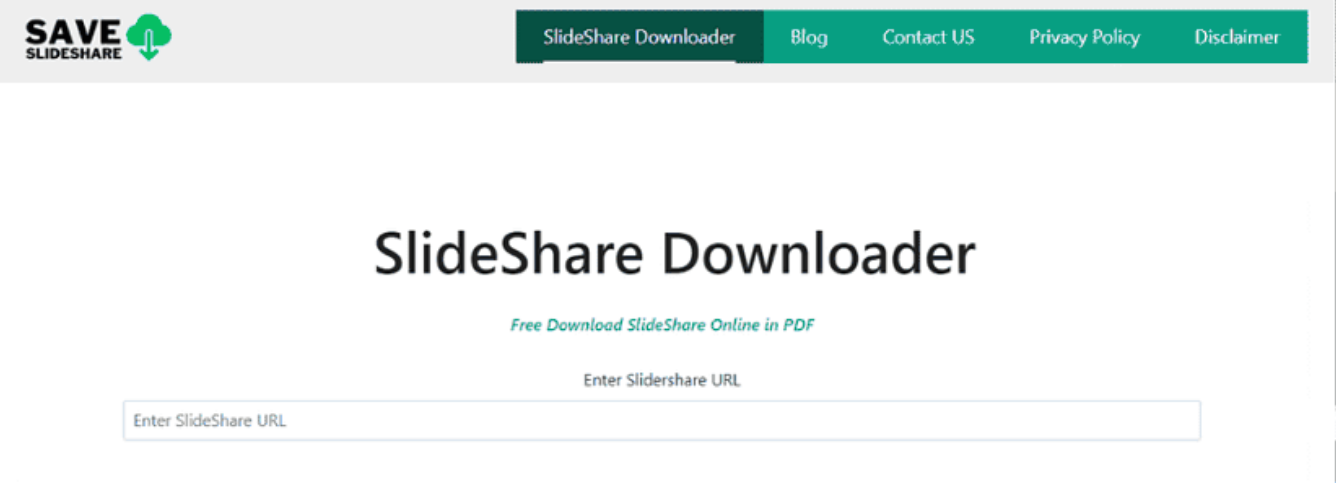
If you want to download presentations from SlideShare, using a SlideShare downloader can help you save slides for offline viewing. SlideShare is a popular platform where users share presentations, documents, and educational content.
However, not all presentations allow direct downloads. In such cases, third-party tools may help download SlideShare files so you can access them later. This guide explains some of the best SlideShare downloader tools and how they work.
What Is a SlideShare Downloader?
A SlideShare downloader is an online tool or application that allows users to download SlideShare presentations by entering the presentation link.
These tools typically convert the slides into downloadable formats such as:
- PDF files
- Image files
- PowerPoint presentations
This makes it easier to store presentations and read them offline.
Why Use a SlideShare Downloader?
Downloading SlideShare presentations can be useful for several reasons.
Common benefits include:
- Accessing presentations offline
- Saving educational materials for later reference
- Using slides for study or research
- Sharing presentations with colleagues or classmates
However, you should respect copyright and only download content you are allowed to use.
SlideShare Downloader
SlideShare Downloader is a simple web tool designed specifically for downloading SlideShare presentations.
Features include:
- Simple interface
- Direct SlideShare link download
- Quick PDF conversion
- No software installation required
You only need to paste the SlideShare URL to start the download process.
DocDownloader
DocDownloader is another popular tool that supports downloading documents from several platforms, including SlideShare.
Key features include:
- Supports multiple document sites
- Converts slides to downloadable files
- Works directly in a web browser
- Simple copy-and-paste process
It is commonly used for educational documents and presentations.
SlideShare Downloader Websites
Several websites offer similar services for downloading SlideShare content.
Typical steps include:
- Copy the SlideShare presentation URL.
- Open a SlideShare downloader website.
- Paste the link into the download box.
- Click Download.
- Save the presentation to your device.
Most tools follow this same process.
Things to Consider Before Downloading
Before using a SlideShare downloader, keep these points in mind:
- Some presentations are protected by copyright
- Not all downloaders work reliably
- Files may be converted to different formats
- Always use trusted websites to avoid malware
Whenever possible, download presentations directly from SlideShare if the option is available.
Alternative: Download Directly from SlideShare
Some SlideShare presentations include a built-in download button.
To download directly:
- Open the presentation page.
- Look for the Download option below the slide viewer.
- Sign in if required.
- Save the file.
This is the safest and most reliable method.
Final Thoughts
Using the best SlideShare downloader tools can help you save presentations for offline viewing and study. Online tools like SlideShare Downloader and DocDownloader make it easy to download slides by simply pasting the presentation link.
However, it is important to respect content ownership and only download materials when permitted. Whenever possible, use the official SlideShare download option to obtain presentations safely.
FAQs
What is a SlideShare downloader?
A SlideShare downloader is a tool that allows you to download presentations from SlideShare using the presentation link.
Can I download SlideShare presentations directly?
Yes. Some presentations include a download button on the SlideShare website.
Are SlideShare downloader tools free?
Many SlideShare downloader tools are free to use online.
Is it legal to download SlideShare presentations?
You should only download presentations if the author allows it or if the platform provides a download option.

Discussion (0)
Be the first to comment.