




Most laptop accessories fall into the “nice to have” category. They sound useful, but in practice, they don’t change how you use your device.
The ones worth buying are different. They remove friction from everyday work. If an accessory does not make your setup noticeably better within a few days, it is not worth it.
Here are the three laptop accessories that genuinely matter today, based on real-world usability.
1. USB-C Hub (Multiport Adapter)
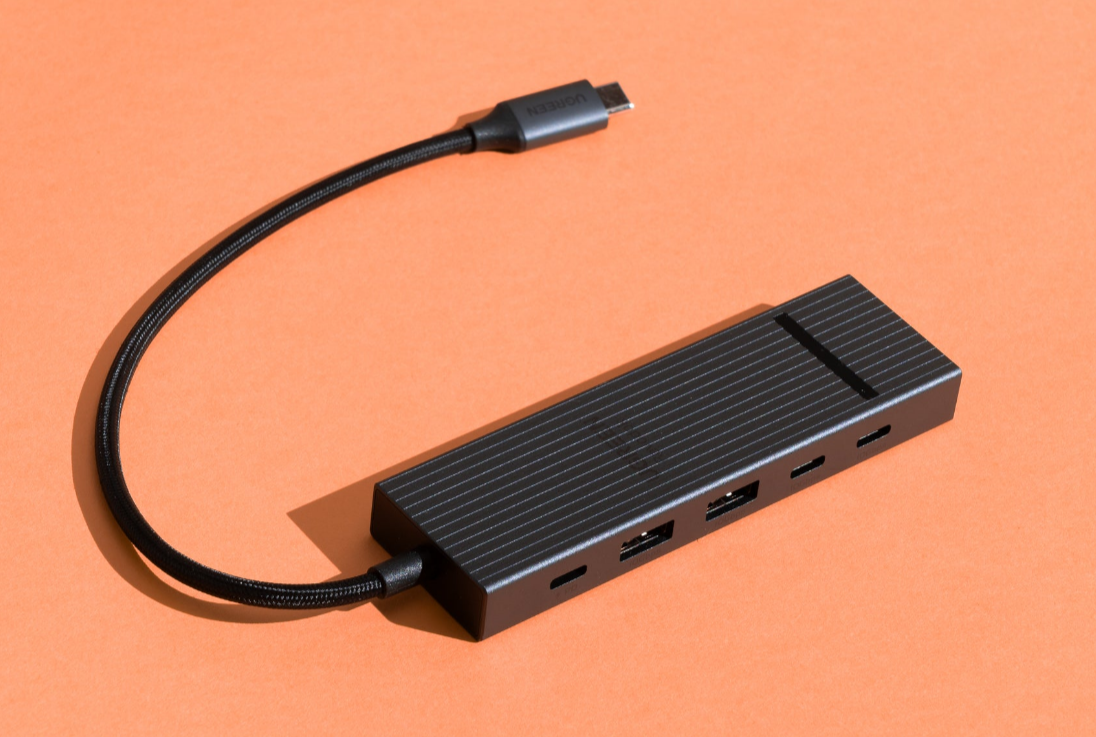
The shift to thinner laptops has reduced ports significantly. That is where a good USB-C hub becomes essential.
A reliable option like the Anker USB-C Hub solves multiple problems at once:
- Adds HDMI or DisplayPort for external monitors
- Provides USB-A ports for peripherals
- Enables SD card access
- Supports passthrough charging
In daily use, this is the accessory you end up relying on the most.
Where it matters:
- Working with external displays
- Using multiple peripherals
- Managing a clean, single-cable setup
Without a hub, modern laptops often feel unnecessarily limited.
2. Wireless Mouse (Productivity Upgrade)
Trackpads have improved, but they still cannot match the precision and comfort of a good mouse for long sessions.
The Logitech MX Master 3S is a standout because it focuses on practical usability:
- Precise scrolling for documents and spreadsheets
- Comfortable ergonomic design
- Customizable buttons for workflows
In real-world use, this is less about luxury and more about reducing fatigue and improving control.
Where it matters:
- Long work sessions
- Editing, spreadsheets, or design work
- Multitasking across apps
Once you switch, going back to a trackpad full-time feels limiting.

3. Laptop Stand (Simple but Underrated)
A laptop stand looks basic, but it has a surprisingly large impact on comfort and posture.
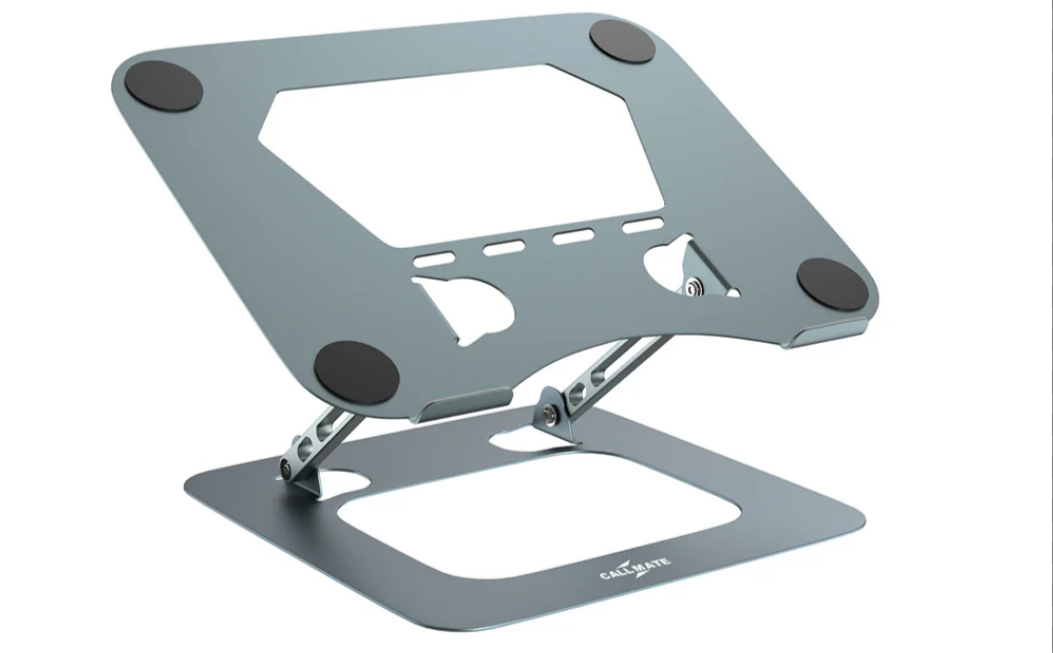
A solid option like the Rain Design mStand helps by:
- Raising the screen to eye level
- Improving airflow and cooling
- Creating a more ergonomic setup
In practice, this reduces neck strain and makes long working hours more sustainable.
Where it matters:
- Desk setups
- Remote work
- Long typing or reading sessions
It is one of the cheapest upgrades with the most noticeable long-term benefit.
What Actually Matters When Choosing Accessories
Instead of buying multiple items, focus on impact.
Ask:
- Does this solve a real problem?
- Will I use it daily?
- Does it improve comfort or efficiency?
The three accessories above cover:
- Connectivity
- Control
- Ergonomics
That combination is enough for most users.
Final Thoughts
The best laptop accessories are not about adding features. They are about removing limitations.
A USB-C hub expands what your laptop can do. A good mouse improves how you interact with it. A stand improves how you use it over time.
Start with these three, and you will notice the difference almost immediately.
FAQs
What is the most important laptop accessory?
A USB-C hub, especially for modern laptops with limited ports.
Is a wireless mouse necessary?
Not necessary, but highly recommended for productivity and comfort.
Do laptop stands really help?
Yes, they improve posture and reduce strain during long sessions.
Are expensive accessories worth it?
Only if they improve daily usability. Otherwise, no.
Can I use these with any laptop?
Yes, especially USB-C hubs and wireless mice, which are widely compatible.



Discussion (0)
Be the first to comment.