




If you rely on your iPhone or iPad for navigation, a dedicated compass app delivers more accuracy and flexibility than Apple’s basic Compass. Third-party apps add offline support, GPS data, maps, and AR tools that work better for hiking, travel, boating, or emergencies.
Below you’ll find 7 real, widely used compass apps for iPhone and iPad, explained clearly so you can choose the right one fast.
Table of contents
1) Compass & GPS

Compass & GPS focuses on precision by combining magnetometer and gyroscope data for stable readings. The interface stays clean and readable, even in bright outdoor conditions.
In addition, the app displays true north, coordinates, and altitude in one view. This makes it a strong everyday option for users who value accuracy.
2) Compass°

Compass° offers a simple, no-frills compass experience that launches instantly. It prioritizes speed, clarity, and low battery usage.
At the same time, it supports both magnetic and true north modes. This makes it ideal for quick checks and casual navigation.
3) Compass Steel 3D
Compass Steel 3D stands out with a polished design and smooth animations. The interface feels modern while remaining easy to read.
It also includes weather data, sunrise and sunset times, and true north support. These extras appeal to outdoor users who want more context.
4) Compass & altimeter

Compass & Altimeter focuses on elevation and location awareness. It pairs directional data with altitude and coordinate readings.
This combination suits hikers and climbers who track terrain changes. The app remains lightweight and reliable offline.
5) AR compass 3D
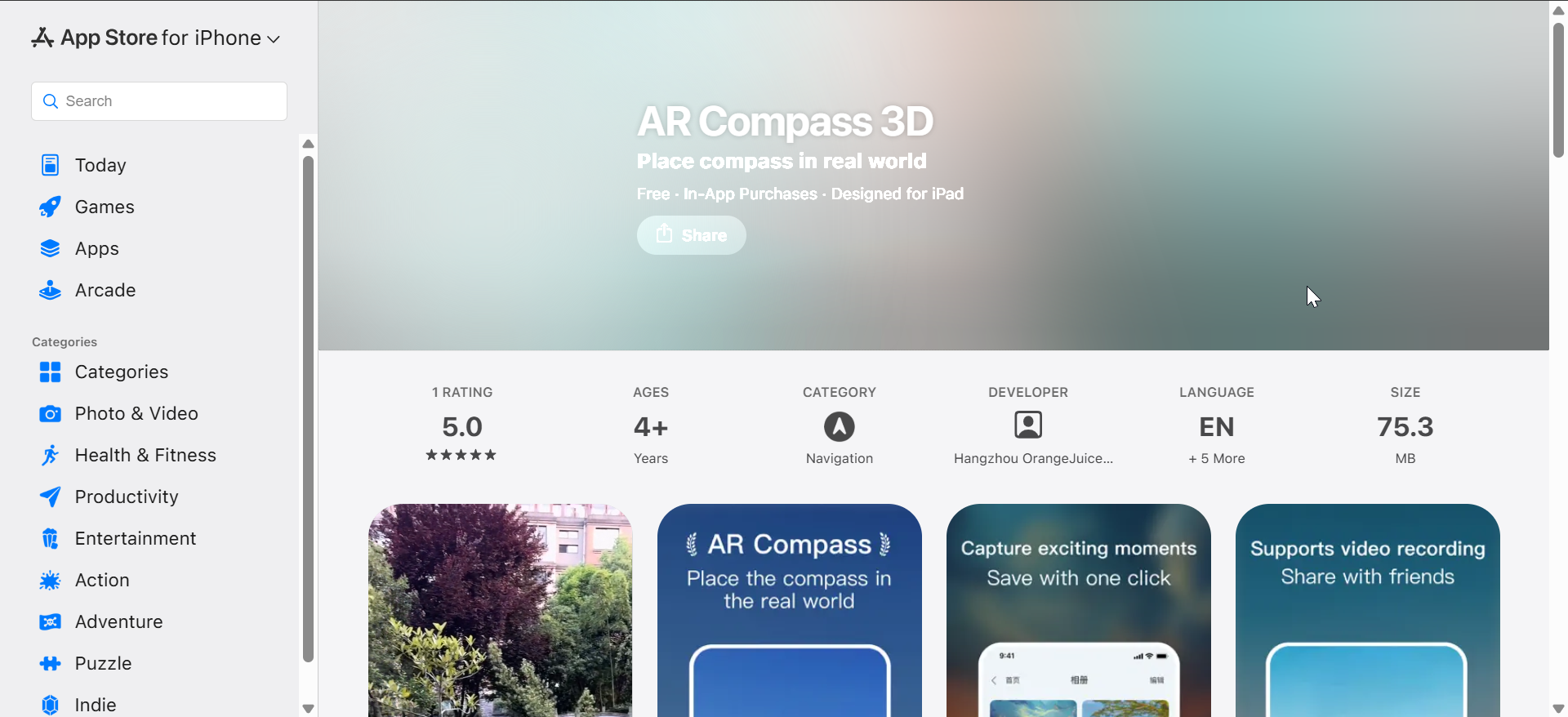
AR Compass 3D uses augmented reality to display headings over the live camera view. This visual approach helps users understand orientation instantly.
The app also includes traditional compass and map modes. This flexibility suits both beginners and advanced users.
6) Compass for iPad & iPhone

Compass for iPad & iPhone offers a classic compass layout optimized for larger screens. The design emphasizes readability and stable headings.
It supports true north, GPS coordinates, and offline use. This makes it a solid choice for users who prefer traditional tools.
7) Compass PRO
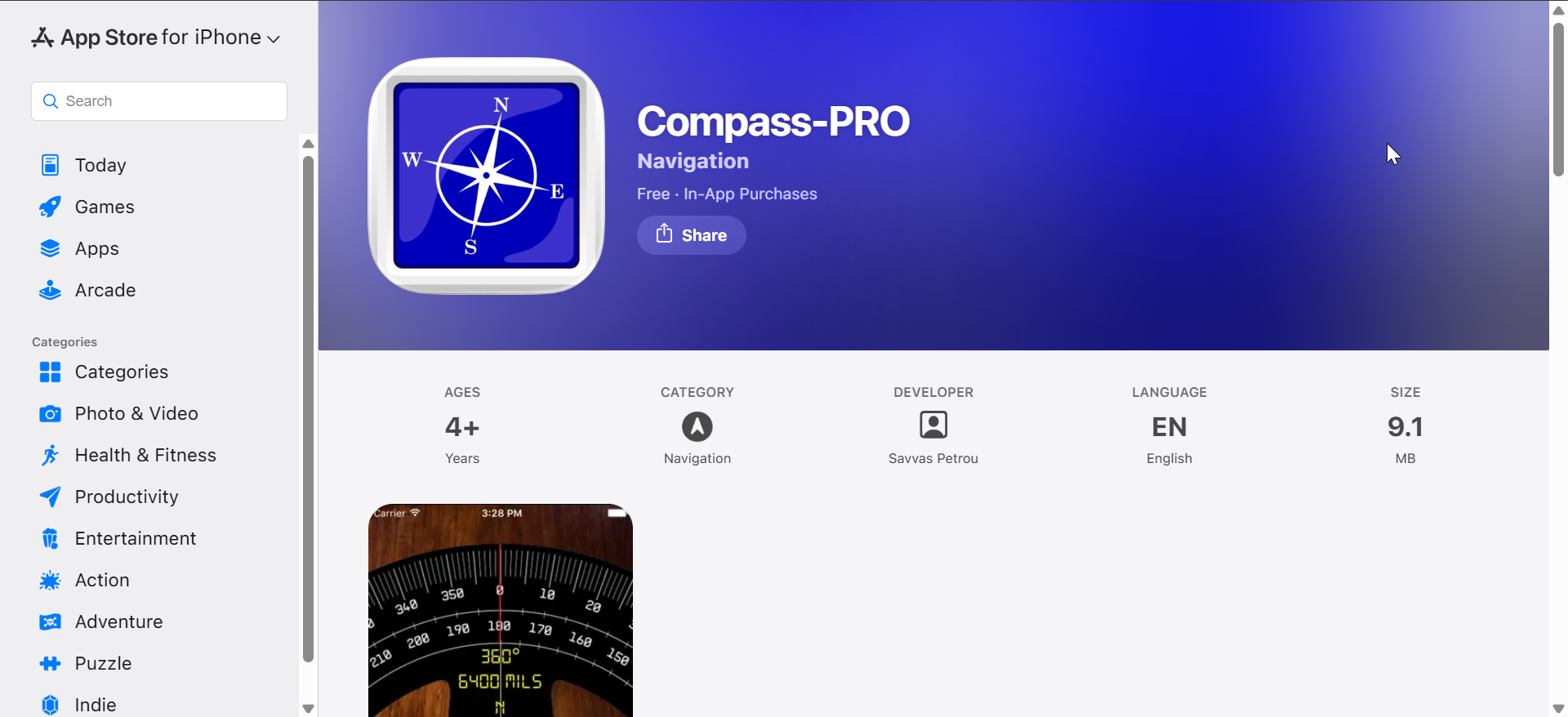
Digital Compass blends simplicity with practical extras like latitude and longitude. The app works offline, which adds reliability when signal drops.
Its large dial and clear headings suit iPad users especially well. This makes it a dependable choice for distraction-free navigation.
What makes a good compass app on iOS
A good compass app does more than point north. It delivers reliable readings, stays usable in real-world conditions, and adapts well to different devices and environments.
Accuracy and sensor reliability
Compass apps rely on the iPhone or iPad magnetometer, often combined with gyroscope and GPS data. Apps that blend these sensors correctly provide steadier readings and less drift.
Offline support and GPS use
Many compass apps work without cellular data, but not all handle offline use equally well. Apps with proper offline GPS support remain dependable during hiking, travel, or emergencies.
iPad optimization and large-screen layouts
Not every compass app scales well to iPad screens. The best options use larger dials, clearer text, and landscape-friendly layouts.
Summary
- Compass apps vary widely in accuracy, features, and device optimization.
- Offline support and proper sensor handling matter most for real-world use.
- iPad-optimized layouts improve readability and usability.
- AR and GPS tools add value for outdoor and travel scenarios.
Choosing the best compass app depends on how and where you navigate. Lightweight apps suit quick direction checks, while outdoor users benefit from GPS, altitude, and AR features. Pick an app that matches your environment, and you’ll get consistent, reliable direction every time.


Discussion (0)
Be the first to comment.