



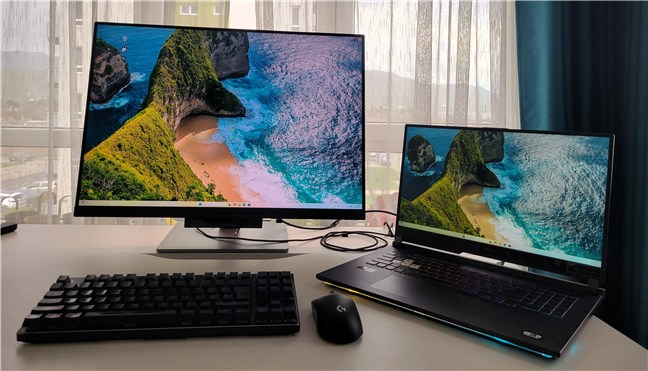
External touchscreen monitors are useful only if you genuinely benefit from touch input or portability. Otherwise, they can feel like an unnecessary upgrade over standard displays.
If you’re looking for something that actually holds up in real use, these three are the most practical options right now.
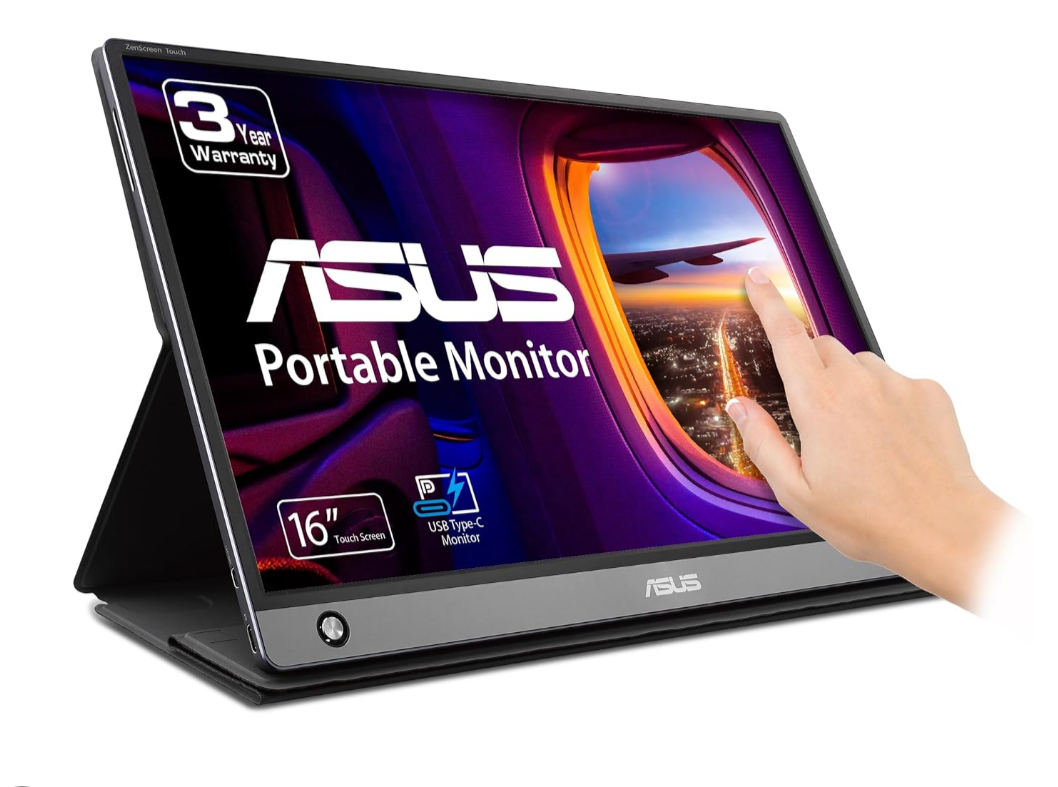
Best Overall: ASUS ZenScreen Touch MB16AMT
ASUS ZenScreen Touch MB16AMT
This is one of the most well-rounded portable touchscreen monitors available.
It strikes a good balance between portability, usability, and reliability. The built-in battery is a major advantage, allowing you to use it without constantly relying on power from your laptop.
Touch responsiveness is consistent, and it works well across different devices with minimal setup.
If you want something that just works without much effort, this is the safest choice.
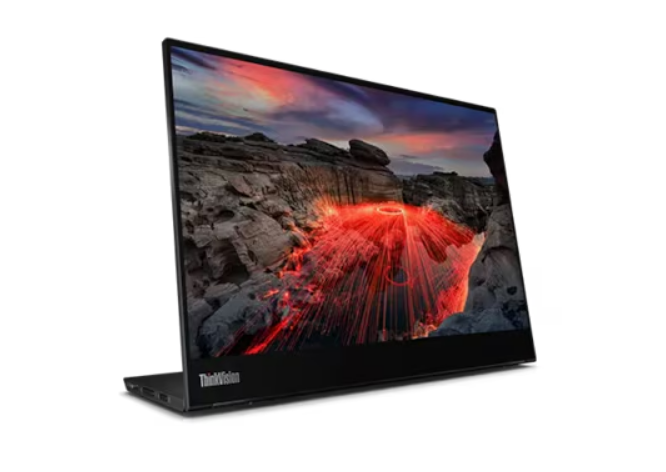
Best Premium Option: Lenovo ThinkVision M14t
Lenovo ThinkVision M14t
If your workflow involves note-taking, drawing, or precise input, this is the better option.
It supports stylus input and feels more refined overall. The build quality is excellent, and it integrates well into professional setups.
It’s also lighter and more portable than most alternatives, which makes it ideal if you carry your setup around frequently.
You’re paying more, but you’re getting a more polished experience.
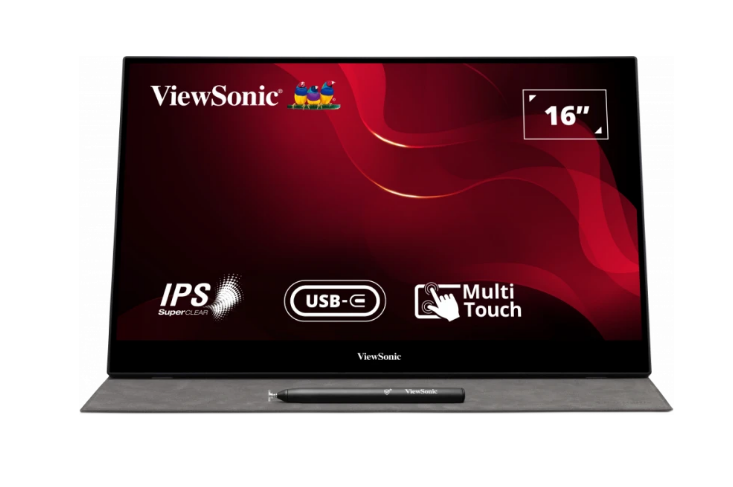
Best Value Option: ViewSonic TD1655
ViewSonic TD1655
This is the practical middle ground.
It doesn’t feel as premium as the Lenovo or as polished as the ASUS, but it’s reliable and flexible. It works well across different devices and offers good overall functionality for the price.
If you want a touchscreen monitor without spending too much, this is the one that makes the most sense.
Real-World Usage: Which One Should You Choose?
If you want the easiest, most balanced option, go with ASUS.
If you need stylus support and a more refined experience, Lenovo is the better fit.
If budget matters but you still want solid functionality, ViewSonic is the safest compromise.
Final Thoughts
Touchscreen monitors are niche, but in the right setup, they can improve how you work.
The key is choosing one that fits your actual usage, not just the specs.
If you’re not sure you’ll use the touch functionality regularly, it’s worth reconsidering whether you need one at all.

Discussion (0)
Be the first to comment.