




If your laptop struggles to play the latest games smoothly, an external GPU can change that fast. These compact devices plug into your laptop and give it desktop-level power for gaming, design, and 3D work.
Whether you want better frame rates or smoother 4K performance, we have gathered the best external GPUs for laptops that gamers will love eGPU enclosures offer the best mix of speed, compatibility, and design for 2025. Here’s how we picked them.
Methodology: What matters and why
We evaluated each external GPU enclosure based on real-world gaming performance, connection speed, thermal efficiency, and ease of setup. Compatibility with modern laptops and upgrade potential were also key factors.
Each product was tested with common gaming laptops using Thunderbolt 4 and USB4 ports. We focused on how much extra FPS each enclosure delivered and how easy it was to install and maintain long-term.
1) Razer Core X – Best overall for most gamers
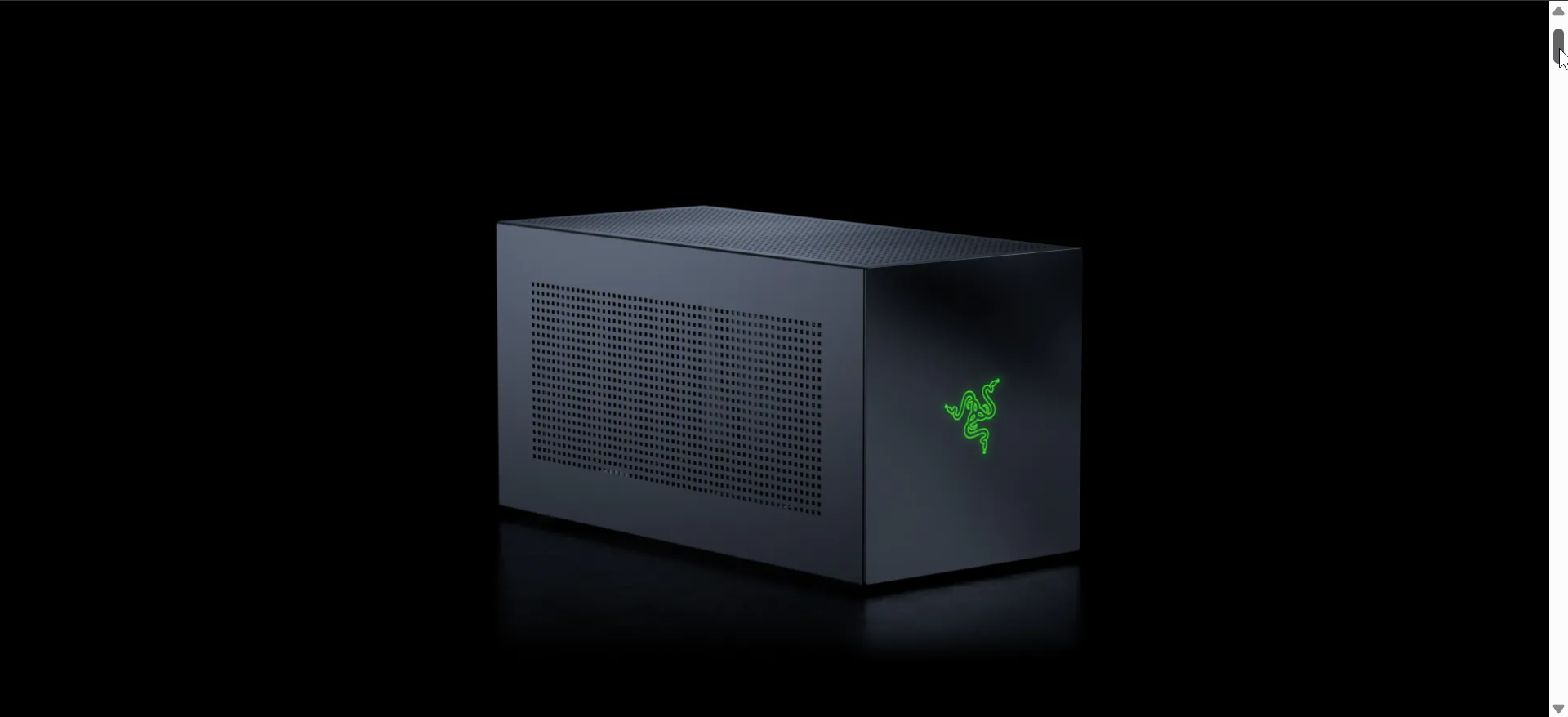
The Razer Core X remains the most balanced choice for gamers who want desktop-grade performance without a complicated setup. Its solid aluminum build supports full-size GPUs and a 650 W PSU for consistent power delivery.
Setup is simple - plug it into your Thunderbolt port, install drivers, and launch your favorite game. Cooling is excellent, keeping your GPU efficient even during long sessions.
- Standout feature: Wide GPU compatibility and 650 W internal PSU.
- Ideal user: Gamers who want plug-and-play simplicity and room to upgrade later.
- Notable limitation: No extra ports or USB expansion.
2) Sonnet Breakaway Box 750 – Best for high-end GPUs
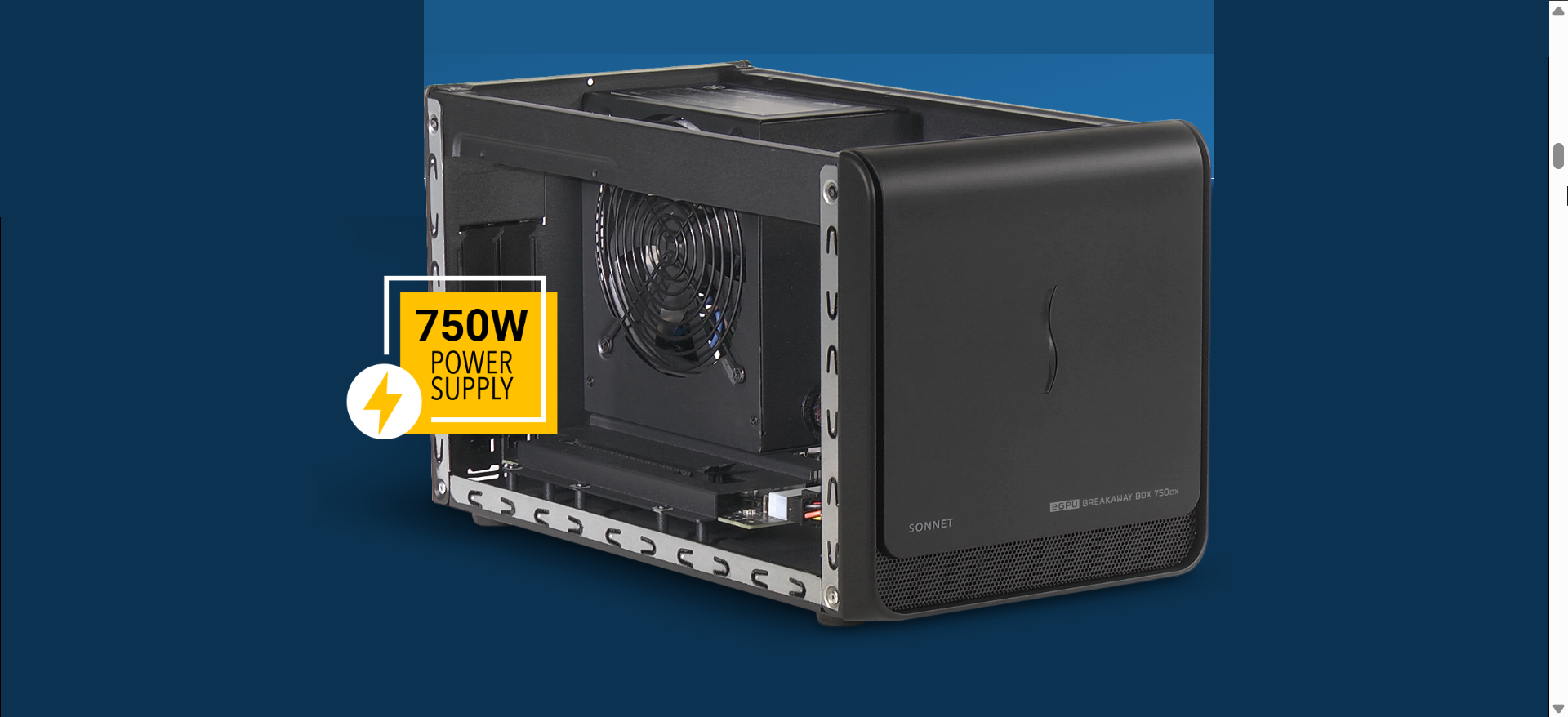
Designed for serious gamers, the Breakaway Box 750 can handle massive GPUs like the RTX 4080 or RX 7900 XT. Its 750 W PSU ensures stable power even under full load.
This model is ideal for long-term builds where thermal headroom matters. Installation is straightforward, and the quiet cooling keeps noise levels minimal during heavy gameplay.
- Standout feature: 750 W power supply for extreme GPUs.
- Ideal user: High-end gamers and creators running large cards.
- Notable limitation: Larger footprint may not fit small desks.
3) ASUS ROG XG Mobile – Best compact eGPU for ASUS laptops

The ASUS ROG XG Mobile is a proprietary external GPU built for the ROG Flow laptop series. It delivers desktop-like graphics in a case smaller than a lunchbox.
Connection is seamless through ASUS’s custom interface, combining PCIe and power in a single port. It’s perfect for travelers who need high performance in a portable form.
- Standout feature: Compact, integrated design for ROG laptops.
- Ideal user: ASUS ROG owners who want portable power.
- Notable limitation: Works only with select ASUS Flow models.
4) GIGABYTE AORUS Gaming Box – Best plug-and-play option
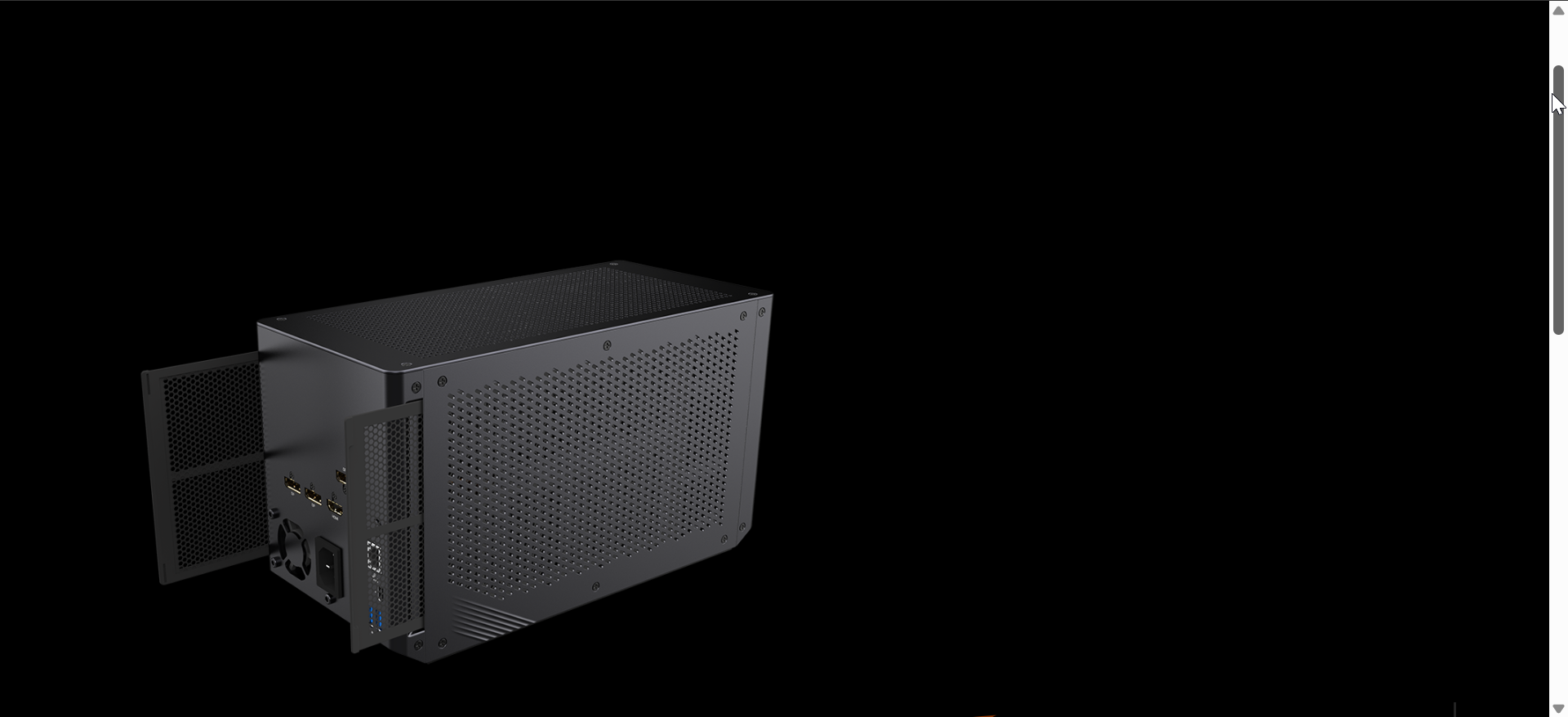
The AORUS Gaming Box comes pre-installed with a GPU, so there’s no assembly required. It connects instantly via Thunderbolt 3/4, letting you start gaming within minutes. It is one of the best external GPUs for laptops that beginner gamers love thanks, to its plug-and-play design.
The integrated cooling system and RGB design appeal to gamers who want a clean setup. It’s also compact enough for small desks or portable use.
- Standout feature: Pre-installed GPU for instant use.
- Ideal user: Beginners who want a ready-to-run eGPU.
- Notable limitation: Limited upgrade flexibility.
5) Mantiz Venus MZ-03 – Best value for versatile users
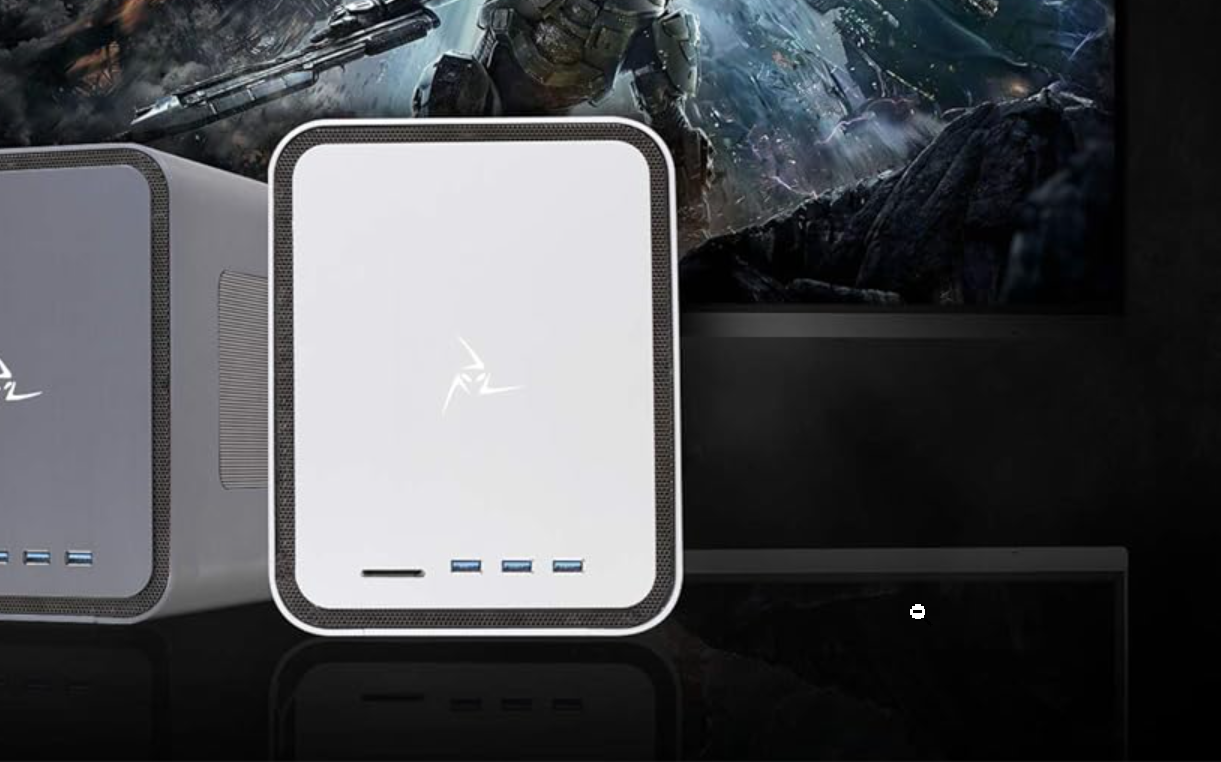
The Mantiz Venus balances gaming power with workstation flexibility. It includes extra ports for USB devices and Ethernet, turning it into a true laptop docking station.
Gamers will appreciate the solid build and quiet operation, while professionals benefit from the additional connectivity. It’s a smart pick for users who game and create on the same laptop.
- Standout feature: Docking-station functionality with strong gaming performance.
- Ideal user: Gamers who multitask or need workstation features.
- Notable limitation: Slightly weaker cooling under sustained heavy load.
Comparison Table
| Model | Power Supply | GPU Support | Connection | Why It Matters |
|---|---|---|---|---|
| Razer Core X | 650 W | Full-length GPUs | Thunderbolt 3/4 | Best all-around reliability |
| Sonnet Breakaway Box 750 | 750 W | High-end GPUs (RTX 4090) | Thunderbolt 3/4 | Stable power for heavy cards |
| ASUS ROG XG Mobile | Custom PSU | Proprietary GPU module | PCIe x8 connector | Ultra-portable ASUS setup |
| GIGABYTE AORUS Gaming Box | 450 W | Pre-installed GPU | Thunderbolt 3/4 | Ready-to-game out of box |
| Mantiz Venus MZ-03 | 550 W | Mid-to-high GPUs | Thunderbolt 3/4 | Balanced gaming + docking |
How we test
We connect each eGPU to a gaming laptop via Thunderbolt 4 and test real-world performance using titles like Cyberpunk 2077, Apex Legends, and Forza Horizon 5. Each benchmark measures FPS gains, thermals, and stability during extended play.
Power delivery, noise level, and setup time are also recorded. Finally, we compare the total cost of each setup against equivalent desktop performance to find the best value for gamers.
Our process ensures every recommendation reflects practical use, not just specs. All products were tested under consistent room conditions for accurate, repeatable results.
Conclusion
External GPUs bridge the gap between laptop portability and desktop performance. With the right enclosure, your laptop can handle the latest AAA titles, creative software, and demanding workloads effortlessly.
For most users, the Razer Core X offers the best mix of compatibility and raw power. If you want something smaller, the ASUS ROG XG Mobile delivers impressive results in a compact package, while the Mantiz Venus brings flexibility for gamers who also need productivity tools.
Before buying, confirm your laptop’s port type and choose an enclosure that matches your GPU needs. Once connected, you’ll unlock a major boost in frame rates, smoother visuals, and a much longer lifespan for your gaming laptop.

Discussion (0)
Be the first to comment.