



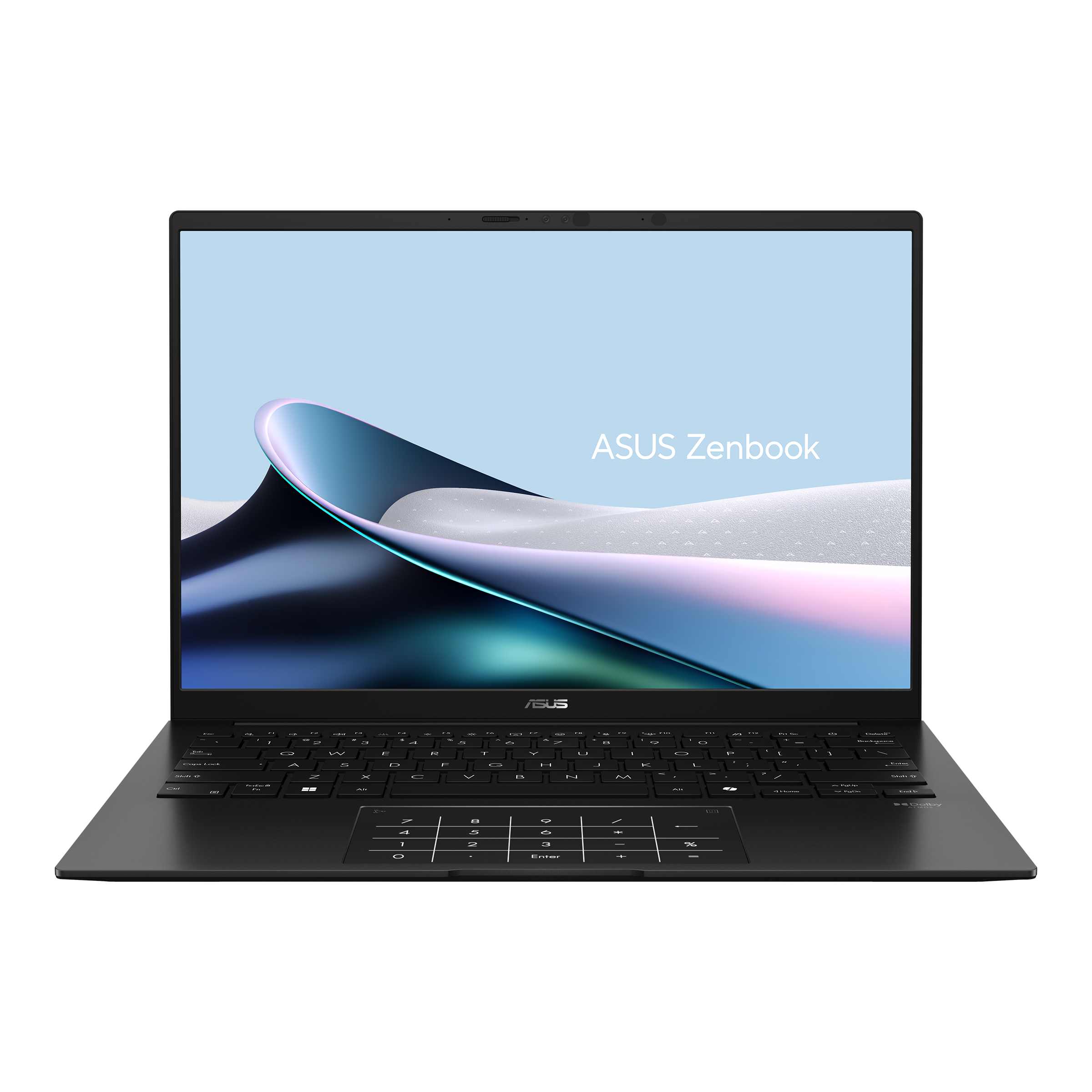
The ASUS Zenbook 14 is available for $899.99, reducing its listed price by $300 from $1,199.99.
This compact Windows 11 laptop combines an AMD Ryzen AI 9 465 processor, 16GB of RAM, a 512GB SSD, and a 14 inch 2K OLED touchscreen. Its hardware is aimed mainly at students, office workers, and anyone who needs a portable computer for documents, research, video calls, media editing, and heavy browser use.
The laptop also meets Microsoft’s requirements for Copilot+ PC features through a neural processing unit rated at up to 50 TOPS. It can therefore support compatible Windows AI tools such as Recall and Cocreator.
The Zenbook 14 does not include a dedicated graphics card, so it is better suited to productivity than demanding PC gaming.
ASUS Zenbook 14 specifications
The discounted configuration is the UM3405GA-ZB_70 model.
| Specification | Details |
|---|---|
| Processor | AMD Ryzen AI 9 465 |
| Graphics | Integrated AMD Radeon graphics |
| Memory | 16GB RAM |
| Storage | 512GB SSD |
| Display | 14 inch 2K OLED touchscreen |
| Refresh rate | 60Hz |
| Maximum brightness | 500 nits with HDR |
| Colour coverage | 100% DCI-P3 |
| NPU performance | Up to 50 TOPS |
| Webcam | 1080p Full HD infrared camera |
| Battery | 75Wh |
| Sale price | $899.99 |
| Previous price | $1,199.99 |
The Ryzen AI 9 processor should provide enough performance for school assignments, spreadsheets, presentations, browser based research, light creative work, and multitasking.
With 16GB of memory, the laptop can keep several applications and browser tabs open without becoming as constrained as an 8GB system. However, its memory is not upgradeable, so the installed capacity will remain fixed throughout the life of the device.
The OLED display is a major selling point
The Zenbook 14 uses a 2K OLED touchscreen with HDR support and a claimed peak brightness of 500 nits.
OLED panels can produce deep black levels because individual pixels can switch off completely. This generally gives them stronger contrast than conventional LCD screens, especially when watching films or viewing dark images.
The panel also covers 100 percent of the DCI-P3 colour space, making it suitable for media consumption and some photo or video work.
| Display feature | Practical benefit |
|---|---|
| 2K resolution | Sharper text and images than Full HD |
| OLED panel | Deep blacks and strong contrast |
| Touch input | Direct navigation and drawing support |
| 500 nit HDR brightness | Better highlights in supported content |
| 100% DCI-P3 | Wide colour reproduction |
| 60Hz refresh rate | Suitable for productivity and media |
The 60Hz refresh rate is adequate for everyday use, but it is not designed to compete with gaming laptops offering 120Hz, 144Hz, or faster displays.
Ryzen AI 9 supports demanding productivity work
The AMD Ryzen AI 9 465 is the central upgrade over earlier Zenbook 14 models.
It should handle common productivity workloads such as Microsoft Office, web browsing, online learning, video calls, coding, and light media editing. Integrated Radeon graphics can accelerate some visual tasks, but performance will remain below laptops equipped with dedicated GPUs.
The built in NPU is rated for up to 50 TOPS and supports Copilot+ features that run compatible AI workloads locally.
These features can include searching through previous activity with Recall and generating or editing images through Cocreator. Availability can depend on the installed Windows version, region, account settings, and Microsoft’s rollout schedule.
The SSD can be replaced, but the RAM cannot
The laptop includes a 512GB solid state drive, which should be enough for documents, school files, applications, and a moderate media library.
Its storage can reportedly be upgraded through an M.2 2280 PCIe slot, with support for drives up to 2TB.
| Component | Upgradeable |
|---|---|
| SSD | Yes, up to 2TB |
| RAM | No |
| Dedicated GPU | No |
| Battery | Not intended as a simple user upgrade |
Students who store large video projects, game libraries, or extensive photo collections may eventually need a larger SSD or external storage.
The fixed 16GB memory should be sufficient for most study and office tasks, but buyers who expect to use demanding professional applications for several years may prefer a model with 32GB.
Battery life is rated at up to 18 or 19 hours
The Zenbook 14 includes a 75Wh battery, with estimated use of around 18 to 19 hours under suitable conditions.
Actual battery life will depend on screen brightness, processor load, wireless activity, background applications, and whether HDR or AI features are active.
OLED displays can also consume more power when showing bright content for long periods. Heavy video editing, software development, gaming, or constant video calls will reduce the time between charges.
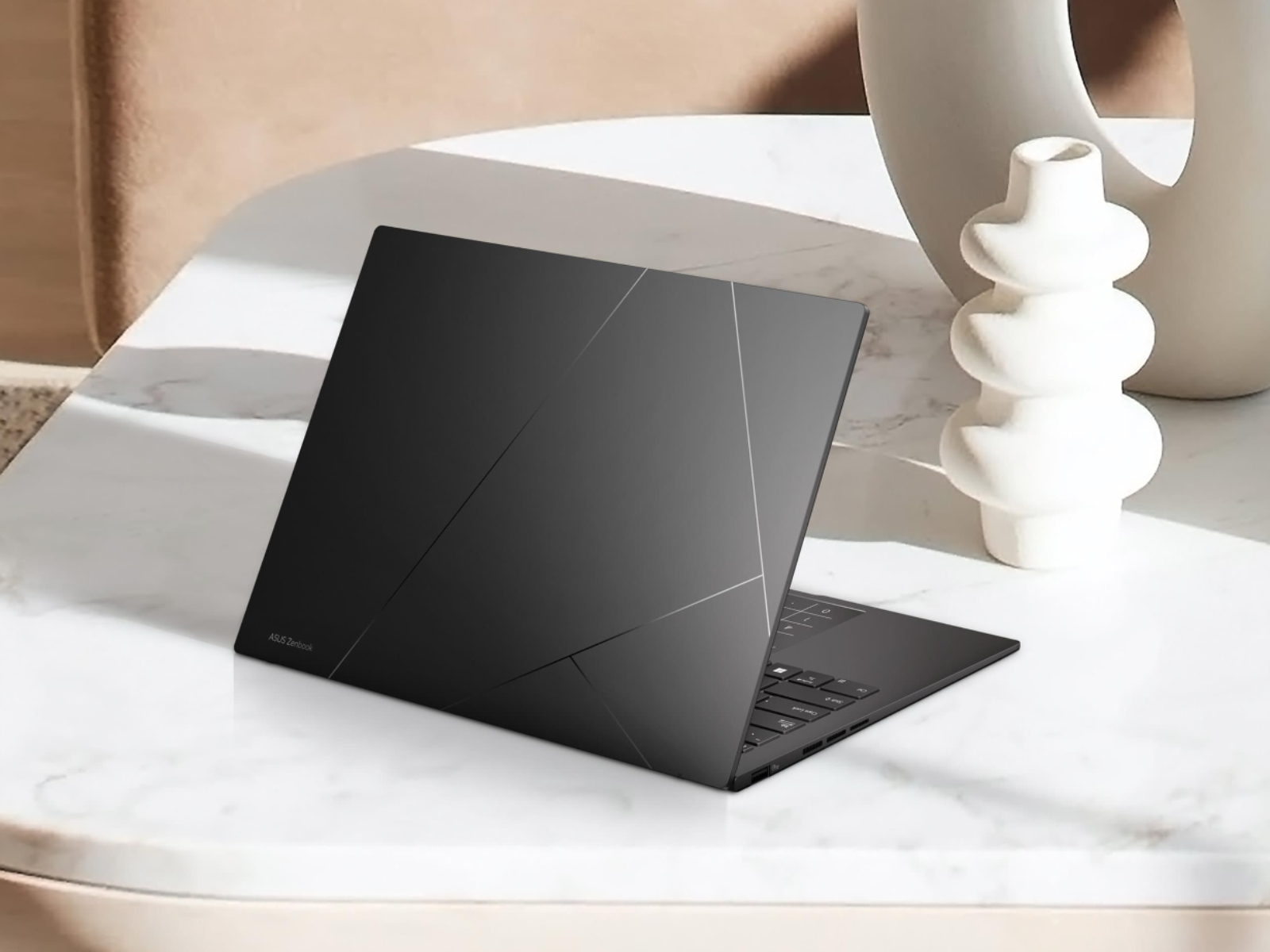
The thin 14 inch design makes the laptop easier to carry between classrooms, libraries, offices, and home. Its infrared webcam also supports faster sign in through facial recognition.
Gaming is limited by integrated graphics
The Zenbook 14 is not designed as a gaming laptop.
Its integrated Radeon graphics may handle older games, independent releases, esports titles, and less demanding software at reduced settings. Modern games such as Cyberpunk 2077 are likely to require major compromises in resolution and visual quality.
| Workload | Expected suitability |
|---|---|
| Documents and spreadsheets | Strong |
| Web browsing and research | Strong |
| Video calls | Strong |
| Light photo editing | Good |
| Light video editing | Good |
| Independent games | Reasonable |
| Competitive games | Possible at reduced settings |
| Demanding modern games | Not recommended |
| Professional 3D rendering | Limited |
The laptop also lacks the stronger cooling system normally found in gaming hardware, so sustained graphics workloads may reduce performance over time.
The deal suits students who value display quality and portability
At $899.99, the Zenbook 14 offers a strong combination of processor performance, memory, portability, and display quality.
Its main advantages are the Ryzen AI 9 chip, 16GB of RAM, 2K OLED touchscreen, replaceable SSD, and compact design. The fixed memory and lack of dedicated graphics are its most important limitations.
For students and professionals focused on research, writing, presentations, media, and everyday productivity, the discounted configuration provides a balanced set of features below $900. Buyers primarily interested in modern gaming or demanding 3D work should instead consider a laptop with a dedicated graphics card.



Discussion (0)
Be the first to comment.