



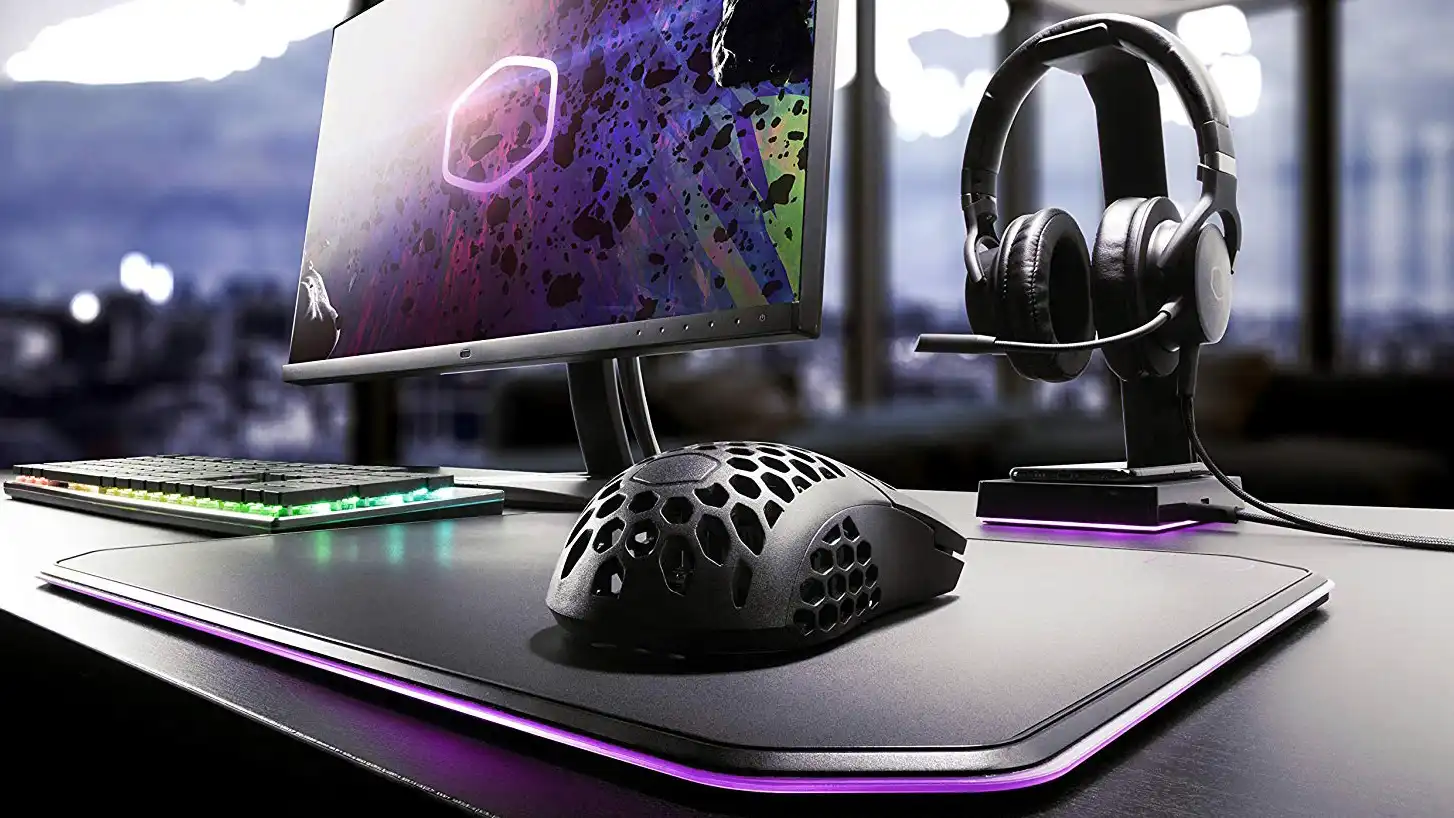
Improving a PC gaming setup does not always require a new graphics card, processor, or expensive monitor. A well chosen mouse, keyboard, headset, dock, speaker system, or monitor arm can make everyday gaming more comfortable and practical without pushing the total cost beyond $100.
The strongest upgrades solve a specific problem. A better mouse can improve control, a mechanical keyboard can make long sessions more comfortable, and a monitor arm can free desk space while improving posture. Laptop owners may benefit more from a docking station that adds displays, wired networking, and extra USB ports.
Here are eight affordable upgrades that can improve a PC gaming setup without feeling like low quality compromises.
Best PC Gaming Accessories Under $100
| Upgrade | Main benefit | Best suited for |
|---|---|---|
| Razer Basilisk V3 X HyperSpeed | Wireless control and programmable buttons | General PC gaming |
| Mukiya USB C Dock Stand | Raises a laptop and adds ports | Gaming laptop owners |
| Anker 14 in 1 Dock | Supports several displays and accessories | Desktop style laptop setups |
| Creative Pebble Pro | Better sound than built in speakers | Small desks and casual gaming |
| Turtle Beach Stealth 600 | Wireless audio and voice chat | Multiplayer gaming |
| Razer Controller Charging Stand | Keeps a controller charged and organised | Controller users |
| Logitech G413 SE | Durable mechanical keyboard | Typing and gaming |
| Huanuo FlowLift Monitor Arms | Improves ergonomics and desk space | Dual monitor setups |
Razer Basilisk V3 X HyperSpeed Adds Flexible Controls
The Razer Basilisk V3 X HyperSpeed is a wireless gaming mouse with an 18,000 DPI optical sensor, nine programmable controls, and RGB lighting.
Its button layout makes it suitable for shooters, action games, productivity shortcuts, and titles that use several commands. The shape is also designed for right handed use and should be more comfortable than a basic office mouse during longer sessions.
Other models in the range may suit different needs. The wired Basilisk V3 increases the sensor rating to 26,000 DPI and includes 11 programmable buttons. Players who spend most of their time in MMOs may prefer the Naga V2 HyperSpeed, which offers 19 controls and a 30,000 DPI sensor.
Sensor ratings alone do not determine whether a mouse is good. Shape, weight, wireless reliability, and button placement are often more important. The Basilisk range remains attractive because it combines strong specifications with a practical layout.
Mukiya Dock Stand Adds Ports to Gaming Laptops
Laptop owners often need more ports and a better screen position. The Mukiya USB C Dock Stand addresses both problems in one accessory.
It supports nine viewing angles and raises the laptop above the desk, which can improve airflow and bring the display closer to eye level.
The integrated dock includes:
| Port or feature | Quantity |
|---|---|
| 4K HDMI | 1 |
| USB A | 2 |
| USB C data | 1 |
| USB C charging | 1 |
| Maximum charging passthrough | 85W |
| SD card slot | 1 |
| microSD card slot | 1 |
This can reduce the number of separate adapters needed for a gaming laptop. It also makes it easier to connect a monitor, keyboard, mouse, storage drive, and memory card while using one USB C connection.
Compatibility should be checked carefully. The laptop’s USB C port must support video output for HDMI to work, and 85W may not be enough to replace the original charger on a powerful gaming notebook during demanding games.
Anker 14 in 1 Dock Builds a Larger Workstation
The Anker 14 in 1 docking station is intended for players who need more connectivity and do not require an integrated laptop stand.
It includes two 4K HDMI outputs, one 1080p VGA connection, several USB ports, SD and microSD readers, Gigabit Ethernet, and USB C charging rated at up to 100W.
The three display connections can help turn a laptop into a more permanent desktop setup. One monitor can be used for the game, while another holds Discord, streaming tools, guides, or system monitoring applications.
Wired Gigabit Ethernet is particularly useful for online gaming when WiFi is unreliable or affected by congestion.
Display support can vary by laptop and operating system. Some systems may not support three independent external screens, even when the dock has enough physical outputs. Buyers should confirm the laptop’s display capabilities before ordering.
Creative Pebble Pro Improves Basic Desktop Audio
Built in monitor and laptop speakers often provide weak bass, limited volume, and poor separation.
The Creative Pebble Pro desktop speakers are a compact alternative designed for smaller desks. They support Bluetooth 5.3 and include adjustable RGB lighting.
Their small size makes them easier to place beside a monitor than a larger speaker system. They should provide clearer dialogue, fuller game audio, and a more useful stereo image than basic integrated speakers.
Bluetooth is convenient for phones and tablets, although a wired connection may provide lower latency for gaming.
These speakers are best suited to players who do not need room filling volume or deep bass. A larger system with a separate subwoofer would be more appropriate for stronger low frequency effects, but it would require more space.
Turtle Beach Stealth 600 Offers Long Wireless Battery Life
The Turtle Beach Stealth 600 wireless headset is designed for gaming, voice chat, work calls, and general listening.
It provides up to 80 hours of battery life per charge and includes a noise cancelling microphone. Support is available across PC and selected console platforms, although buyers need to choose the correct version for their devices.
A long battery rating reduces the need to recharge the headset after every session. It can also be useful for people who switch between work, gaming, and mobile audio throughout the day.
The regular retail price may sit above $100, but it frequently falls below that point during promotions.
Before buying, check platform compatibility, connection method, microphone quality, and ear cup fit. Comfort can vary significantly between people, especially during sessions lasting several hours.
Razer Charging Stand Keeps Controllers Ready
A controller stand is a simple upgrade, but it can prevent a common problem: starting a game with a nearly empty battery.
Razer offers separate charging stands for Xbox and PlayStation 5 controllers. Each version holds the controller upright while replenishing its battery.
The stand also keeps the controller in one predictable place instead of leaving it loose on a desk or sofa. This can help reduce clutter and protect the analogue sticks and triggers from accidental pressure.
Buyers need to choose the model designed for their controller. The Xbox and PS5 versions are not interchangeable because they use different shapes, contacts, and battery arrangements.
This accessory offers less direct performance improvement than a mouse or keyboard, but it can make a regularly used setup more convenient.
Logitech G413 SE Provides a Durable Mechanical Keyboard
The Logitech G413 SE is a full size mechanical gaming keyboard with PBT keycaps and white backlighting.
PBT plastic is generally more resistant to shine and wear than the cheaper ABS material used on many keyboards. That can help the keycaps retain their texture after months or years of regular use.
The keyboard includes 12 function shortcuts for media control, lighting, and other commands. Its full size layout also provides a number pad, which can be useful for work, strategy games, simulation titles, and productivity applications.
It is a practical option for players who want a recognised brand and mechanical switches without paying premium custom keyboard prices.
The full size body takes more desk space than a tenkeyless or compact keyboard. Players who need additional mouse room may prefer a smaller layout.
Huanuo FlowLift Arms Improve a Dual Monitor Setup
Monitor arms can improve a desk without changing the displays themselves.
The Huanuo FlowLift system provides two independent arms, each supporting monitors from 13 to 32 inches and weighing up to 19.8 pounds.
Each arm can tilt, rotate, and swivel separately. This allows the displays to be raised to a more comfortable height or arranged in horizontal, vertical, and angled positions.
Better monitor placement may reduce the need to look downward for long periods. The arms also remove large monitor stands from the desk, creating more room for speakers, controllers, notebooks, and other accessories.
| Monitor arm limit | Supported range |
|---|---|
| Screen size | 13 to 32 inches |
| Maximum weight per arm | 19.8 pounds |
| Independent tilt | Yes |
| Swivel adjustment | Yes |
| Rotation | Yes |
| Number of displays | Two |
Before purchasing, confirm that the monitors support VESA mounting and remain within the weight limit. The desk must also be strong enough for the clamp or mounting method.
Choose the Upgrade That Fixes Your Biggest Problem
The best accessory depends on the weaknesses of the current setup.
A laptop with limited ports will gain more from a dock than from RGB speakers. A player using a basic office mouse may notice the largest difference after moving to the Basilisk. Someone with neck discomfort or a crowded desk may benefit most from adjustable monitor arms.
The Logitech keyboard and Razer mouse provide the most direct control upgrades. The Creative speakers and Turtle Beach headset improve audio, while the two docks are better suited to laptop based setups.
None of these accessories will increase frame rates in the way a graphics card upgrade would. Their value comes from improving comfort, organisation, connectivity, sound, and control during every gaming session.


Discussion (0)
Be the first to comment.