



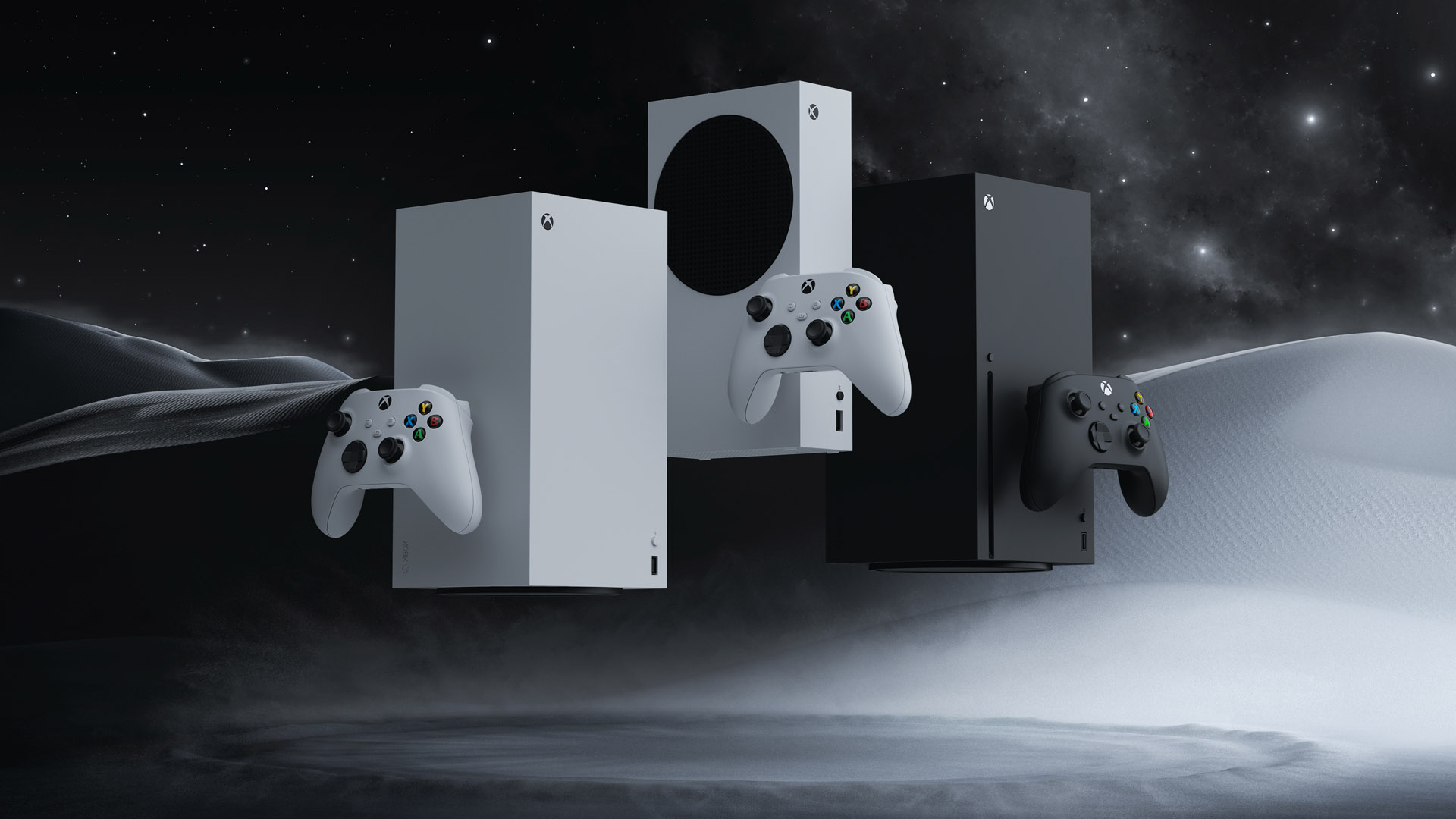
Microsoft has started rolling out Xbox Mode to Windows 11 PCs, giving desktops, laptops, tablets, and handhelds a more console like gaming interface. The feature is designed for times when you want to use your PC mainly for games, with easier controller navigation and fewer desktop distractions.
Xbox Mode builds on the earlier full screen Xbox experience. Instead of opening the usual Windows desktop first, it puts your game library and recent titles closer to the front. You can browse and launch games with a controller, which should help on handheld PCs and living room setups.
Xbox Mode makes Windows feel closer to a console without locking you out of the desktop
The useful part is flexibility. You can move between Xbox Mode and the regular Windows 11 desktop whenever you need to. That means your PC still works like a normal PC, but you can switch into a cleaner gaming interface when you want a simpler experience.
The feature also brings together games from different places. Microsoft says Xbox Mode can show your Xbox Game Pass library along with installed games from major PC storefronts. That should make it easier to find what you want without opening several launchers first.
| Xbox Mode feature | What it means for you |
|---|---|
| Controller focused interface | Easier navigation from a couch or handheld |
| Aggregated game library | Xbox, Game Pass, and other installed PC games in one place |
| Desktop switching | You can return to normal Windows when needed |
| Reduced distractions | Games get more focus than background desktop activity |
Microsoft says the rollout begins in select markets and will expand to more regions later. To check for it, open Windows 11 Settings, go to Windows Update, and turn on “Get the latest updates as soon as they are available.”
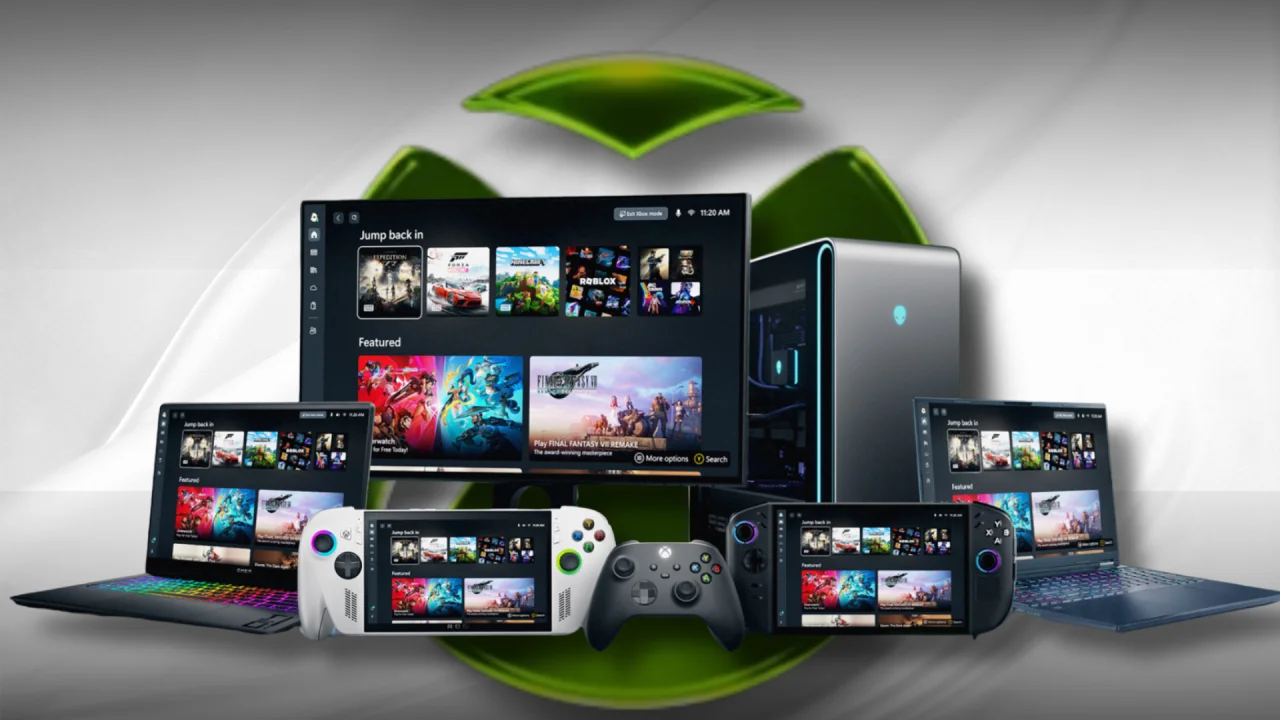
This update fits Microsoft’s wider gaming plan for Windows. The company is trying to make PC gaming feel less clunky, especially as handheld devices and SteamOS based systems put more pressure on Windows. Xbox Mode alone will not fix every issue, but it gives Windows a clearer gaming layer.
Microsoft also updated the ROG Xbox Ally X with features like Auto Super Resolution. Together, these changes show that Microsoft wants Windows gaming to feel faster, cleaner, and easier to use with a controller.
For regular desktop players, Xbox Mode may be optional. For handheld PC owners, controller players, and anyone using a Windows PC on a TV, it could be much more useful. The real test will be how smooth it feels in daily use, and whether it can grow into a strong alternative to Steam’s Big Picture Mode.


Discussion (0)
Be the first to comment.