



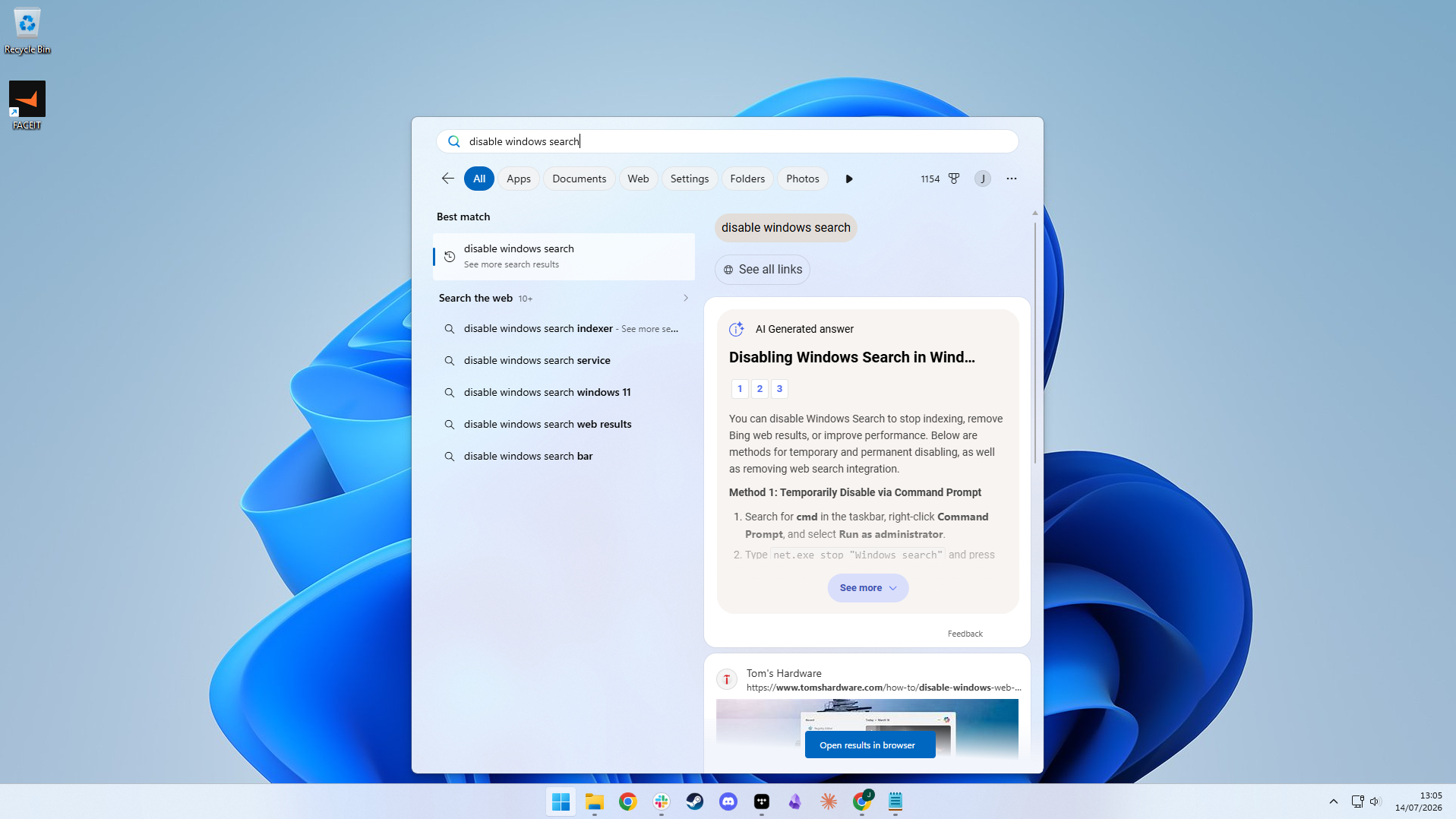
Microsoft is expanding a Windows 11 feature that allows you to disable web search suggestions in the Start menu, making it easier to find applications, documents, and system settings without unrelated internet results.
The option, introduced through a gradual rollout in August 2026, is now reaching more computers. However, it remains unavailable on some devices, and Microsoft has not announced when the rollout will finish.
Previously, searching through the Start menu could display Bing results alongside locally installed applications and files. The new setting lets you reduce these suggestions without modifying the Windows Registry or using third party utilities.
How to Disable Web Search Results in Windows 11
If the feature is available on your computer, you can turn off web suggestions directly through Windows Settings.
- Open Settings on your Windows 11 PC.
- Navigate to Privacy & security.
- Select Search.
- Under Indexing status, locate Show suggested search results.
- Disable the Web search option.
- You can also turn off Microsoft Store suggestions if necessary.
- Reopen Windows Search to apply the change.
If the setting does not appear, navigate to Settings, select Windows Update, and enable "Get the latest updates as soon as they're available."
This may help you receive the feature sooner, although availability is not guaranteed.
Windows Search Will Prioritize Local Applications and Files
Disabling web suggestions makes Windows Search more focused on locally available content.
You can continue searching for installed applications, documents and system settings without receiving additional web recommendations.
However, the change also removes certain conveniences.
| Search feature | After disabling web results |
|---|---|
| Installed applications | Remain searchable |
| Local documents | Remain searchable |
| Windows settings | Remain accessible |
| Web suggestions | Disabled |
| Calculator answers | No longer appear directly |
| Weather information | Direct forecasts are unavailable |
| Microsoft Store suggestions | Can be disabled separately |
For example, entering a mathematical calculation may no longer display an immediate answer. Instead, you may need to open the Calculator application.
Similarly, weather searches may display the installed weather application rather than an immediate forecast.
Disabling Web Search Does Not Make Windows Search Completely Local
Although the new setting reduces internet results, some online components may remain active.

Testing found that web help content could still appear in the search preview, while Microsoft's WebView2 process continued running in the background.
Additionally, Windows Search can display content from connected Microsoft, work, or school accounts.
If you want to limit these results, review the Search my accounts settings and disable account sources you do not need.
Local file discovery also depends on your indexing configuration. Classic indexing covers selected folders, while enhanced indexing can search more locations across your computer.
Microsoft currently has no plans to disable web suggestions automatically for every Windows 11 device.
The new option therefore gives you additional control over Start menu search behavior, although you must enable your preferred configuration manually once the setting becomes available.



Discussion (0)
Be the first to comment.