



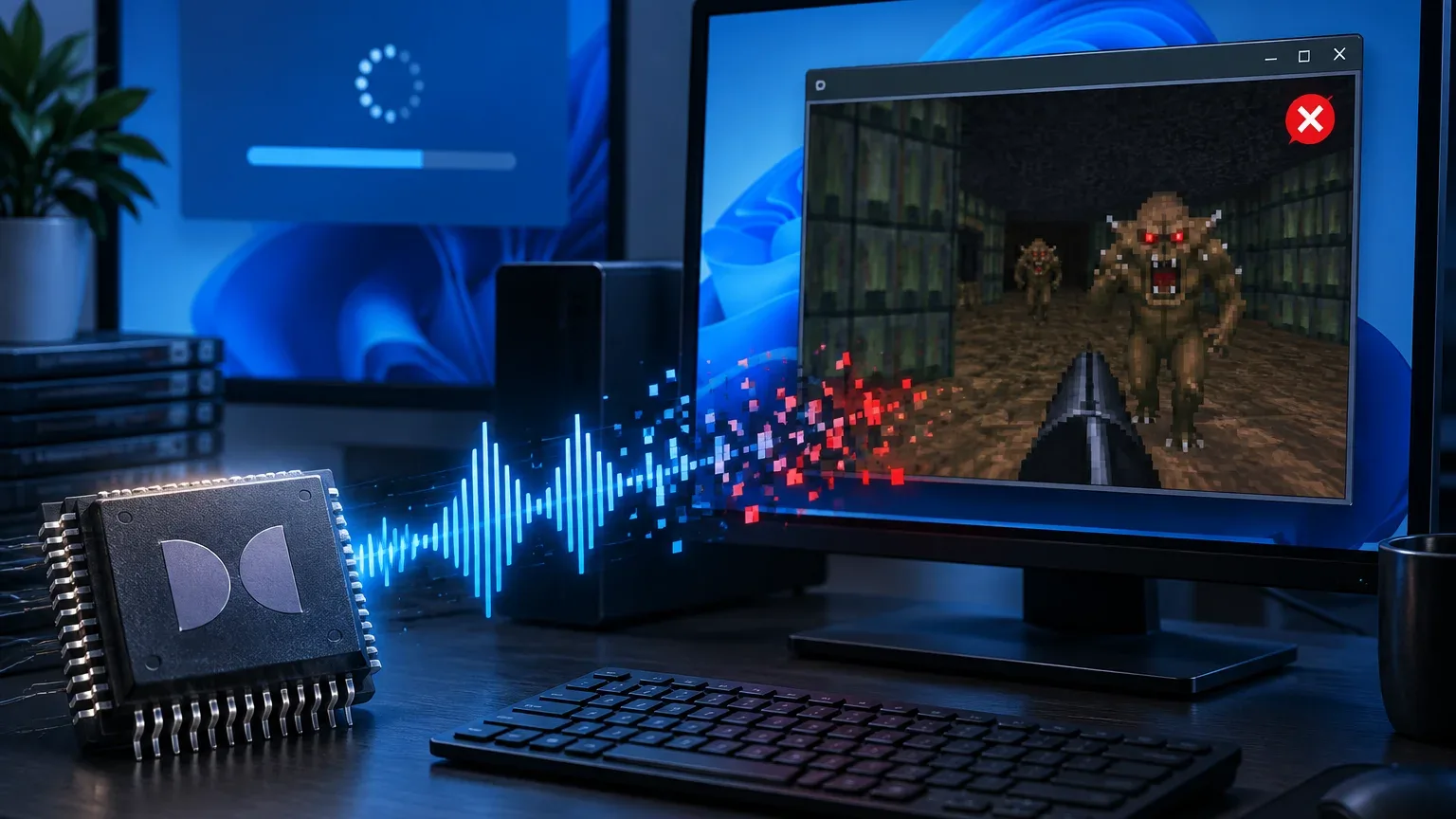
Microsoft has confirmed another Windows 11 audio problem that can cause certain applications and games to crash when they rely on the operating system's built in Dolby Digital AC 3 decoding.
The issue affects Windows 11 versions 24H2, 25H2 and the newer 26H2 release. This means moving to the latest Windows 11 version does not currently solve the problem.
Microsoft says the bug mainly affects older software that depends on Windows for AC 3 audio decoding. Most modern applications use different audio components or their own decoding methods and are therefore unlikely to encounter the same failure.
Certain Audio Actions Can Trigger Crashes
Affected applications may fail to launch or unexpectedly close when particular audio functions are used.
Changing the volume or modifying audio settings can trigger the problem in some cases. Other functions that interact with AC 3 decoding may cause similar crashes.
Dolby Digital AC 3 is a compressed audio format commonly associated with surround sound. Older games and applications can rely directly on Windows components to decode this audio rather than shipping their own decoder.
That dependence appears to be the main factor determining whether an application is vulnerable.
| Detail | Current status |
|---|---|
| Windows 11 24H2 | Affected |
| Windows 11 25H2 | Affected |
| Windows 11 26H2 | Affected |
| Audio format involved | Dolby Digital AC 3 |
| Most affected software | Legacy applications and games |
| Modern applications | Mostly unaffected |
| Permanent fix | In development |
Microsoft lists the problem as a known issue associated with the optional September update KB5124010.
The company explains that applications requiring AC 3 decoding may either refuse to launch or close unexpectedly after the update when certain audio features are used.
Installing the optional update does not fix the problem on Windows 11 25H2. Upgrading the same PC to Windows 11 26H2 also leaves the bug in place.
The reason is that these Windows releases share underlying system code. A defect in a common audio component can therefore affect several Windows 11 versions at the same time.
This Is Separate From the Recent USB Audio Problem
The AC 3 issue should not be confused with another Windows 11 audio bug reported around the same period.
Microsoft has also been dealing with a separate problem involving USB audio hardware. The two issues affect different parts of the Windows audio system and should be treated independently.
That distinction is important if you are troubleshooting sound problems after a Windows update. A USB audio device failing to work is not necessarily connected to an application crashing while decoding Dolby Digital audio.
For the newly confirmed AC 3 bug, there is currently no universal fix that Microsoft recommends for affected applications.
Because legacy software is more likely to depend on Windows' built in decoder, the impact may be relatively limited for many PCs. Still, older games and specialist applications can remain important to people who continue using them.
Microsoft says it is developing a resolution that will arrive through a future Windows update. The company has not provided a specific release date for the fix.
Until then, anyone experiencing unexplained crashes in an older game or application should consider whether Dolby Digital AC 3 playback is involved. Changing audio settings may sometimes help identify the trigger, but upgrading from Windows 11 24H2 or 25H2 to 26H2 alone will not resolve the underlying problem.
The latest issue adds another audio related problem for Windows 11 during the current update cycle. While most modern software should remain unaffected, people relying on older applications may need to wait for Microsoft's upcoming system level correction.


Discussion (0)
Be the first to comment.