



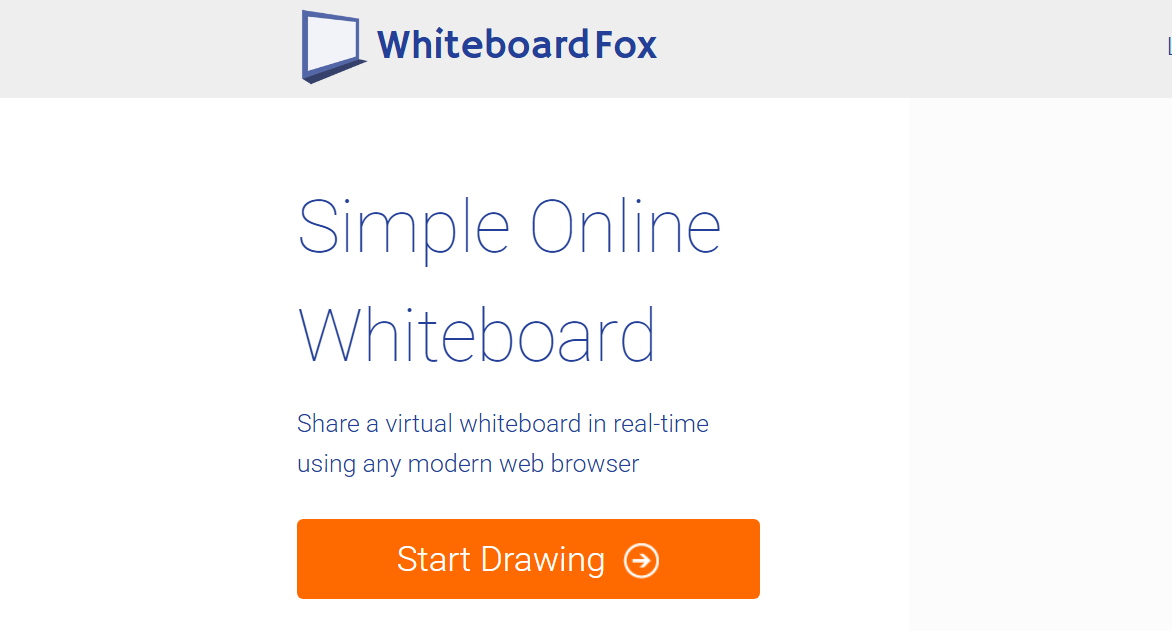
Whiteboard Fox is a simple and free online whiteboard tool that allows users to draw, sketch, and collaborate in real time. It works directly in a web browser, which means there is no software to install.
If you need a quick digital whiteboard for meetings, teaching, or brainstorming sessions, Whiteboard Fox offers a lightweight and easy solution.
This guide explains what Whiteboard Fox is, how it works, and when you should use it.
What Is Whiteboard Fox
Whiteboard Fox is a browser-based collaborative whiteboard platform. It allows multiple users to:
- Draw and write in real time
- Share a whiteboard link instantly
- Collaborate without account creation
- Work across devices
It is designed to be simple and accessible.
Key Features of Whiteboard Fox
Whiteboard Fox includes:
- Instant whiteboard creation
- Real-time collaboration
- Basic drawing tools
- Text insertion
- Shape tools
- Image upload
- No installation required
It works on Windows, macOS, and mobile browsers.
How to Use Whiteboard Fox
Using the tool is straightforward.
- Open your web browser
- Visit the official Whiteboard Fox website
- Click Start Drawing
- Share the generated link with others
- Begin collaborating in real time
There is no mandatory sign-up for basic usage.
How to Share a Whiteboard
To invite others:
- Copy the unique whiteboard link
- Send it via email or chat
- Participants can join instantly
You can also set editing permissions if required.
Advantages of Whiteboard Fox
- Free to use
- No downloads required
- Easy sharing
- Works on any device with a browser
- Minimal setup time
It is ideal when you need a whiteboard quickly.
Limitations
While useful, Whiteboard Fox has some limitations:
- Basic feature set
- Limited advanced drawing tools
- No complex design features
- Fewer integrations compared to enterprise tools
For advanced features, alternatives may be better suited.
Alternatives to Whiteboard Fox
If you need more advanced collaboration tools, consider:
- Microsoft Whiteboard
- Miro
- Google Jamboard
- Zoom Whiteboard
These offer additional integrations and features.
Is Whiteboard Fox Safe
Whiteboard Fox is safe when accessed from its official website. Avoid clicking suspicious shared links. For sensitive discussions, ensure you control access to the whiteboard.
Final Thoughts
Whiteboard Fox is a free and easy-to-use online whiteboard that works directly in your browser. It is perfect for quick collaboration sessions, teaching, or remote teamwork. While it lacks advanced features, its simplicity and accessibility make it a practical tool for everyday use.
FAQs
Is Whiteboard Fox free
Yes, it offers free usage with optional premium features.
Do I need to install software
No, it works entirely in your web browser.
Can multiple users draw at the same time
Yes, collaboration is real-time.
Does Whiteboard Fox work on Windows 11
Yes, it works on any system with a compatible browser.
Is account registration required
Basic use does not require account creation.
Discussion (0)
Be the first to comment.