




If you want to know what Comet Browser is and how to install it, it is an AI-focused web browser designed to improve browsing with built-in AI assistants and automation features. Unlike traditional browsers, Comet integrates AI tools that help users research, summarize web pages, and automate tasks directly while browsing.
Comet Browser is designed for productivity, research, and AI-powered workflows. This guide explains what Comet Browser is, its key features, and how to install it on your computer.
What Is Comet Browser?
Comet Browser is a modern web browser built with AI-powered features that assist users while browsing the internet. It combines standard browser functionality with built-in AI tools that can analyze web pages and provide helpful insights.
Instead of switching between multiple apps or AI services, Comet allows users to access AI assistance directly from the browser.
This makes tasks like research, writing, and summarizing content much faster.
Key Features of Comet Browser
Comet Browser includes several features designed to improve productivity.
Some important features include:
- Built-in AI assistant for browsing
- Web page summarization tools
- Research assistance while browsing
- Automation for repetitive tasks
- Integration with AI models and tools
These features help users process information quickly without leaving the browser.
How Comet Browser Improves Productivity
Traditional browsers mainly display web pages, but Comet adds AI-powered capabilities that help users interact with information more efficiently.
For example, Comet can help with:
- Summarizing long articles
- Extracting key information from websites
- Generating insights from online content
- Helping with writing tasks while browsing
This can significantly reduce the time spent analyzing information.
System Requirements for Comet Browser
Before installing Comet Browser, your computer should meet basic requirements.
Typical requirements include:
- Windows 10 or Windows 11
- macOS or compatible operating systems
- Internet connection
- Enough storage space for installation
The browser is designed to run on most modern systems.
How to Download Comet Browser
Follow these steps to download the browser.
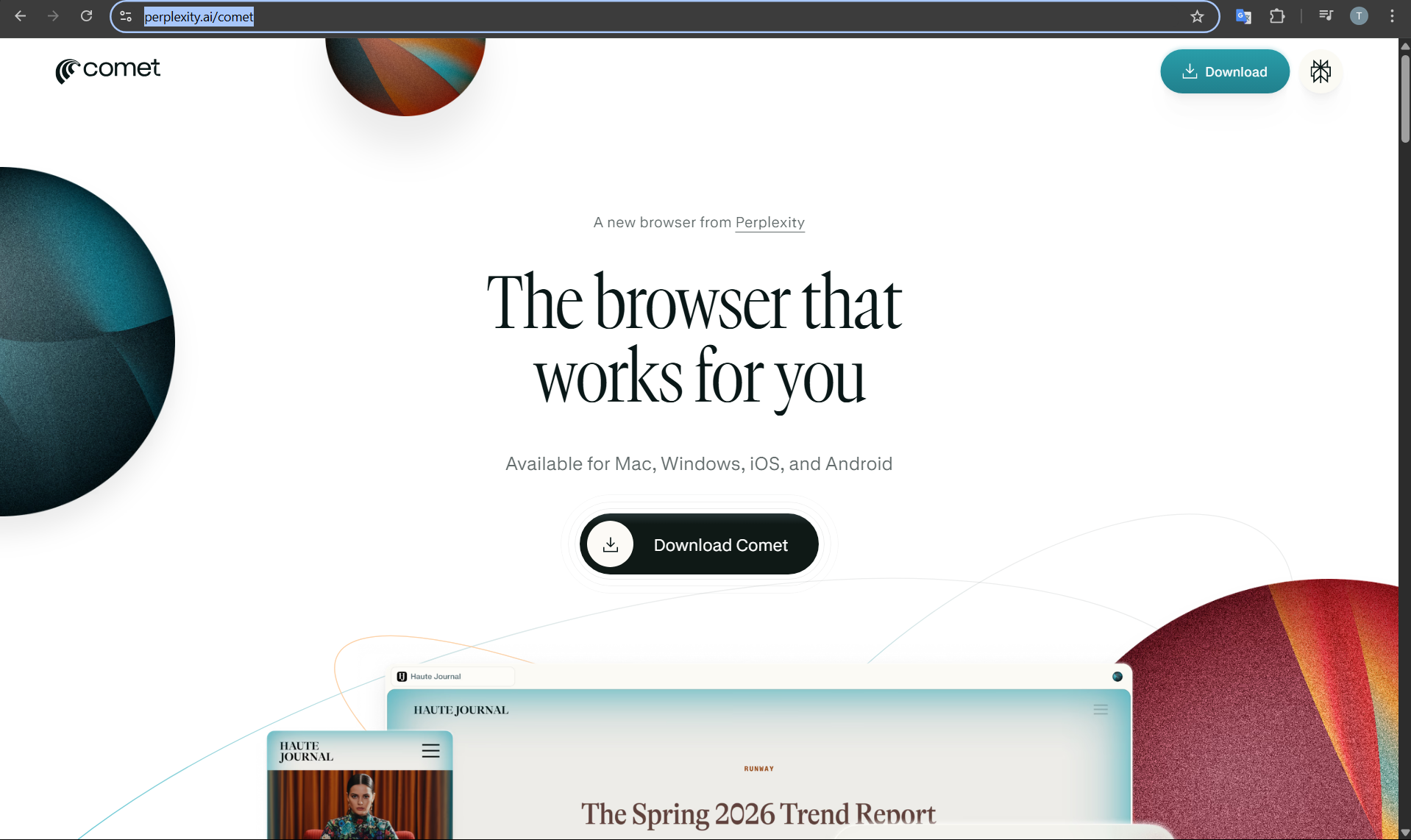
Step 1: Visit the Official Website
- Open your current web browser.
- Go to the official Comet Browser website.
Step 2: Download the Installer
- Look for the Download Comet Browser button.
- Select the version for your operating system.
The installation file will begin downloading.
How to Install Comet Browser
Once the file is downloaded, follow these steps to install it.
1: Run the Installer
- Locate the downloaded installer file.
- Double-click the file to begin installation.
2: Follow the Setup Instructions
- Accept the license agreement.
- Choose the installation location if prompted.
- Click Install.
3: Launch the Browser
After installation finishes:
- Open Comet Browser from the desktop or Start menu.
- Sign in or configure settings if required.
The browser is now ready to use.
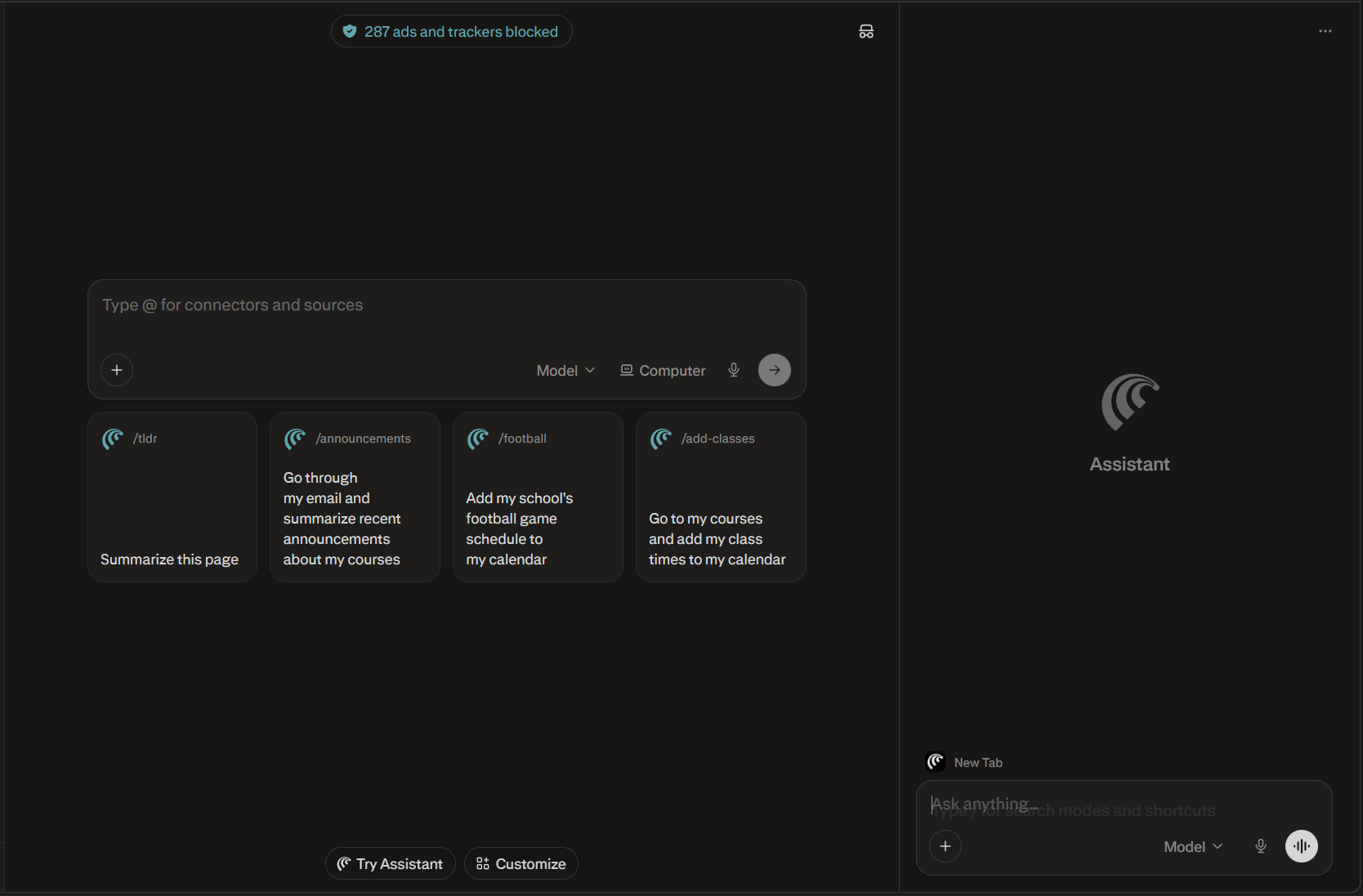
How to Start Using Comet Browser
After installing Comet Browser, you can begin browsing normally while using the built-in AI tools.
Typical tasks include:
- Searching and summarizing web pages
- Researching topics with AI assistance
- Using integrated productivity tools
- Managing tabs and browsing sessions
These features help create a more intelligent browsing experience.
Final Thoughts
Understanding what Comet Browser is and how to install it can help you explore a new generation of AI-powered browsing tools. By combining standard web browsing with built-in AI assistance, Comet Browser aims to improve research, writing, and productivity.
As AI-driven tools continue to evolve, browsers like Comet may become essential platforms for interacting with information online.
FAQs
What is Comet Browser used for?
Comet Browser is designed for AI-assisted browsing, research, and productivity tasks.
Is Comet Browser free?
Availability and pricing may depend on the version and features offered by the developers.
Can Comet Browser summarize web pages?
Yes. One of its key features is analyzing and summarizing web content.
Is Comet Browser available on Windows?
Yes. It can be installed on Windows systems along with other supported platforms.


Discussion (0)
Be the first to comment.