




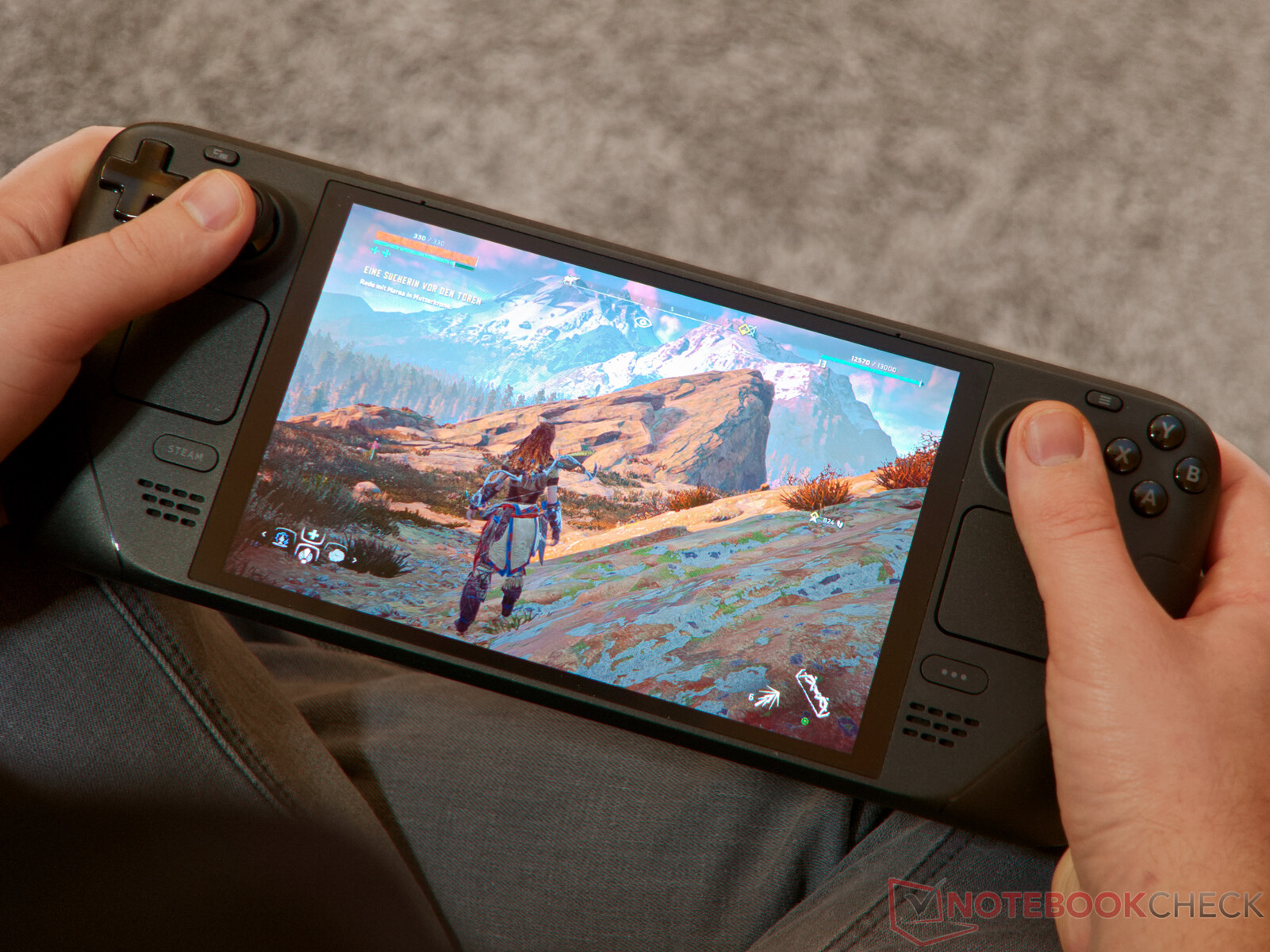
Valve is giving developers more detailed Steam Deck performance information, allowing studios behind Verified games to see exactly how players are running their titles across different framerate targets.
The company previously shared average Steam Deck performance data with developers, but the new system goes further by breaking results down into specific framerate ranges. That should make it easier for studios to identify unusual performance behavior and understand how players actually configure games on the handheld.
The data remains optional from the player's side and is only sent when someone agrees to share anonymized framerate information.
Developers Can See How Players Distribute Across Framerates
Instead of receiving only a general average, developers can now see what percentage of players are running a game at specific framerates.
For example, Valve's sample data showed large groups playing at 60 FPS and 90 FPS.
Those numbers make sense because 60 Hz is the maximum refresh rate of the original Steam Deck LCD, while the Steam Deck OLED can reach 90 Hz.
| Framerate example | What it could indicate |
|---|---|
| 90 FPS | Steam Deck OLED running near maximum refresh rate |
| 60 FPS | Common target on Steam Deck LCD |
| 40 to 45 FPS | Possible battery saving or smoother compromise |
| 15 FPS | Potential performance problem or unusual configuration |
| Above 90 FPS | Possible use with an external high refresh display |
Lower results do not automatically mean a game is performing badly.
A player may intentionally cap a game at 40 FPS or 45 FPS to reduce power consumption and extend battery life. These limits are popular because they can provide a useful compromise between smoothness and efficiency.
Very low figures, such as 15 FPS, could be more interesting to developers because relatively few players would deliberately choose that target.
The Data Shows Player Preferences, Not Just Raw Performance
There is an important limitation to the new statistics.
If a Steam Deck owner manually sets a framerate limit, that chosen limit is what developers will see.
That means the information does not simply tell studios the maximum performance their game can achieve.
Instead, it offers a picture of how players prefer to run the game.
External displays can affect the numbers as well.
A Steam Deck connected to a 120 Hz monitor could produce framerates above the handheld's own display limits, so developers may see results such as 120 FPS in the data.
This makes the information useful for understanding player behavior, but it needs to be interpreted carefully.
Only Steam Deck Verified Games Get Access for Now
Valve is currently limiting the feature to games that already have the Steam Deck Verified rating.
That could give developers another way to monitor whether a Verified title continues to provide the experience expected from that label.
If a supposedly well supported game shows a noticeable group of players running at extremely low framerates, developers may have a reason to investigate.
The additional information could therefore help studios improve optimization after launch rather than relying entirely on internal testing.
It may also help identify situations where default settings need adjustment.
Framerate Sharing Is Optional
Steam Deck owners are not automatically required to send this information.
Valve only provides the anonymized framerate data when players opt in to sharing it.
The system is therefore intended to give developers broader performance insight without making participation mandatory.
For studios supporting Steam Deck, the expanded statistics could be more useful than simple average framerates because they reveal how performance is distributed across the player base.
Averages can hide unusual cases, while detailed framerate groups make it easier to see whether most players are targeting 60 FPS, limiting games for battery life, or encountering performance that falls well below expected levels.
Valve's latest change gives Verified developers a clearer view of how their games are actually being played on Steam Deck, while still leaving data sharing under the player's control.


Discussion (0)
Be the first to comment.