




A USB charger is one of those everyday devices you rarely think about until it fails. Yet, it plays a critical role in powering everything from phones to laptops. Understanding how it works can help you choose better, charge faster, and protect your devices from damage.
1) What is a USB charger?
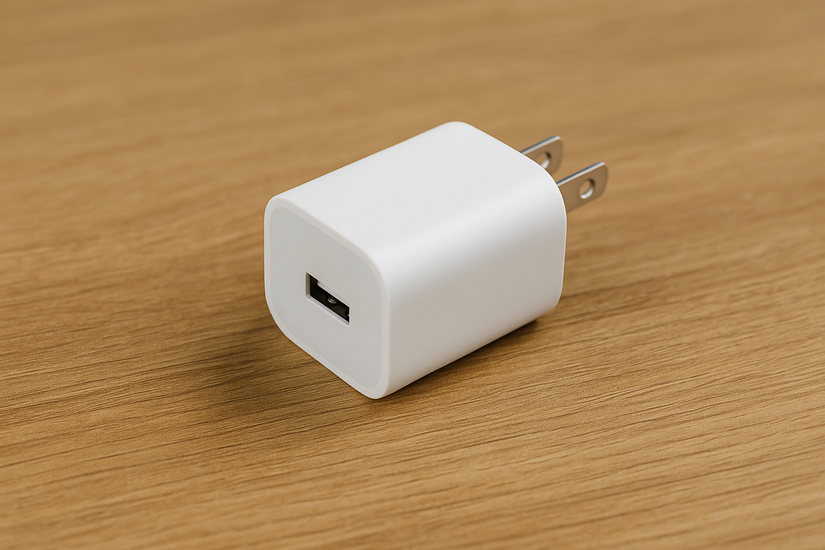
A USB charger converts AC power from your wall outlet into low-voltage DC power that electronic devices can safely use. It also regulates voltage and current so your device’s battery charges efficiently without overheating or degrading over time.
2) How Does a USB Charger Work?
Inside every charger is a small circuit board that transforms 120/240V AC into 5–20V DC. Modern chargers use smart chips that communicate with connected devices to determine safe voltage and current levels. This process prevents damage and maximizes charging speed.
The charger detects that a device is connected and both exchange signals to negotiate the correct power level. The charger adjusts output so the device draws only what it needs. This negotiation process is what makes fast charging possible without risking your battery’s health.
3) The evolution of USB charging standards
USB technology has evolved rapidly. Early USB 2.0 ports delivered just 2.5 watts - enough for basic accessories. Today’s USB Power Delivery (PD) 3.1 standard supports up to 240 watts, making it capable of charging laptops and even monitors.
| USB Version | Max Power | Common Use |
|---|---|---|
| USB 2.0 | 2.5 W | Small accessories |
| USB 3.0 | 4.5 W | Phones, peripherals |
| USB BC 1.2 | 7.5 W | Fast phone charging |
| USB PD 3.1 | Up to 240 W | Laptops, monitors |
4) Types of USB Chargers
Not every charger is the same. Different models serve unique use cases depending on where and how you charge your devices.
Wall chargers
These plug directly into a wall outlet. They’re compact, efficient, and ideal for daily use at home or work.
Car chargers
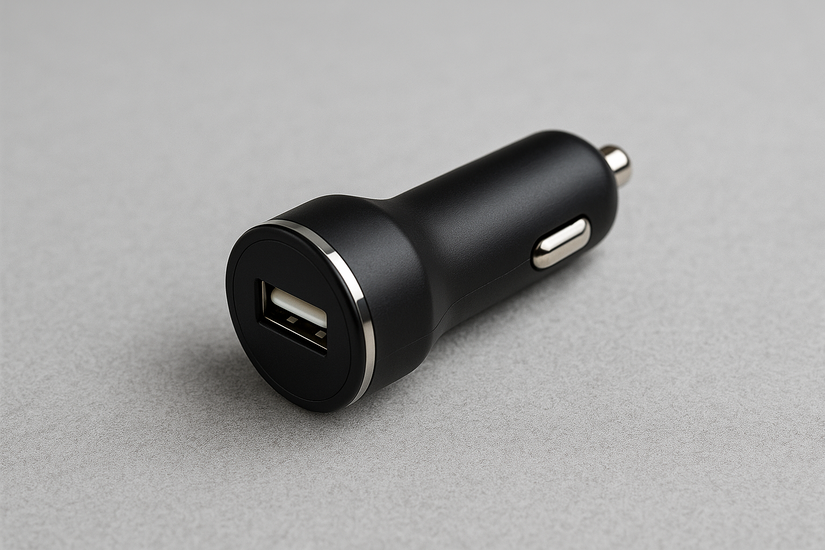
Car chargers connect to your vehicle’s 12V socket and keep your devices powered on the go. Many include dual ports for charging two phones at once.
Wireless USB chargers
These use electromagnetic induction to transfer power without a cable. They’re convenient but usually slower than wired charging.
Multi-port desktop chargers
Designed for power users, these chargers let you plug in several devices at once. Smart circuitry balances current across all ports for consistent performance.
5) USB connector types explained
Knowing which connector your device uses saves frustration and ensures full charging speed. Let’s look at the most common connector types.
USB-A
The original rectangular connector still used on many chargers. It supports standard power levels but not high-wattage USB PD output.
USB-C
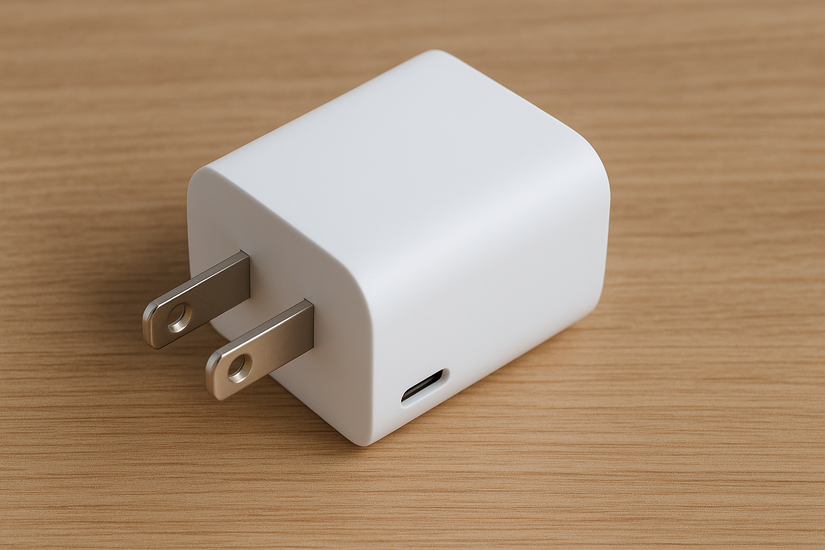
Reversible and powerful, USB-C supports faster data and power transfer. It’s now the universal connector for most new devices and chargers.
Micro-USB
Common on older devices, this connector is slowly being phased out in favor of USB-C. It’s still used in smaller accessories and budget gadgets.
6) Understanding charger specifications
Every charger label includes voltage (V), current (A), and wattage (W) ratings. These numbers determine how fast your device charges and whether the charger is compatible.

Voltage and current ratings
Standard USB delivers 5V. Fast-charging protocols raise this to 9V, 15V, or 20V. Always match the charger output with what your device supports to avoid overheating.
Wattage and fast-charging protocols
Higher wattage means faster charging - if your device can handle it. Standards like USB Power Delivery, Quick Charge, and PPS make sure power delivery stays efficient and safe.
7) Safety and Quality Considerations
Cheap, unbranded chargers often cut corners on insulation and surge protection. Always choose products with UL or CE certification, and avoid knockoffs that overheat or fail under load.
8) Compatibility tips and best practices
Not every cable or adapter supports every charging standard. The right combination ensures maximum speed and safety. To pick the right charger, check your device’s rated power input (for example, 45 W for a laptop).
Choose a charger with equal or higher wattage and the correct port type. Use certified USB-C cables that can handle the required power output.
9) The Future of USB Charging
USB PD 3.1 and GaN (Gallium Nitride) technology have made chargers smaller, cooler, and more powerful. The next generation - Extended Power Range (EPR) - is expected to handle even larger devices, including gaming laptops and portable monitors.
FAQs
What is the difference between USB-A and USB-C chargers? USB-A is the traditional rectangular connector, while USB-C is smaller, reversible, and supports faster charging speeds with USB Power Delivery (PD).
Can I use any USB charger for my device? Not all USB chargers are the same. Ensure that the charger’s power output (watts) matches the requirements of your device to avoid overheating or undercharging.
What is USB Power Delivery (PD)? USB Power Delivery (PD) is a fast-charging technology that allows higher power transfer through USB-C cables, enabling faster charging for devices like laptops and tablets.
Is it safe to use third-party chargers? Using certified third-party chargers from reputable brands is generally safe. Avoid unbranded or low-quality chargers that may lack safety features.
Can USB-C chargers charge my older devices? Yes, USB-C chargers can work with older devices if you use the appropriate USB-C to USB-A or USB-C to Micro-USB cable, depending on the device’s charging port.
Summary: Key takeaways
- USB chargers convert and regulate power for safe, efficient device charging.
- Connector type and power standard determine speed and compatibility.
- Choose certified, GaN-based, PD 3.1 chargers for long-term reliability.
Conclusion
USB chargers play a vital role in powering your devices safely and efficiently. By understanding the different types of chargers, their specifications, and the evolving standards, you can make informed decisions to optimize your charging experience. Whether you’re choosing a charger for your phone, laptop, or multiple devices, always prioritize quality, compatibility, and safety. With the right charger, you ensure your devices stay powered while maintaining long-term battery health.

Discussion (0)
Be the first to comment.